

Comparison
Smartmockups closed. Here is what to use now
A standalone bulk mockup generator you do not have to open Canva to use.
Written by the Mockupanda team, so we are one of the two tools here. We say where Smartmockups is the better pick. Facts checked October 18, 2026.
Mockupanda
Pick Mockupanda if you want a standalone mockup tool that turns one design into a whole set at once, without working inside Canva.
Smartmockups
Stick with Canva's built-in mockups if you already do all of your design work in Canva and want mockups in the same editor as your graphics, social posts, and print files.
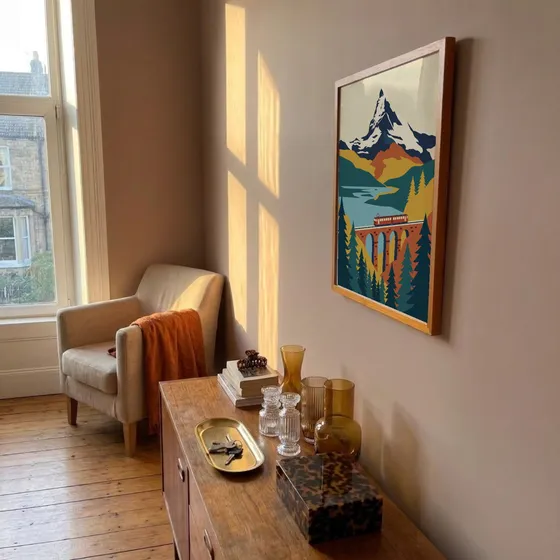
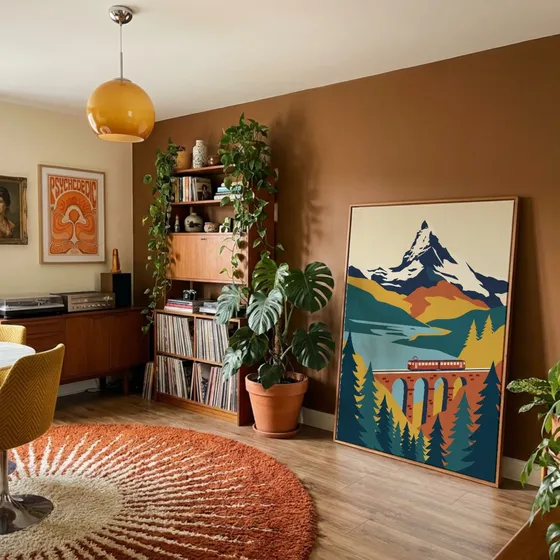

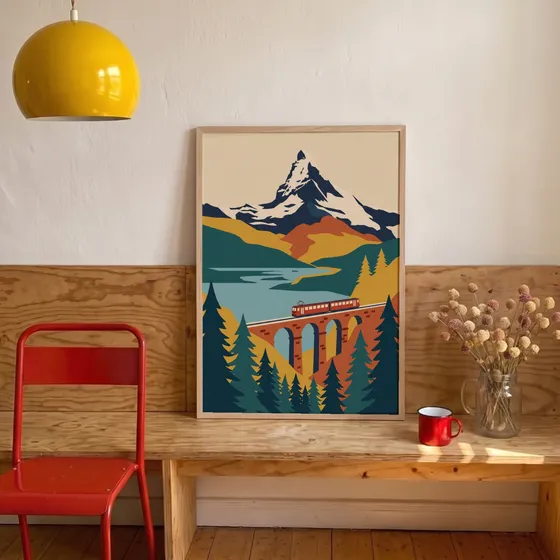
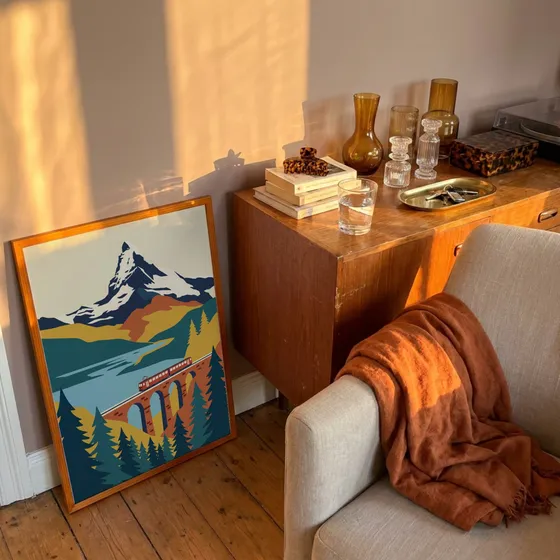

Overview
If you relied on Smartmockups for quick product mockups, you have two ways forward: use the same mockups inside Canva, or switch to a dedicated mockup tool. This page covers both, so you can pick the one that fits how you work.
Mockupanda is a dedicated tool. It does one job: drop in your artwork and get a whole set of listing mockups at once, without a design suite around it.
Smartmockups closed on September 27, 2024
Smartmockups was part of the Canva group. On September 27, 2024 Canva closed smartmockups.com and moved its mockups into the Canva editor, where they now live as the Mockups app. The standalone site and its plans are gone.
Mockups you exported before the closure are still yours to use. Canva's licensing note says they stay royalty free in personal and commercial work, including product listings, as long as they show your design and are not resold empty.
Canva's closure noticeHow to make mockups in Canva now
If you want to stay with the same scenes, this is where they went.
- 1Open a design in Canva and select Elements in the side panel.
- 2Search, then pick the Mockups category.
- 3Drag a mockup onto the page and drop your image into it, from your Uploads or from Photos.
- 4Adjust the fit, then download as usual.
You can also select a photo, choose Edit, and open Mockups under Apps. On paid Canva plans, the same app can turn your own photo into a custom mockup template.
Canva's mockup guideWhen a dedicated mockup tool fits better
- You list many designs. In Canva you drop your image into each mockup one at a time. Mockupanda places one design into every template you pick and downloads the set as a ZIP.
- You own PSD mockups. Canva makes custom mockups from photos. Mockupanda takes PSD smart-object templates, so mockups you bought elsewhere keep working.
- You only need mockups. No design suite around it: upload a finished design, check the placement, download.
- You want it automated. Smartmockups never had a public API. Mockupanda's API renders the same mockups from your own code.
Feature comparison
Smartmockups is a mockup tool folded into Canva. Here is how the two compare for print-on-demand and wall art sellers.
| Feature | Mockupanda | Smartmockups |
|---|---|---|
| Available as a standalone tool | Yes | No longer, lives inside Canva |
| Bulk mockups from one upload | Yes, batch across many templates | Limited inside the Canva editor |
| Custom PSD smart-object upload | Yes | No |
| Free tier | Full template access, unlimited mockups (watermarked) | Tied to Canva's free and Pro plans |
| Focus | Mockups only, nothing to learn around it | One feature inside a large design app |
| Mockup API | Yes, $0.01 per mockup, no subscription | No public API |
| Etsy and POD workflow | Built for listing photos and batches | General purpose design first |
Why sellers switch to Mockupanda
- No Canva account needed. A focused tool that works on its own in the browser, without the Canva editor.
- A batch from one upload. Generate a full set of listing mockups from a single artwork upload.
- Your own PSD mockups. Bring PSD smart-object templates you already own. Canva builds custom mockups from photos instead.
- Nothing else to learn. No design suite to navigate: upload, place, download.
- A mockup API. Automate listing images at $0.01 per mockup, something Smartmockups never offered.
The quickest way to judge is your own design. The free plan has every template.
Try it with your designQuestions
Common questions about switching from Smartmockups
Yes. Canva closed smartmockups.com on September 27, 2024 and moved its mockups into the Canva editor as the Mockups app. Former users now make mockups in Canva or switch to a dedicated tool like Mockupanda.
In the Canva editor, open Elements and pick the Mockups category, or select a photo, choose Edit and open Mockups under Apps. Canva's mockup guide has the full steps.
Yes. Canva says mockups exported from Smartmockups stay royalty free for personal and commercial projects, including product listings. You cannot resell them empty or use them as stock photos.
For Etsy and print-on-demand sellers who want a focused, standalone mockup generator with bulk output and custom PSD support, Mockupanda is a strong Smartmockups replacement.
No. Mockupanda works on its own in the browser. You upload your artwork, place it into templates, and download mockups without any other account or design software.
No. Smartmockups did not offer a public API. If you want to generate mockups from code, see the Smartmockups API alternative.
More comparisons
- Mockupanda vs PlaceitTemplate marketplace + mockup maker
- Mockupanda vs MockeyFree AI mockup generator
- Mockupanda vs KittlAI design platform with mockups
- Mockupanda vs Dynamic MockupsBulk mockups + API for POD
- Mockupanda vs PixeliedOnline graphic + mockup editor
- Mockupanda vs MediamodifierMockup library + design maker