


Bulk Mockup Generator
 Bulk Mockup Generator
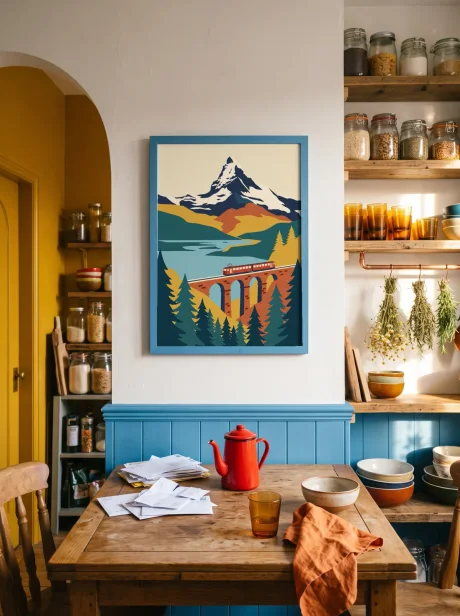
Upload your design once and create 50+ wall art and POD mockups in bulk. Take your shop from a handful of listings to hundreds. Download everything as a ZIP, ready for your Etsy or Shopify store.
No Credit Card
ZIP Download
50+ Templates
Bulk mockups
A whole collection, listed in one go
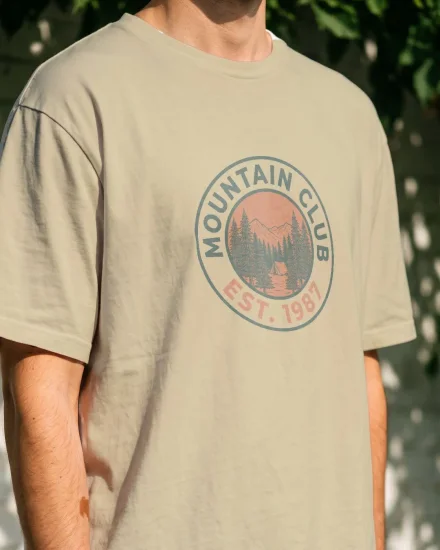
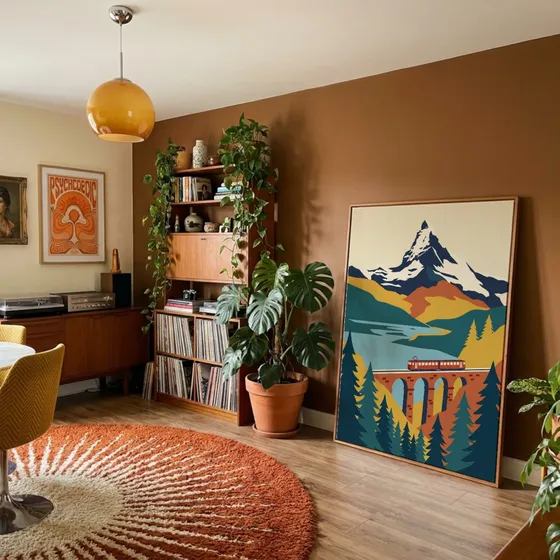
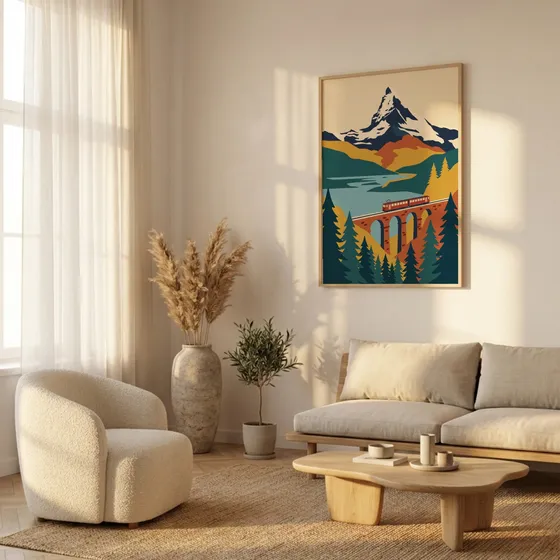
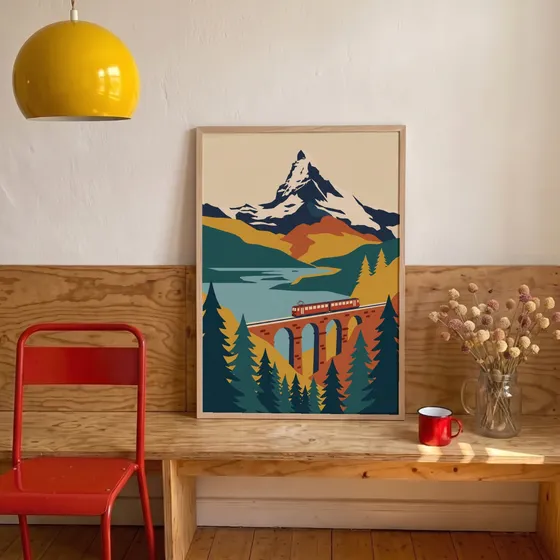
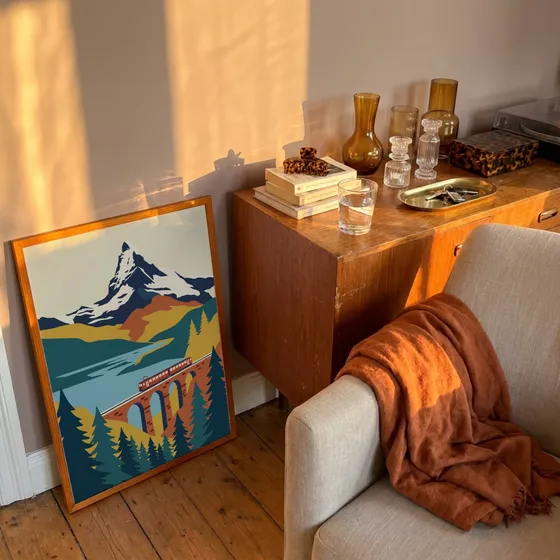
Upload your designs, pick your templates, and every combination renders at once from your exact files. Mockups stop being the thing that slows your shop down.
0
listing photos from 3 designs and 6 templates

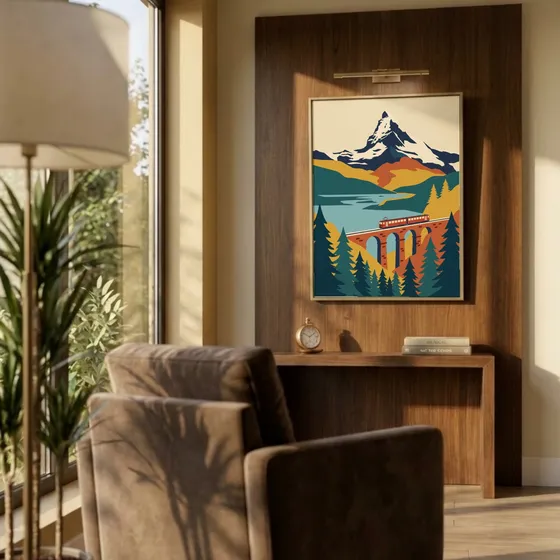

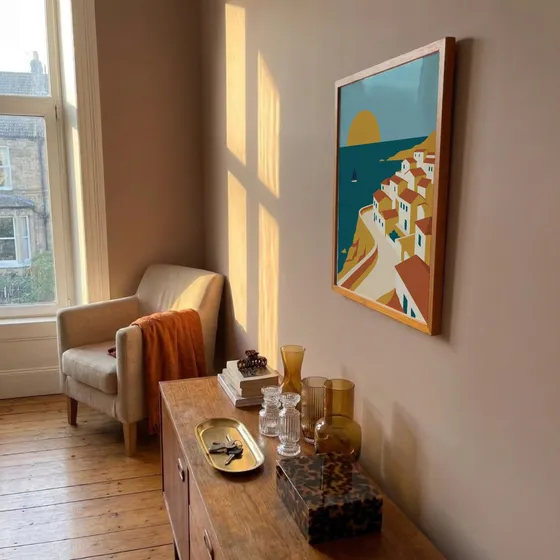
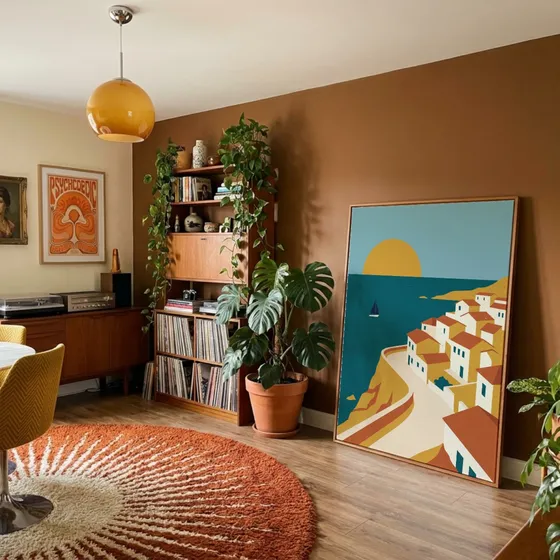

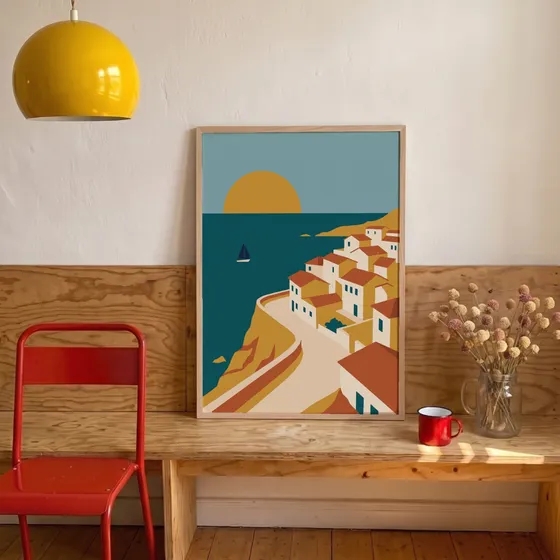
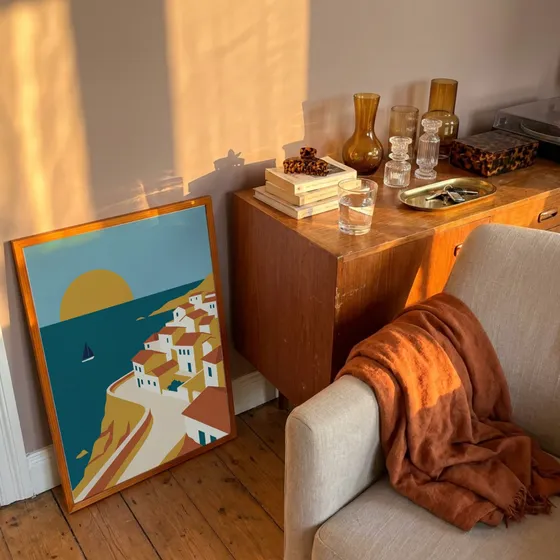
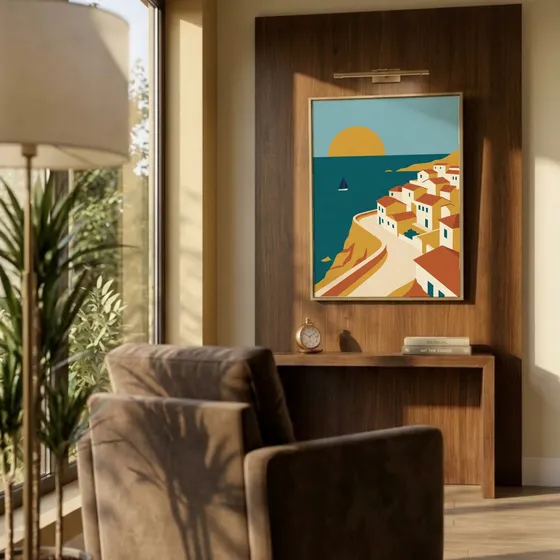

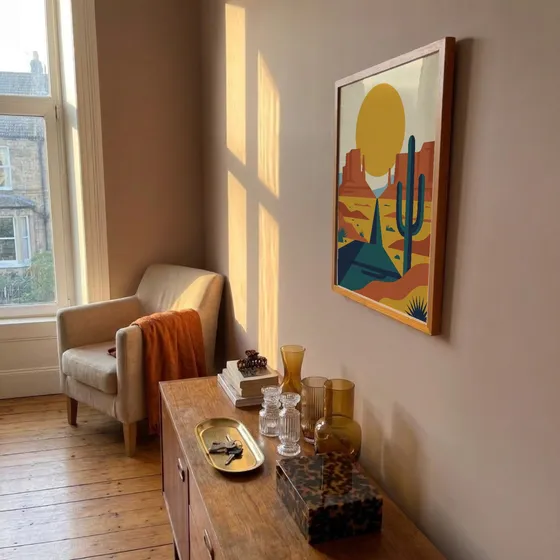
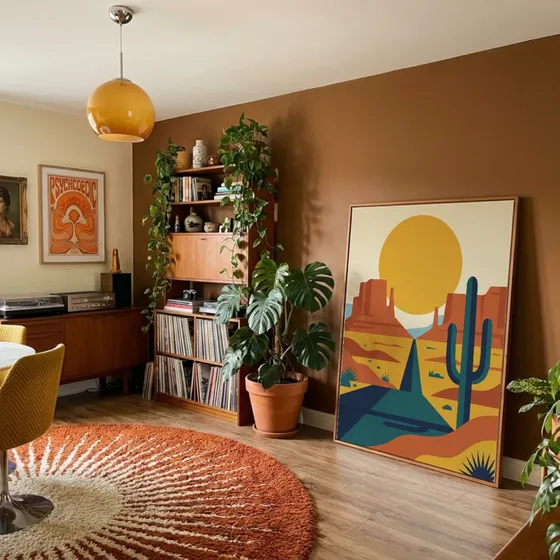
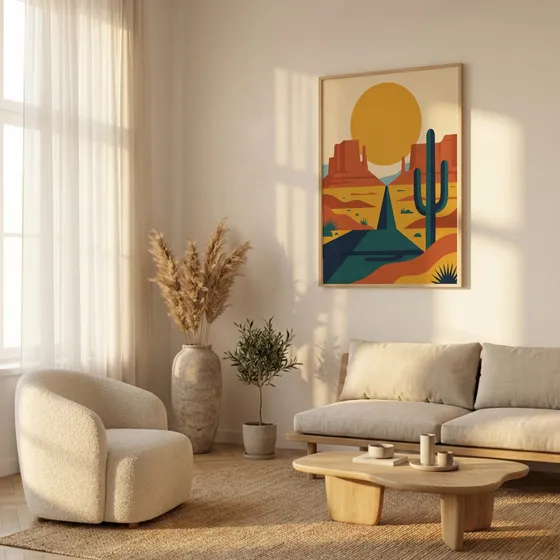
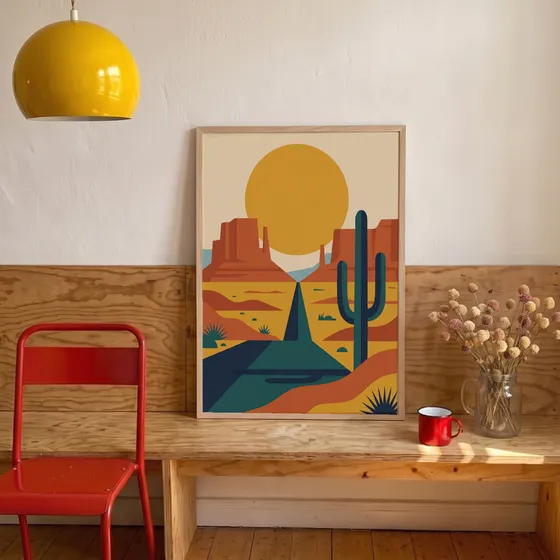
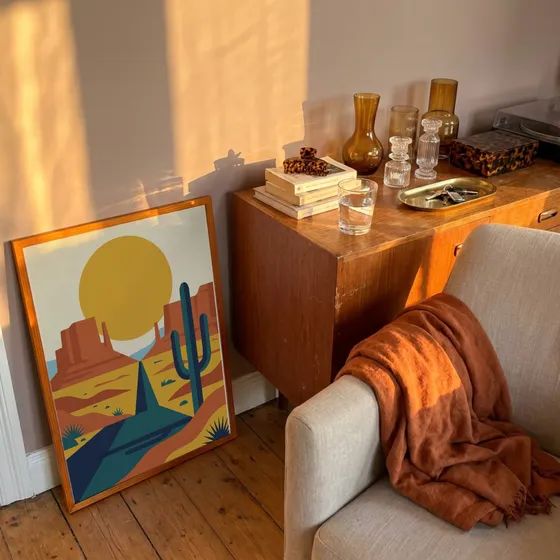
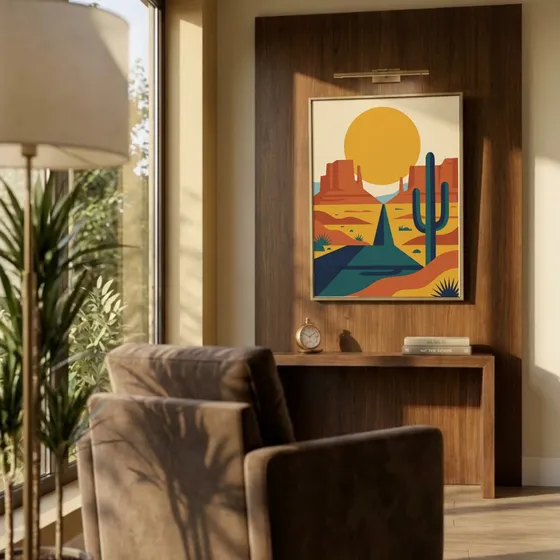
 Push straight to Shopify
Your own PSDs
The PSD mockups you own, in bulk
Import a PSD mockup you bought or made, and it becomes a template you reuse for every design. No Photoshop, no plugin, no placing the design by hand.
- 1
Drop in your PSD
Any PSD or PSB with a smart object, up to 300 MB. It opens in your browser, with nothing to install.
- 2
It becomes a template
The smart object's perspective and warp, its blend mode, and whatever stands in front of the design all come with it.
- 3
Run every design through it
It sits in My Templates next to the library. Upload a whole collection and download every mockup as a ZIP.
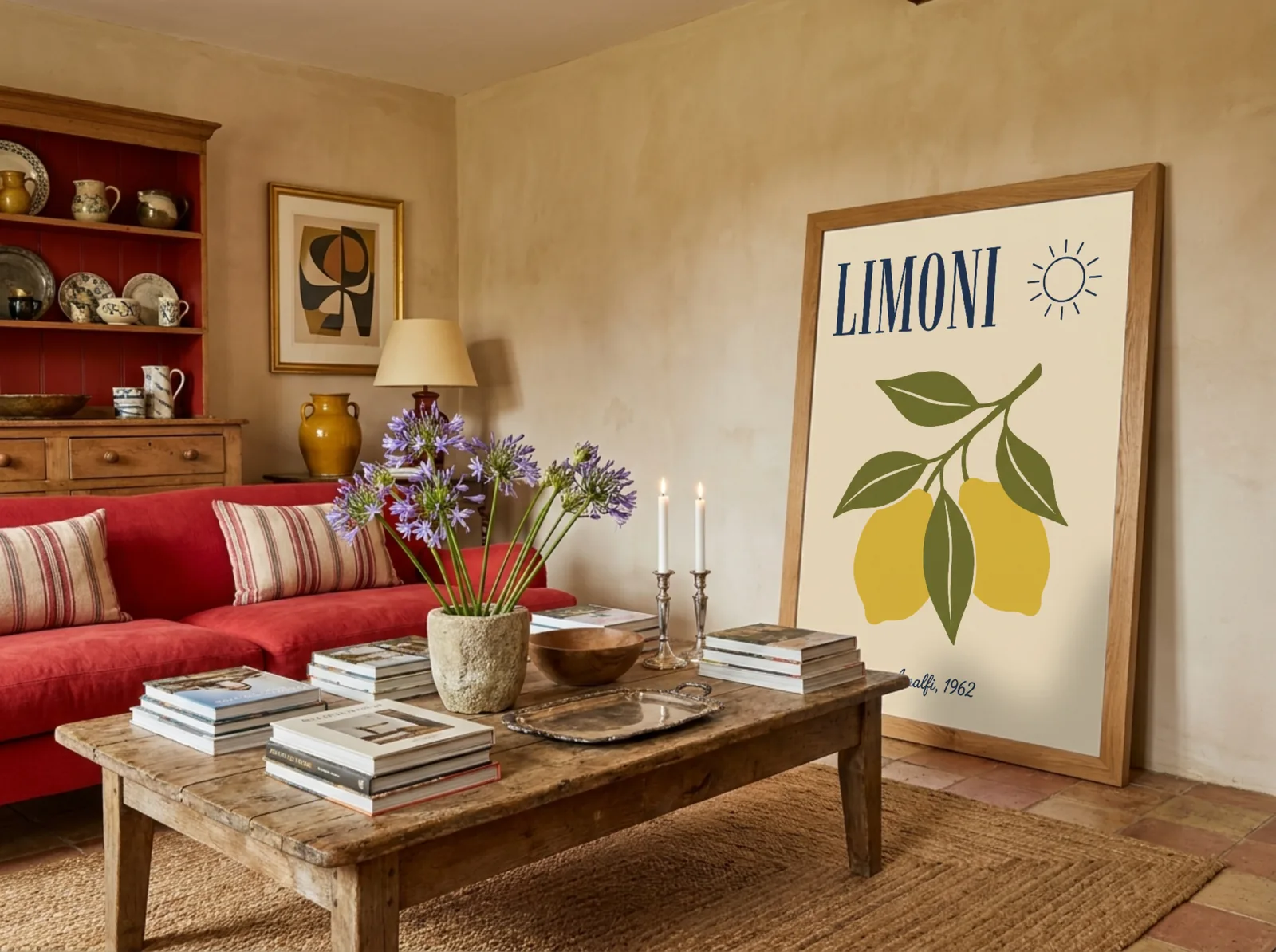
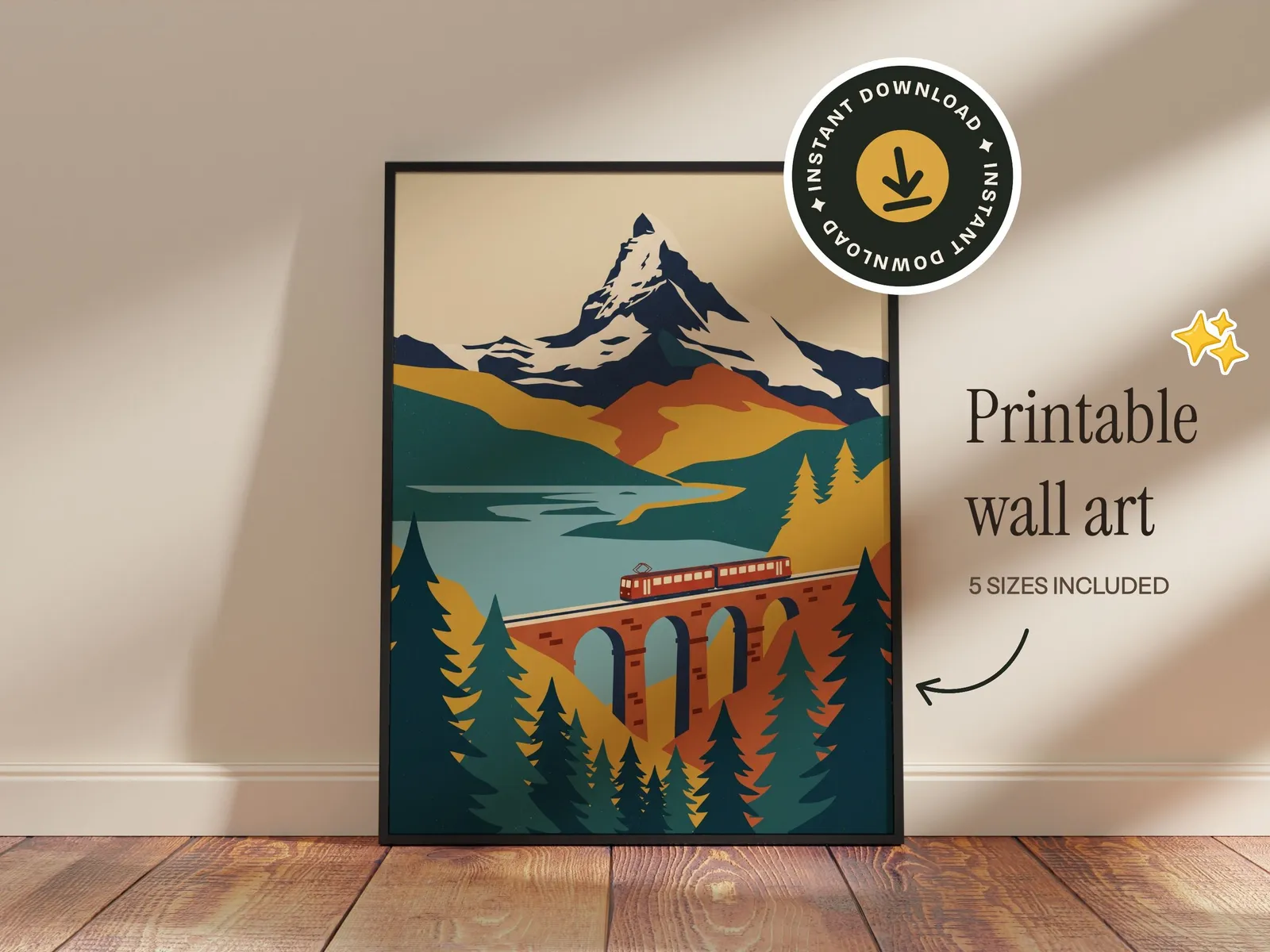
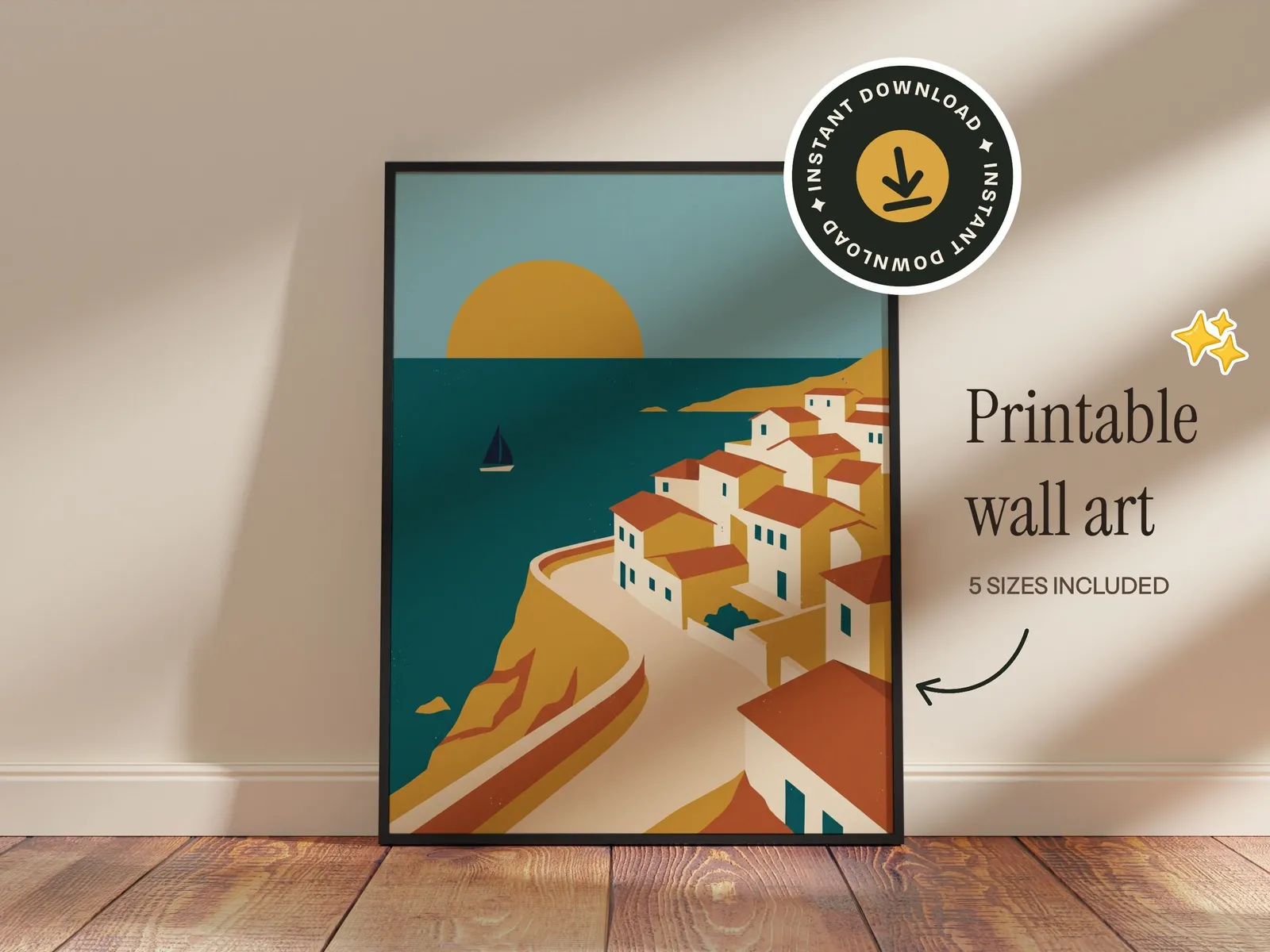
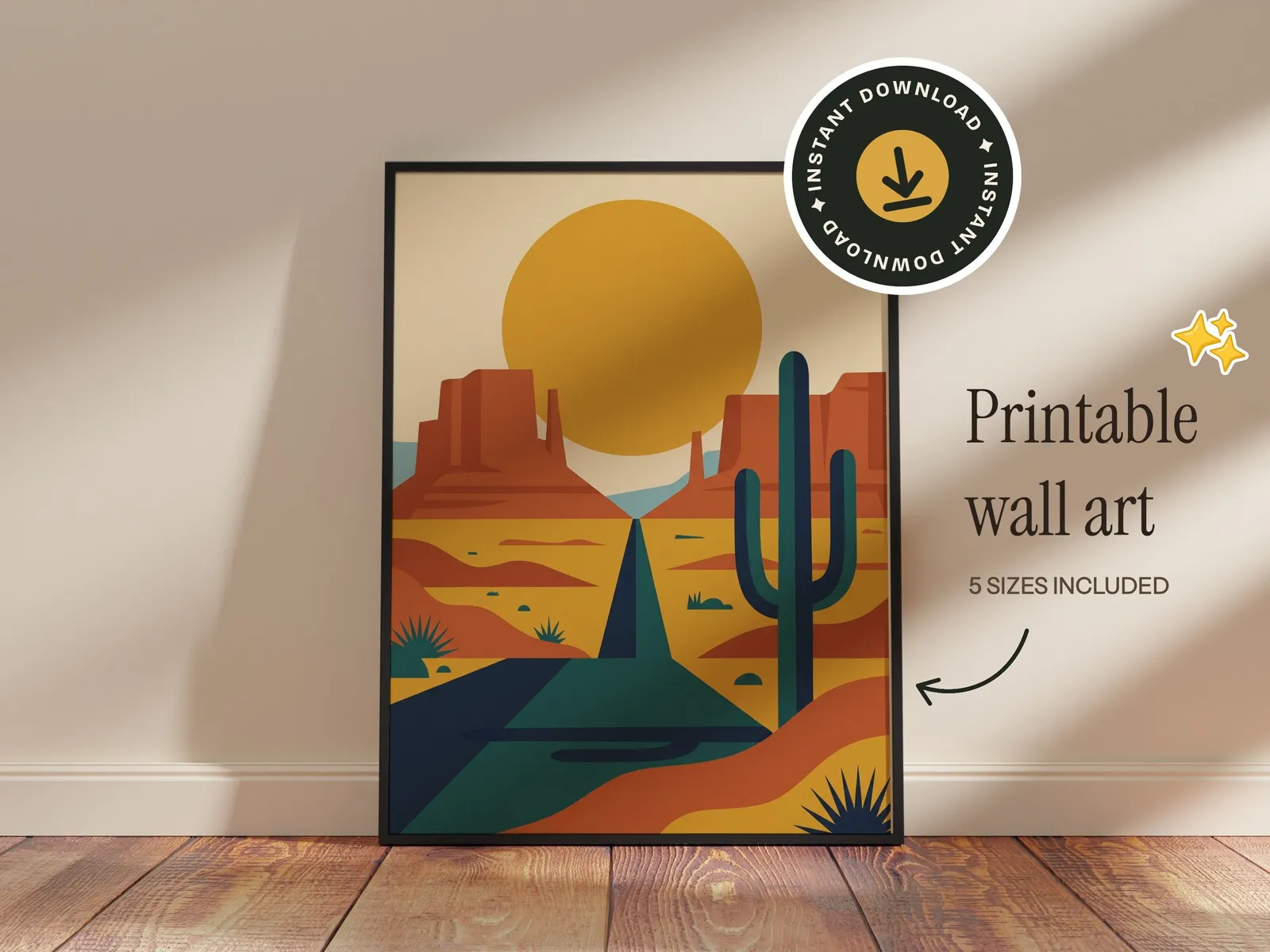
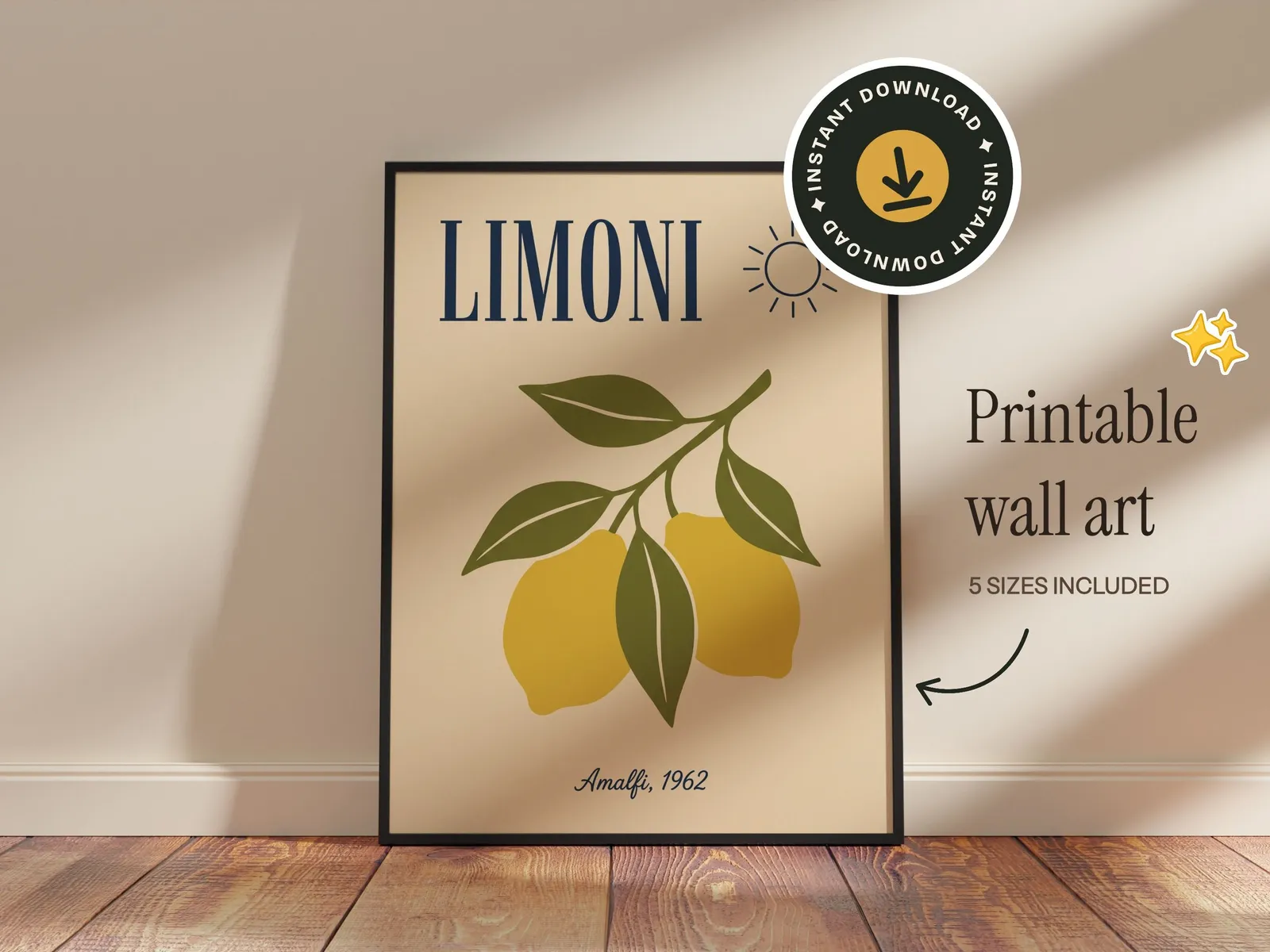
Text and graphics
Set it up once. Reuse it for every design.
Brand a template the way your shop looks and keep it. New designs drop into the same setup, so every listing in your shop matches.
- 1
Add stickers and badges
Pick from the built-in stickers, badges and doodles, or upload your own logo.
- 2
Add your text
Shop name, sizes, “instant download”. Over 200 fonts, rendered into the file.
- 3
Save it, then reuse it
Save the setup as your own template. Every new design drops into it, and sets run a design through all your templates at once.
Print ratios
Every frame has a ratio. Match yours.
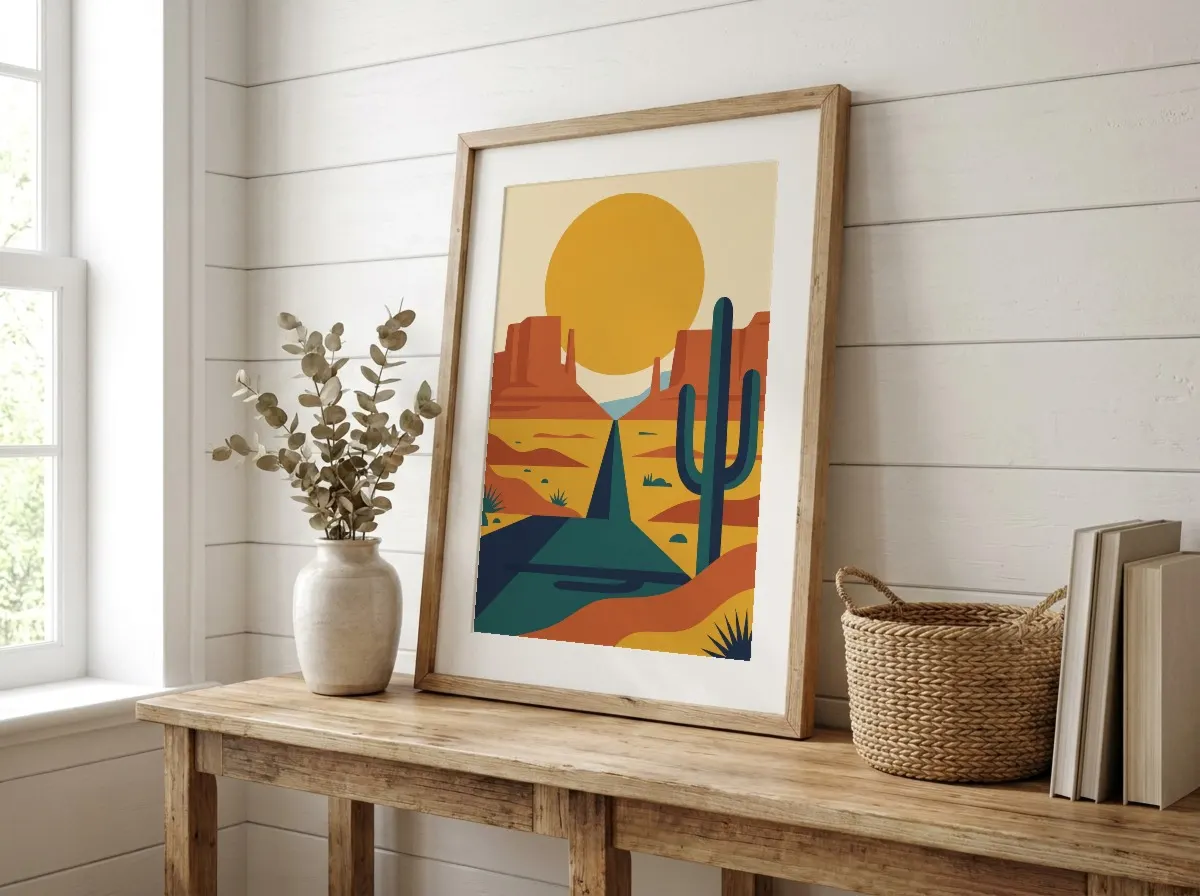
Each template in the library is set to one print ratio. Filter by your print's ratio and your design fills the frame edge to edge, nothing cropped or stretched. If a design doesn't match, the editor tells you.
Frame ratio






For developers
Automate it with the API
Plug Mockupanda's renderer into your own shop tools. Send a design and a list of templates, get finished mockups back in the same response.
- One request: one design, up to 12 mockups back
- $0.01 per mockup, pay as you go, credits never expire
- Full resolution, never watermarked
- Your own templates work too, with your saved setup
curl -X POST https://www.mockupanda.com/api/v1/mockups/generate \
  -H "Authorization: Bearer $MOCKUPANDA_API_KEY" \
  -H "Content-Type: application/json" \
  -d '{
    "template_ids": ["bedroom-poster-01", "gallery-wall-04"],
    "artwork_url": "https://yourcdn.com/art.png",
    "response_format": "json",
    "width": 2000
}'Benefits
Why Use a Bulk Mockup Generator?
Stop creating mockups one by one. Bulk generate 50+ mockups in the time it used to take to make one.
Upload Once, Generate Many
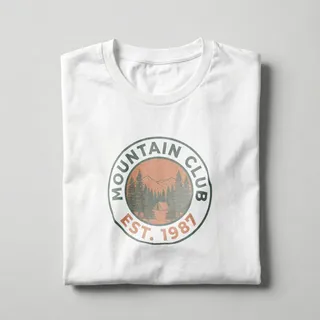
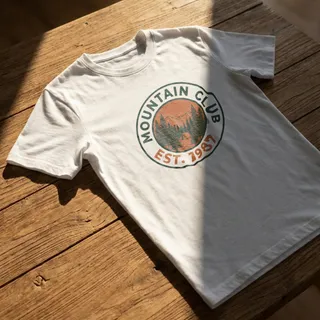
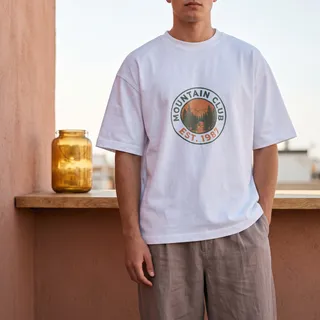
Upload your design a single time and instantly apply it to every wall art and frame template. No repetitive work.
Instant Bulk Preview
See all 50+ bulk mockups update in real time as soon as you upload. No waiting between templates.
Download as ZIP
Get all your bulk-generated mockups in a single ZIP archive. Ready to upload directly to Etsy, Shopify, or any POD platform.
Wall Art & Frame Templates
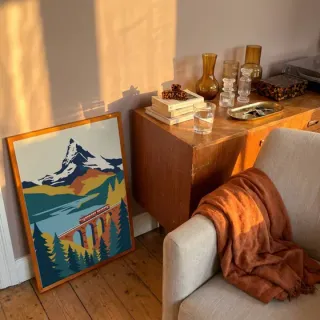
The bulk mockup generator focuses on Wall Art and Frame categories, the most in-demand templates for print sellers.
Save Hours Every Week
Sellers creating 20+ listings per week save 3-5 hours by batching their mockup generation instead of processing each template manually.
Consistent Quality
Every mockup in the batch is generated at the same high resolution and quality. No inconsistencies across your catalog.
How it works
How to Bulk Create Mockups in 3 Steps
From upload to ZIP download in under a minute
- 1
Upload Your Design
Drag and drop your artwork (PNG, JPG, or WebP). It's instantly applied to all Wall Art and Frame templates.
- 2
Select Your Templates
Browse 50+ wall art and frame templates. Select the ones you want, or generate all at once with a single click.
- 3
Download the ZIP
Download all your batch-generated mockups as a ZIP file: high-resolution JPEGs ready for Etsy, Shopify, or any POD platform.



Use cases
Who Uses Bulk Mockup Generation?
Etsy & Shopify Sellers
Create 20-50 listings per week without spending hours on mockups
POD Designers
Apply designs to all available templates instantly for Printful, Printify
Printable & Digital Sellers
Showcase printable PDFs and digital downloads in every frame style without repeated uploads
Art Print Shops
Maintain consistent, high-quality mockups across your entire catalog
Rooms
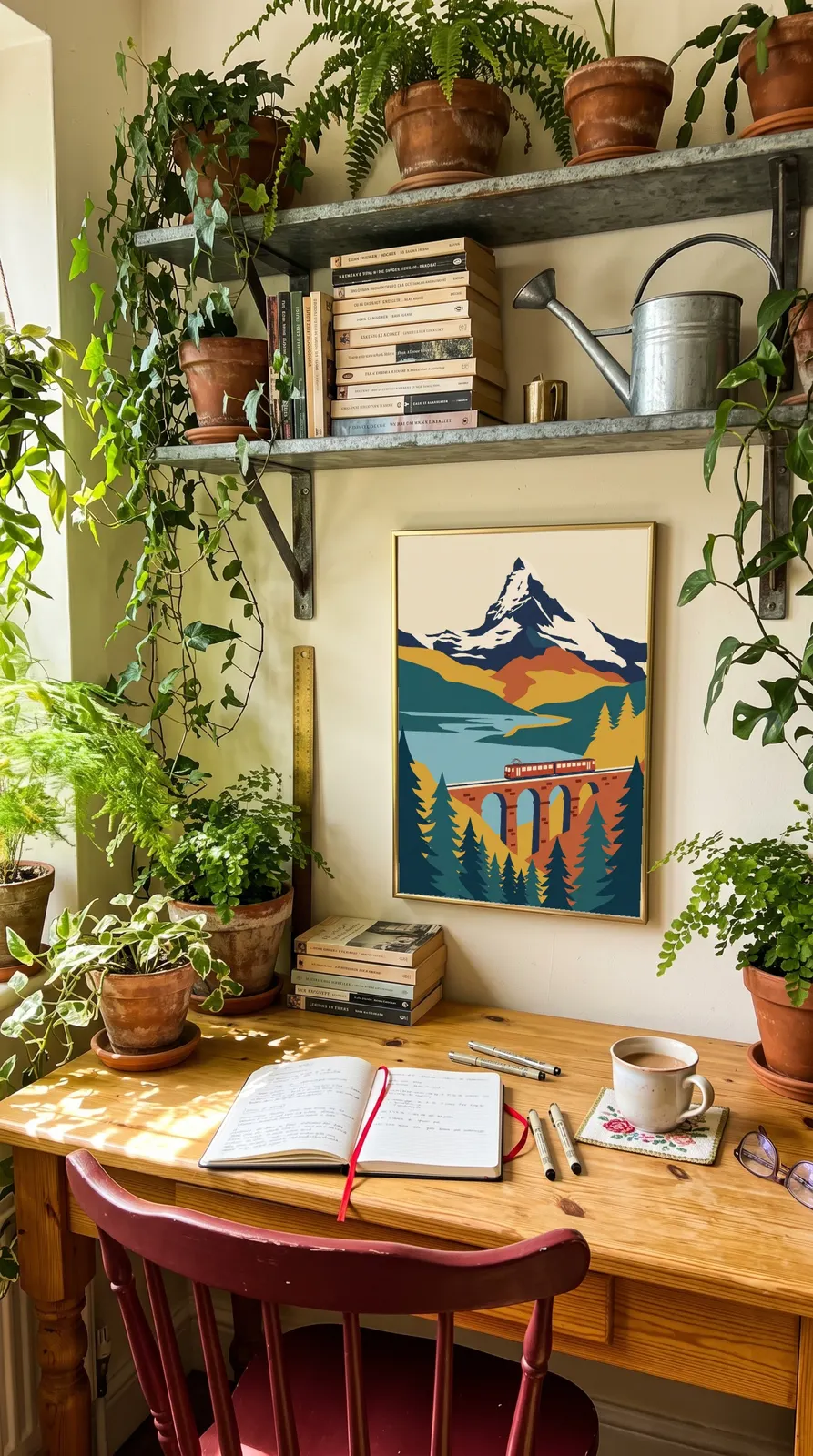
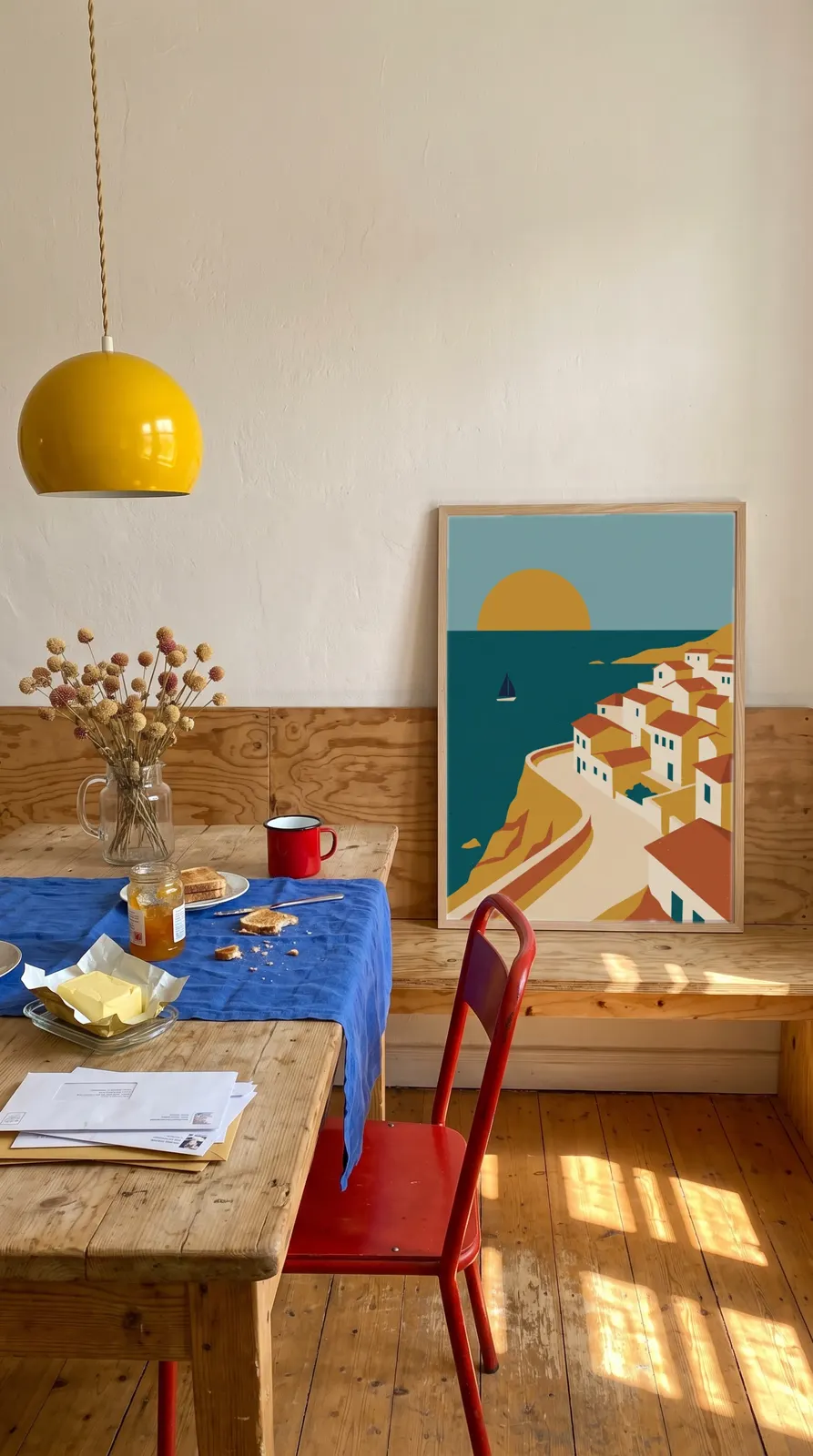
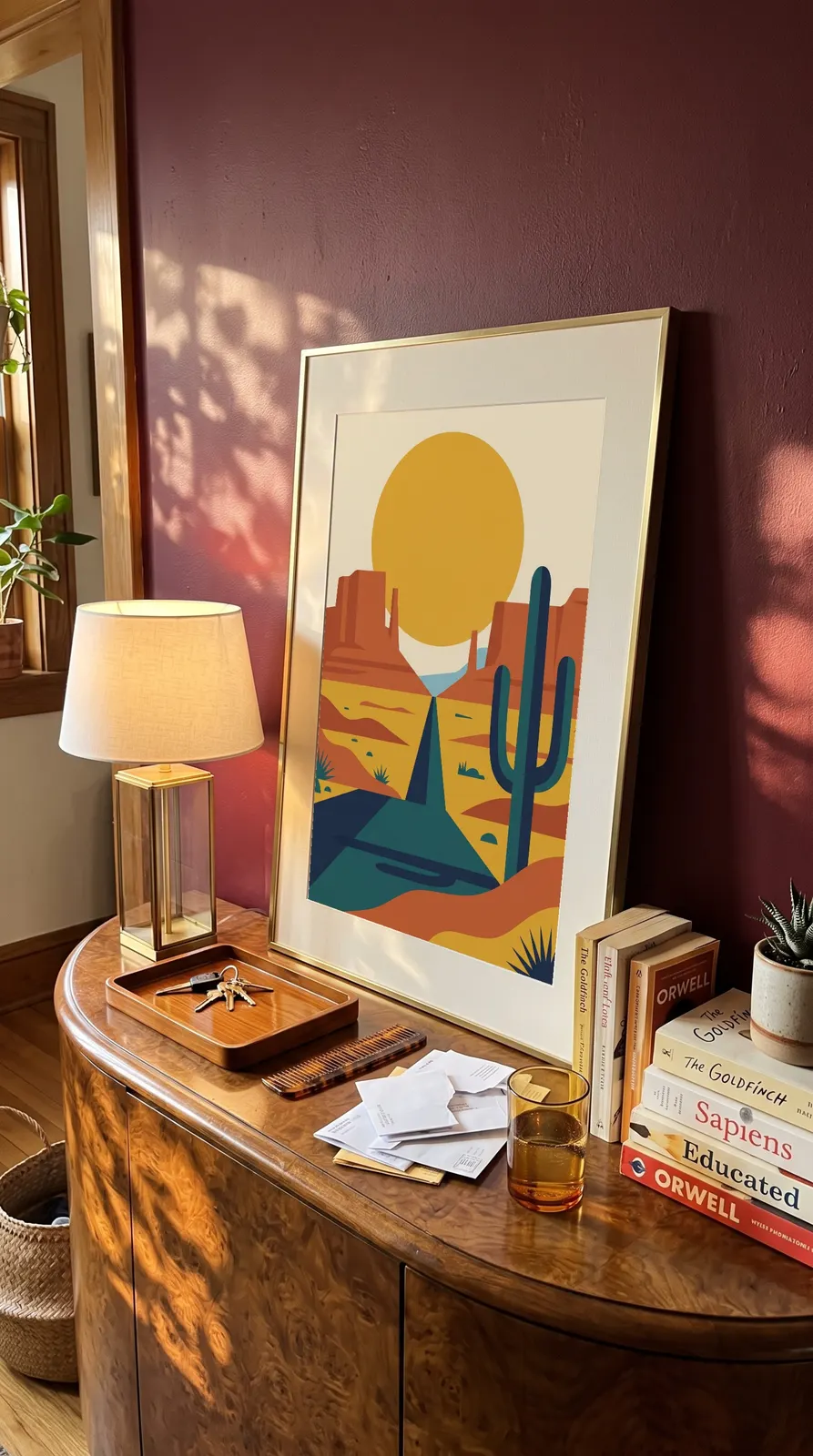
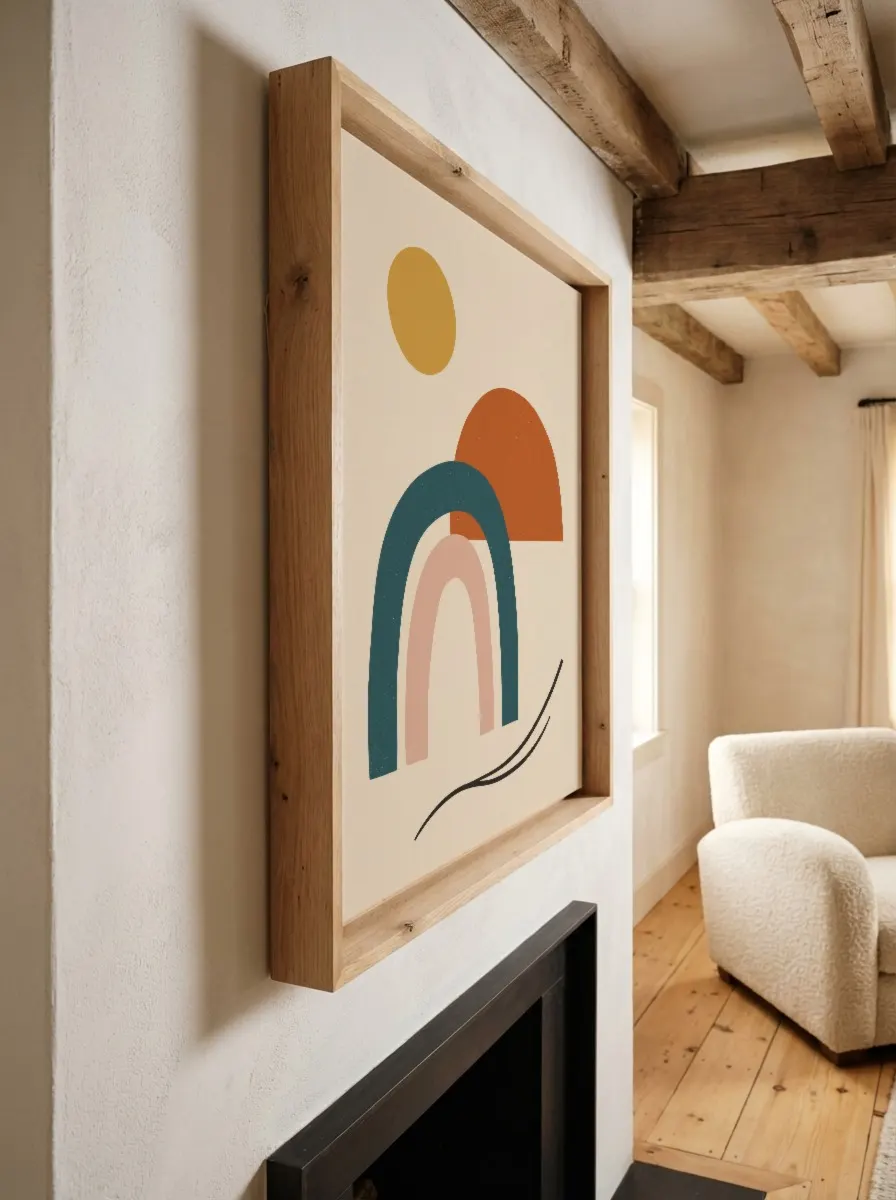
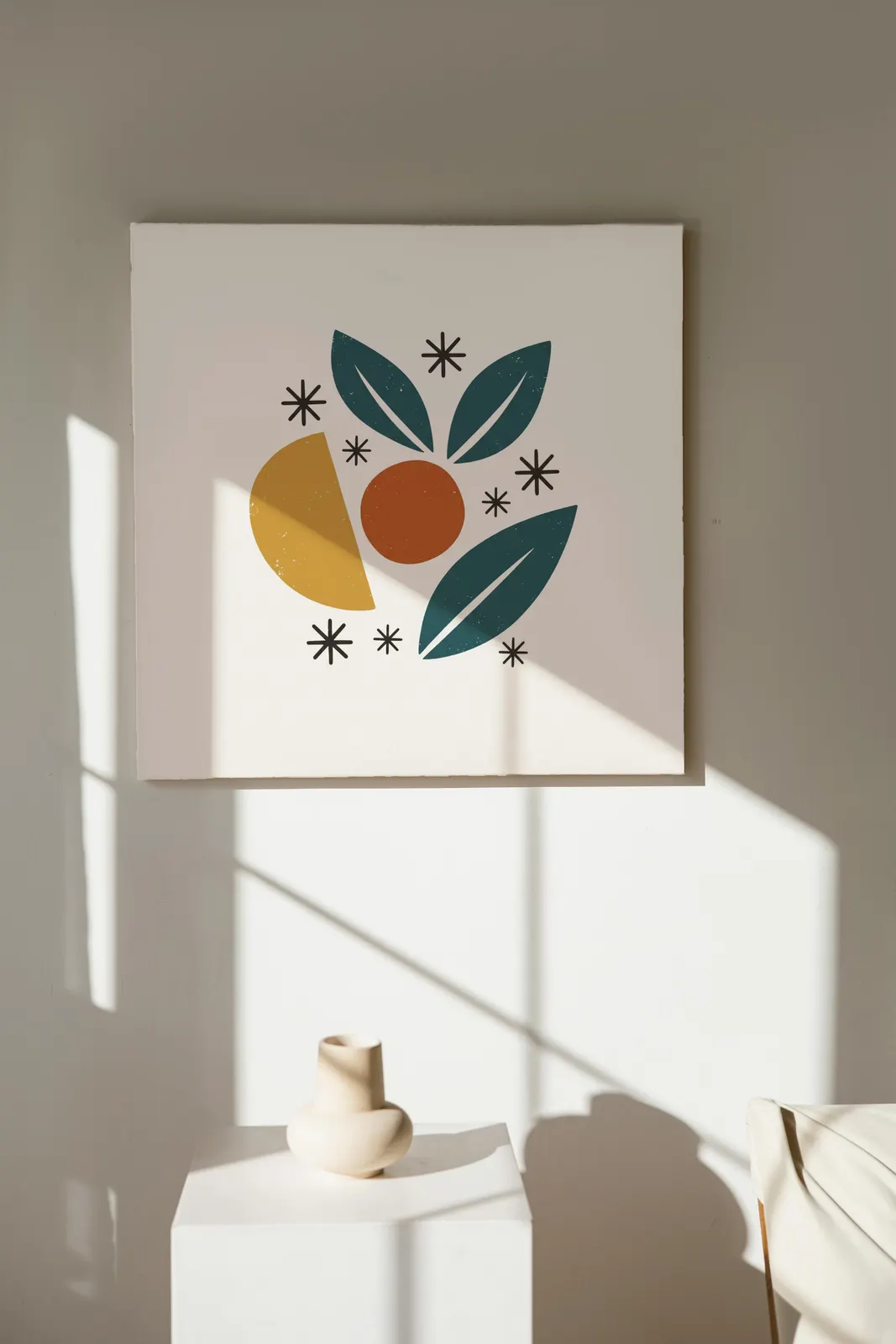
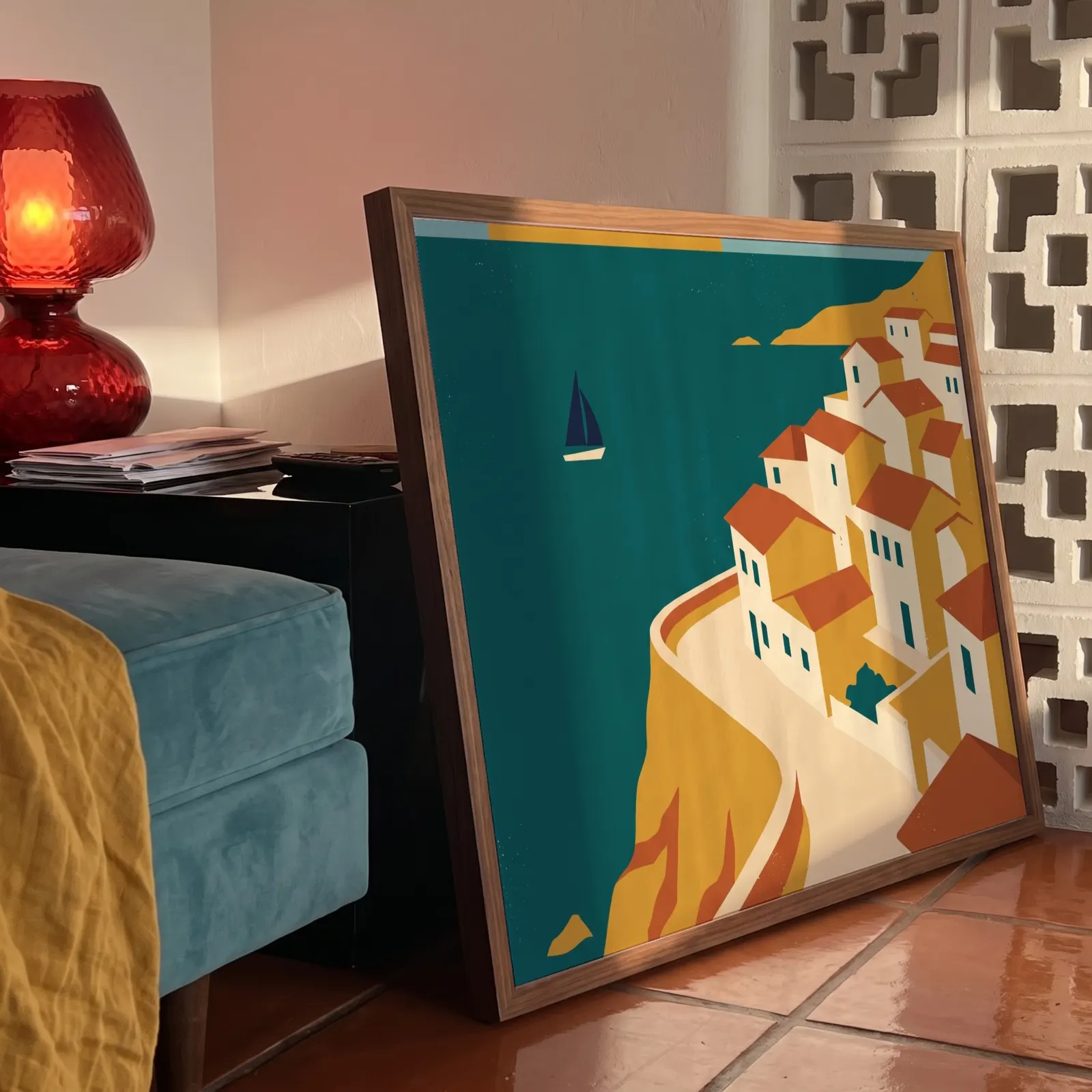
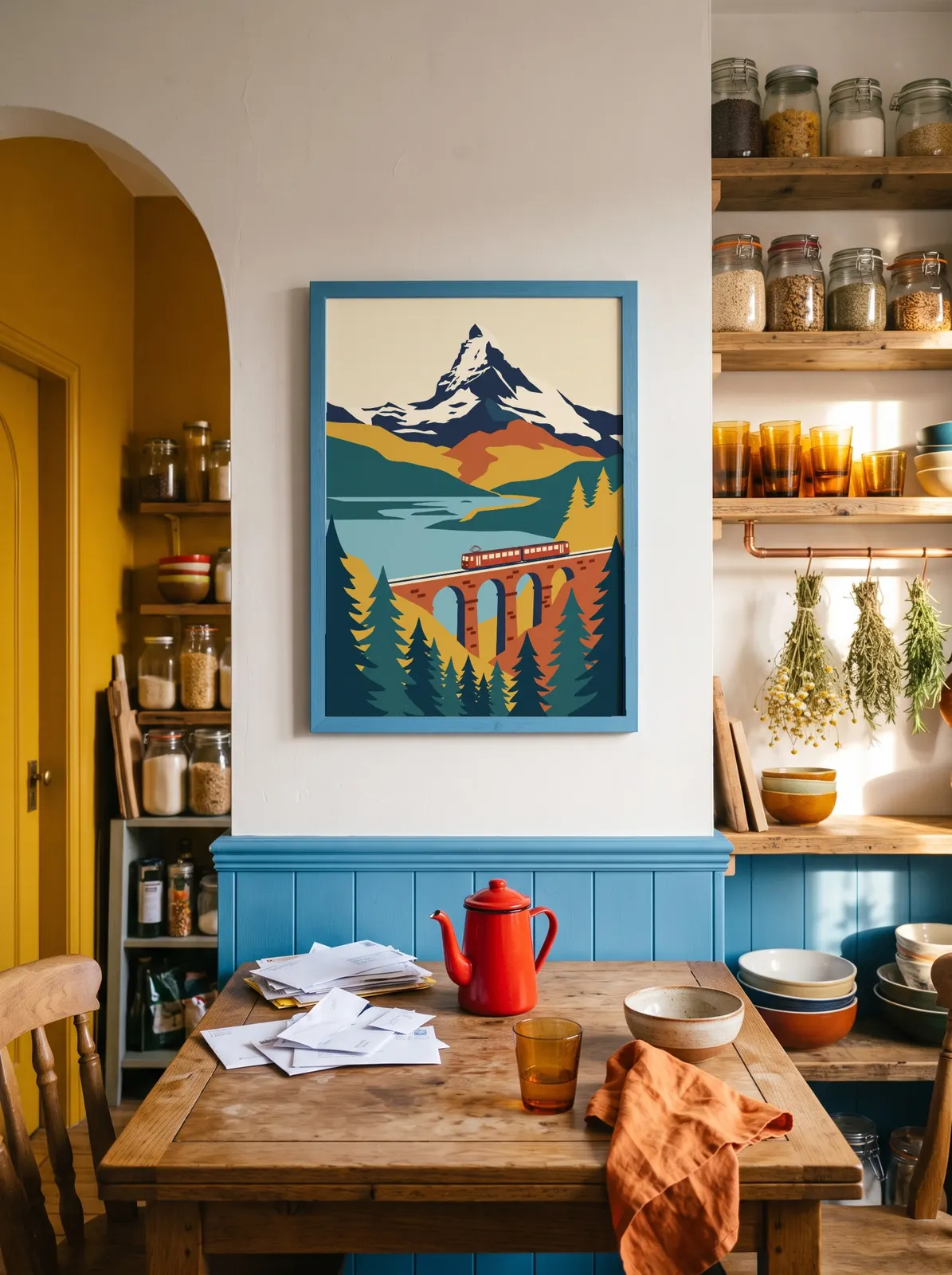
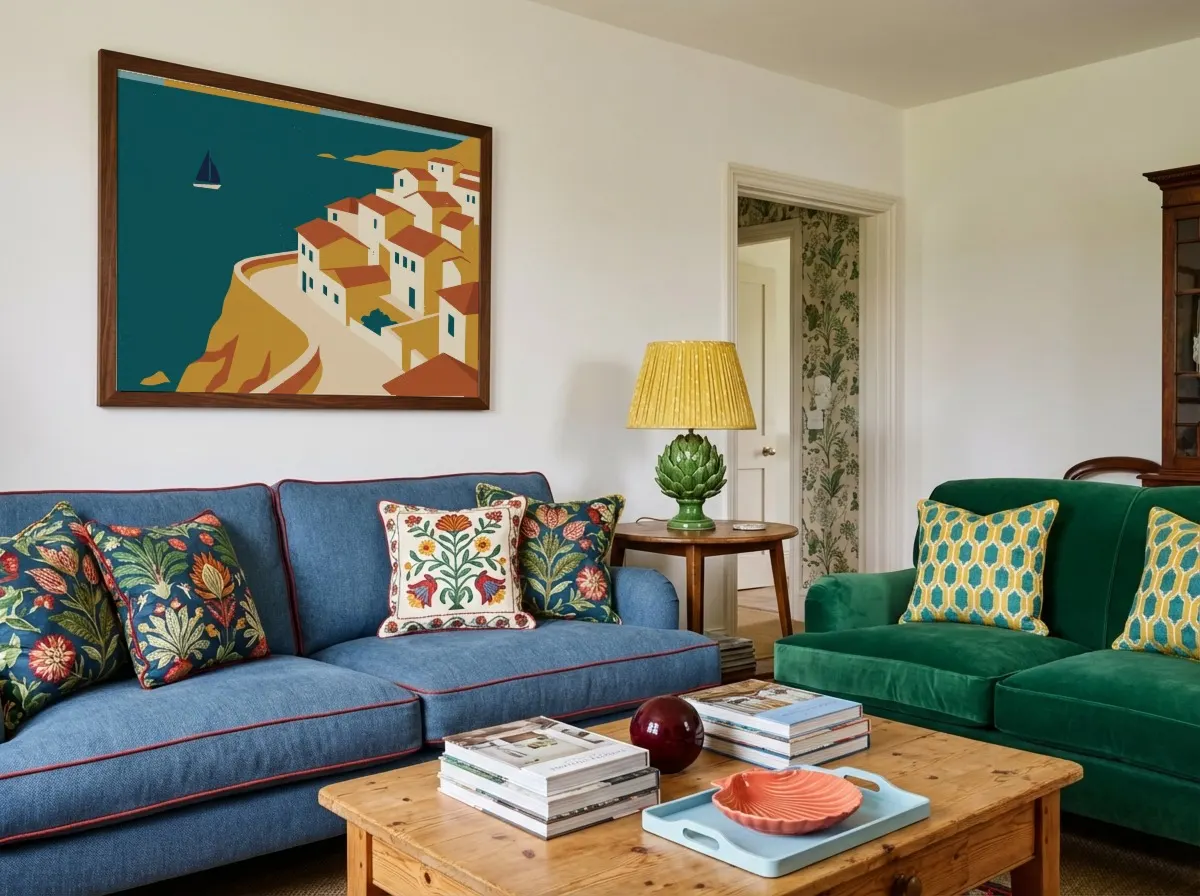
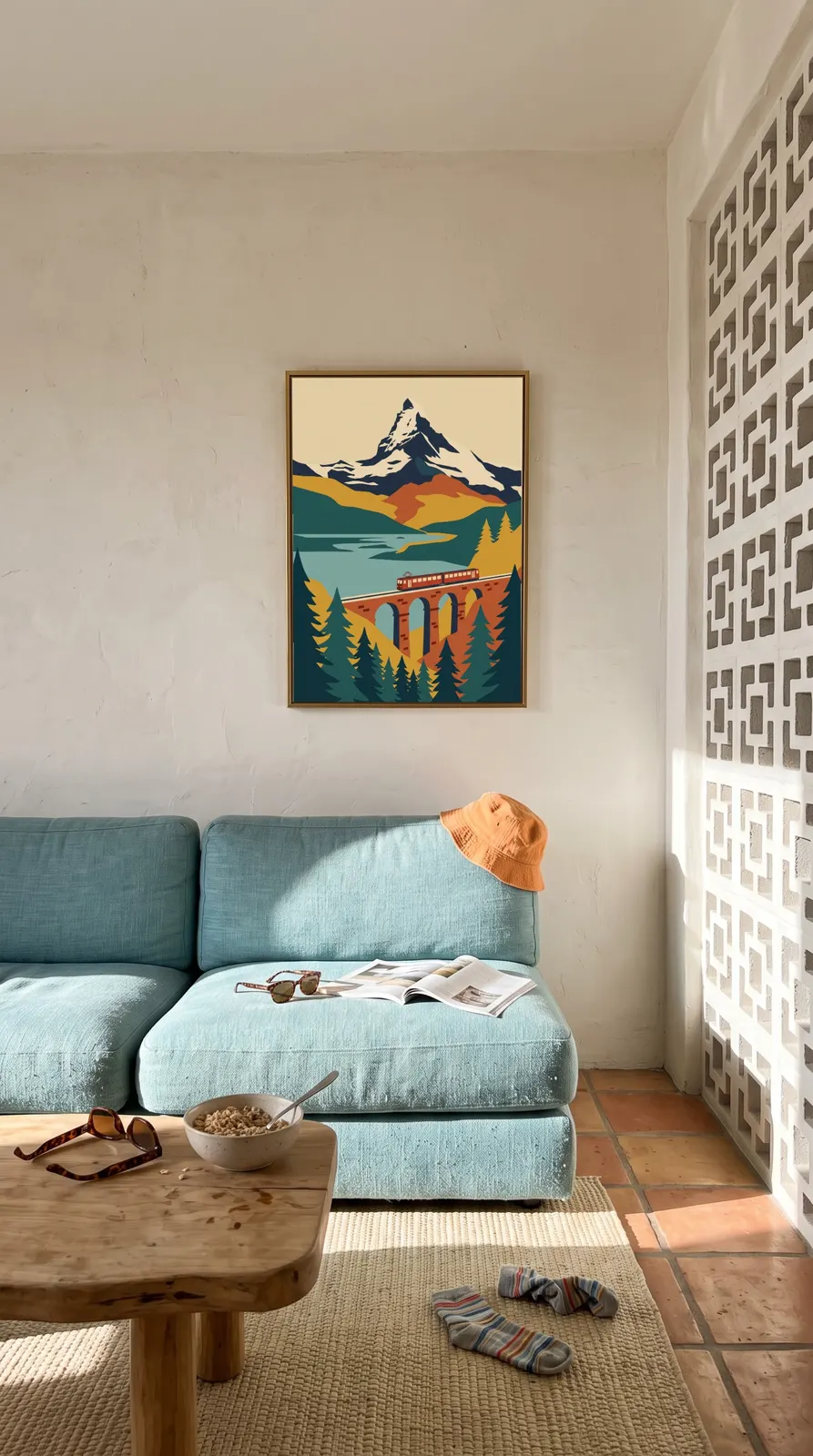
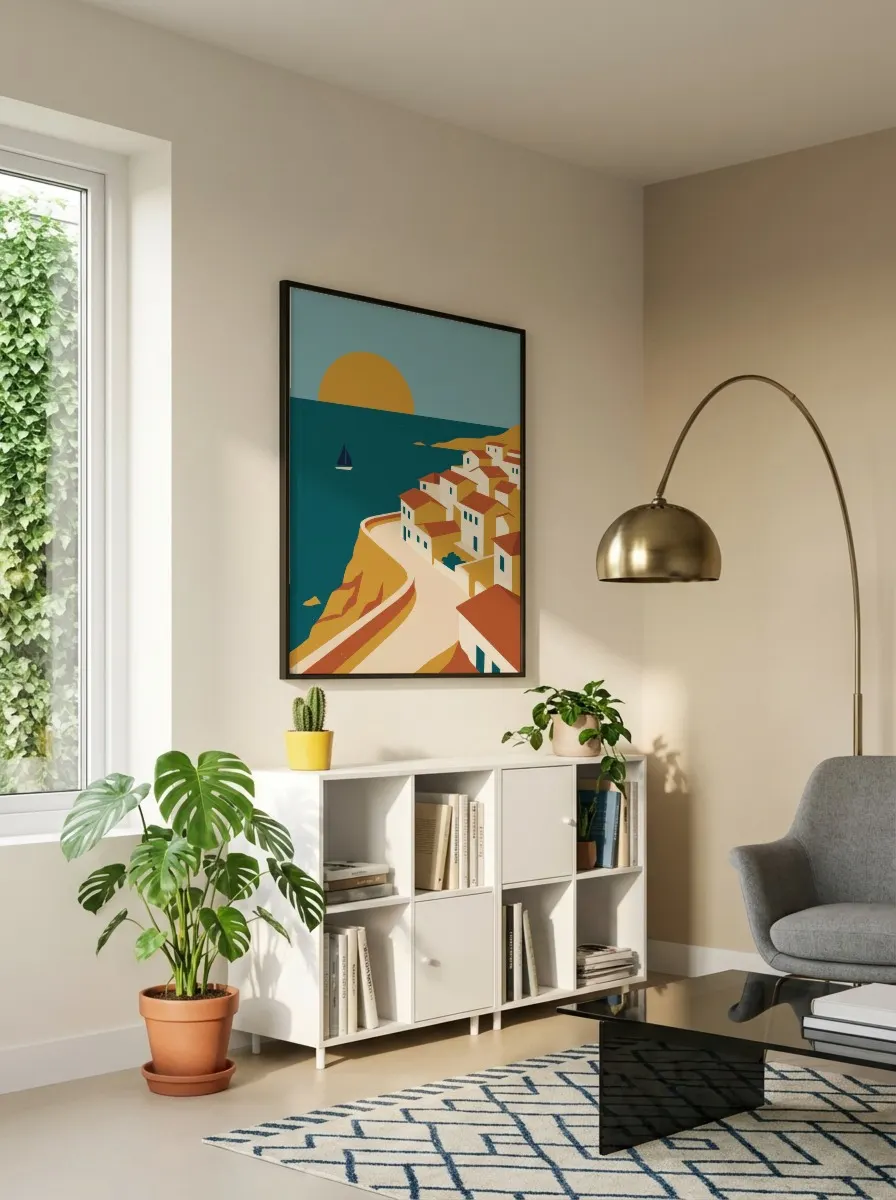
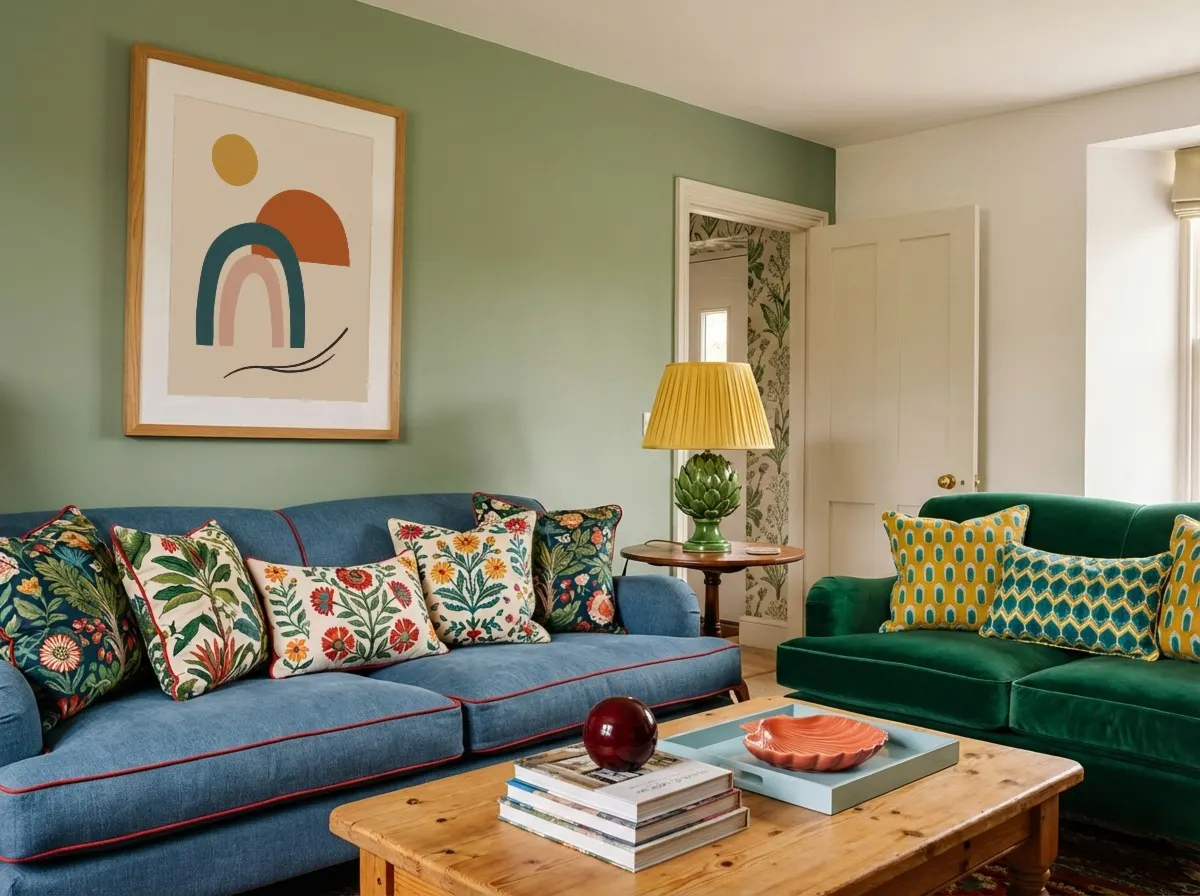
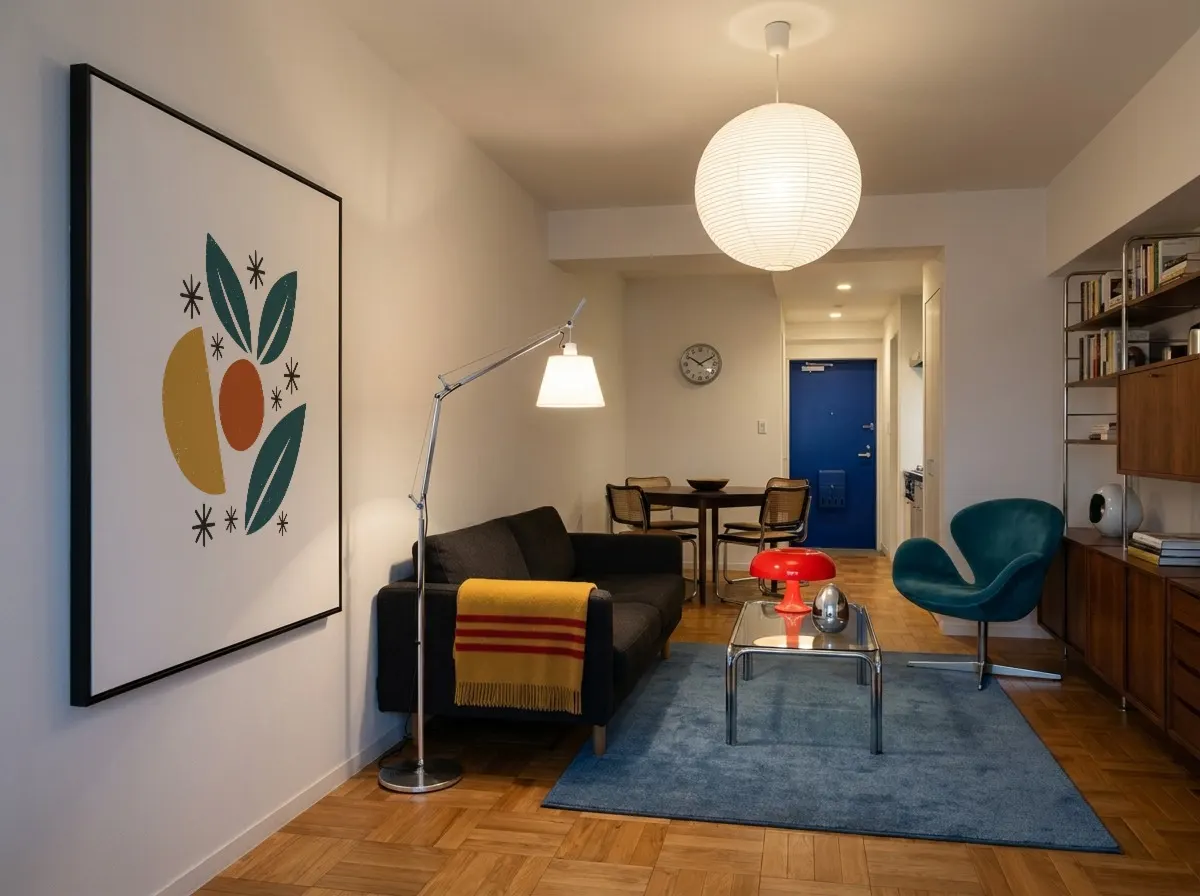
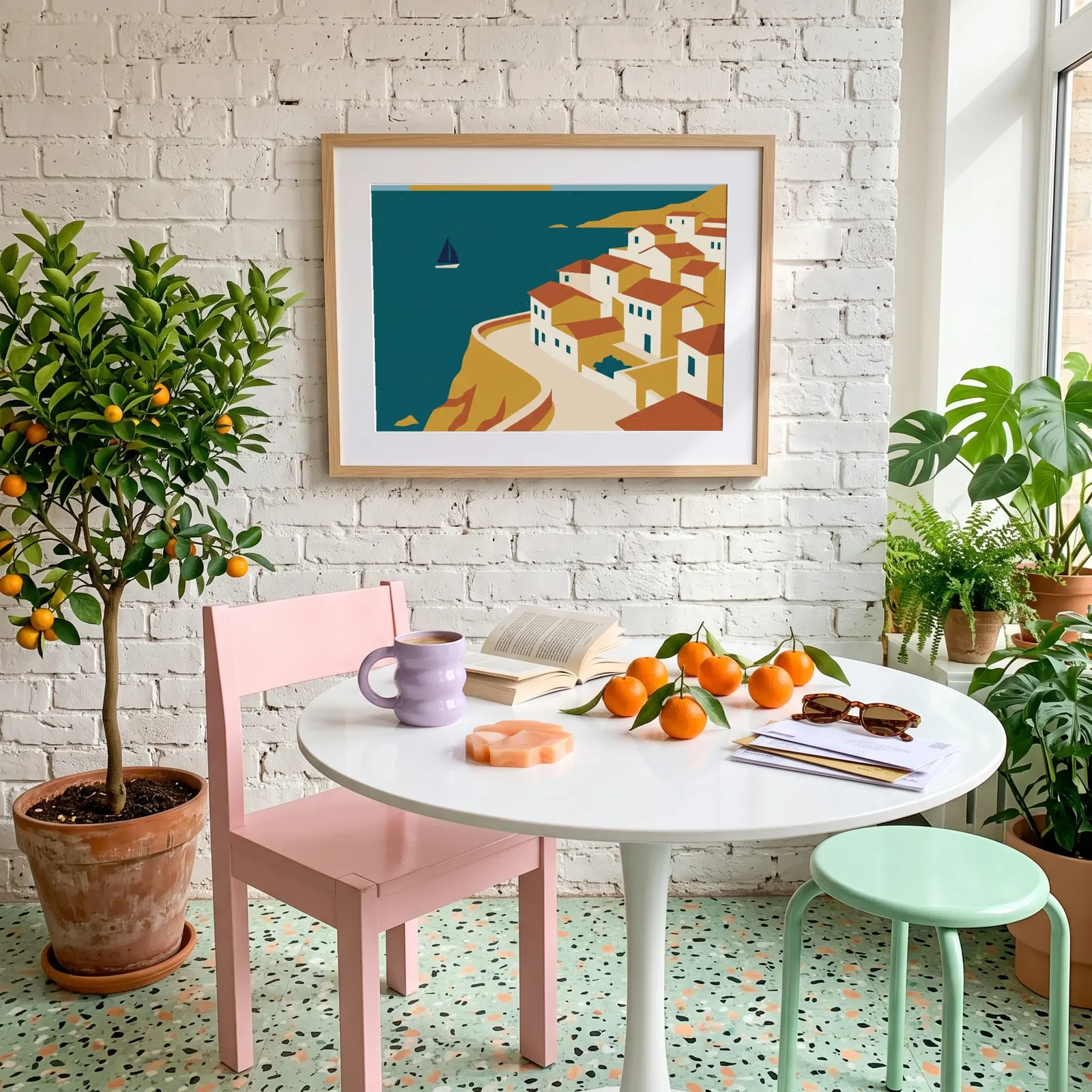
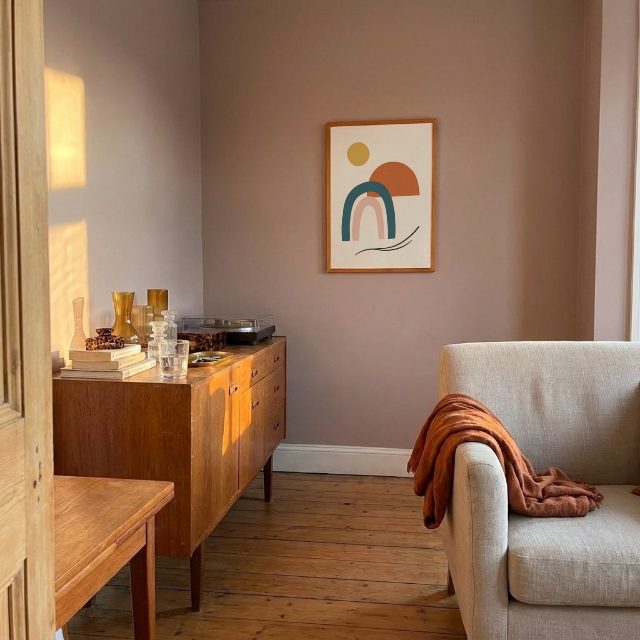
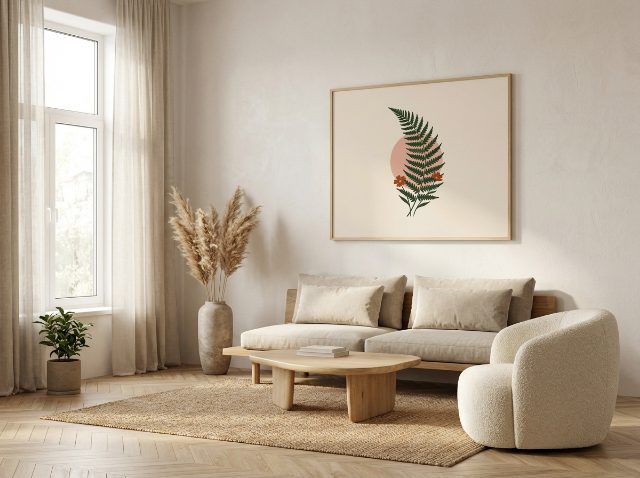
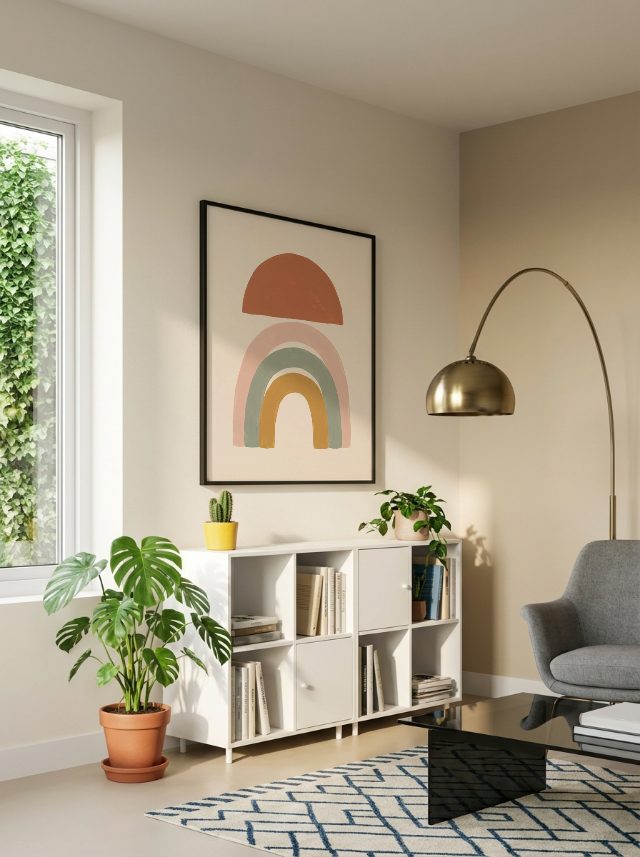
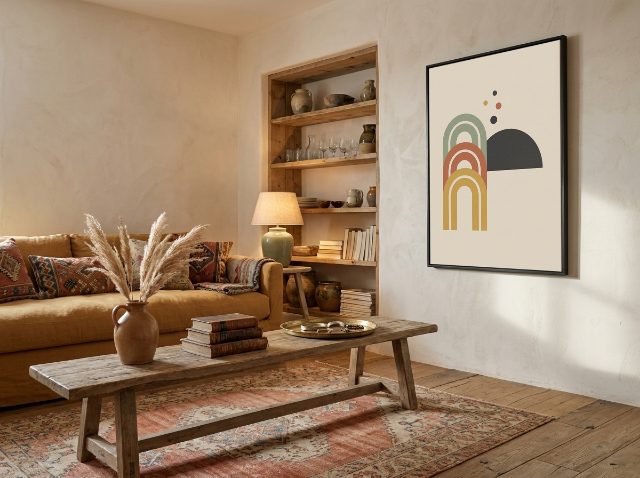
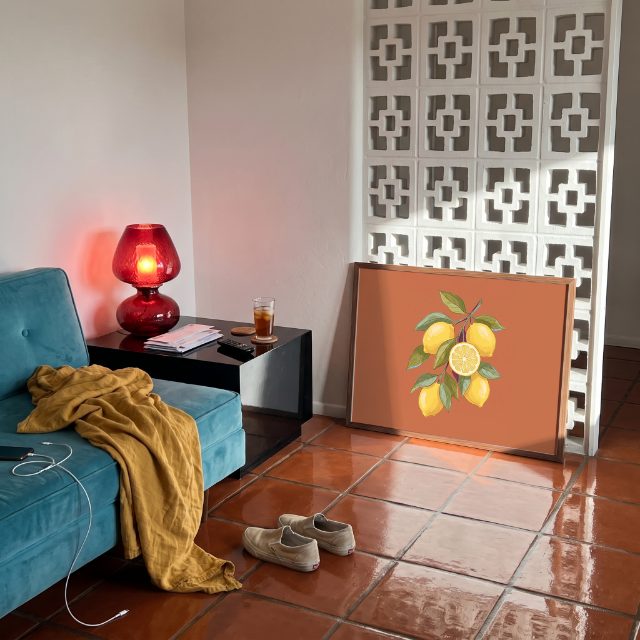
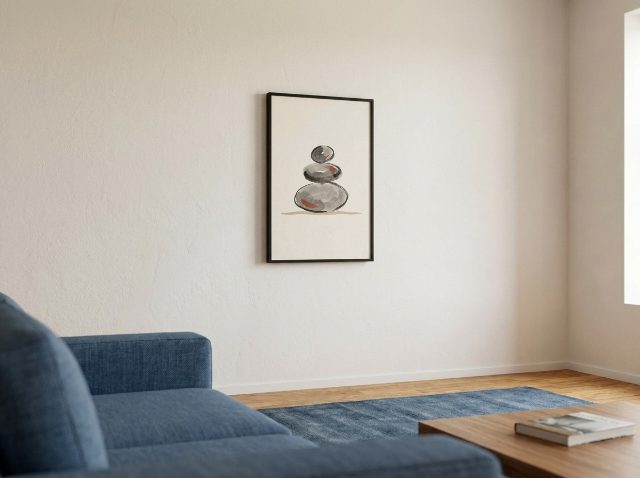
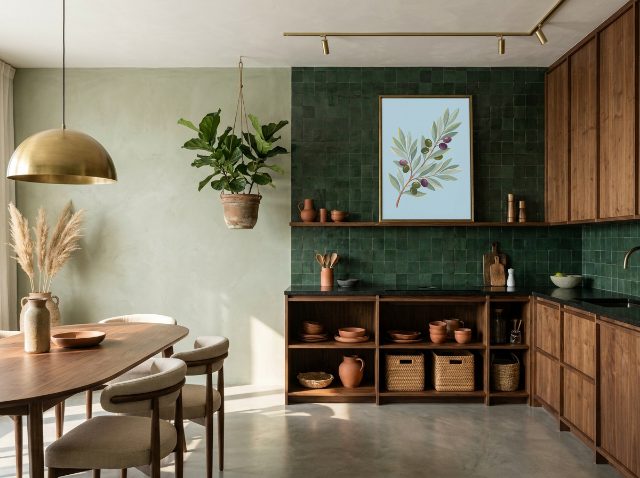
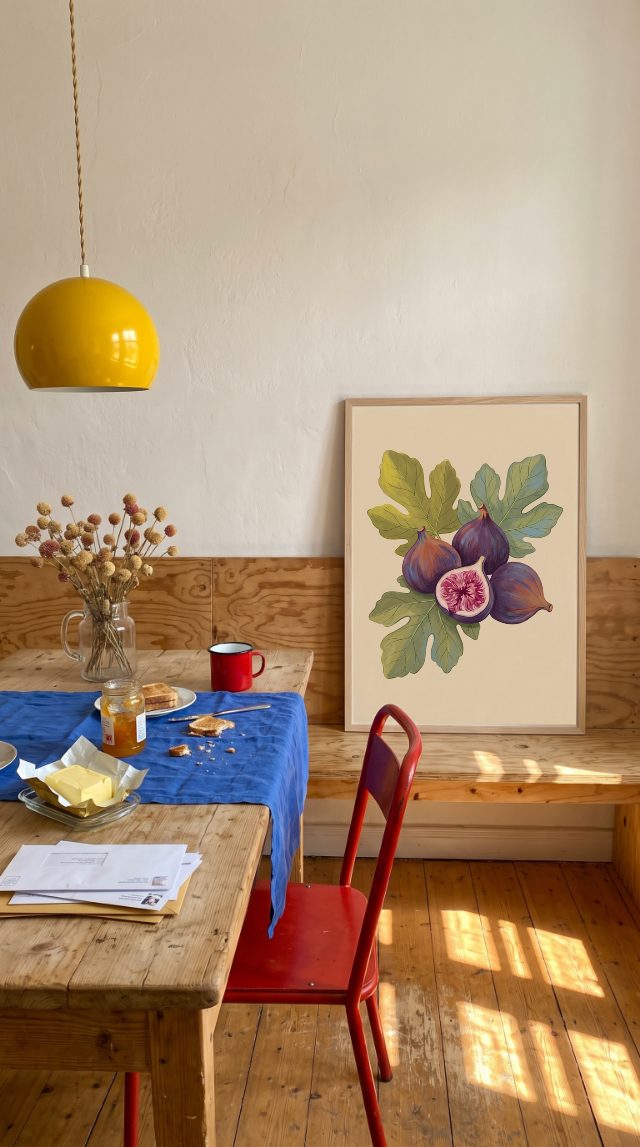
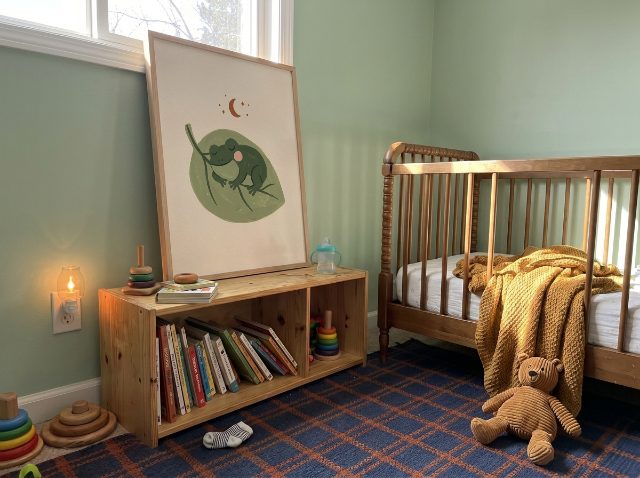
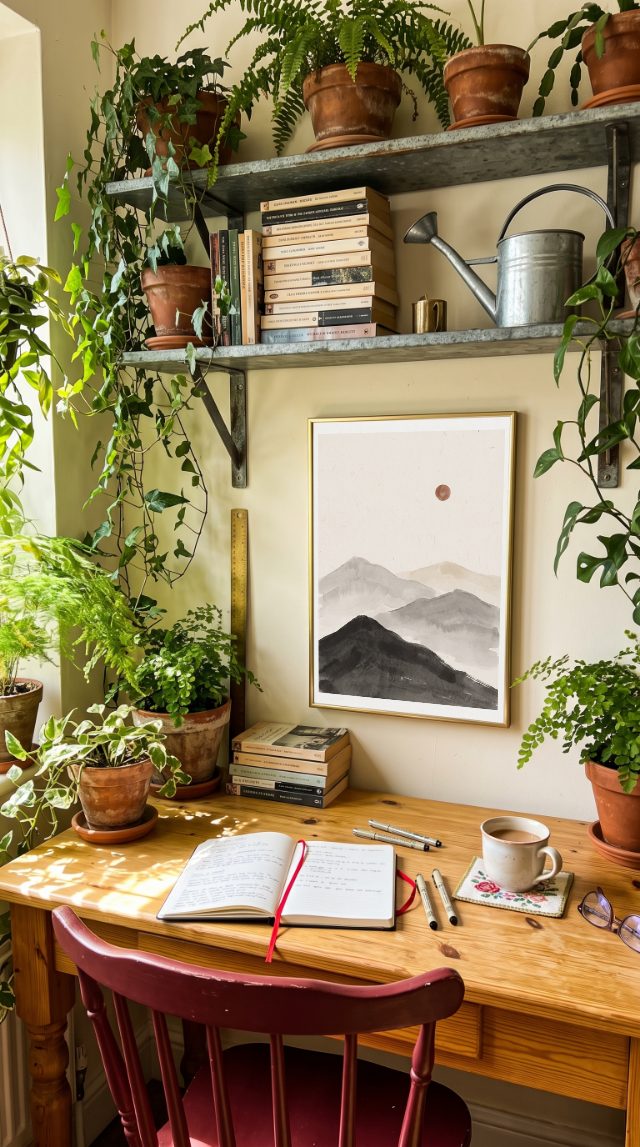
Wall art mockups by room
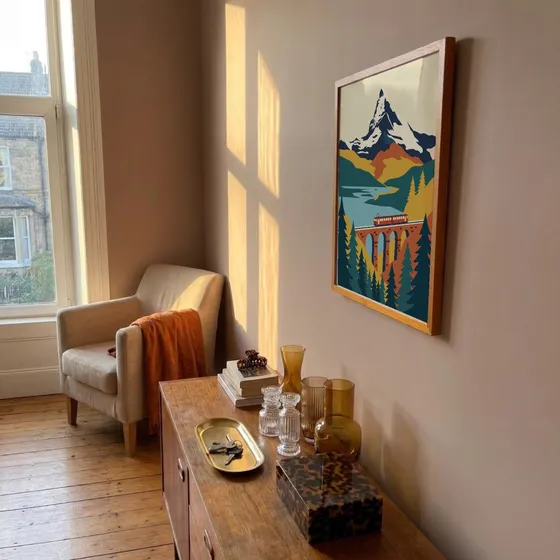
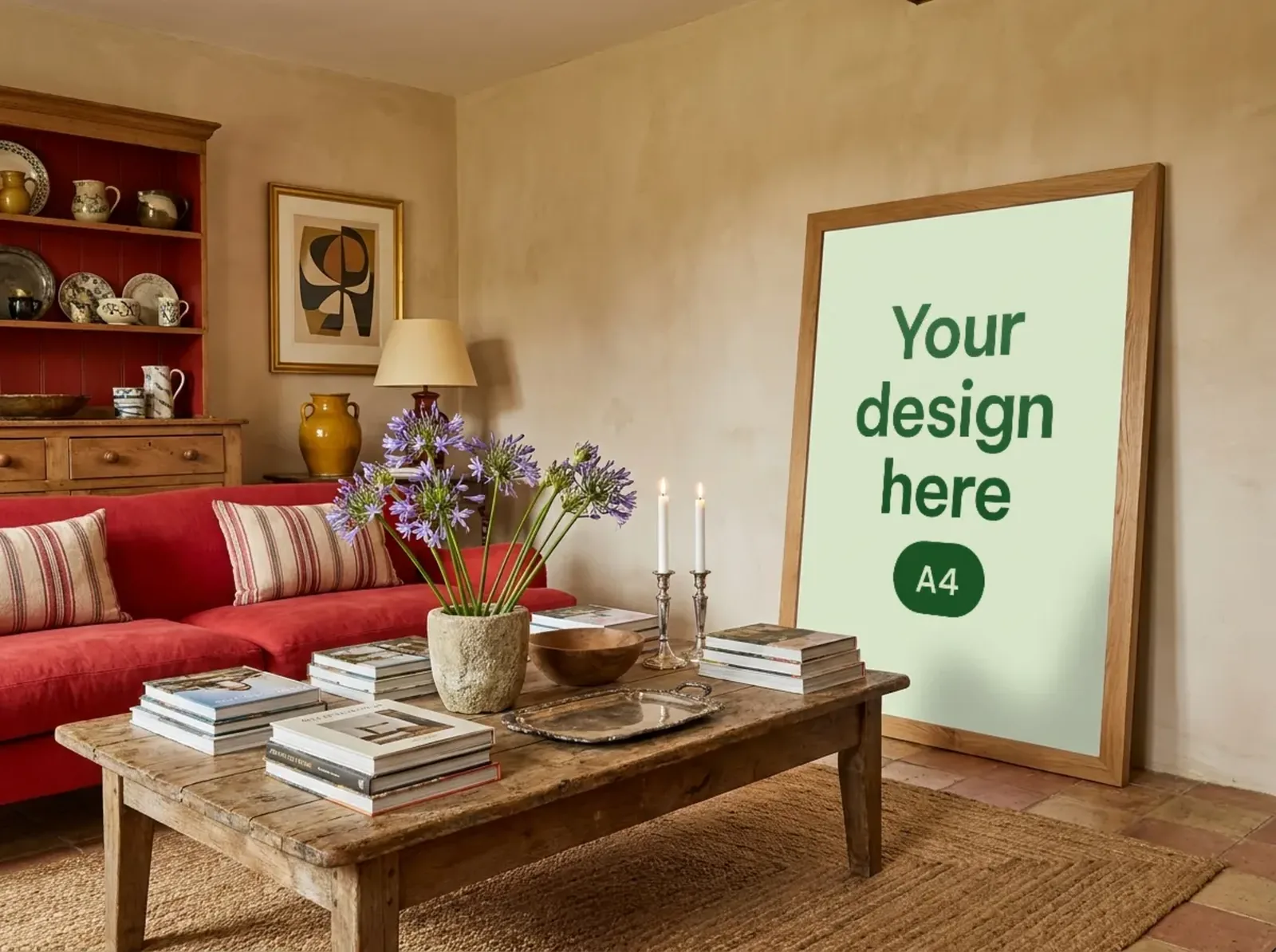
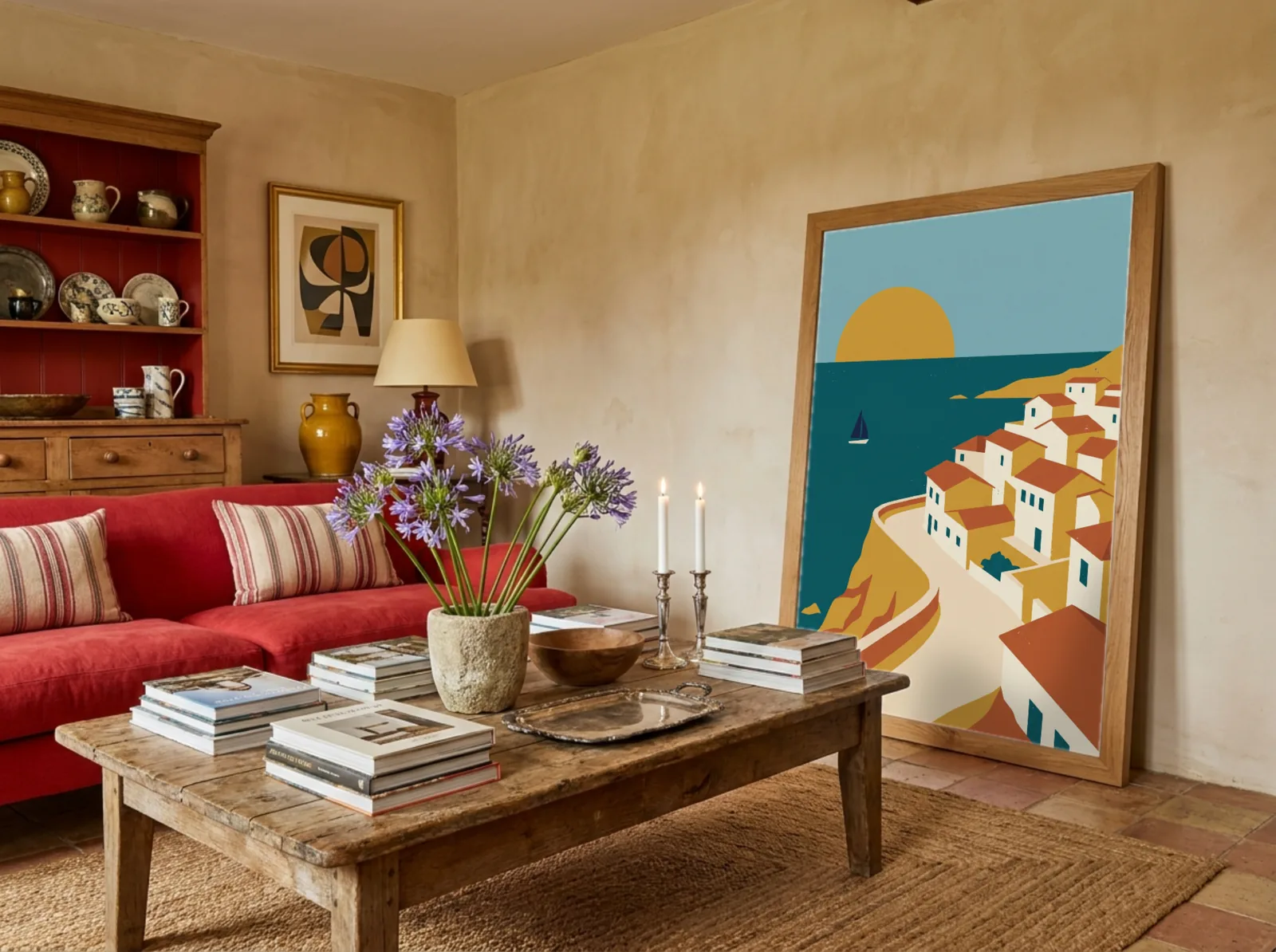
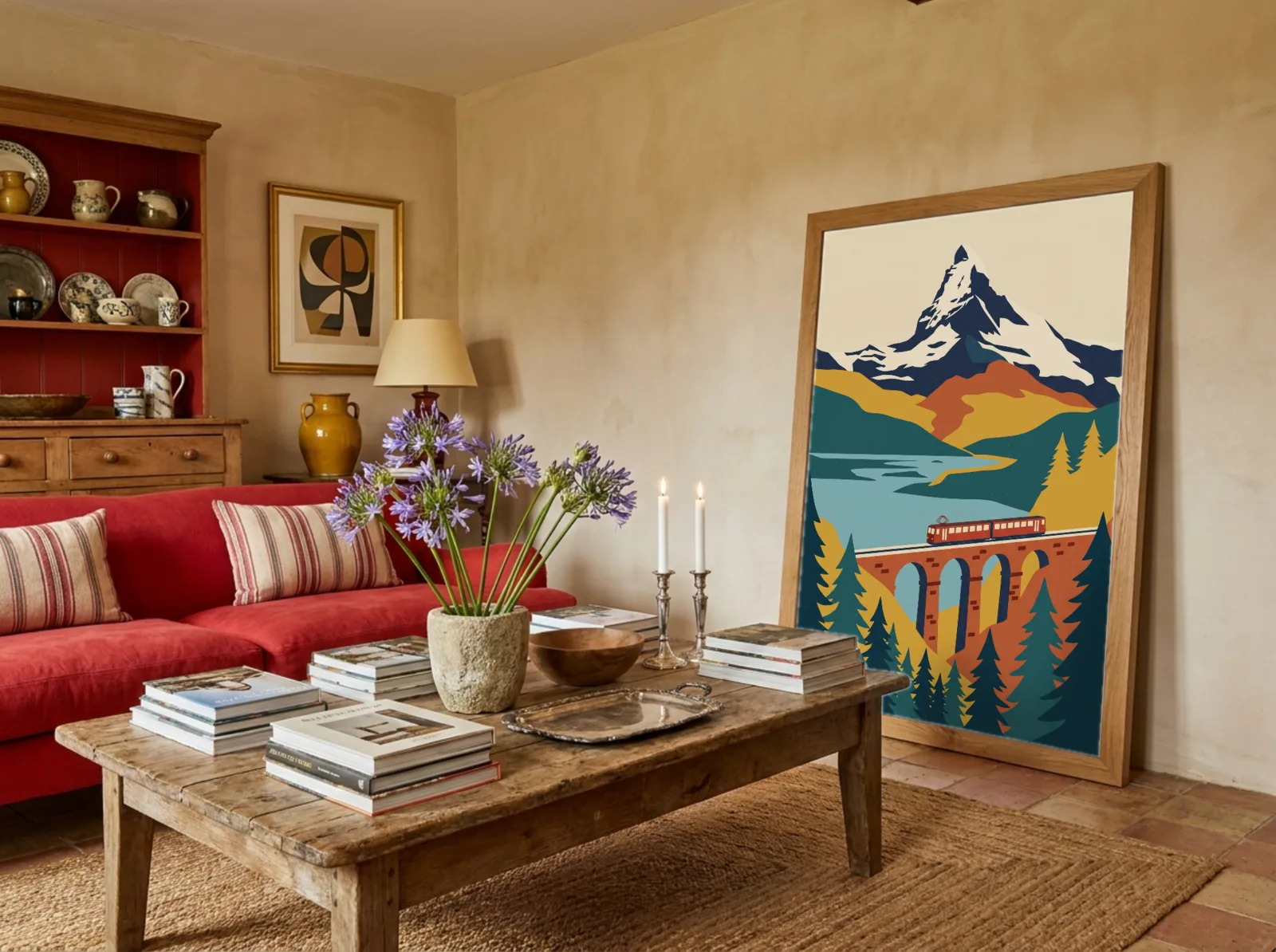
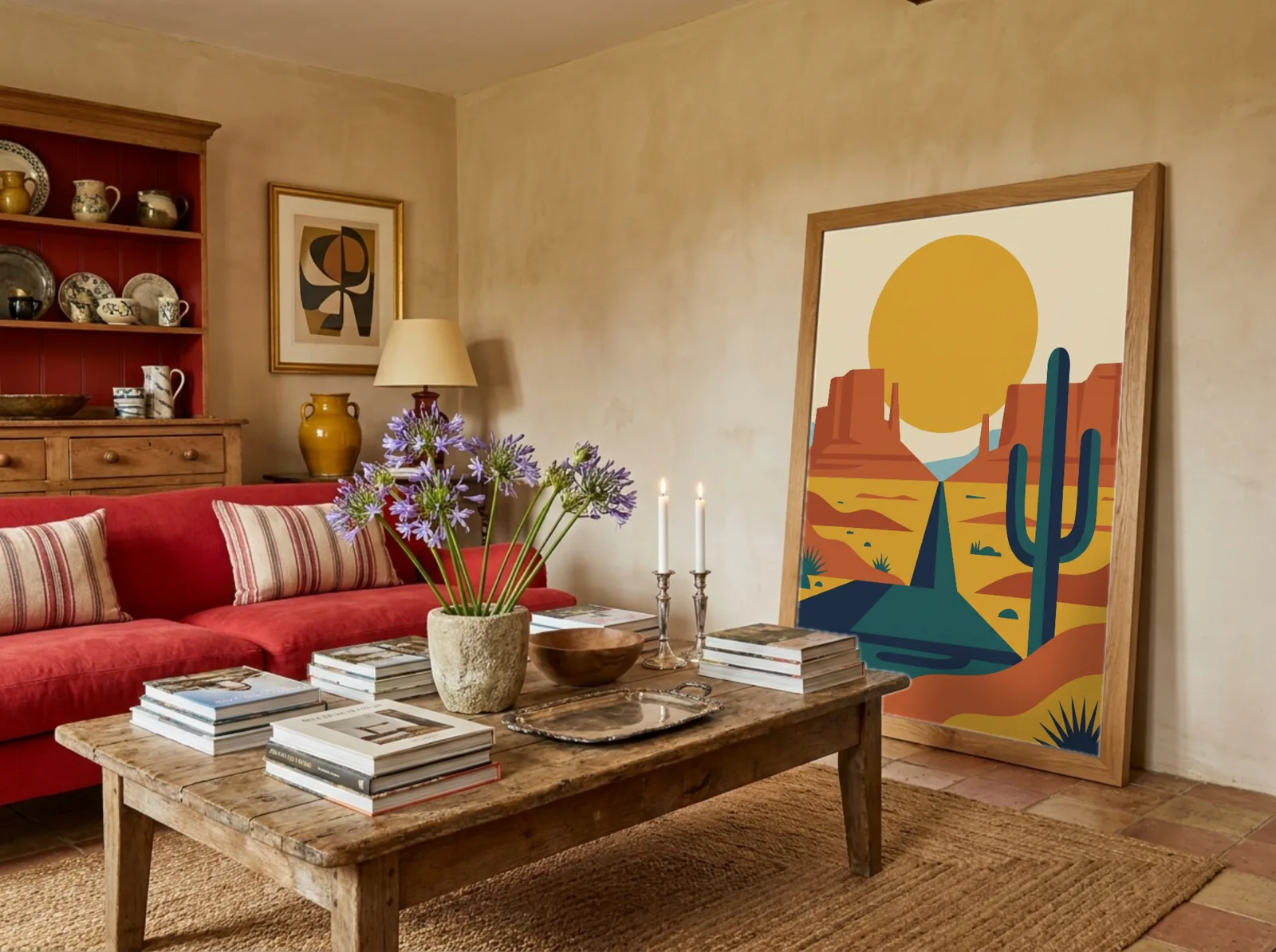
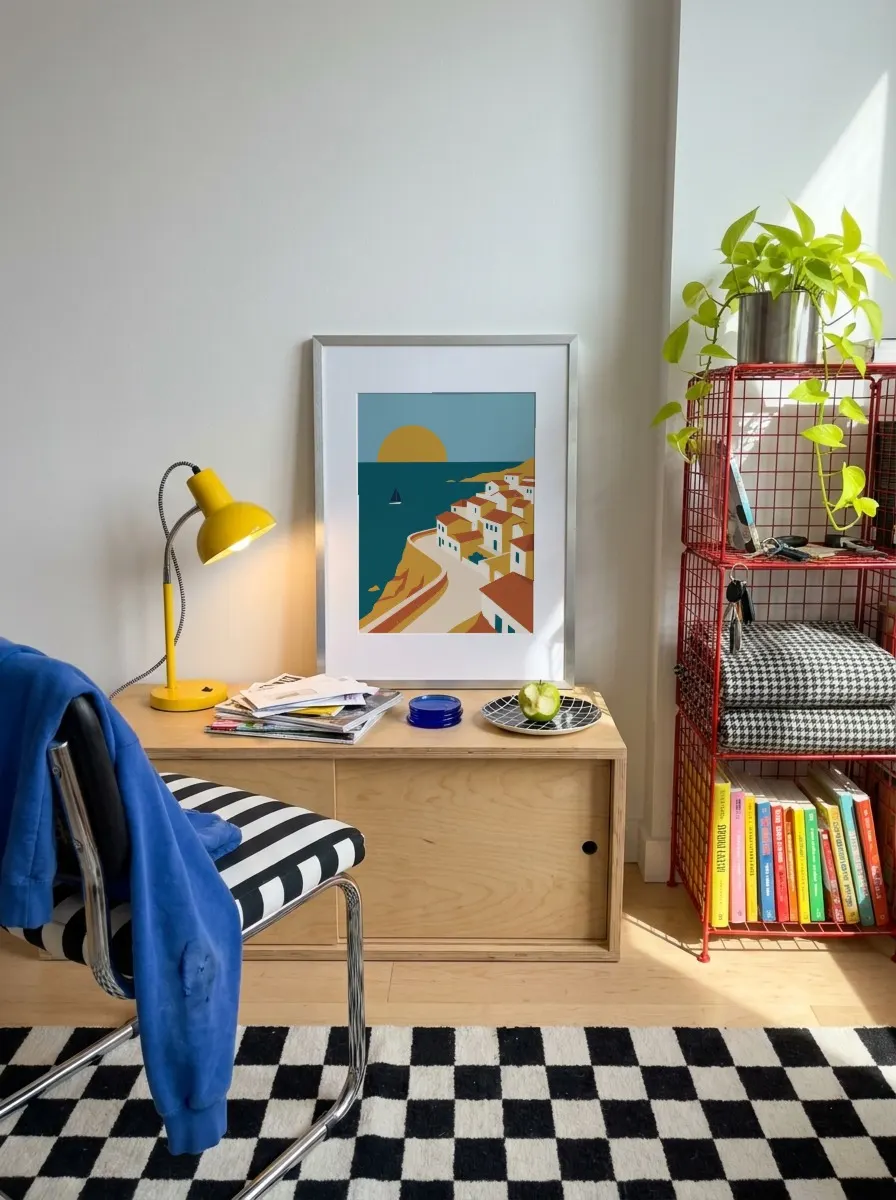
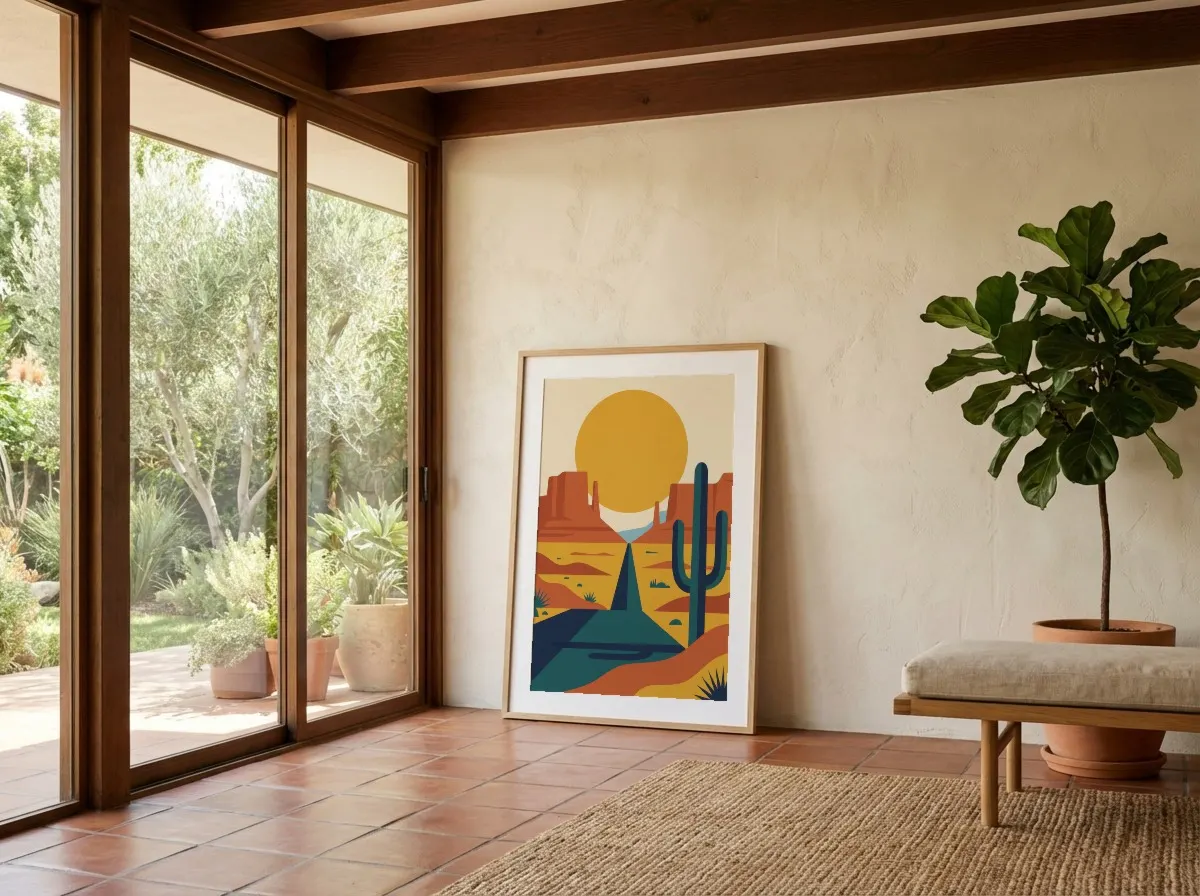
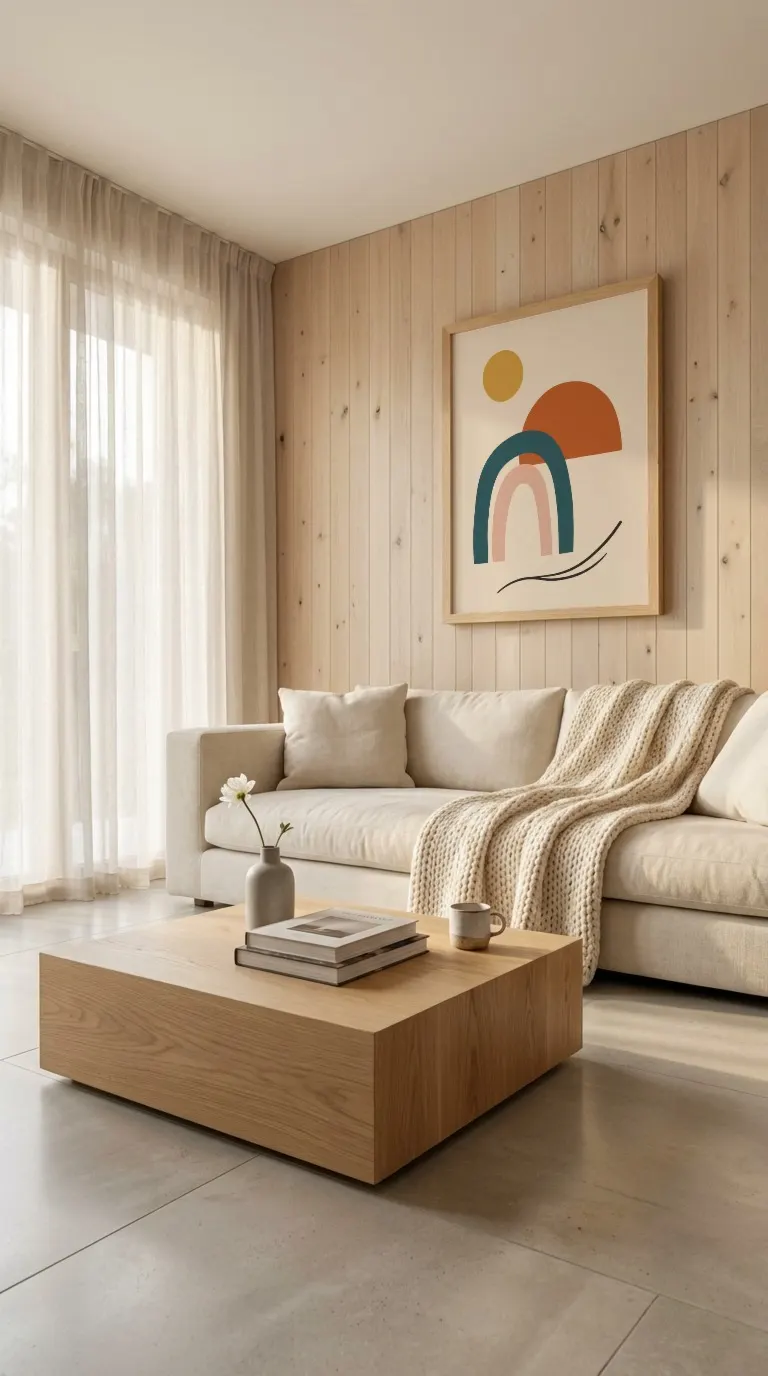
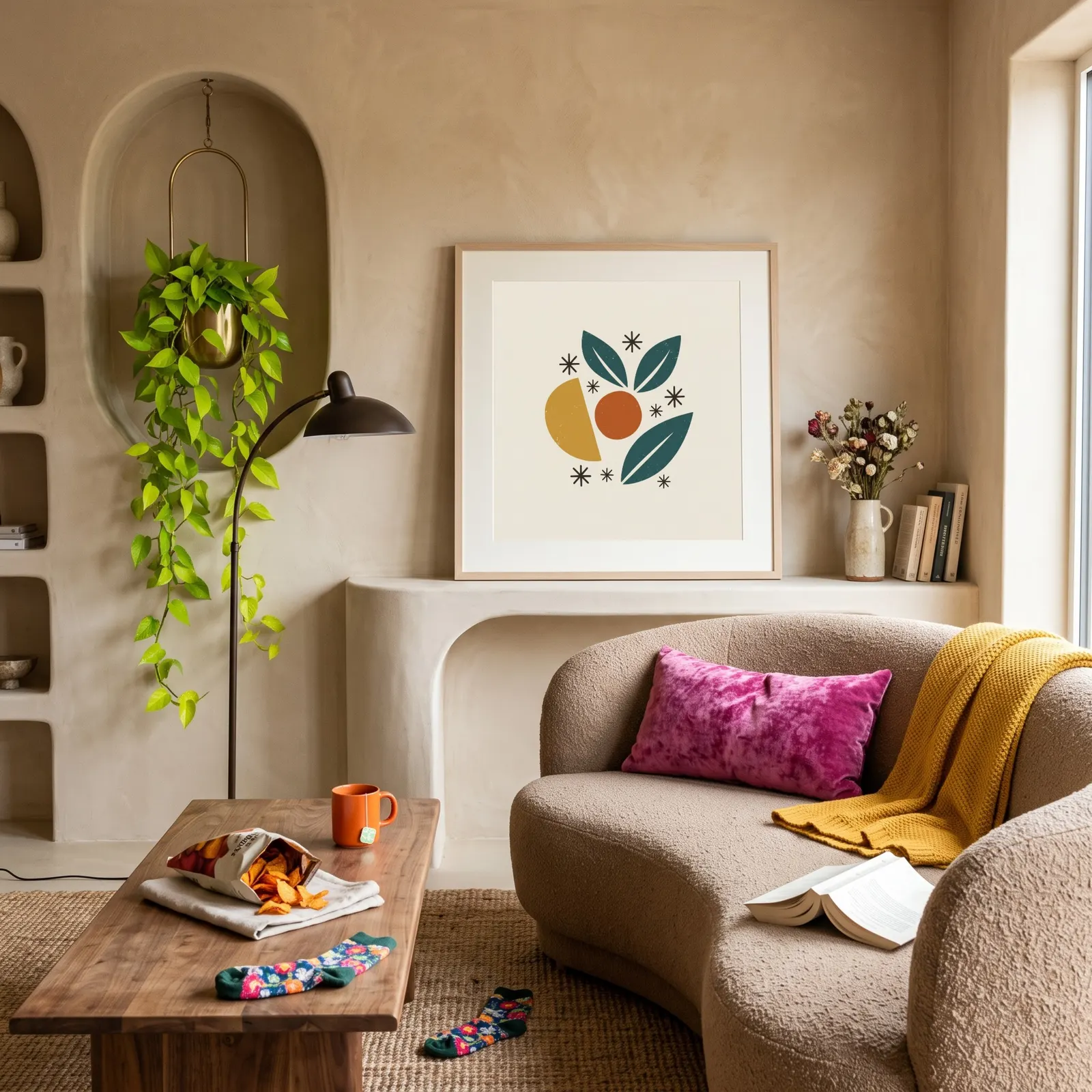
Pick a room, then upload your whole collection: every design lands in every shot of that room, in one go.
FAQ
Bulk Mockup Generator FAQ
Common questions about bulk mockup creation
You can generate mockups across all available templates in a single session. Upload your design once and apply it to 50+ wall art and frame templates without re-uploading. Download all variations as a single ZIP file when you're done.
In Mockupanda, batch and bulk generation refer to the same workflow: you upload one design and it's instantly applied to every template you select. You don't need to process each template one by one. This is ideal for sellers who need consistent mockups across a large catalog.
The batch mockup generator focuses on Wall Art and Frame templates — the most popular categories for prints, posters, and canvas art. These templates feature realistic room settings, shadows, and perspectives that showcase artwork at its best.
Yes! Upload your artwork at any aspect ratio (square, portrait, landscape) and our generator will proportionally fit it into each template. You can fine-tune the placement and scale for individual templates in the editor if needed.
Absolutely. Every mockup you generate with Mockupanda, whether one or fifty, is 100% free for commercial use. No attribution required. Use them on Etsy, Shopify, Amazon, or any other platform. Your first 20 downloads come without a watermark.
The current batch workflow runs in your browser and is optimized for manual use. Upload your design, select your templates, and generate all mockups in under a minute. For sellers creating 20-100 listings per week, this saves hours compared to processing each template individually in Photoshop.
All mockups are exported as high-quality JPEGs at the template's native resolution. When you generate multiple mockups at once, you can download them all as a ZIP archive — ready to upload directly to your product listings.
Yes. Import your PSD mockups and they sit in My Templates next to the built-in library, so one batch can mix both. Every design you upload goes through each of them, and the whole set downloads as one ZIP. Bulk mockups from your PSDs.
Ready to Bulk Create Your Mockups?
Join thousands of sellers who use Mockupanda to generate 50+ mockups in the time it used to take to make one.