


Wall Art Generator
 Wall Art Generator
Describe a poster in one sentence and get a finished, editable design. Change any word, picture or colour, download it at print size and turn it into mockups.
Mockups
See it on a wall, then list it
When the poster is ready, Make mockups opens it in the mockup editor, where it goes into every room and frame template at once.
Not a flat picture
A design you can still change
AI image tools paint the whole poster in one go. Here the AI lays out real text, pictures and shapes, so every part stays yours to edit.
Words spelled right
Titles, names and dates are real text in real fonts, not painted letters, so they read clearly and a typo is fixed in one click.
Every part stays editable
Each word, picture, shape and colour is its own layer. Swap the font, move the picture, recolour the background, add your own graphics.
Print size files
Download a PNG up to 7200 pixels on its long side, enough for a 24 inch print at 300 DPI.
Standard poster shapes
2:3, 3:4, 4:5, the A sizes and square, so the print fits ready made frames without cropping.
How it works
From one sentence to a print-ready poster
1. Describe it
Say what the poster shows, the words on it and the room it is for, or pick a starting point. The layout, fonts, colours and pictures are made for you.
2. Make it yours
Click any word or picture to change it. Swap fonts and colours, move things around, and add your own text and graphics.
3. Download or mock it up
Download a print-size PNG, or open it in the mockup editor to put it in rooms and frames for your listing.
FAQ
Wall Art Generator FAQ
Common questions about designing posters with AI
Anyone can open the poster editor and lay out a poster by hand. Designing one with AI needs a free account, and each poster uses one AI credit. Free accounts get 5 AI credits a month, shared with AI templates, and paid plans include more.
Yes. Every word, picture, colour and font is its own layer: edit the text, swap the font, move and resize anything, change the background, or add your own text, shapes, stickers and graphics. Every change can be undone.
A PNG up to 7200 pixels on its long side, enough for a 24 inch print at 300 DPI. The poster download has no watermark.
2:3, 3:4, 4:5, the A sizes (A4, A3, A2 and 50 x 70 cm) and square. Pick the shape before you design, or change it later and the layout scales to fit.
While you edit, the poster is shown on a few real walls beside it. When it is ready, Make mockups opens it in the mockup editor, where you can place it in every room and frame template at once.
Examples
Made with the Wall Art Generator
Each one started as the sentence under it. Start from one of them, or write your own.
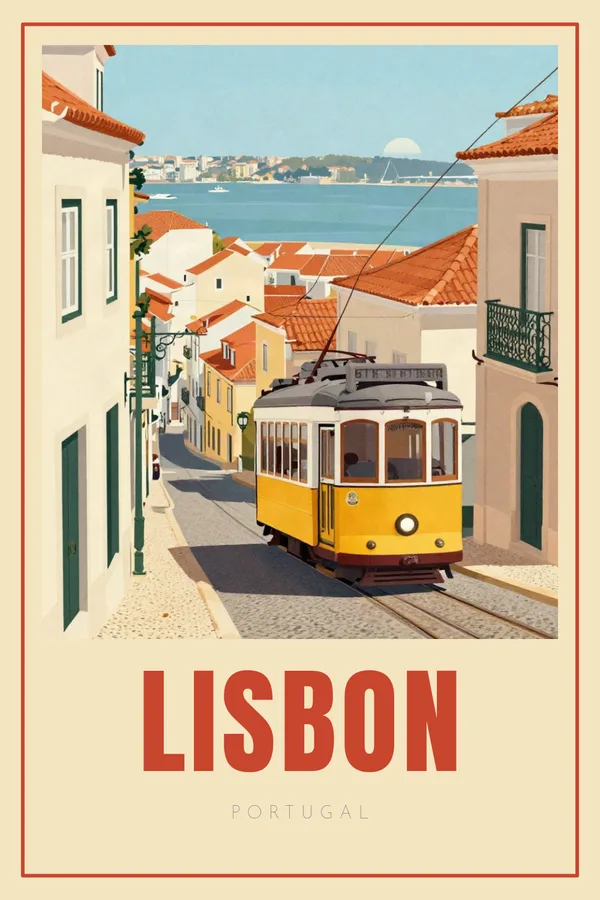
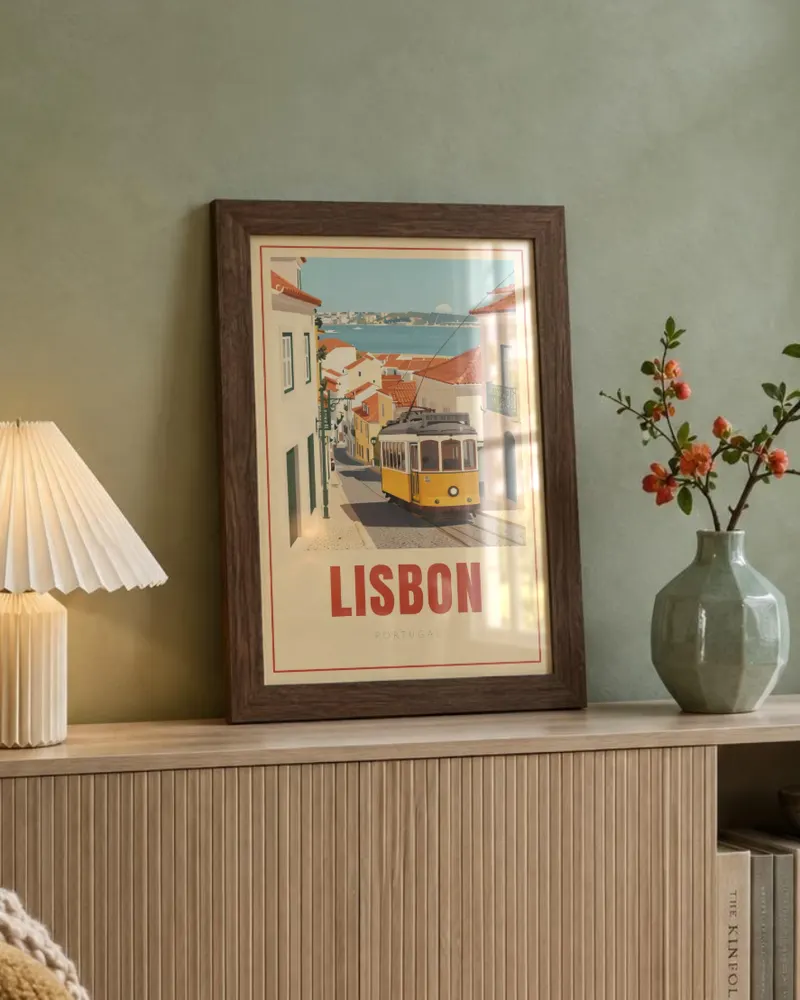
“Retro travel poster of Lisbon for a living room. Warm sunny colours, the yellow tram.”
“Botanical print of a monstera leaf for a calm living room.”
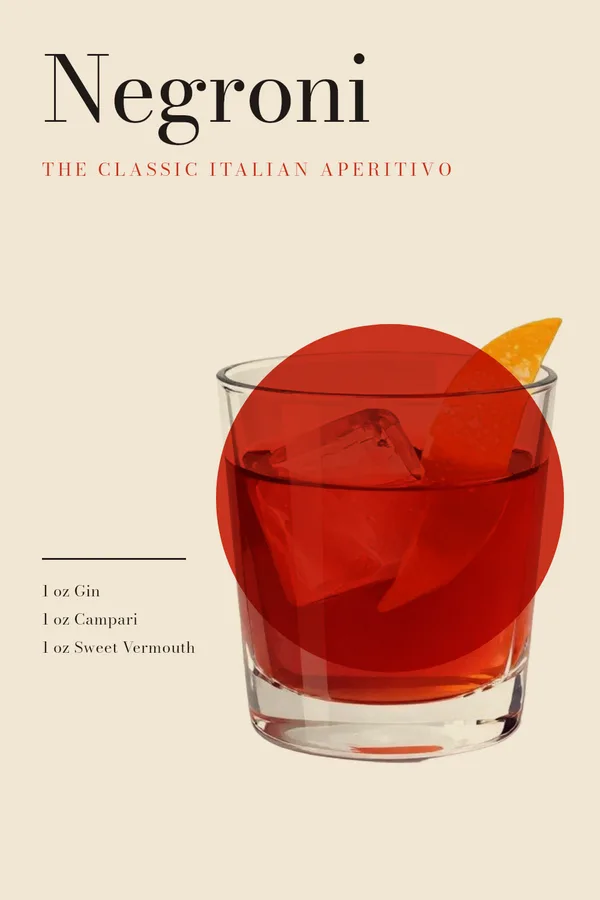
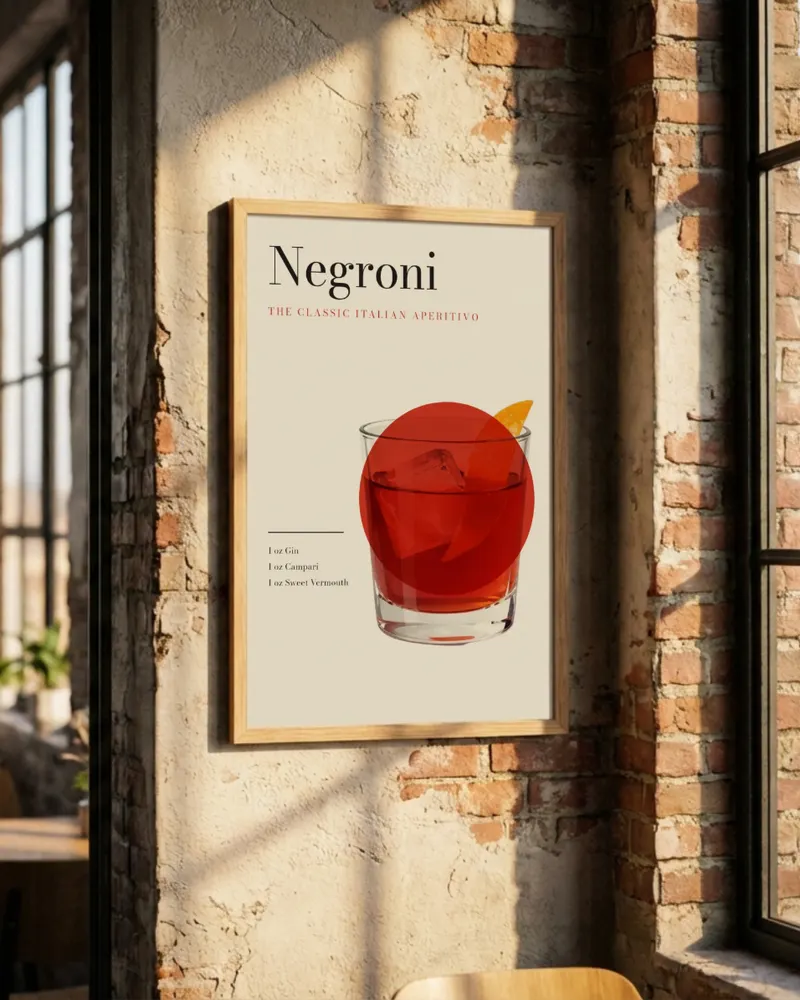
“Cocktail recipe print for a Negroni: the name, the three ingredients with amounts, and an illustration of the glass.”
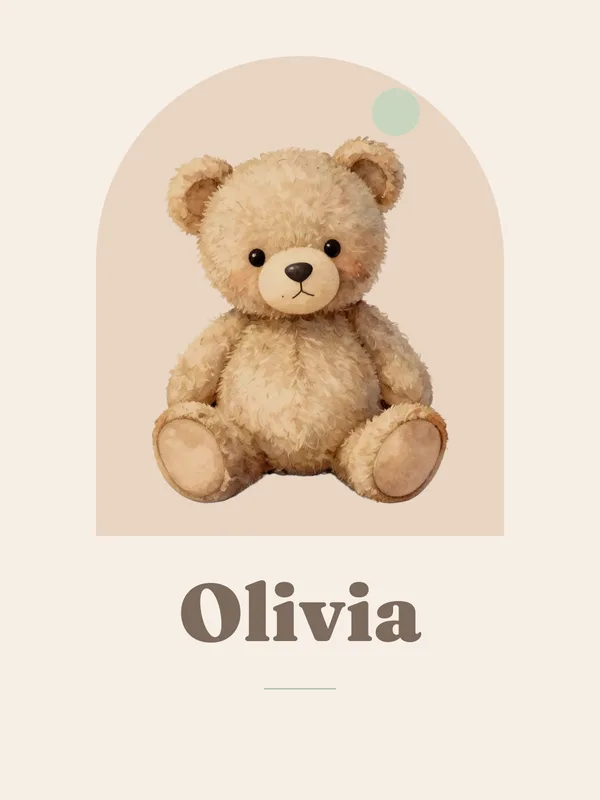
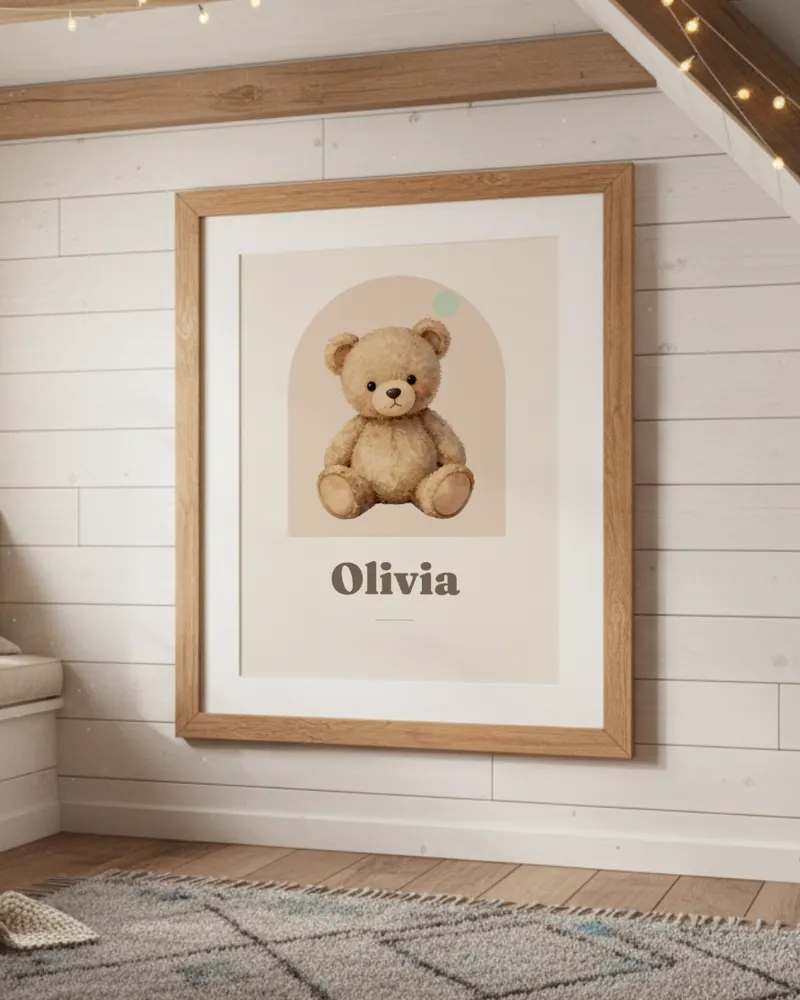
“Personalised nursery print with the name Olivia and a little bear. Soft pastels, gender neutral.”
“Retro surf club poster, "Pacific Surf Club 1972", with a halftone wave photo.”
“Minimalist kitchen print that says "But first, coffee" with a simple line drawing of a coffee cup.”
“Vintage national park poster for Yosemite, with Half Dome at sunset.”
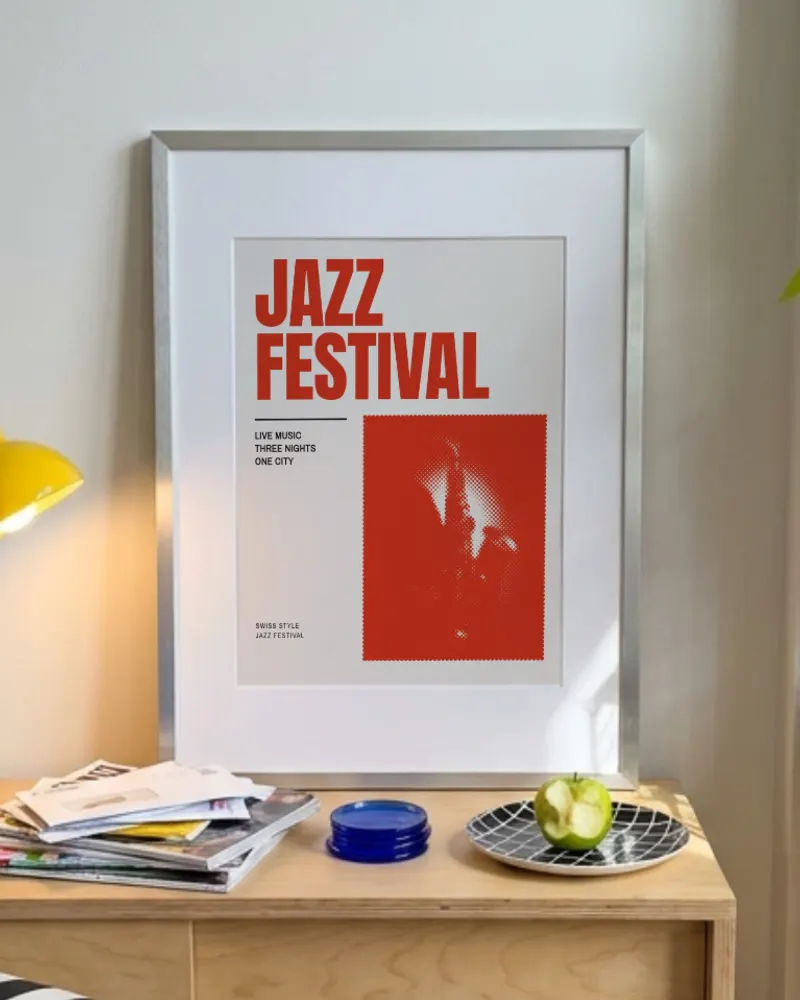
“Swiss style jazz festival poster, saxophone, bold type, two colours.”
“Abstract mid century modern shapes in terracotta, mustard and sage for a living room.”
“Elegant wedding print with "Emma & James" and the date 14 June 2026, with a fine line floral illustration.”
“Boho print with the words "Stay wild" and a crescent moon with wildflowers.”
“Modern city print of Barcelona, warm Mediterranean colours.”
Ready to design your first poster?
Describe it in a sentence, change anything you like, then download it or make the mockups.