


Bulk Mockups for
Print Sellers
 Bulk Mockups for
Professional mockups for posters, t-shirts, and more.
Upload once, generate unlimited mockups instantly.
No Credit Card
Unlimited Mockups
Try it now

Drop a design here
or
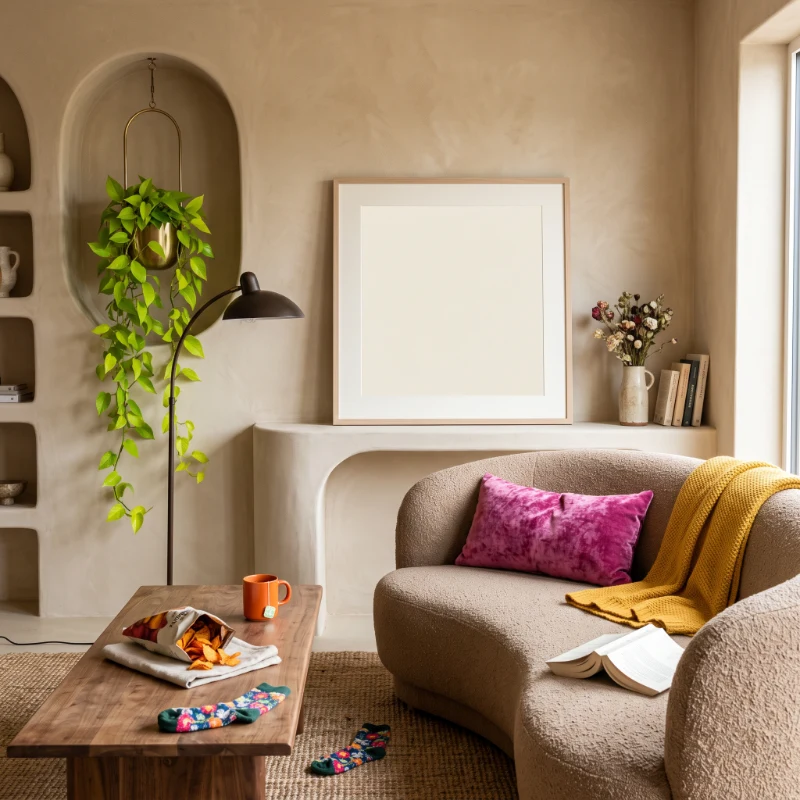
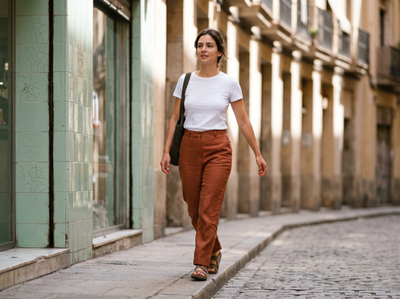
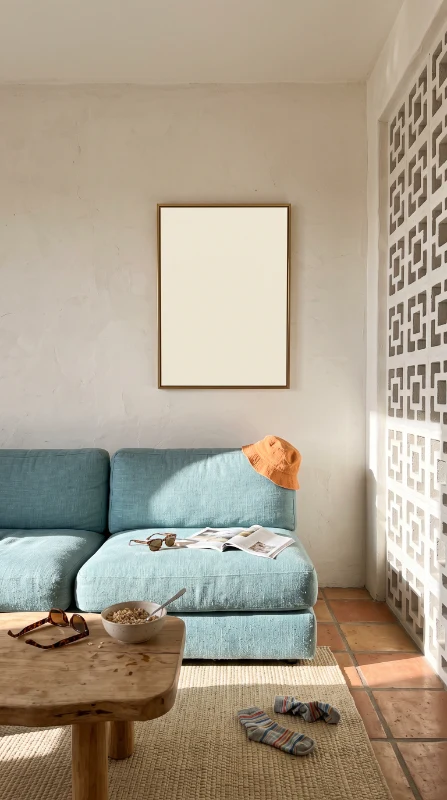
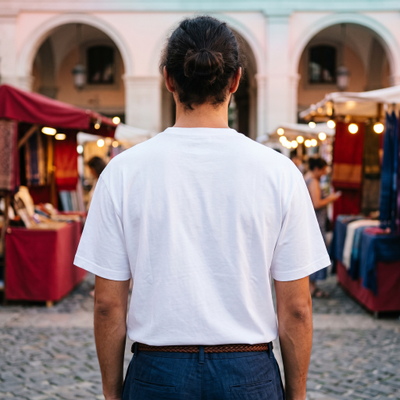
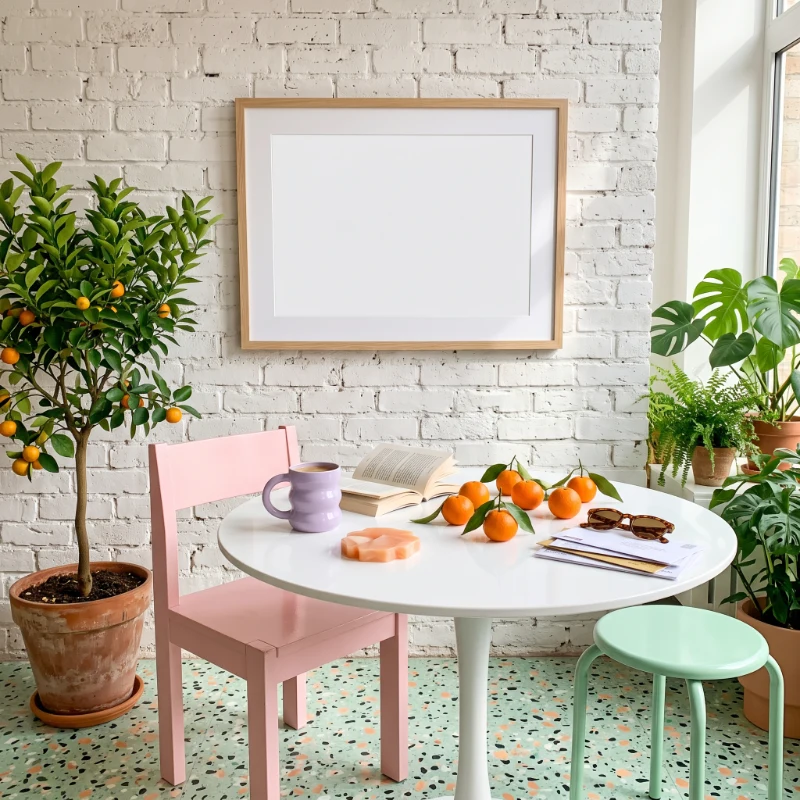
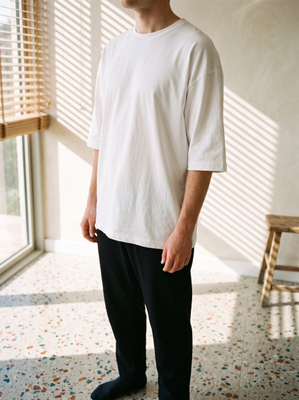
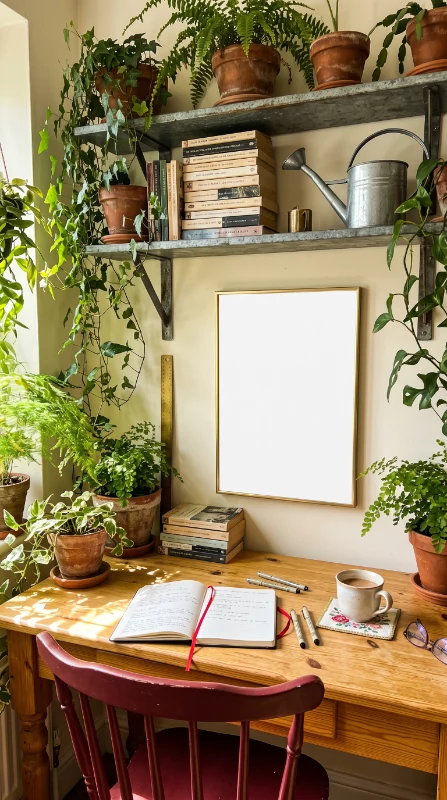
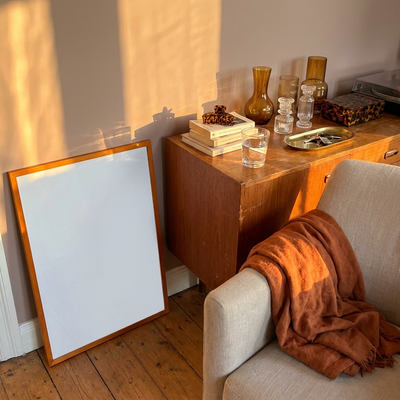
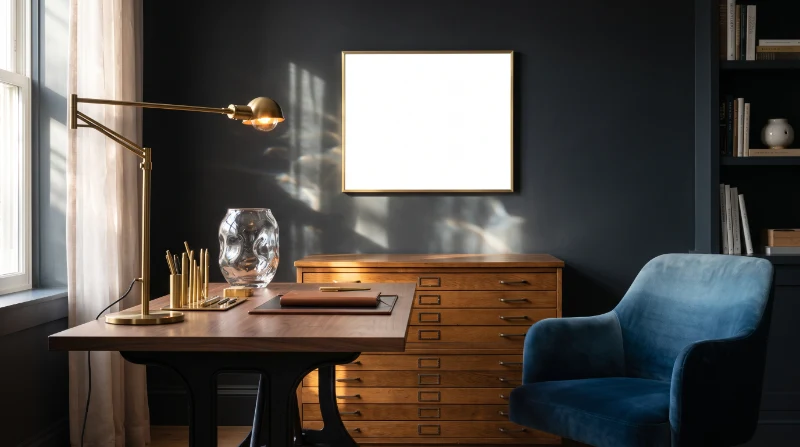
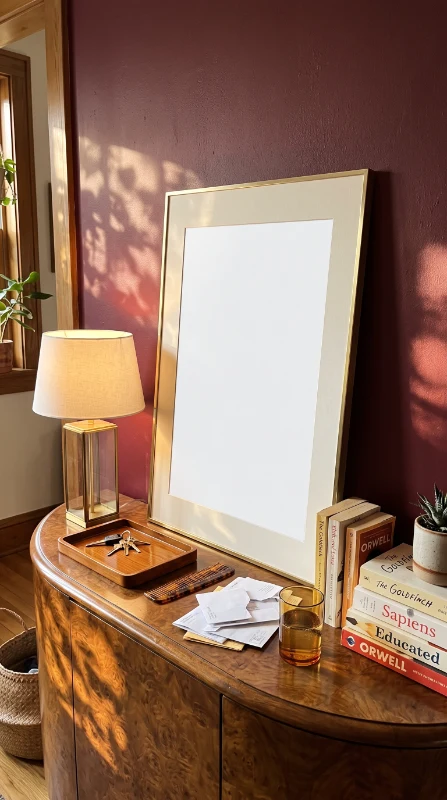
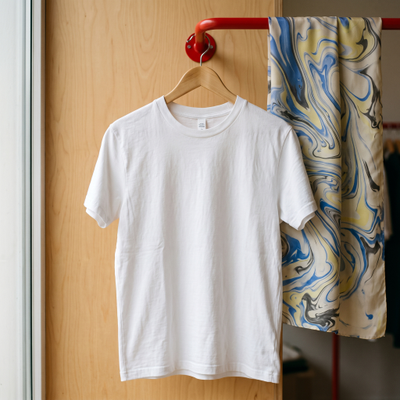
Mockups downloaded
Live editor
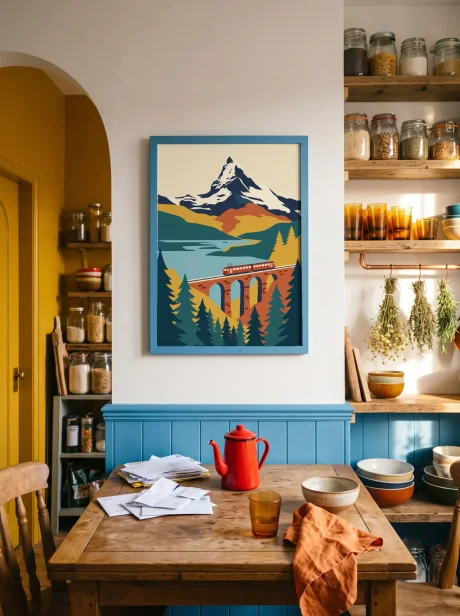
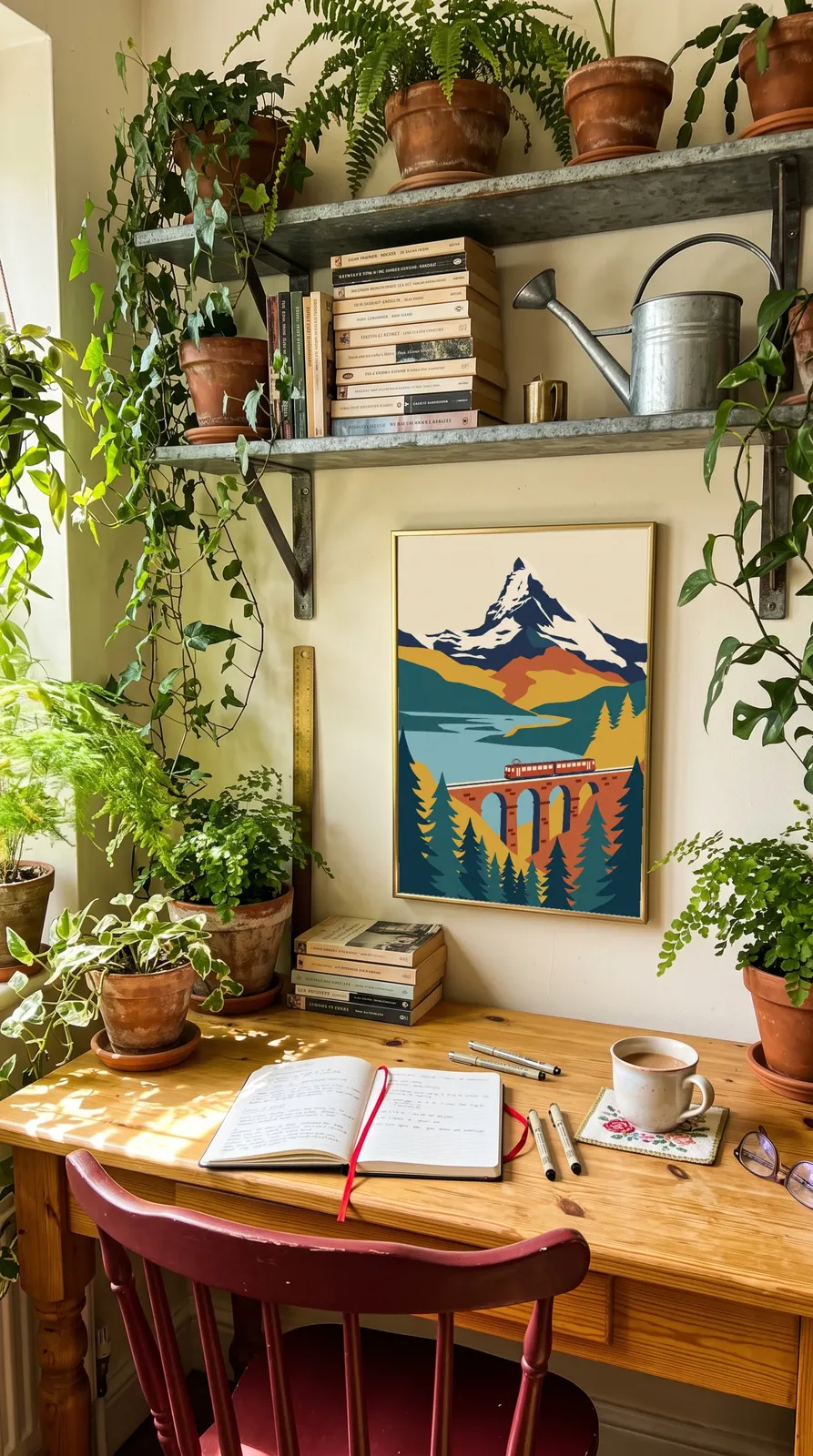
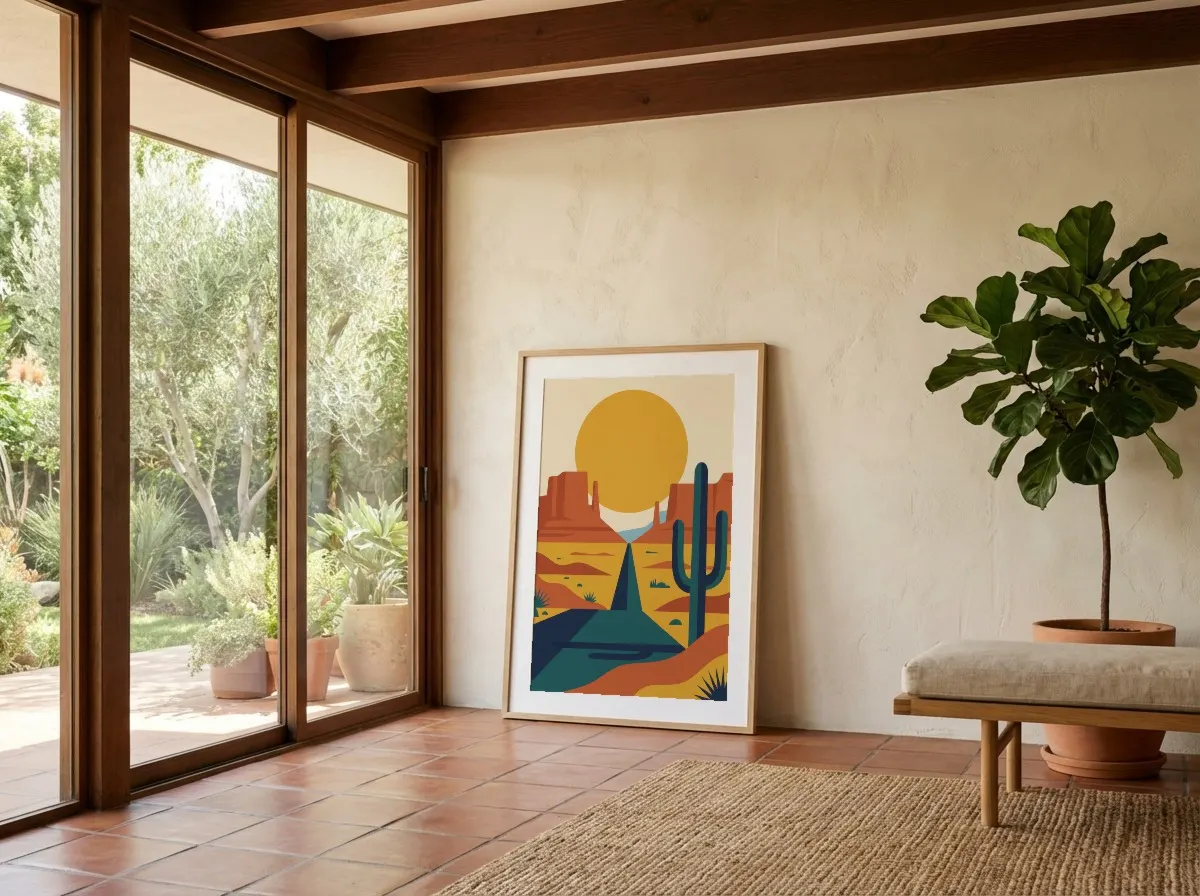
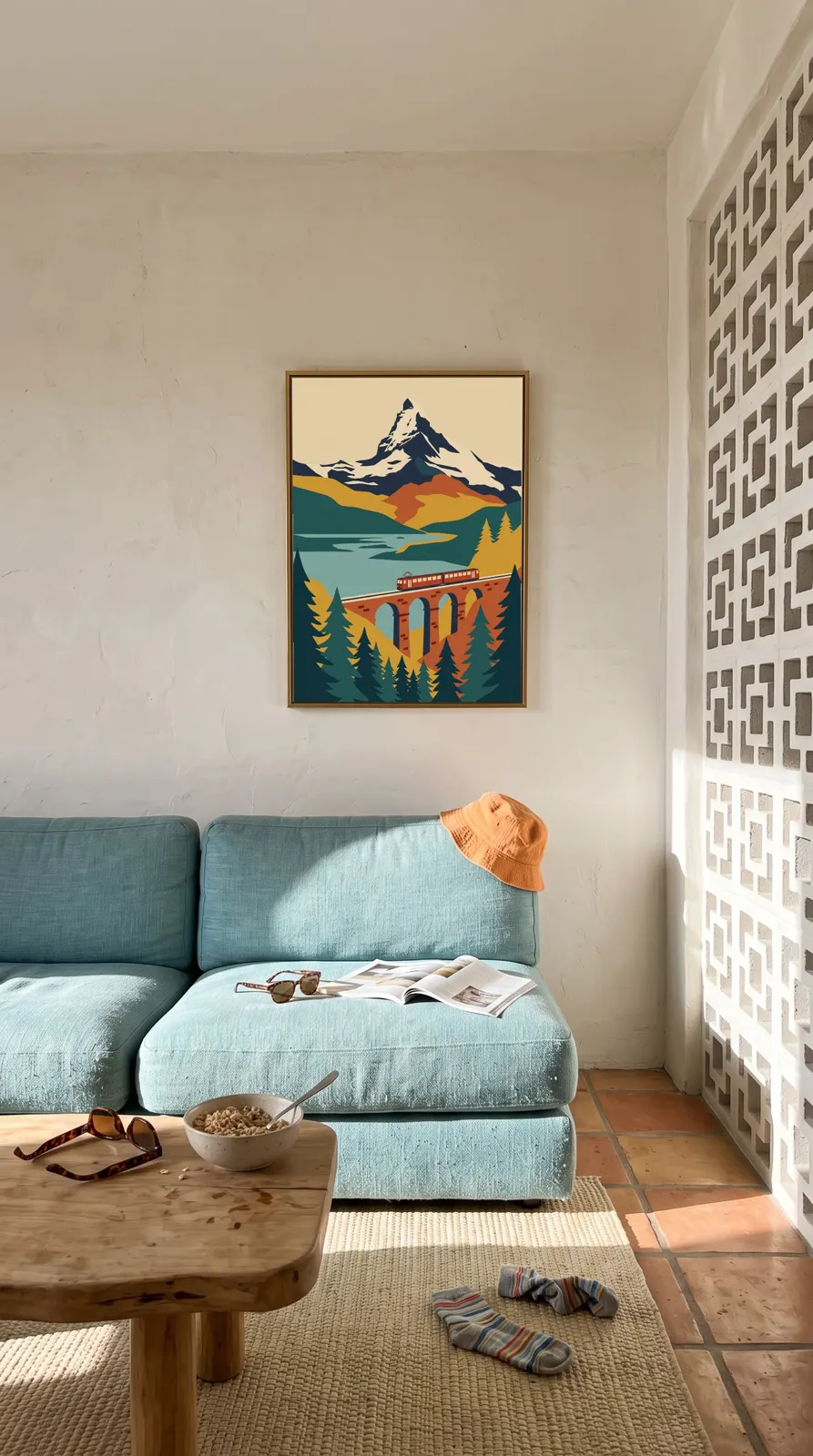
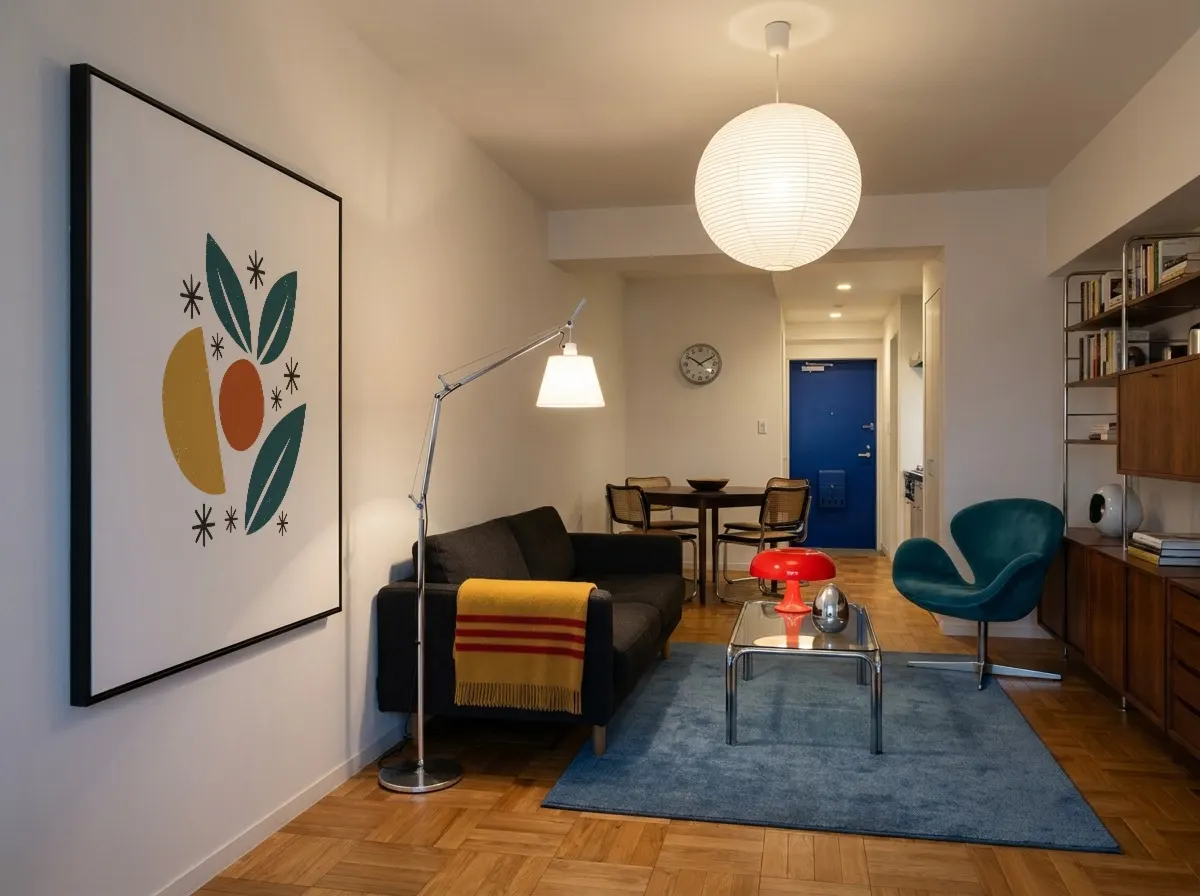
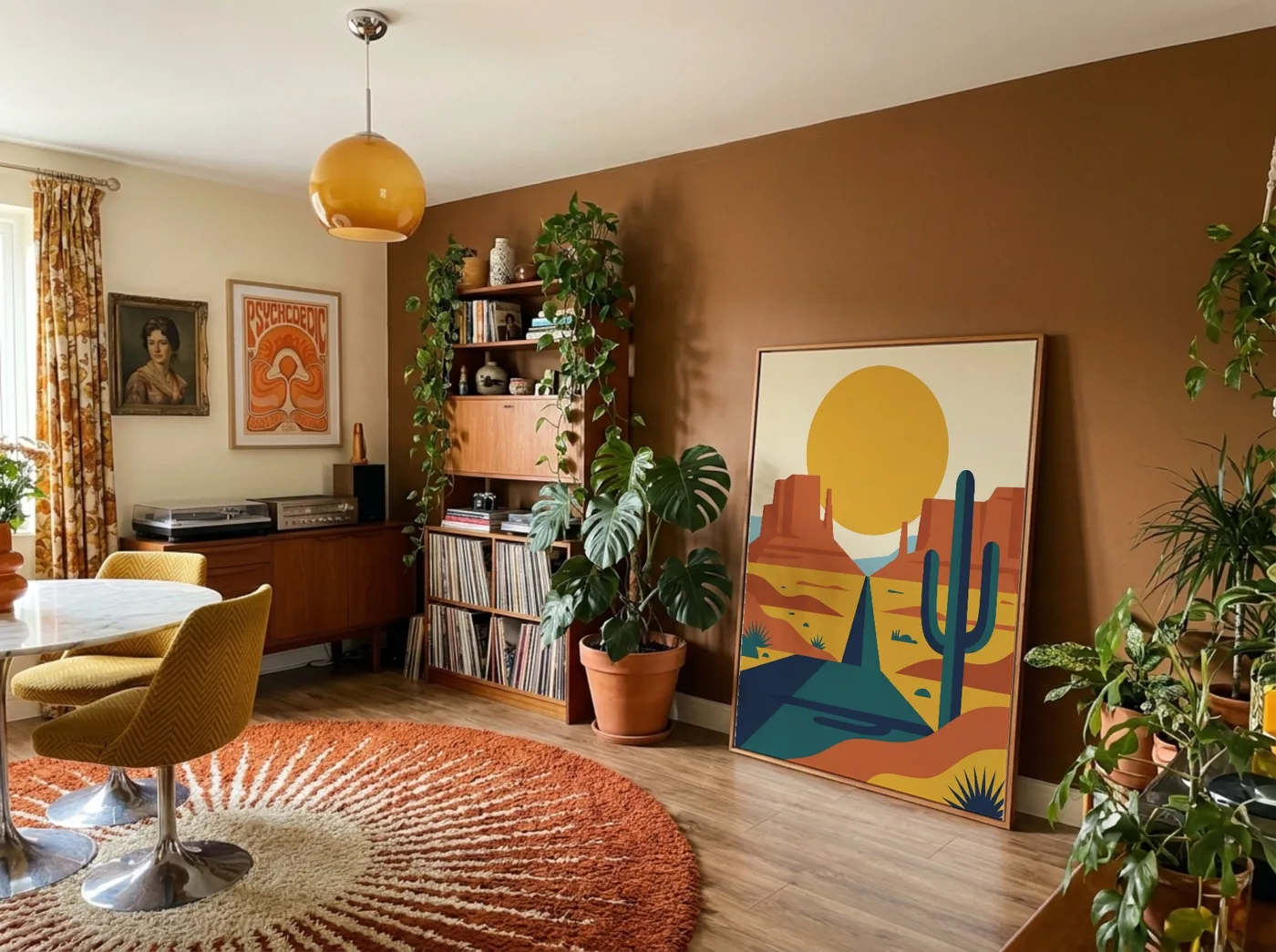
Place it like the real print
Drag your design to where it will be printed and pull an edge to size it. The mockup updates as you move, so it matches the product your buyer gets.
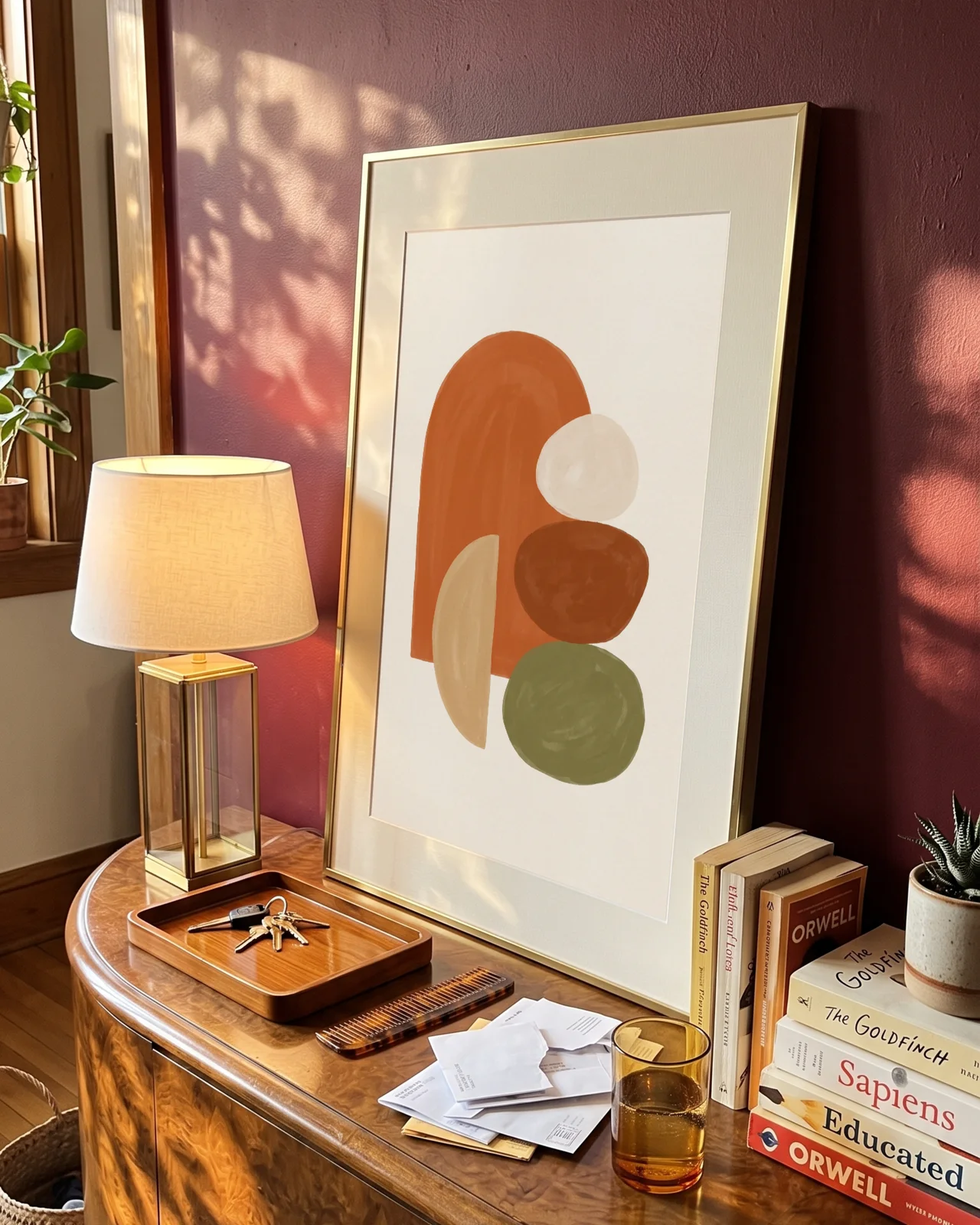
The room's light stays on it
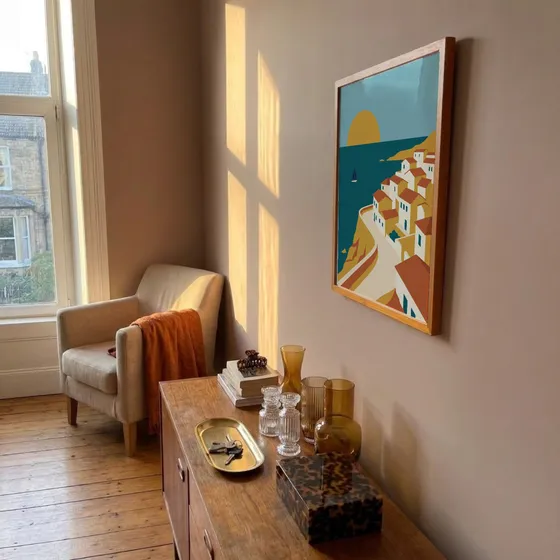
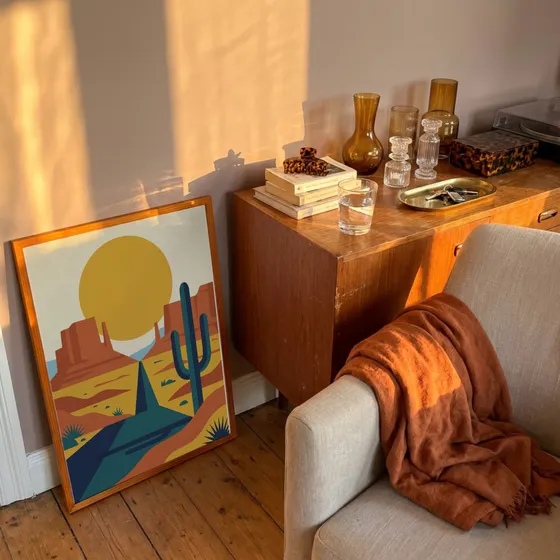
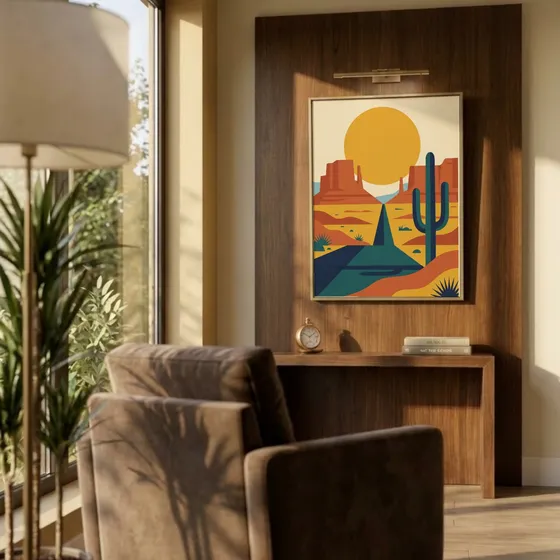
Your print is blended into the photo, so window light and shadows fall across it.
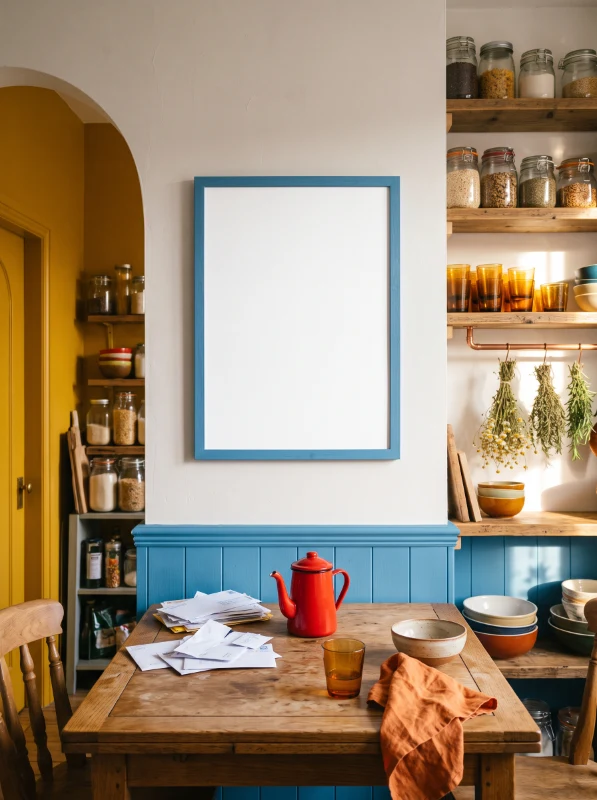
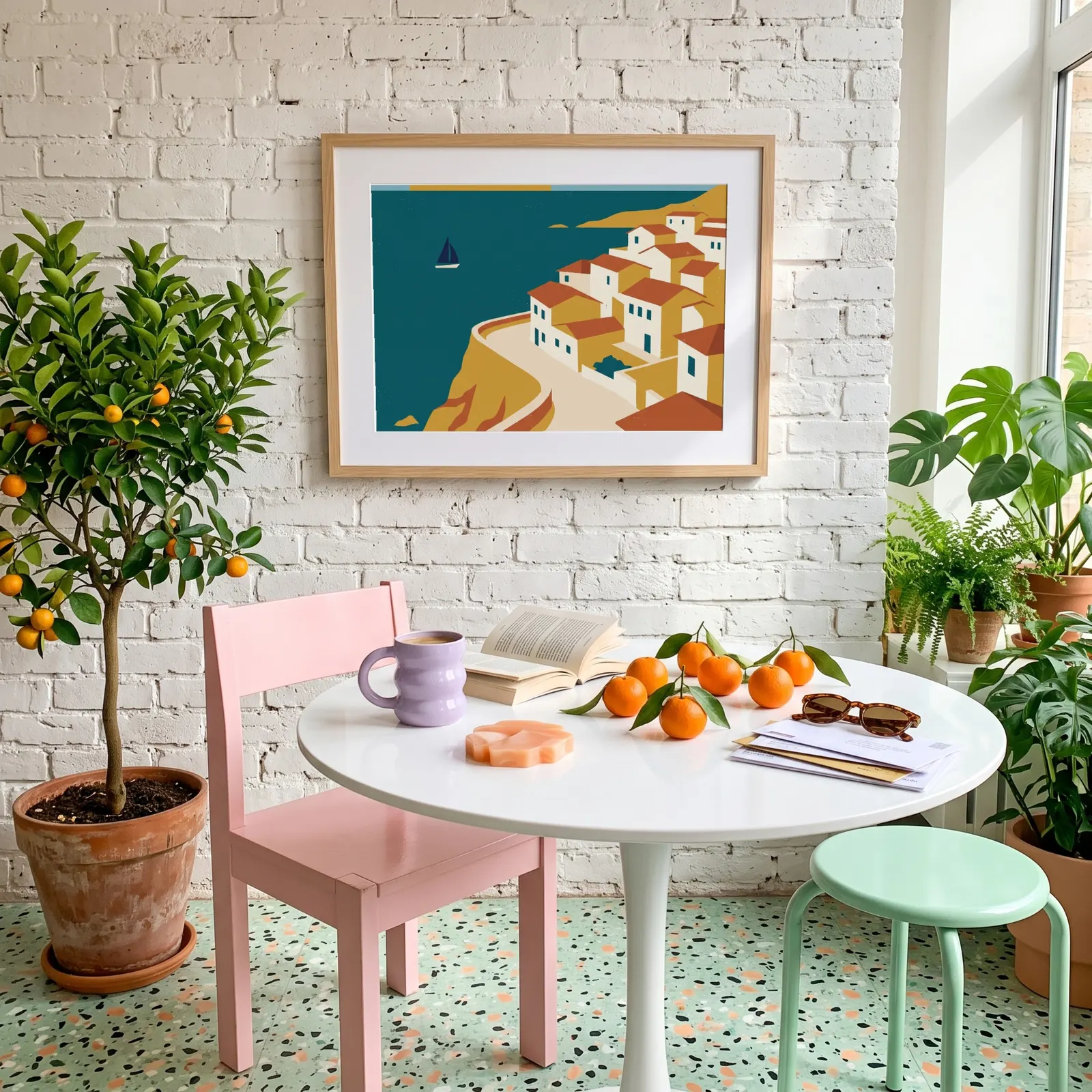
Matched to the frame
Perspective follows the frame as you move and resize, nothing to line up by hand.
What you see downloads
The file you get is this preview, at full resolution.
Print ratios
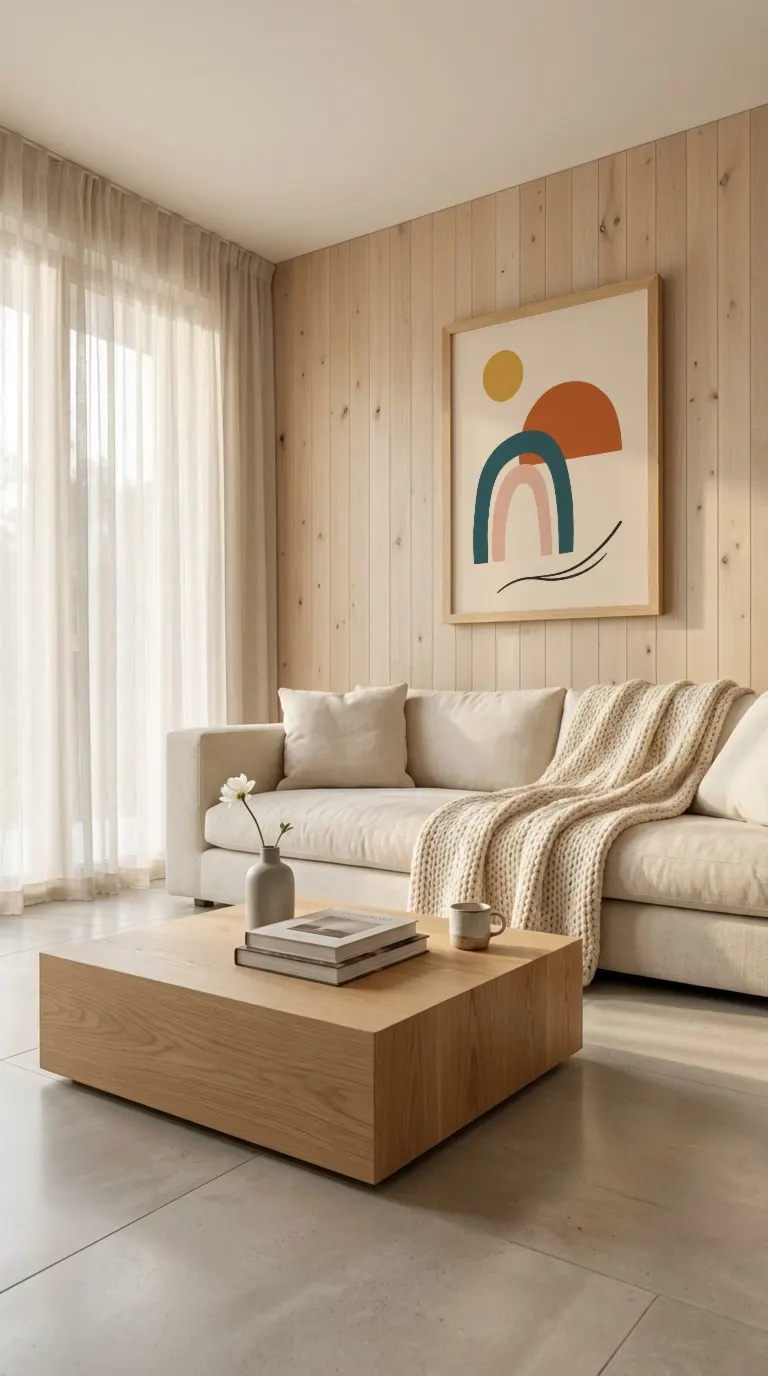
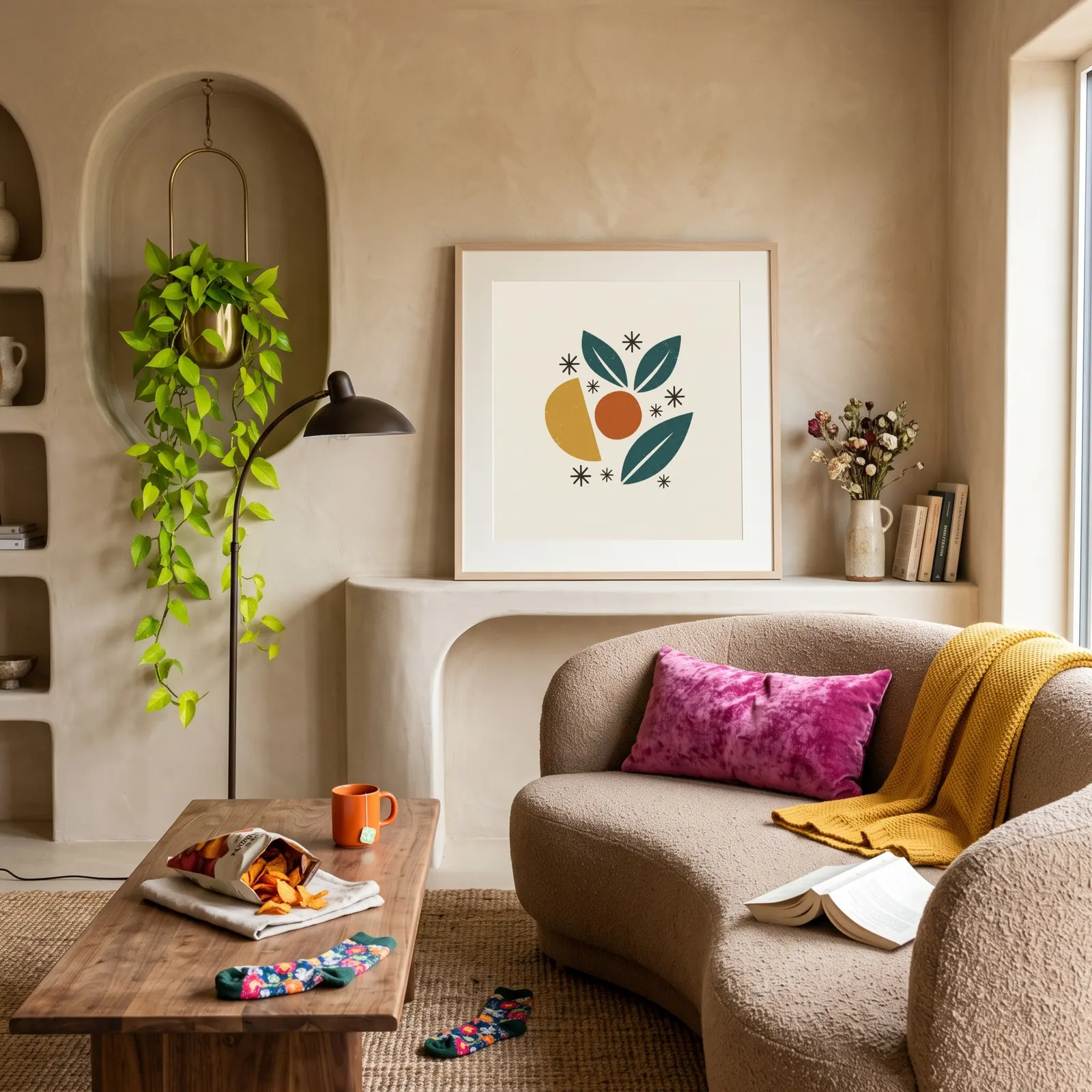
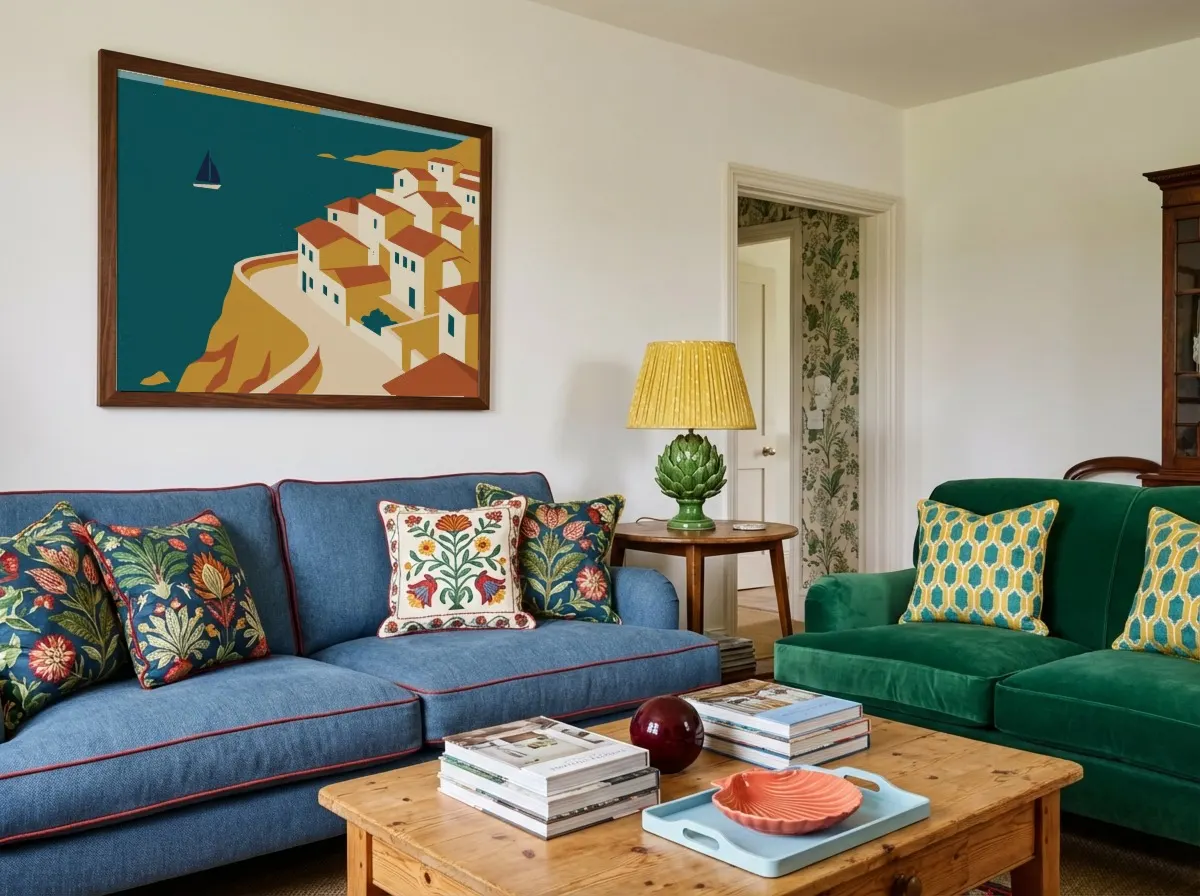
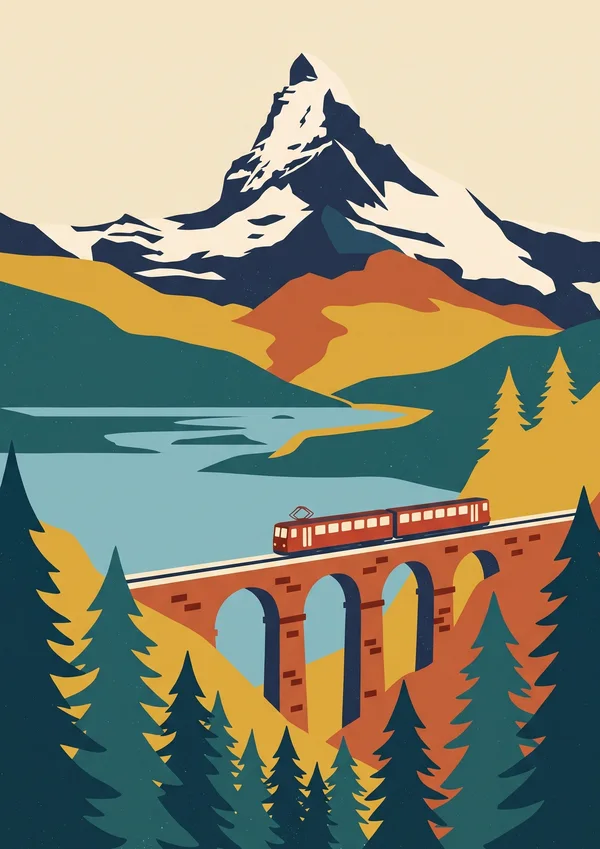
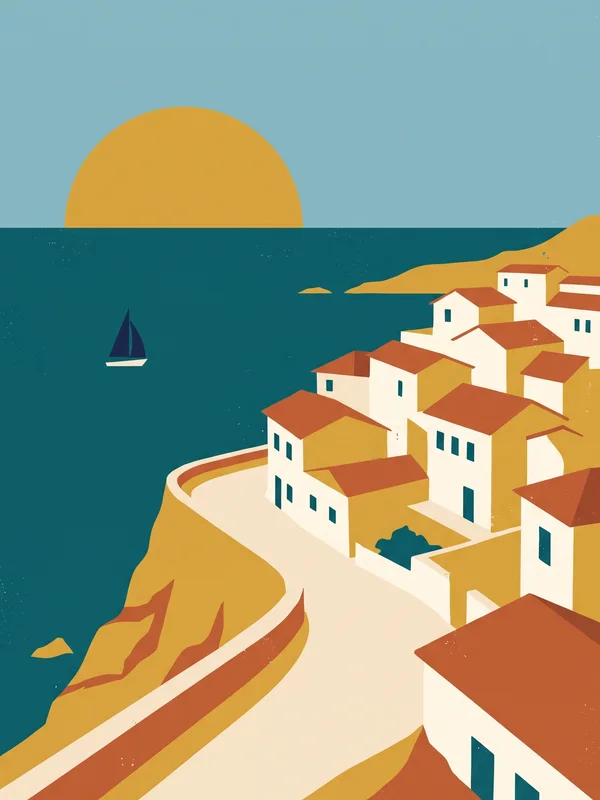
Every frame has a ratio. Match yours.
Each template in the library is set to one print ratio. Filter by your print's ratio and your design fills the frame edge to edge, nothing cropped or stretched. If a design doesn't match, the editor tells you.
Frame ratio
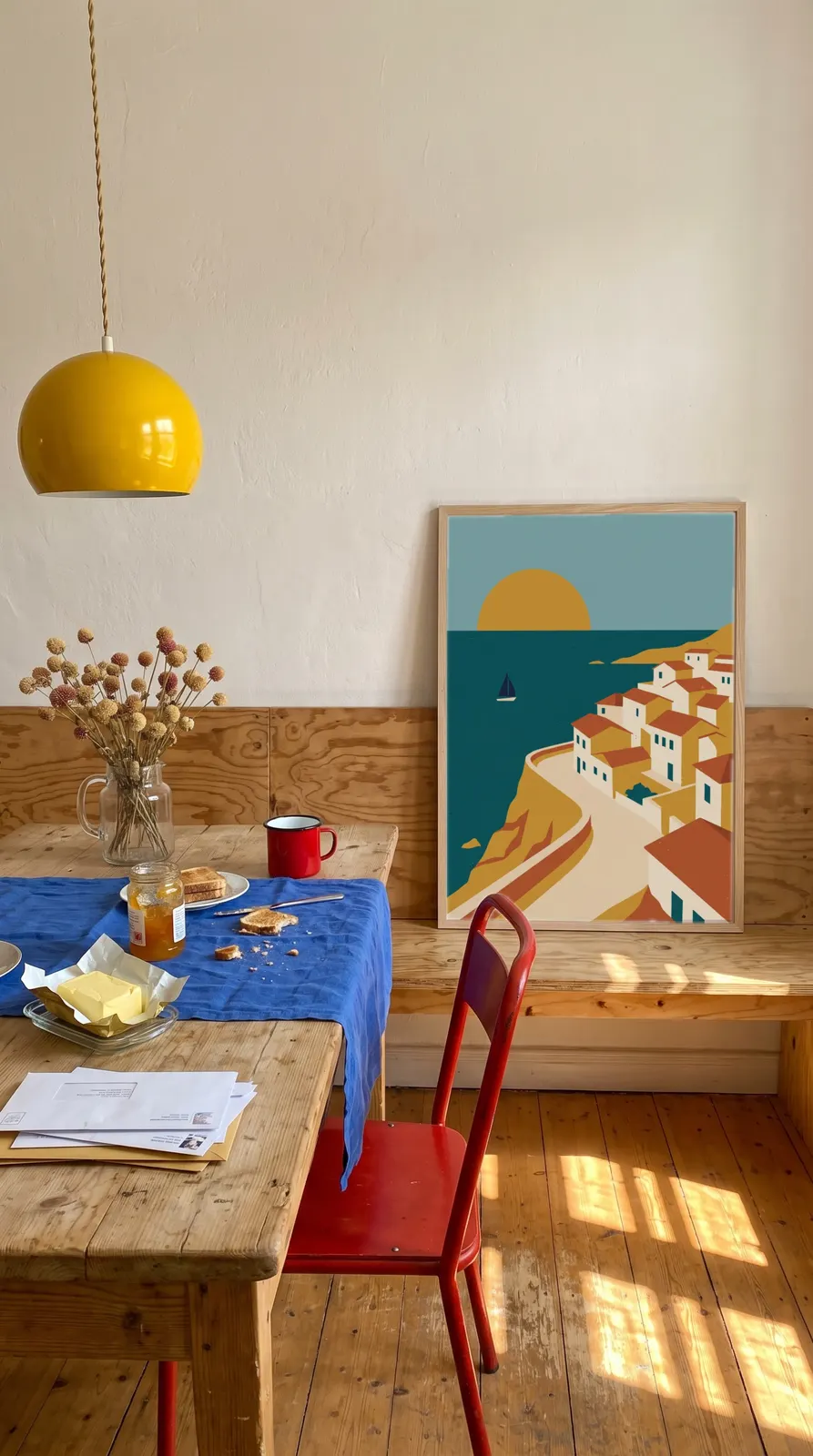
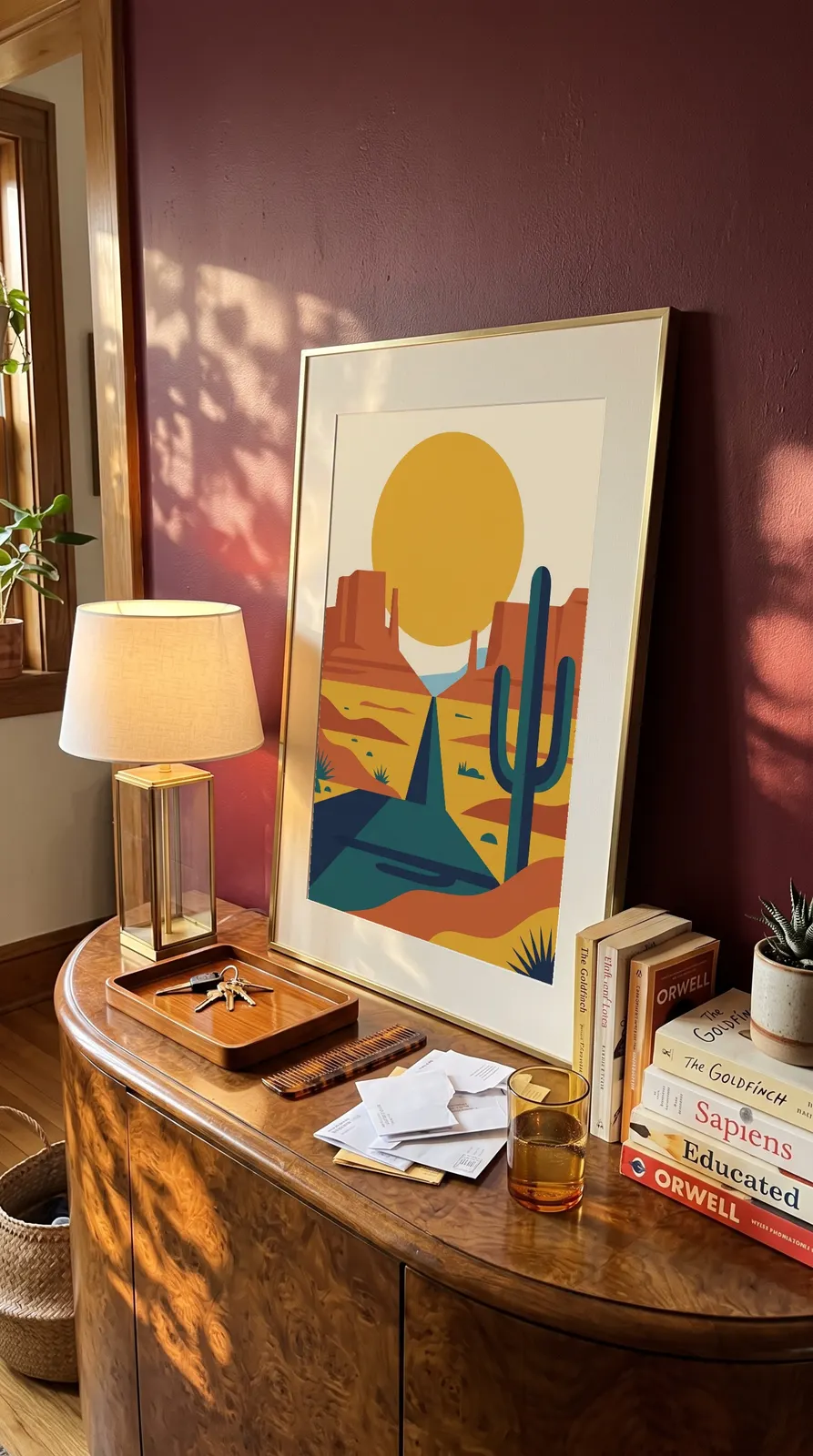
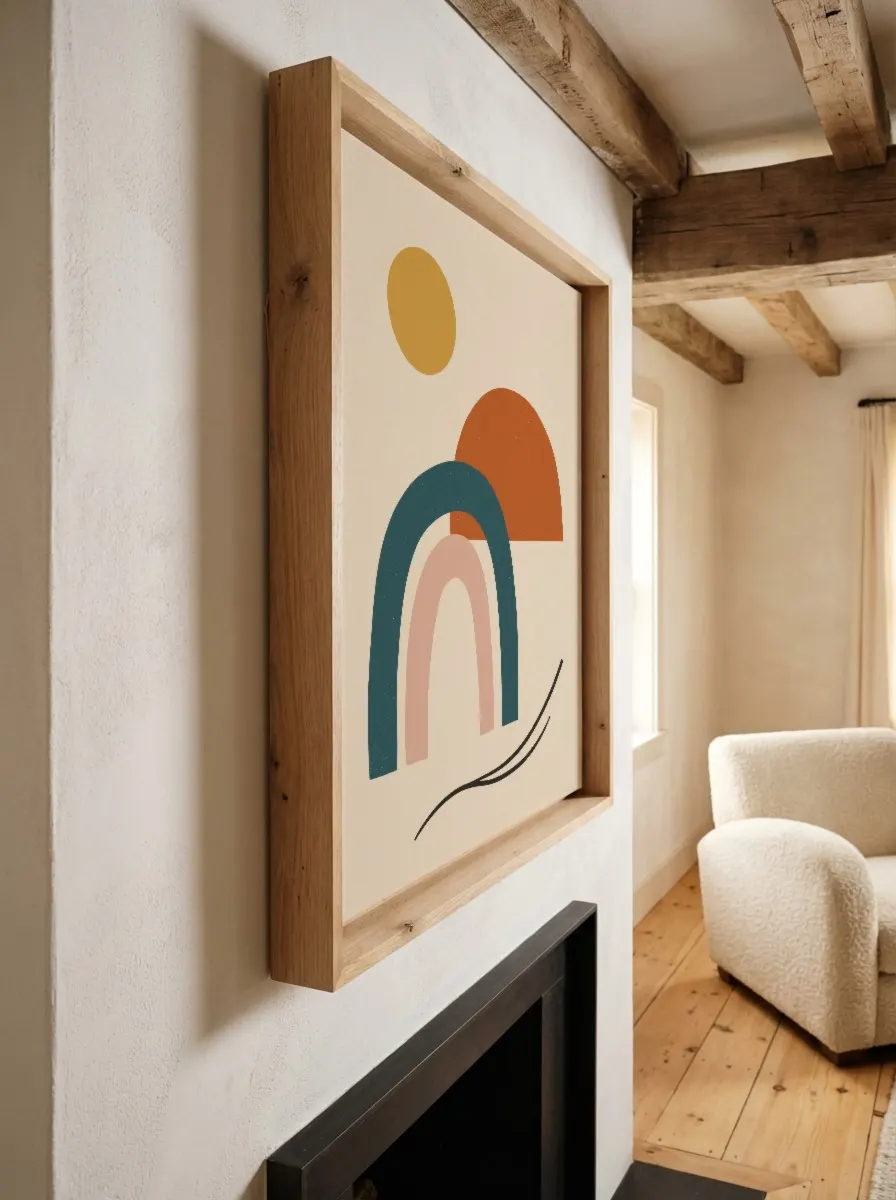
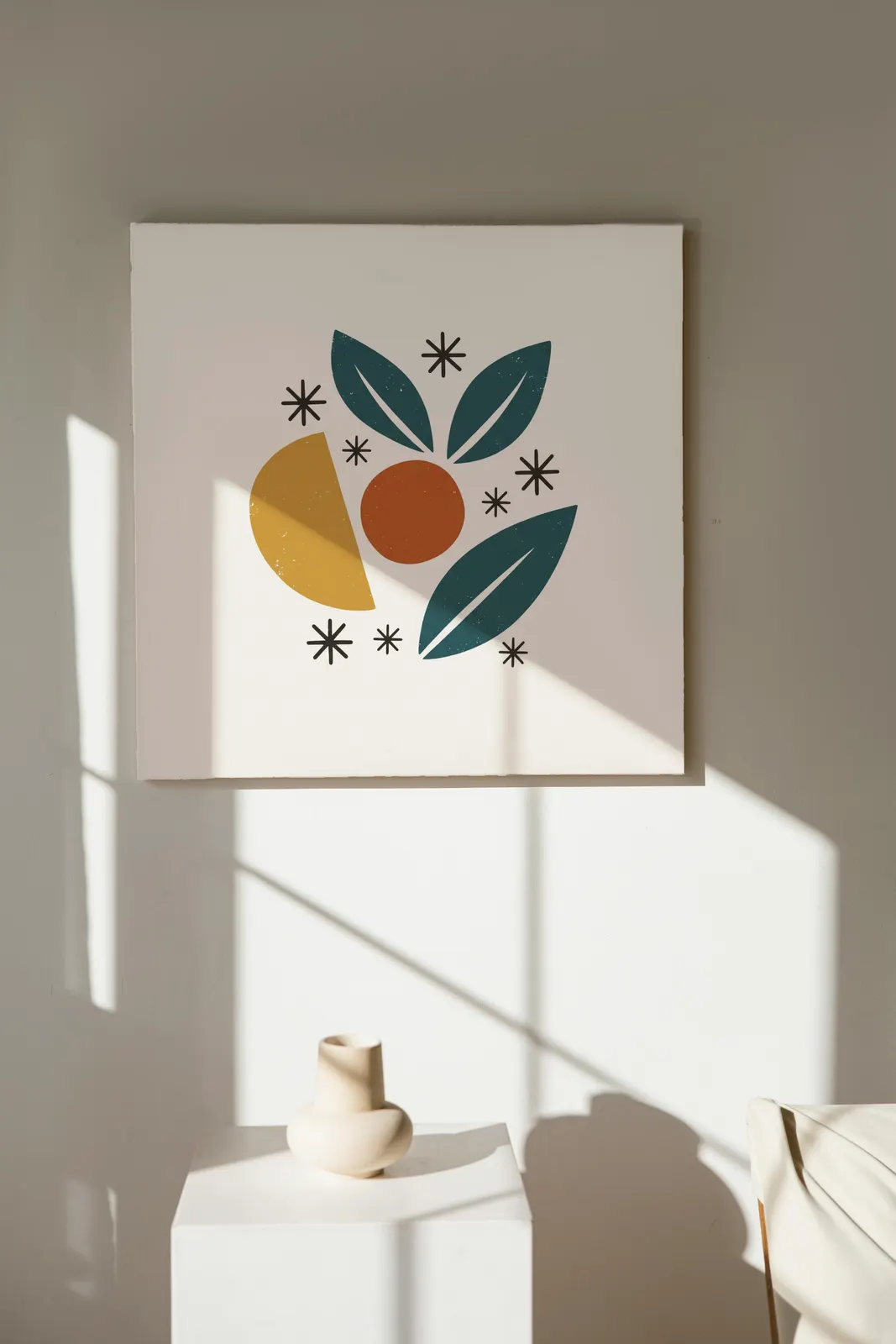
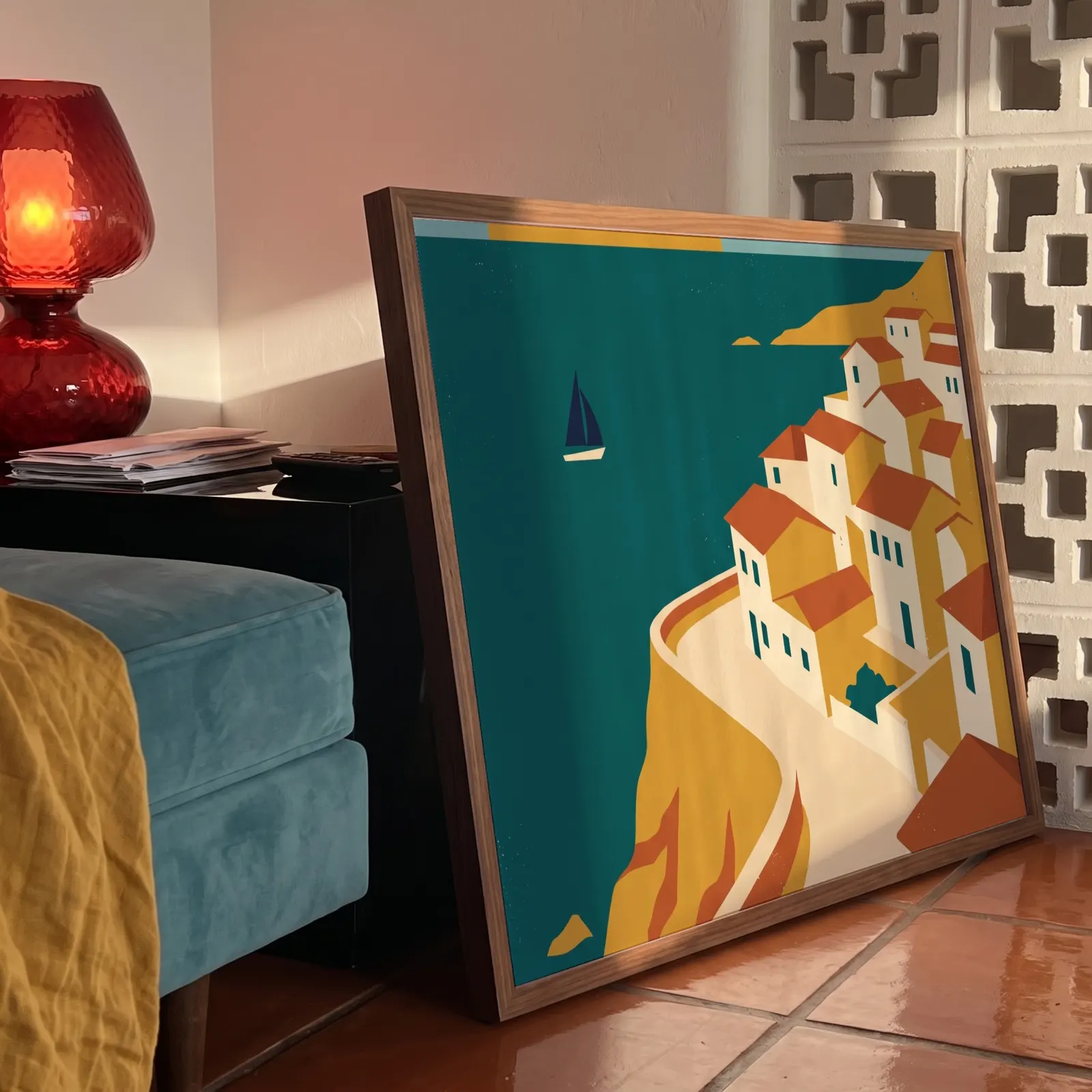
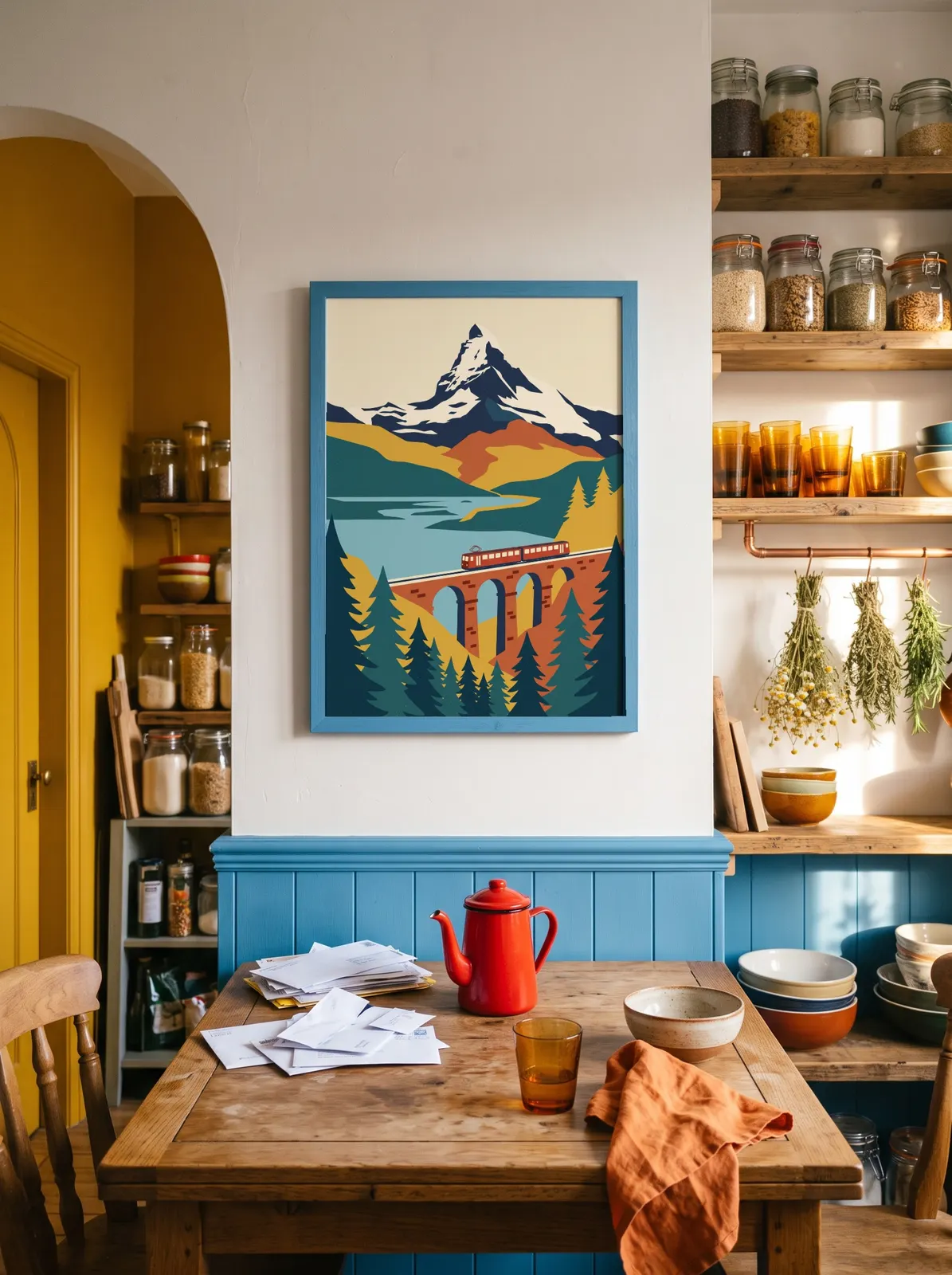
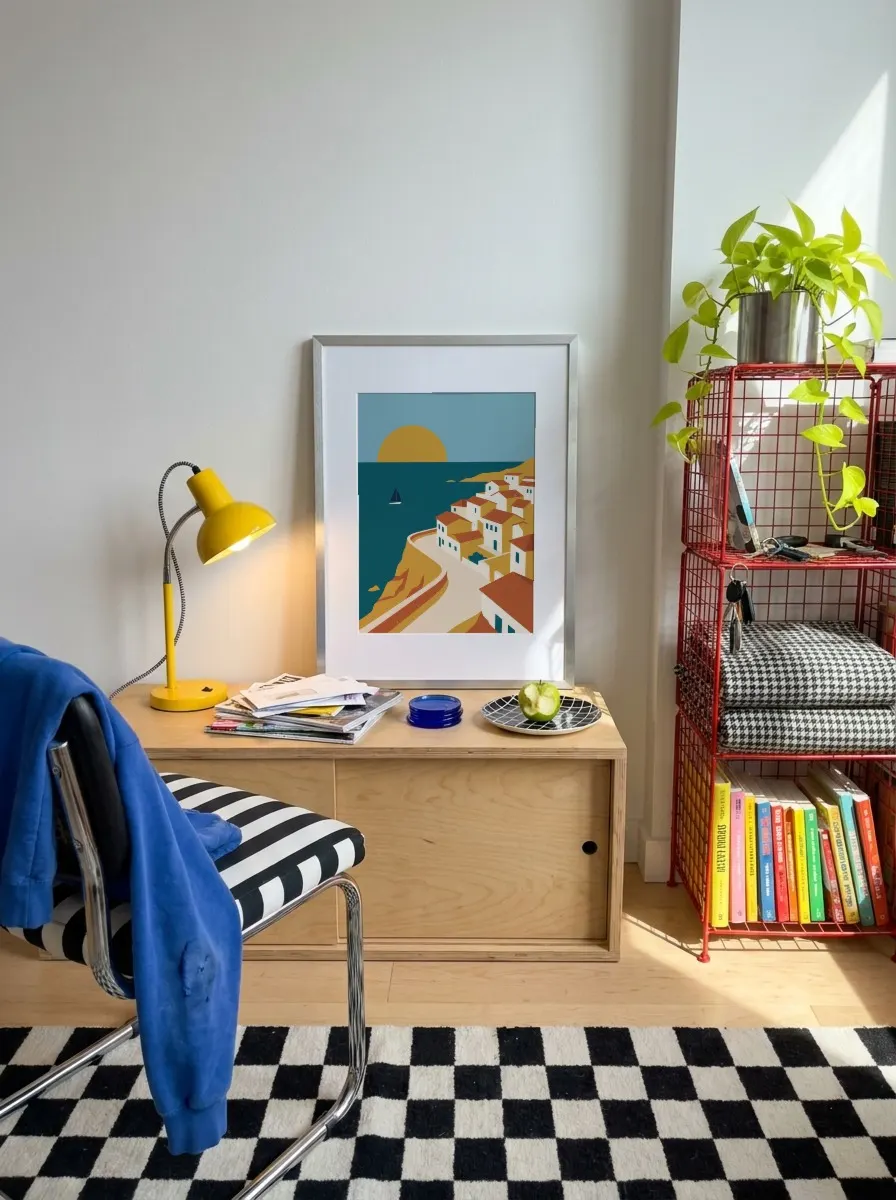
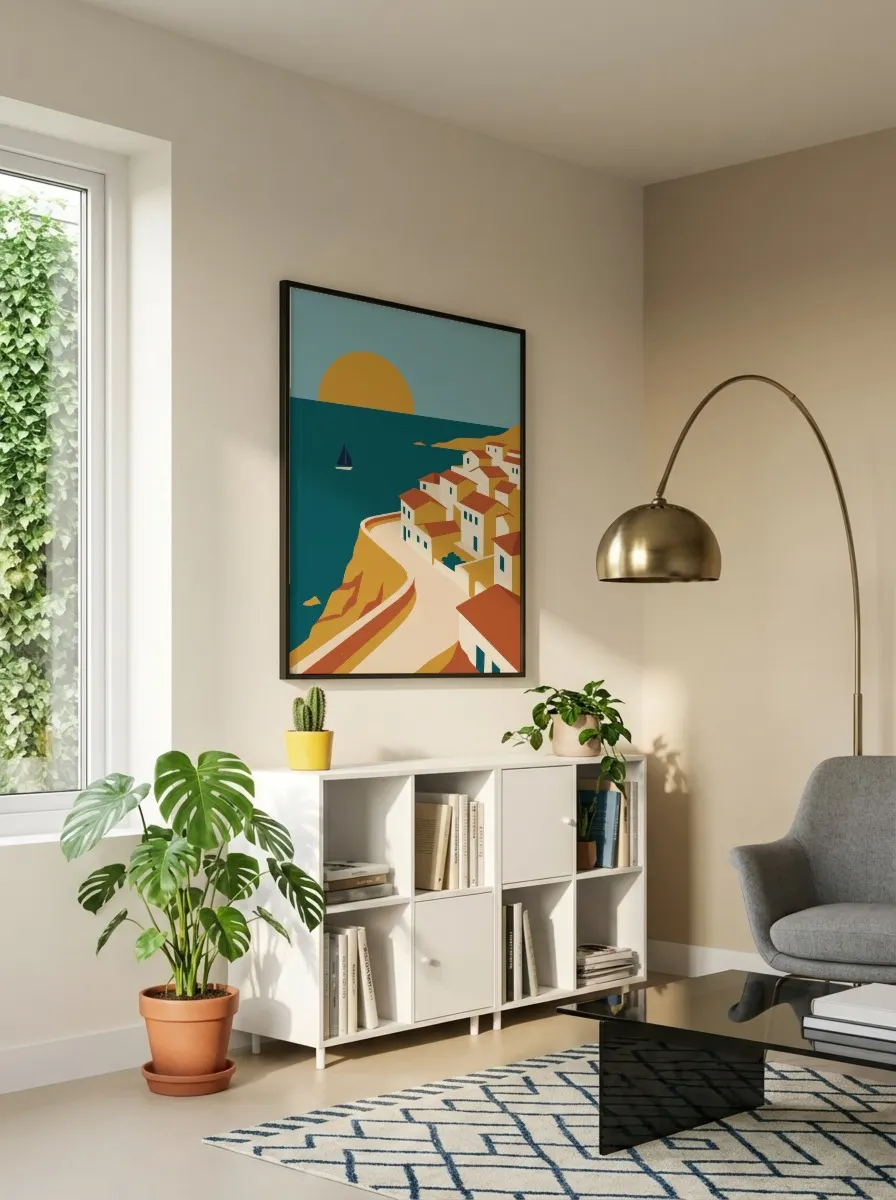
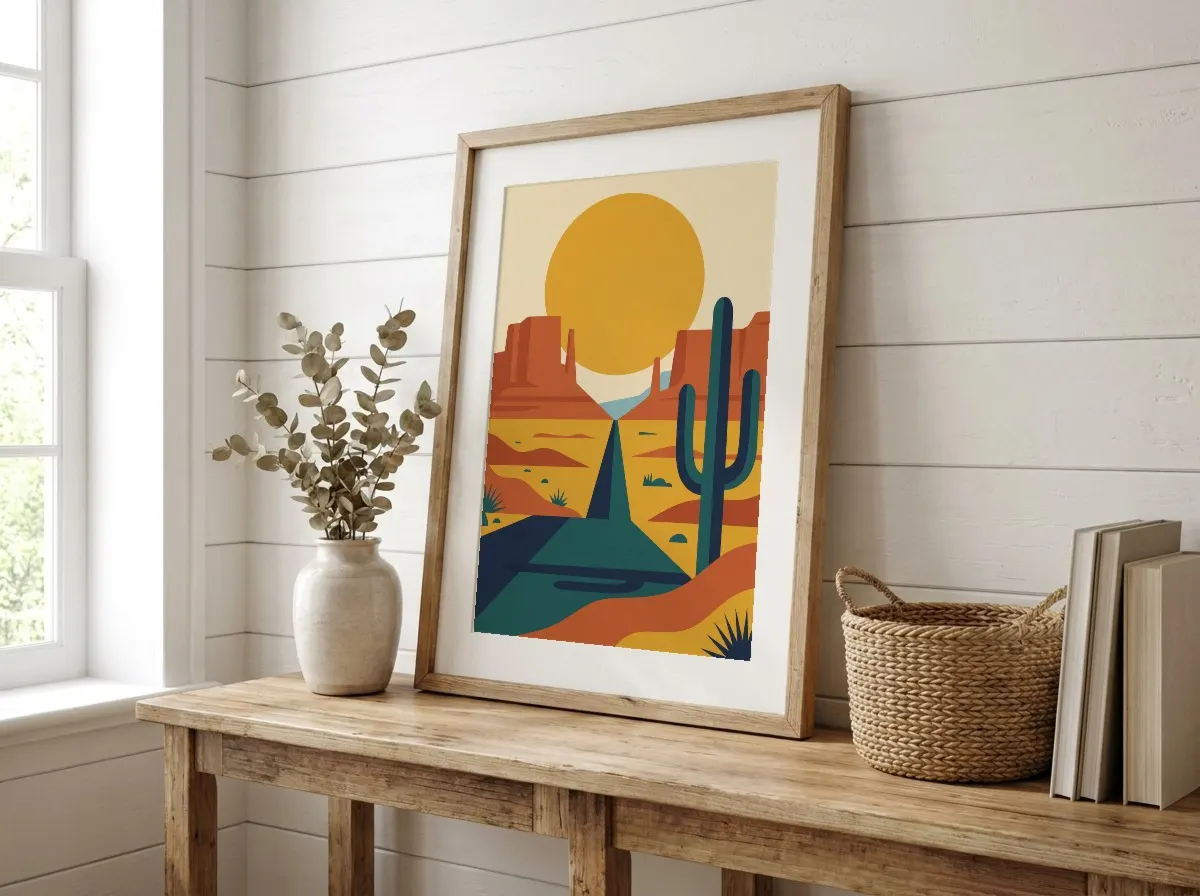
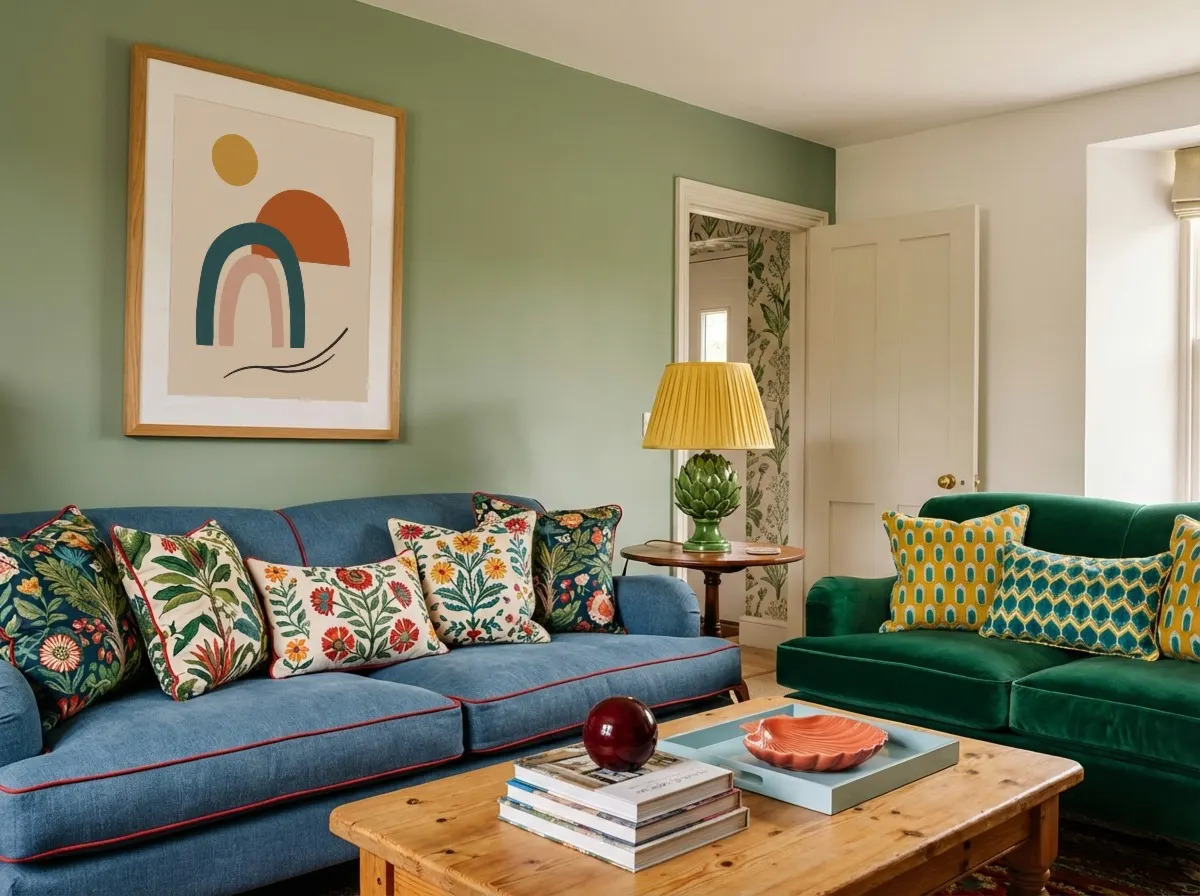
 Original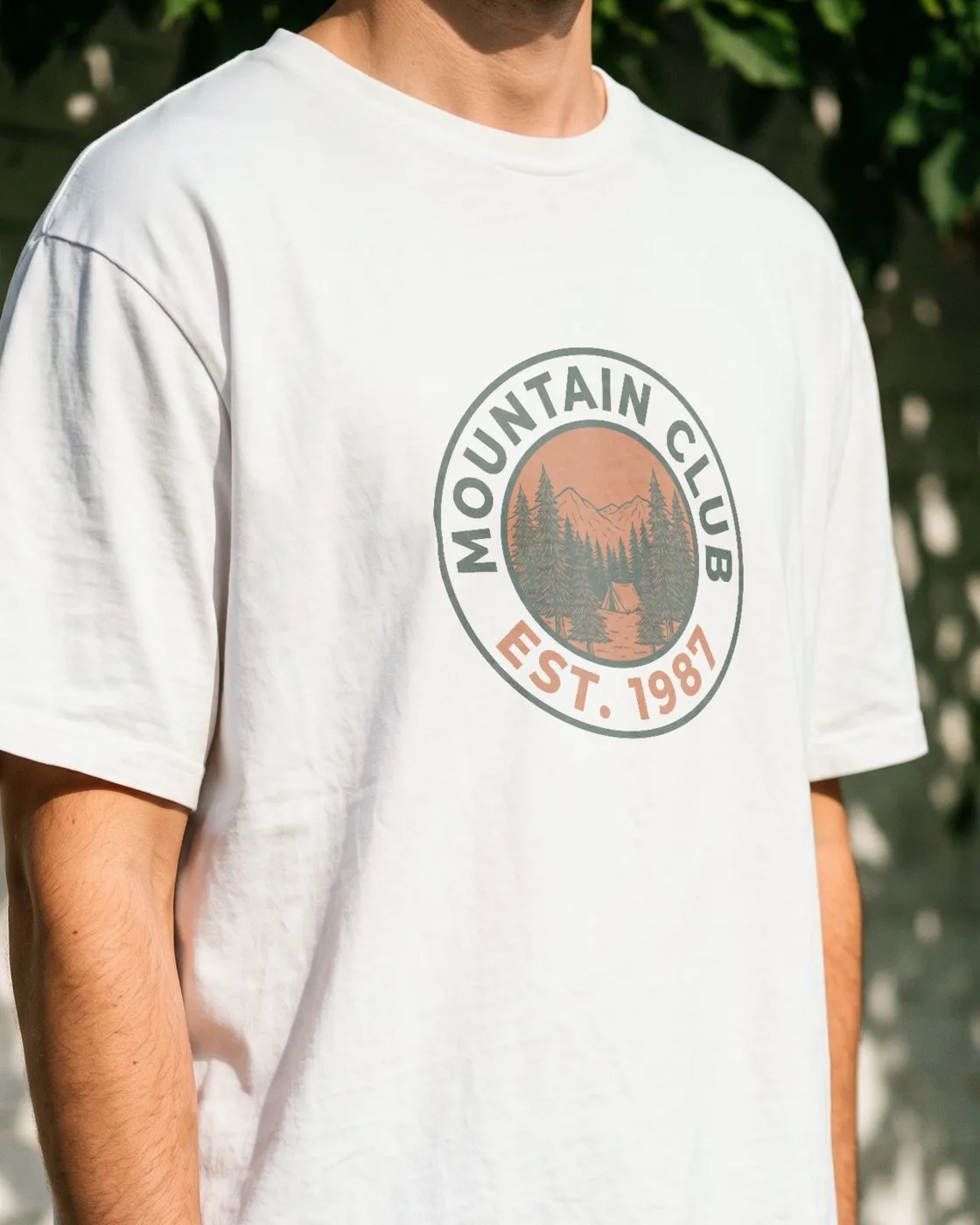
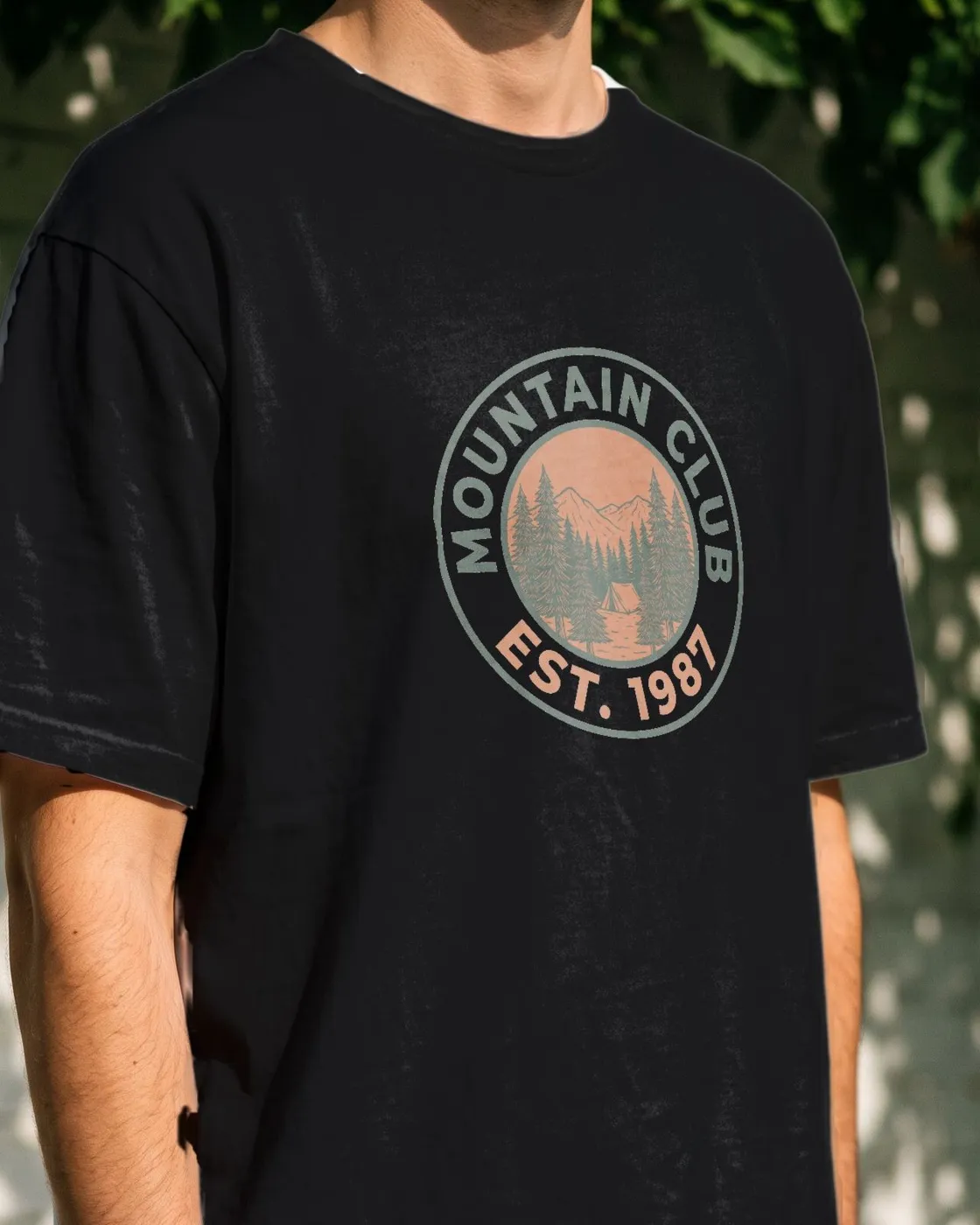
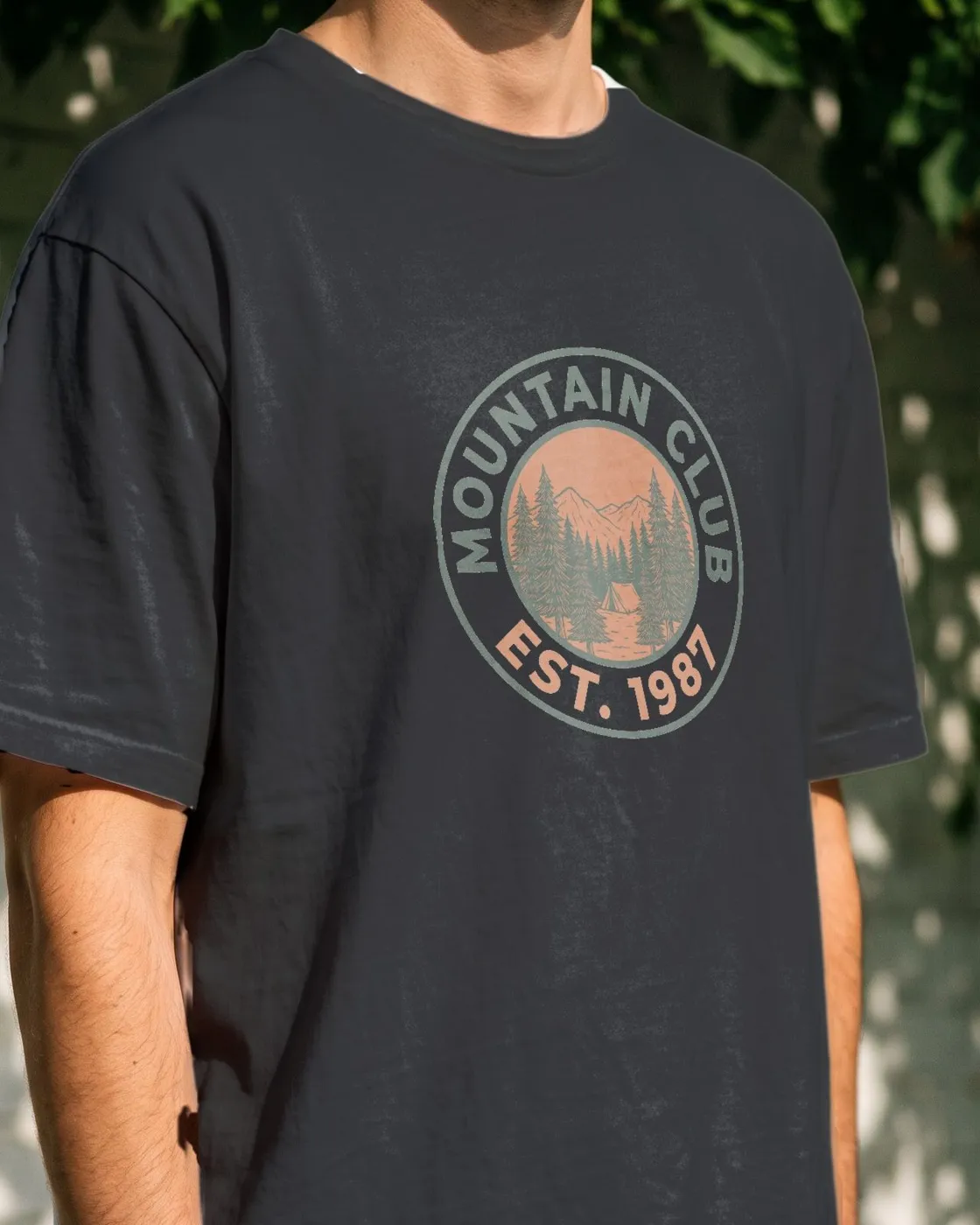
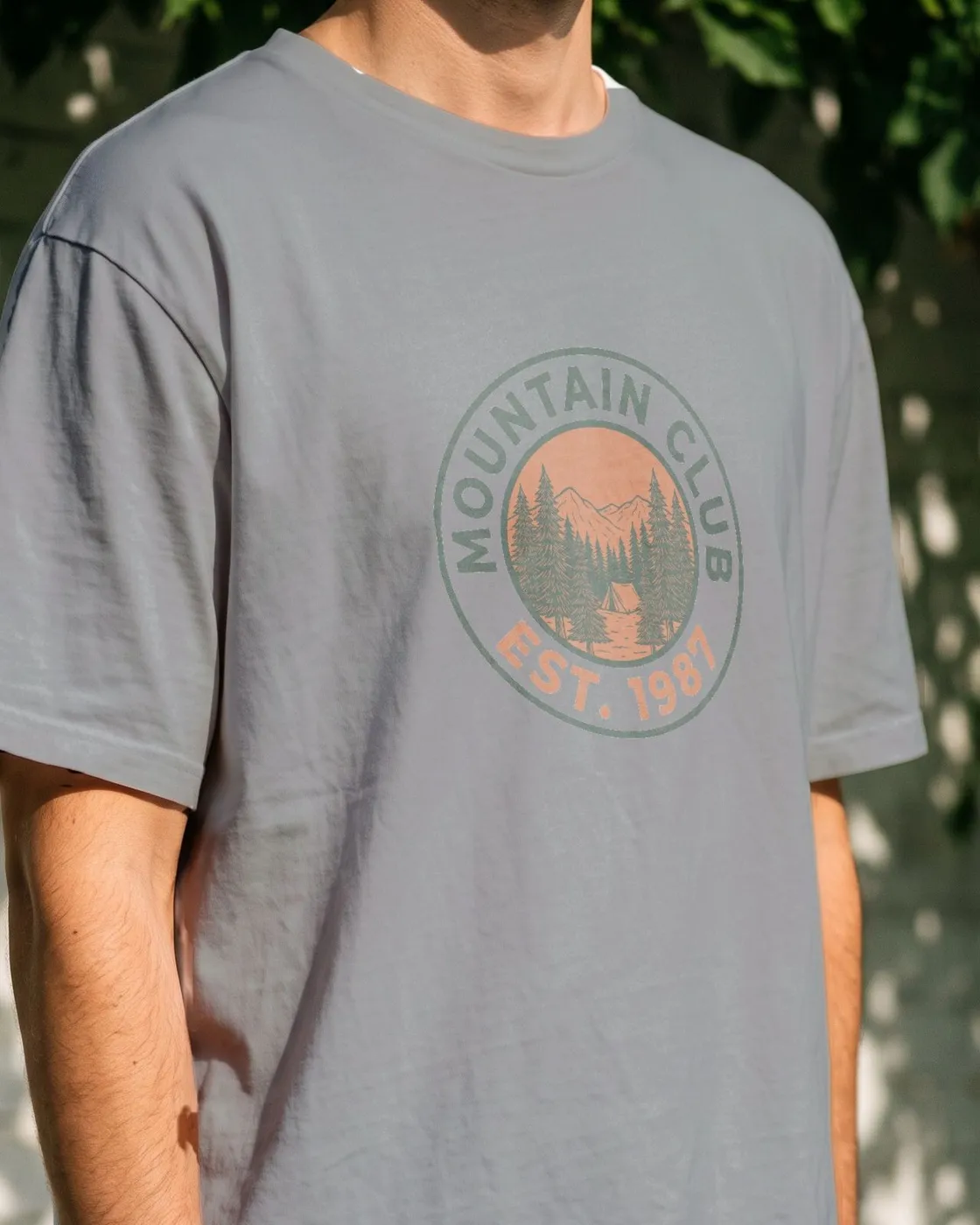
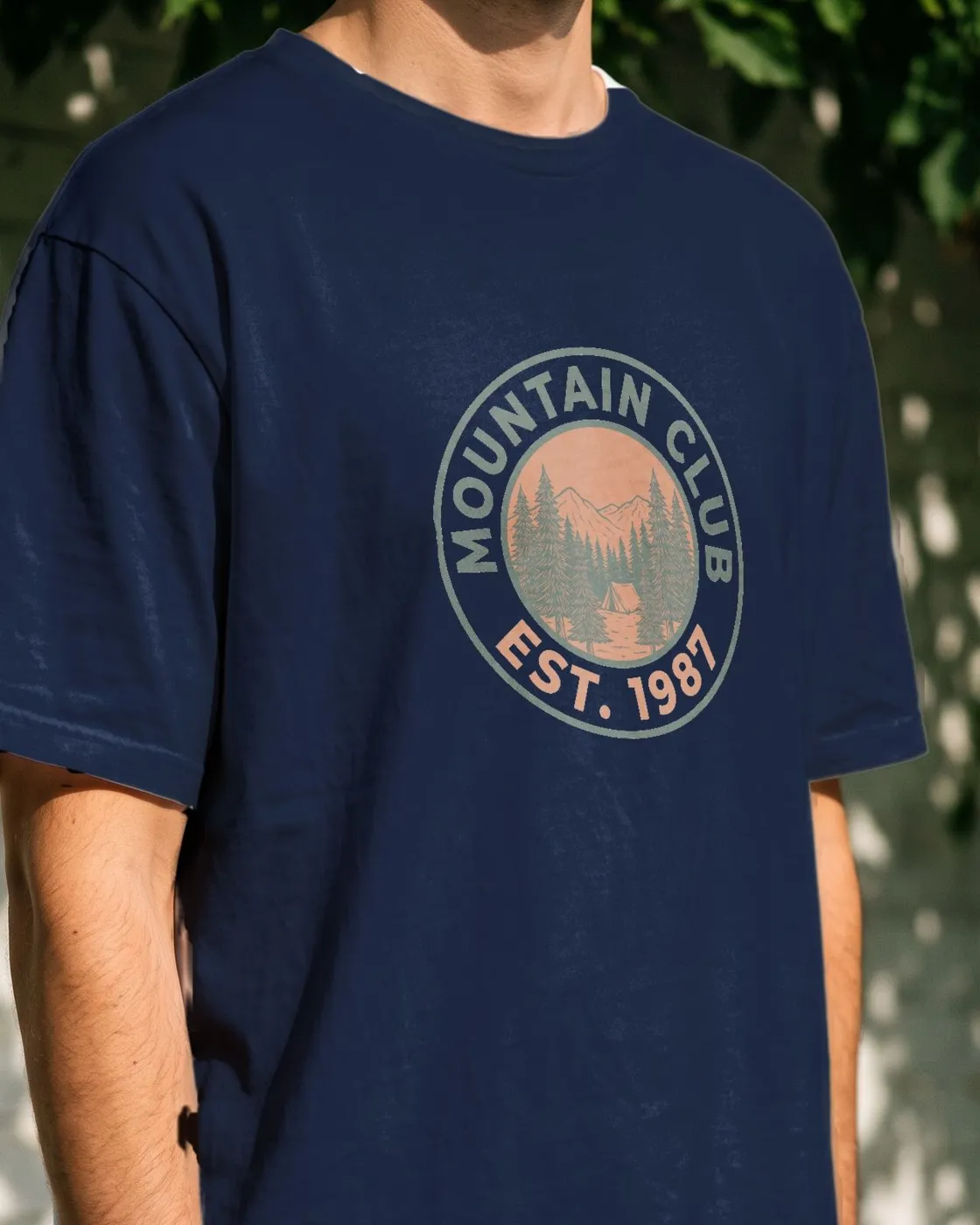
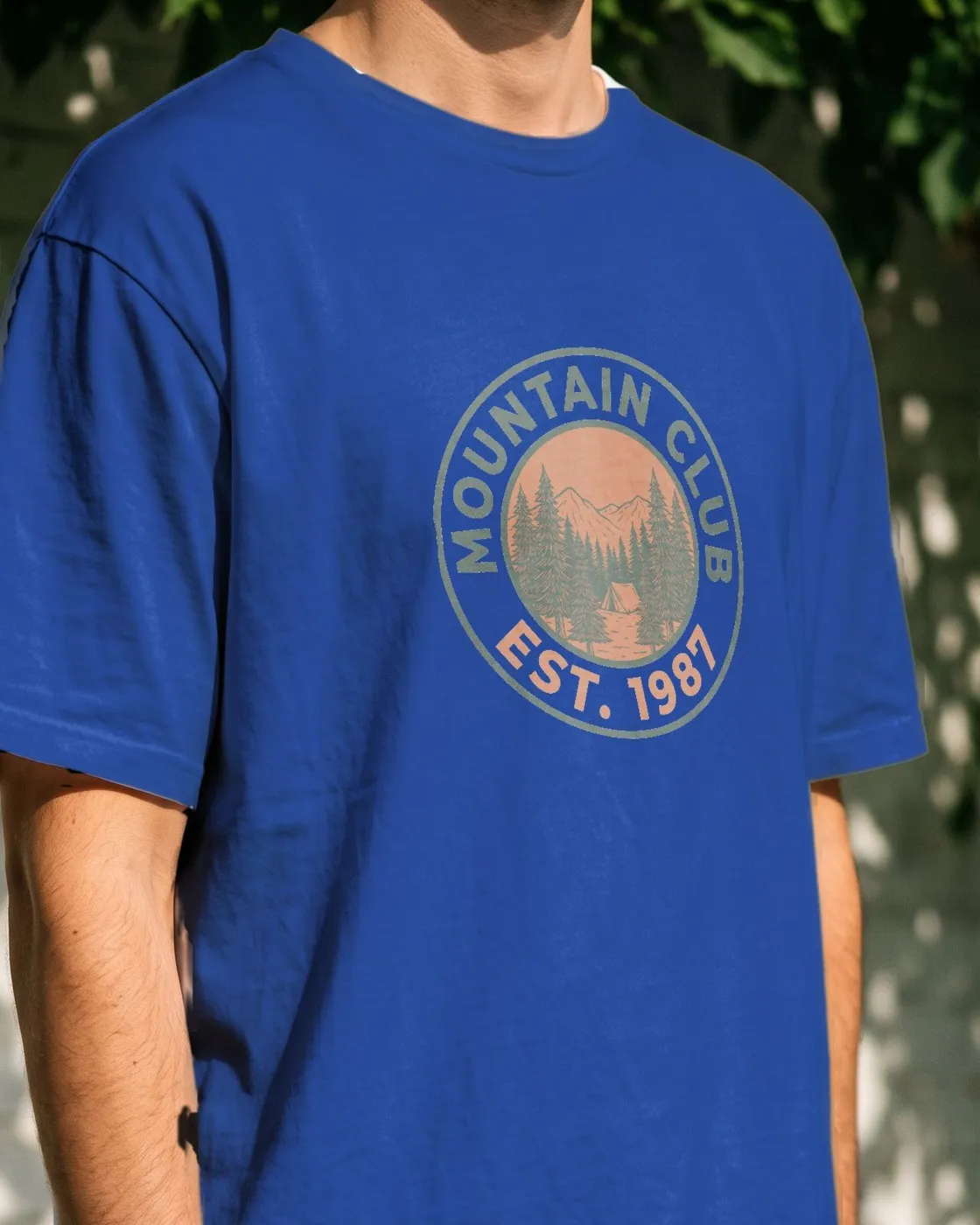
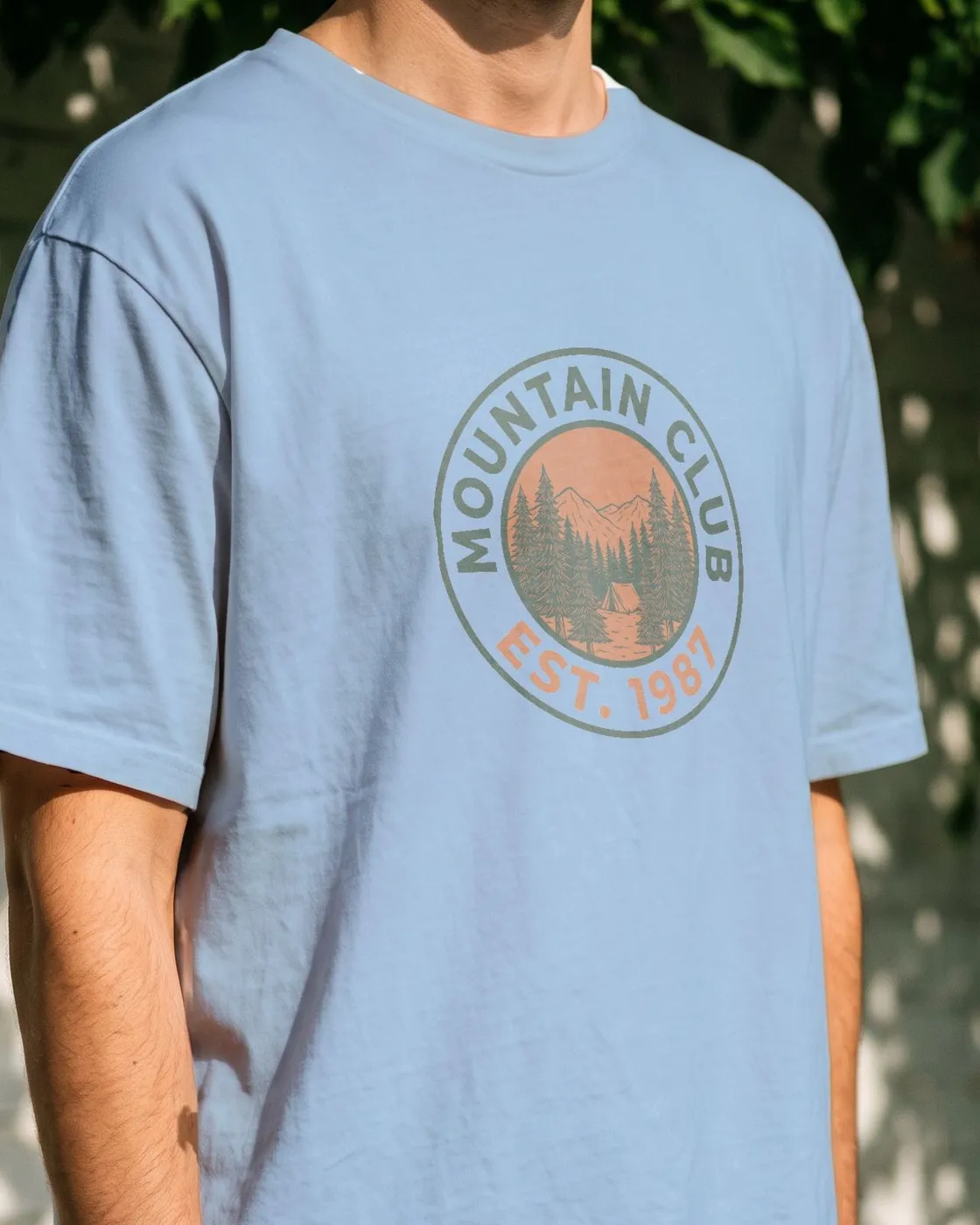
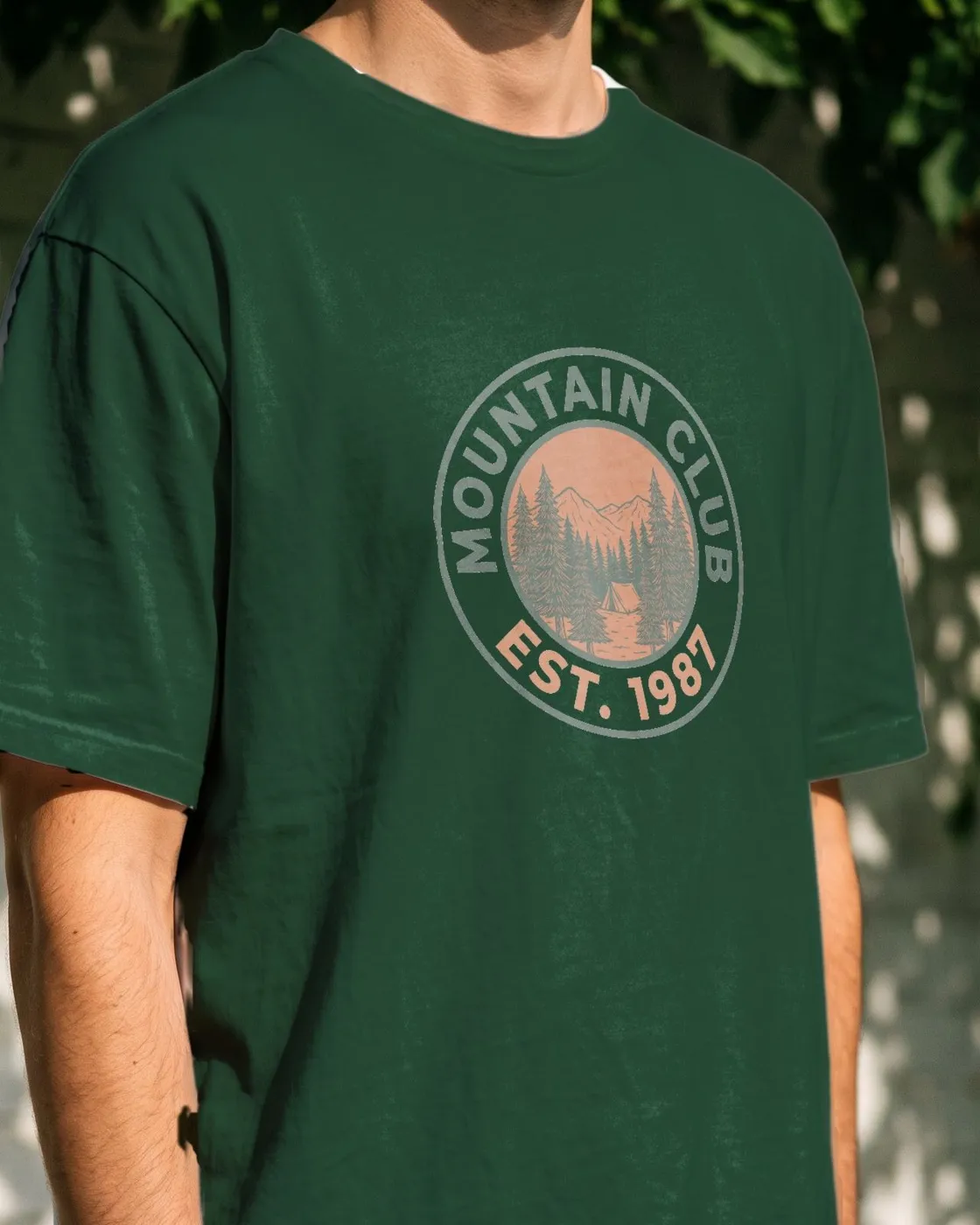
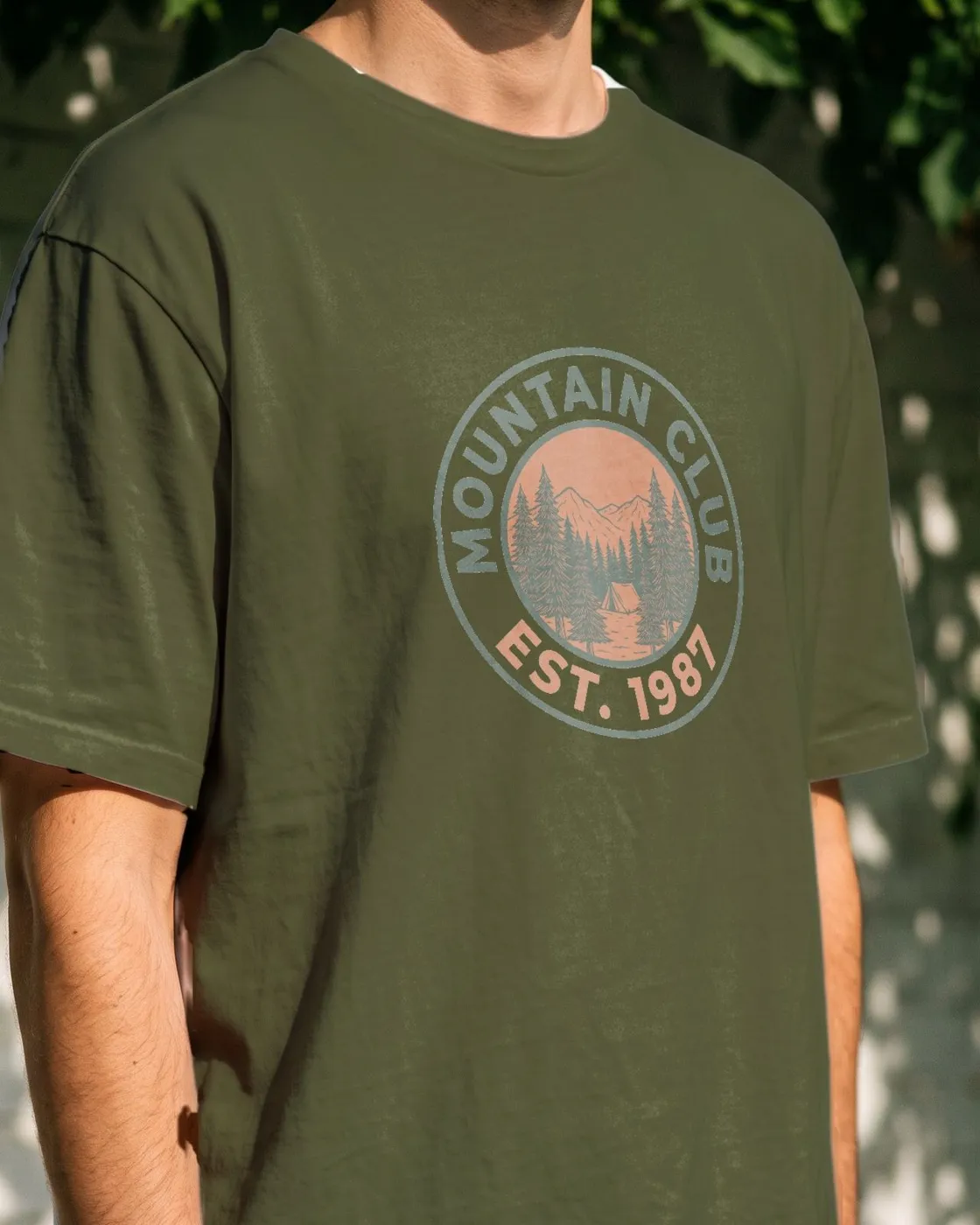
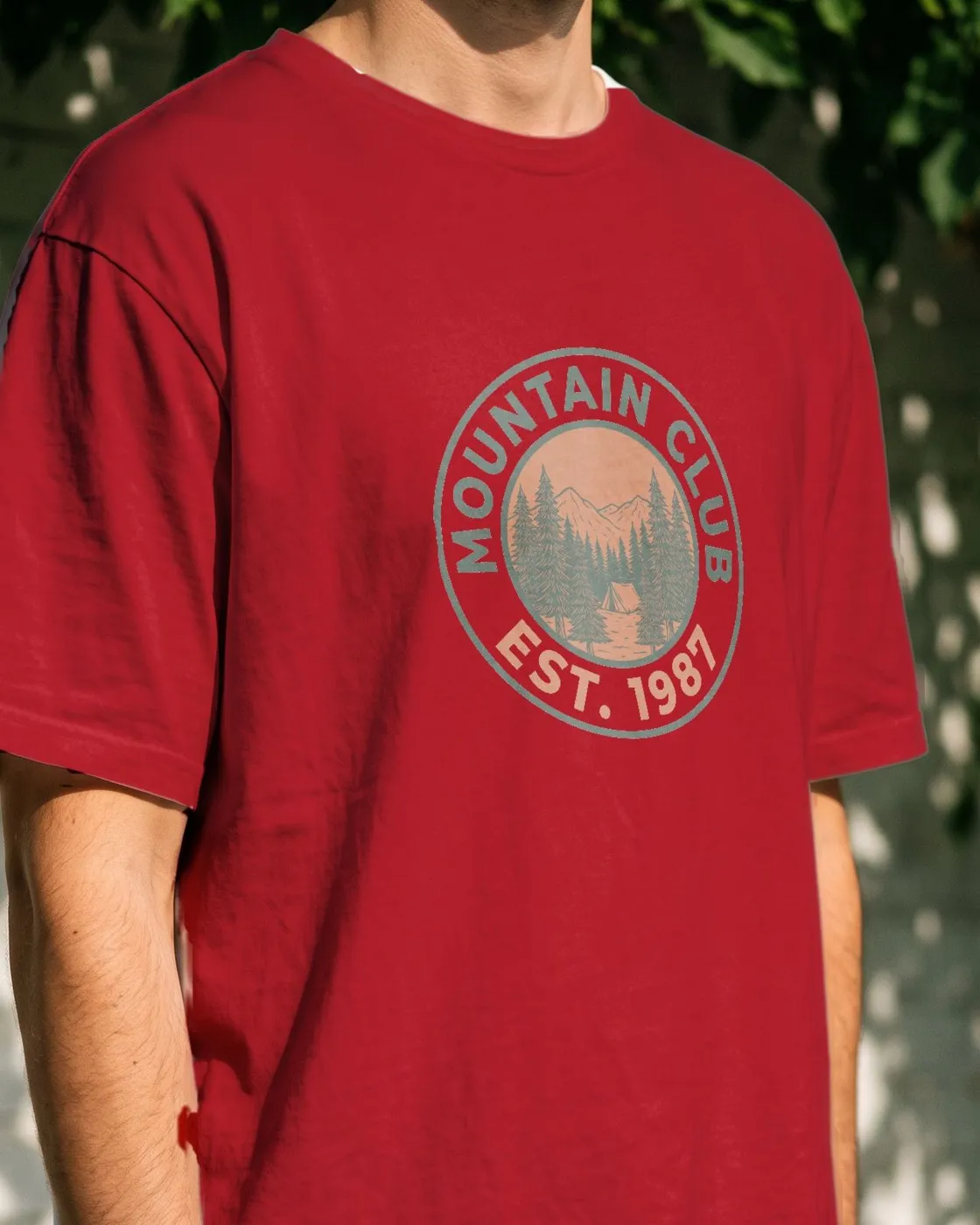
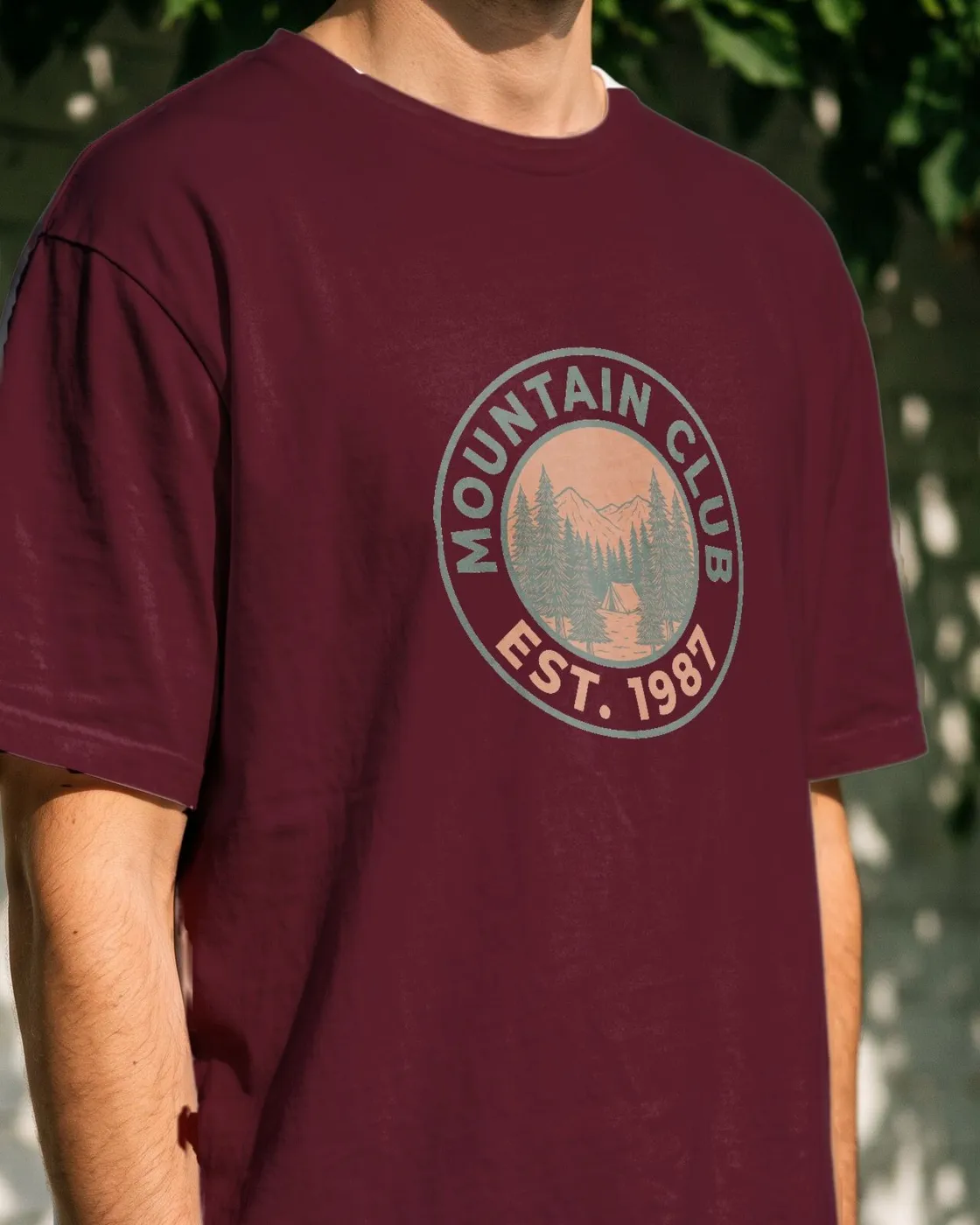
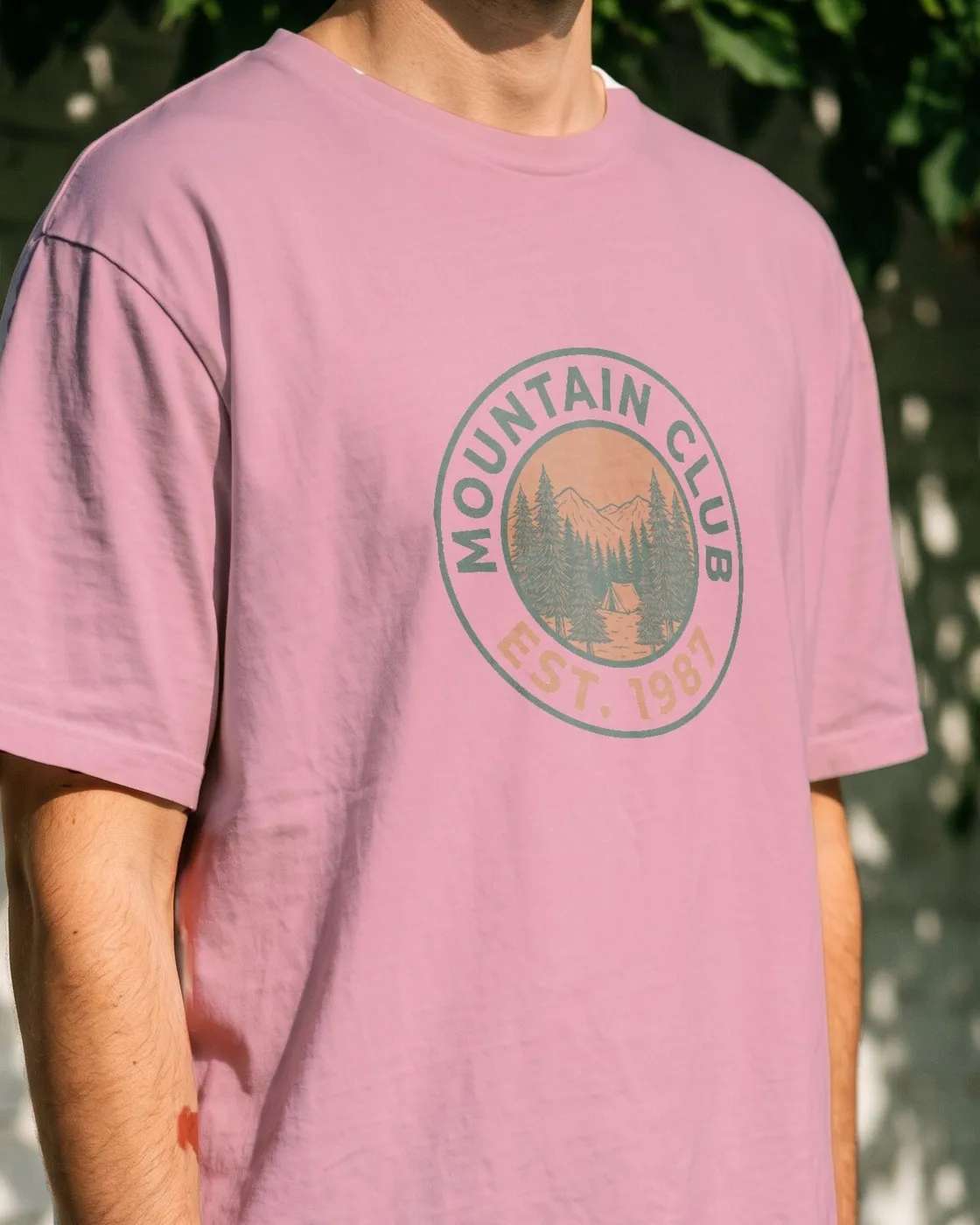
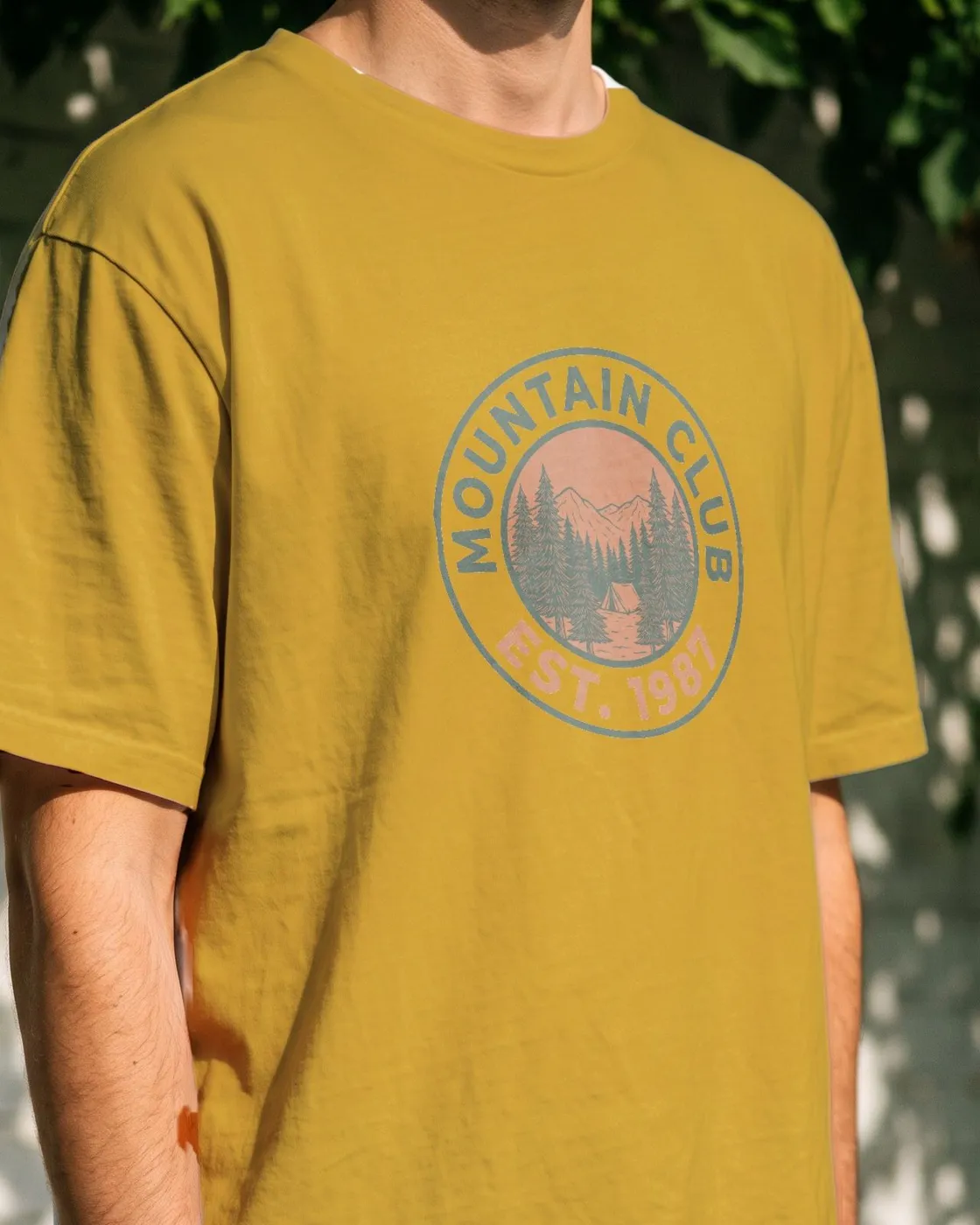
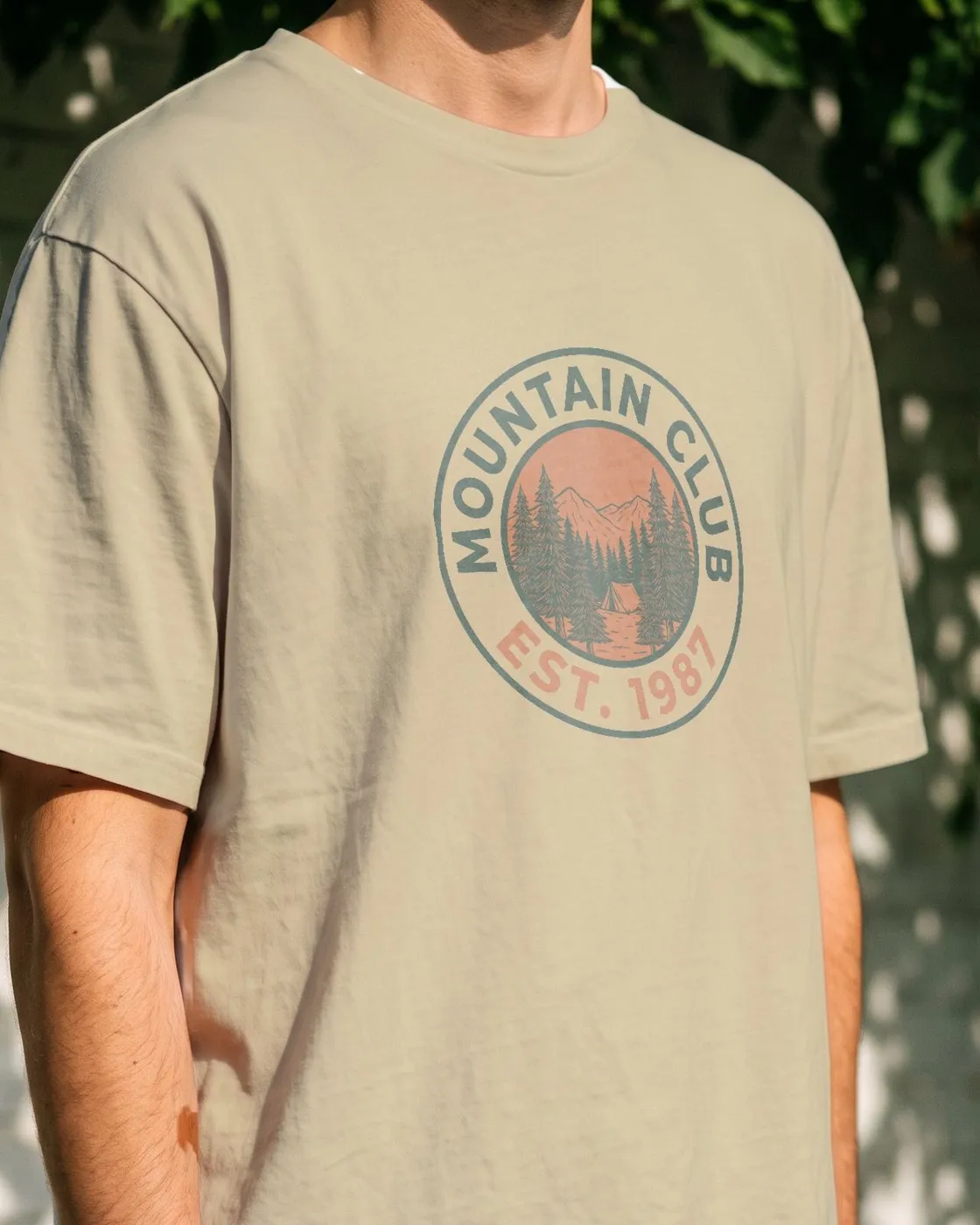
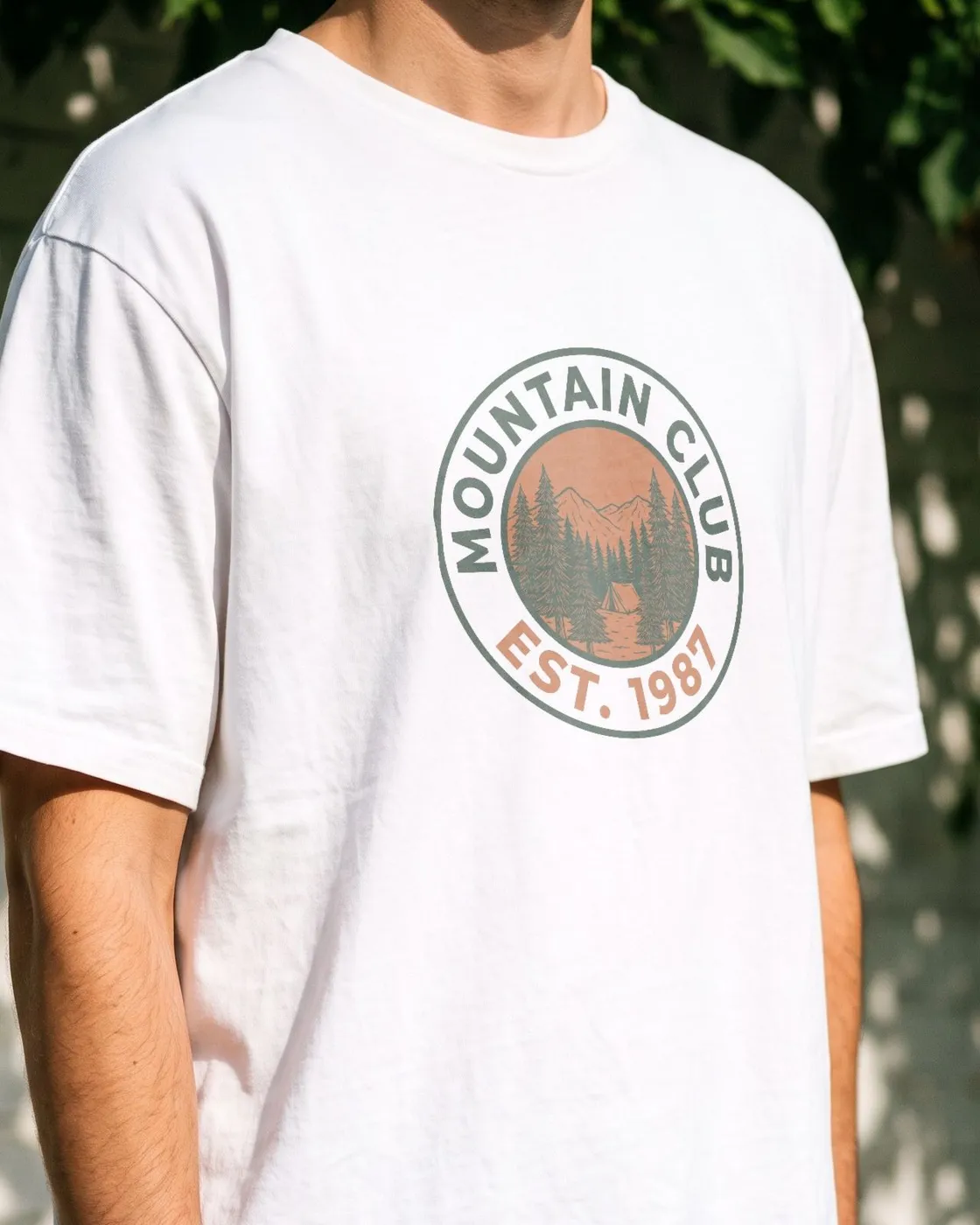
Garment color
Every color you sell, from one photo
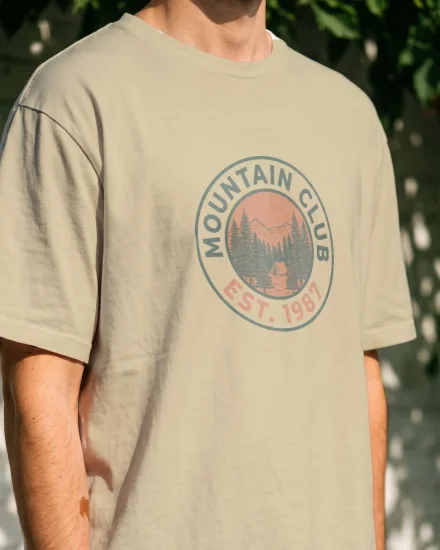
Pick a garment color and the shirt is redrawn in it. One tee photo covers your whole color range, ready to list.
- Folds, shadows and fabric texture stay in place
- Your print sits in the fabric like ink, on any color
- Drag and resize on the shirt, live, like on a frame
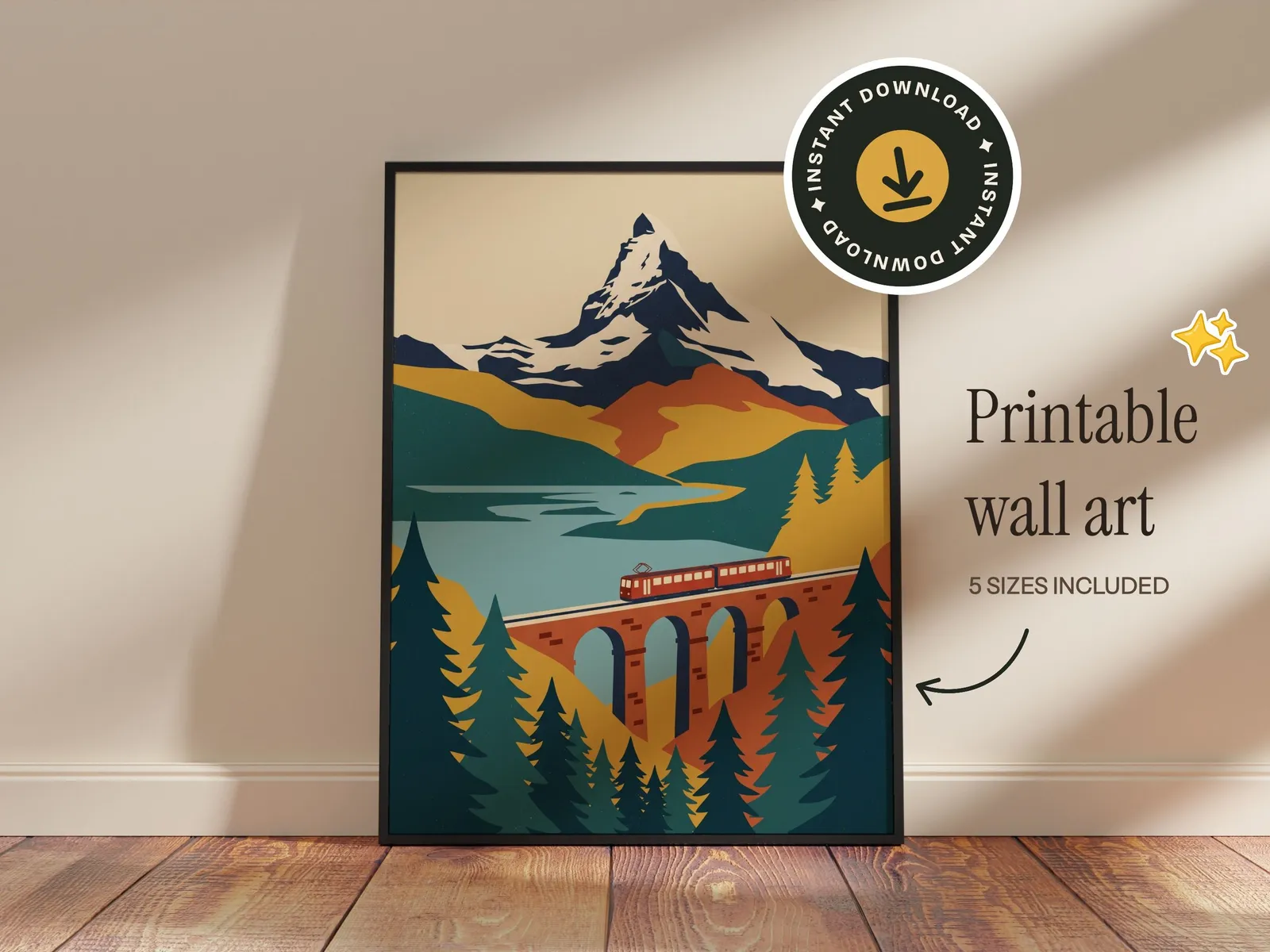
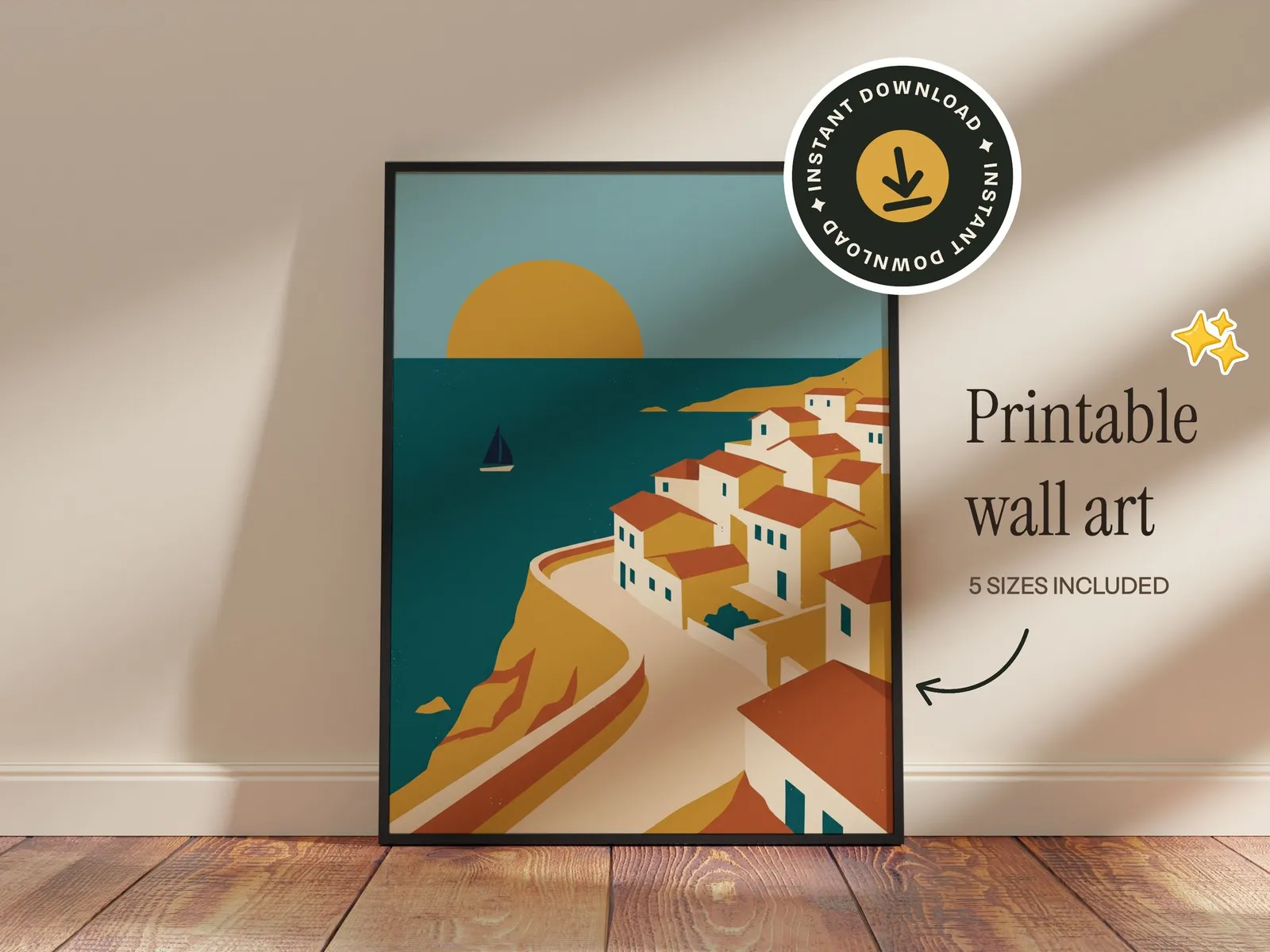
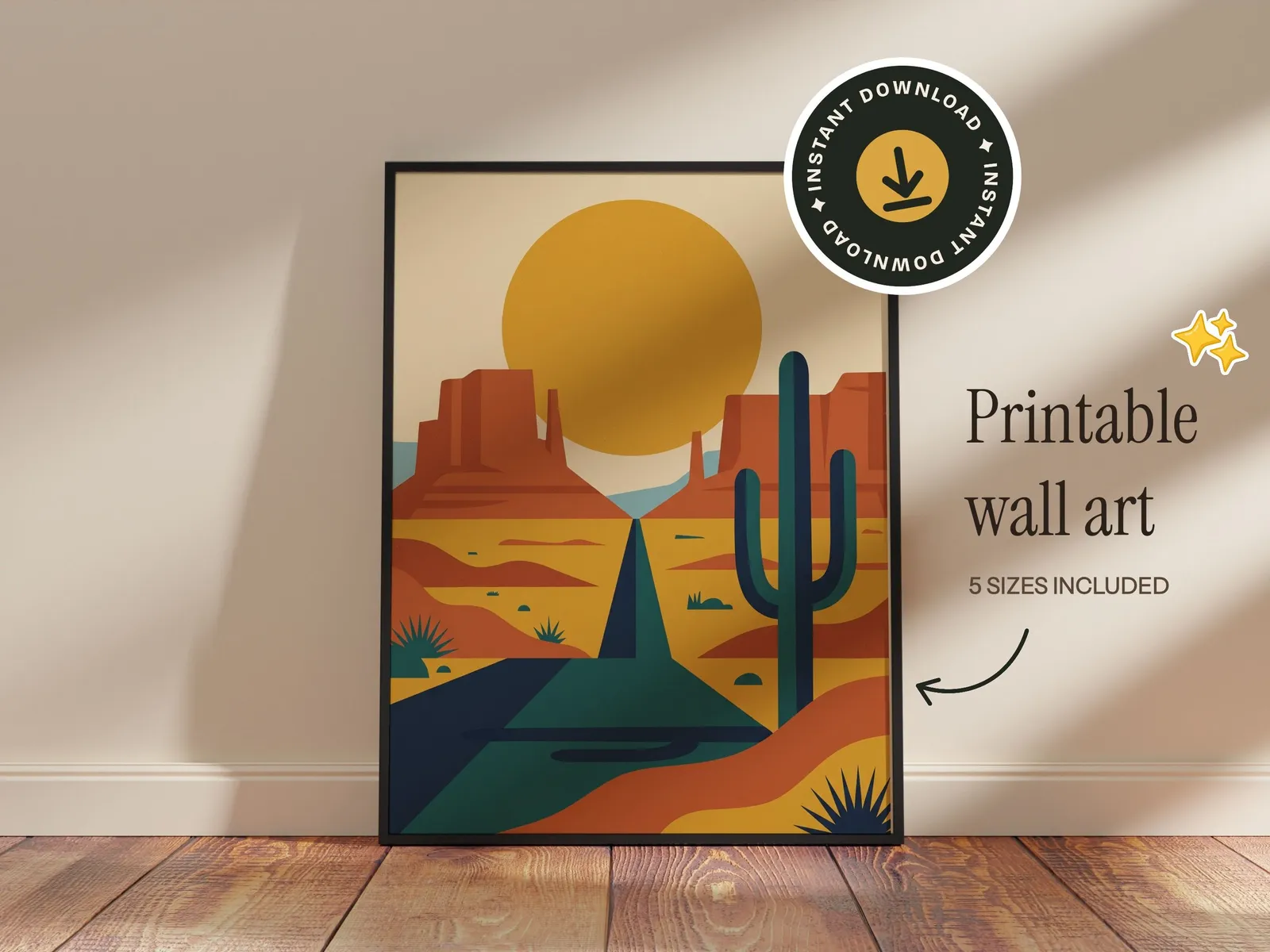
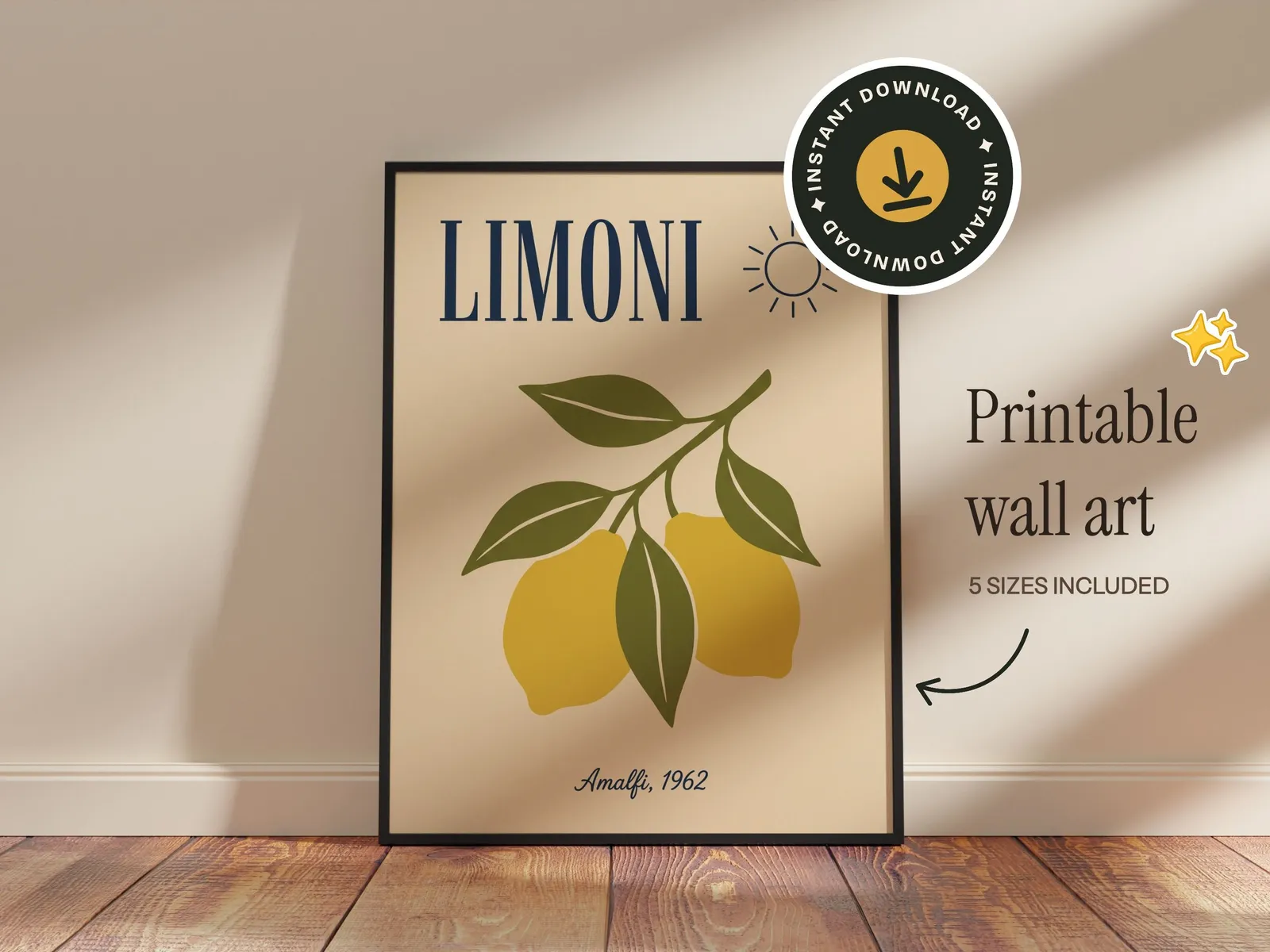
Text and graphics
Set it up once. Reuse it for every design.
Brand a template the way your shop looks and keep it. New designs drop into the same setup, so every listing in your shop matches.
- 1
Add stickers and badges
Pick from the built-in stickers, badges and doodles, or upload your own logo.
- 2
Add your text
Shop name, sizes, “instant download”. Over 200 fonts, rendered into the file.
- 3
Save it, then reuse it
Save the setup as your own template. Every new design drops into it, and sets run a design through all your templates at once.
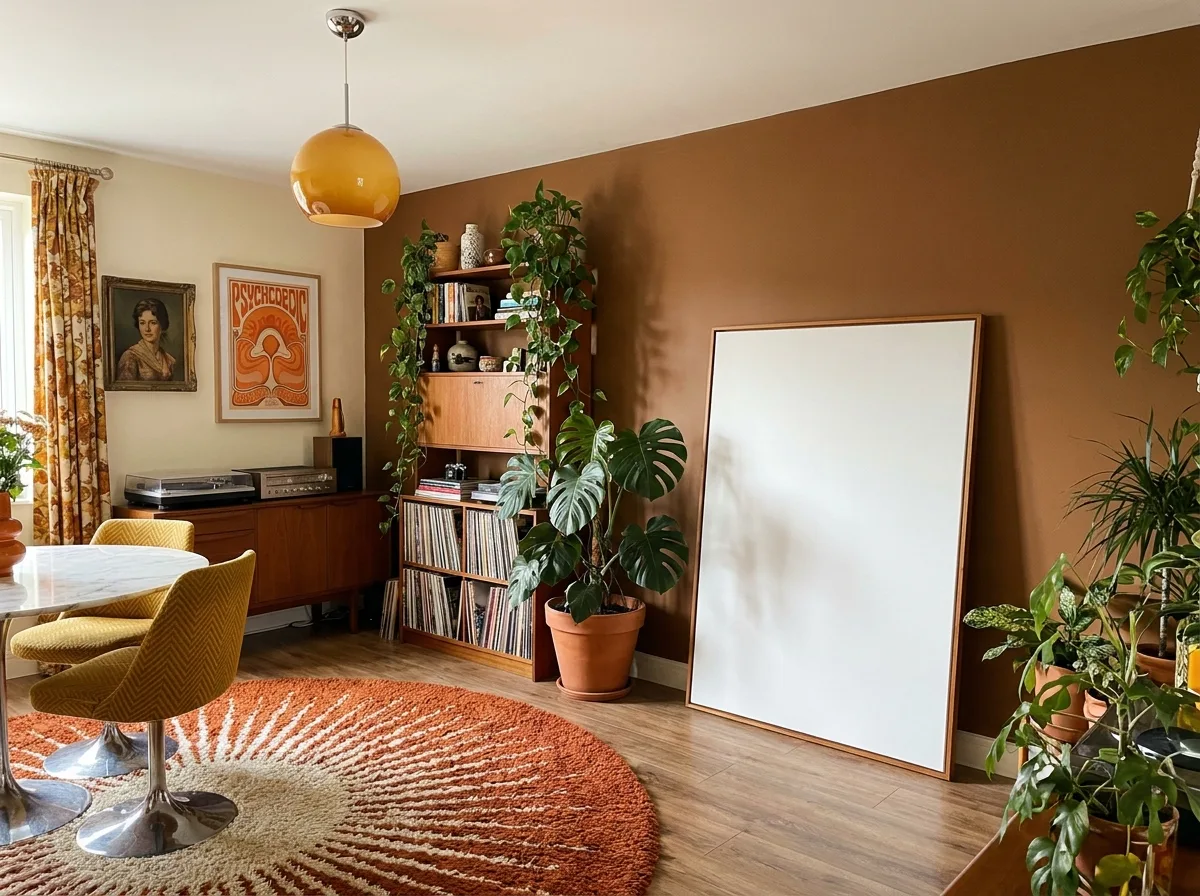
AI scenes
Need a new scene? Just ask.
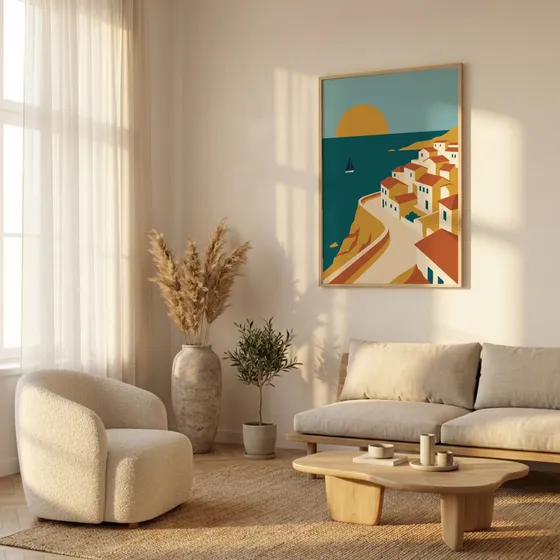
Create rooms that don't exist yet, change the one you have, or start from a photo you took. Your design always goes in exactly as you made it.
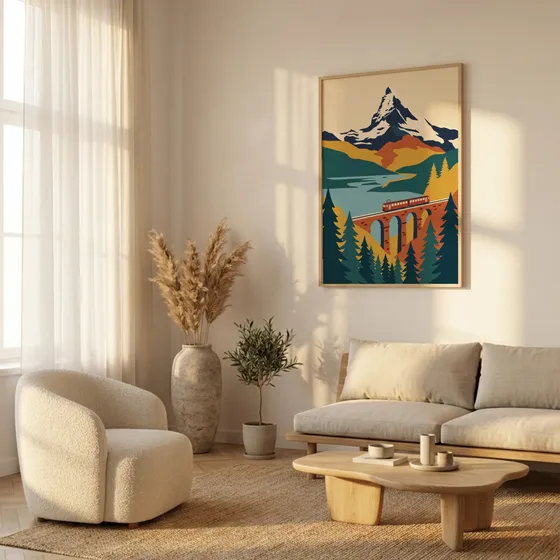
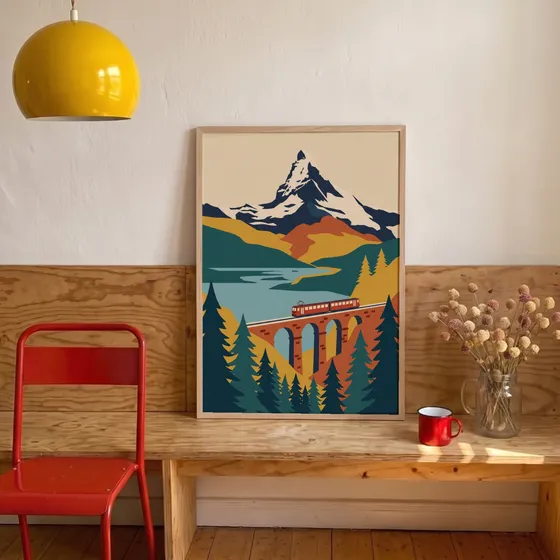
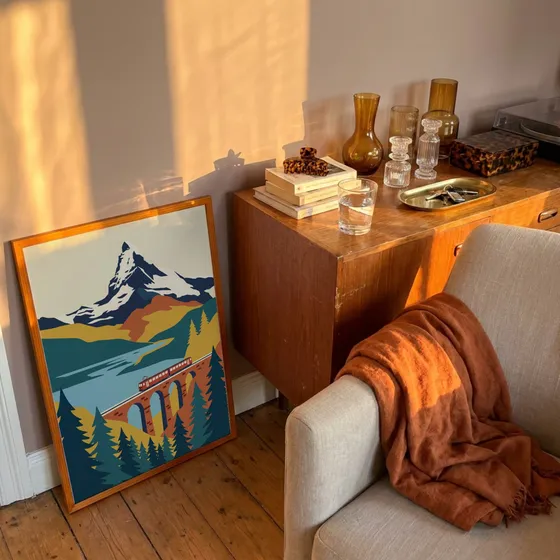
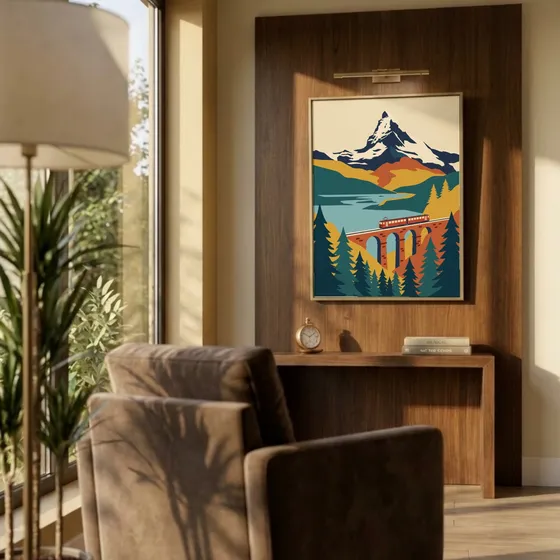
Bulk mockups
A whole collection, listed in one go
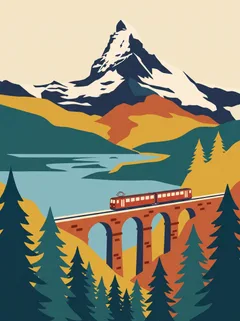
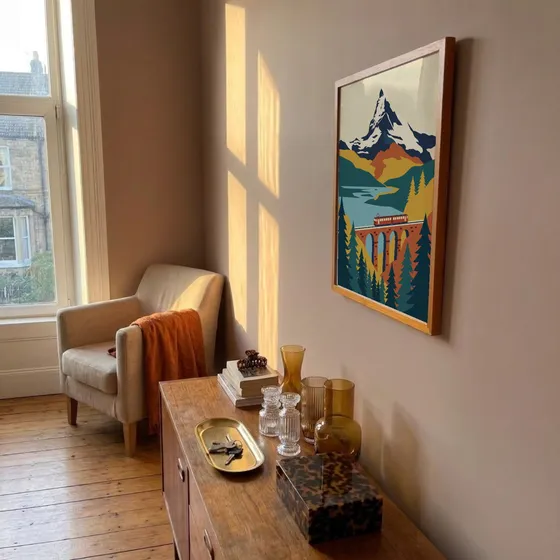
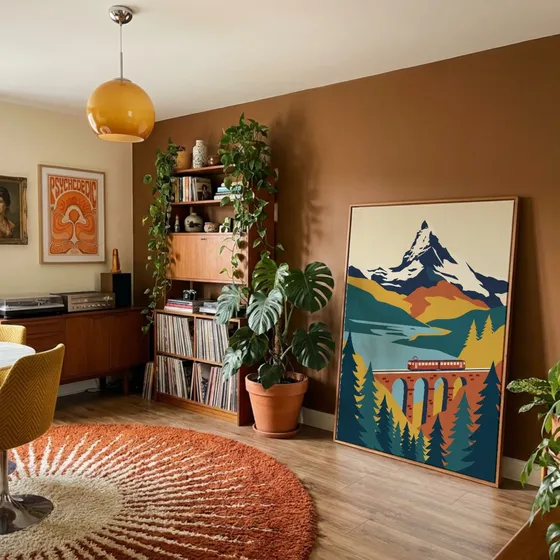
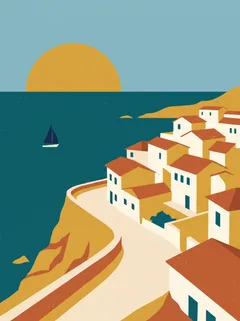
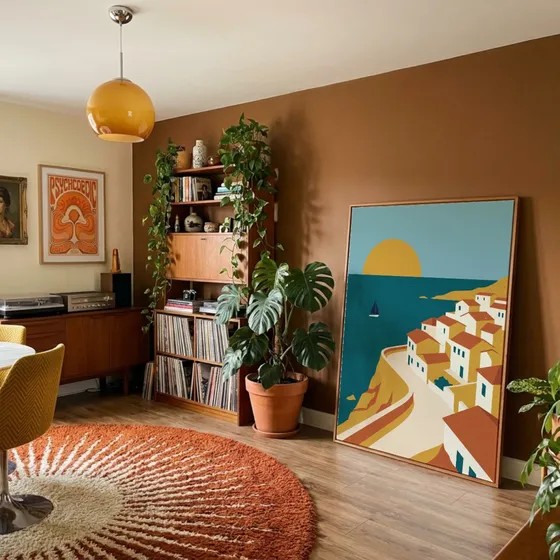
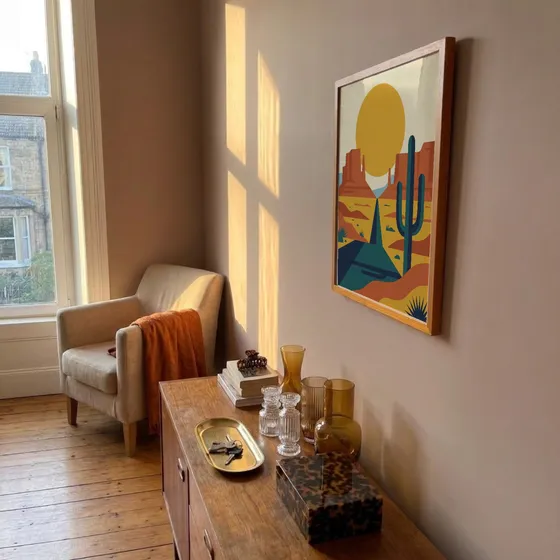
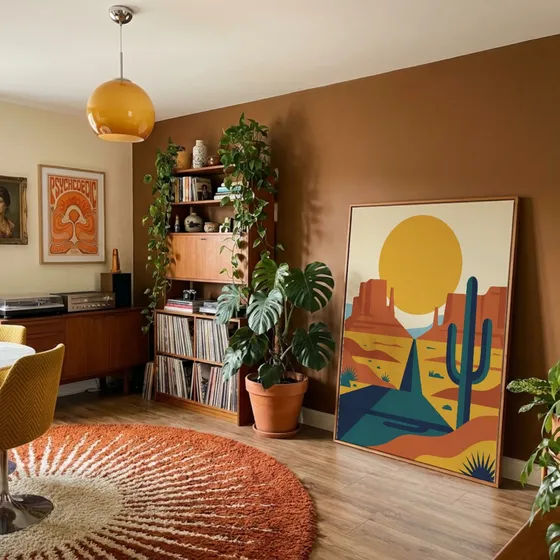
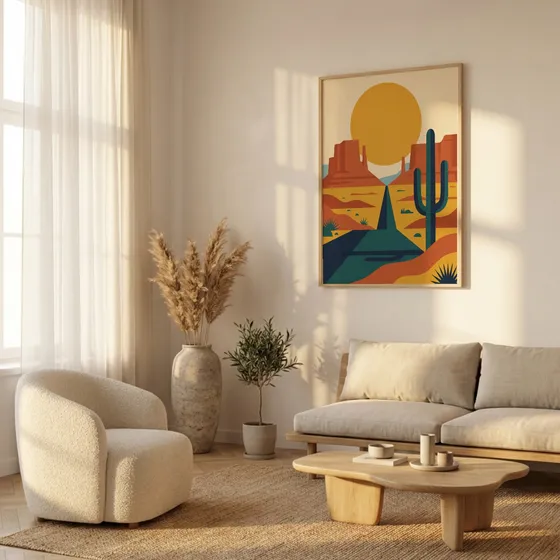
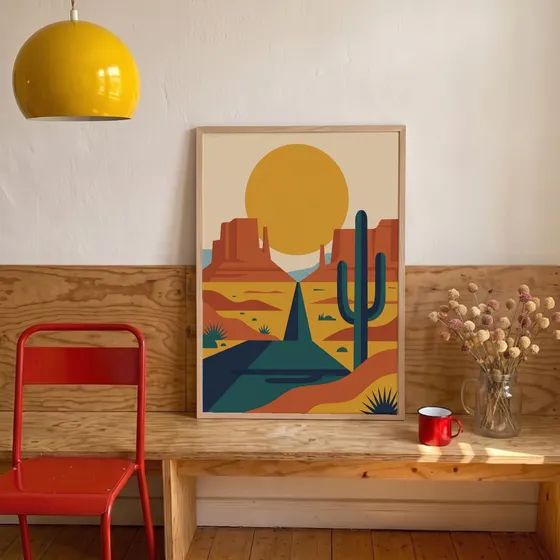
Upload your designs, pick your templates, and every combination renders at once from your exact files. Mockups stop being the thing that slows your shop down.
0
listing photos from 3 designs and 6 templates
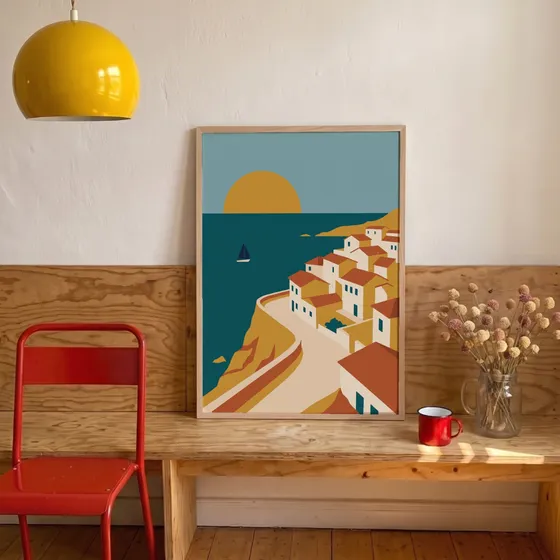
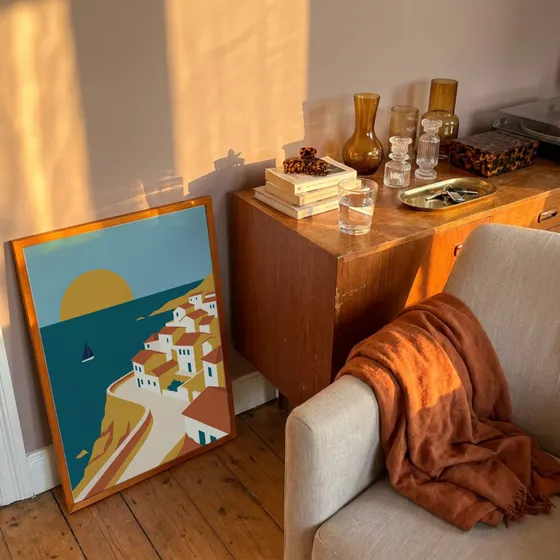
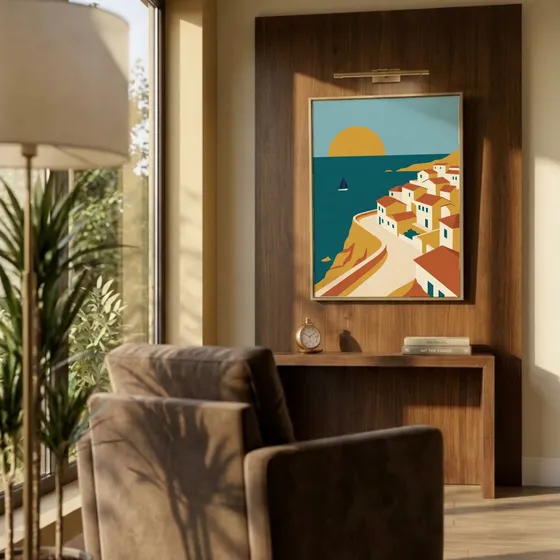
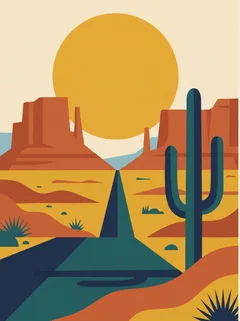
 Push straight to Shopify
For developers
Automate it with the API
Plug Mockupanda's renderer into your own shop tools. Send a design and a list of templates, get finished mockups back in the same response.
- One request: one design, up to 12 mockups back
- $0.01 per mockup, pay as you go, credits never expire
- Full resolution, never watermarked
- Your own templates work too, with your saved setup
curl -X POST https://www.mockupanda.com/api/v1/mockups/generate \
  -H "Authorization: Bearer $MOCKUPANDA_API_KEY" \
  -H "Content-Type: application/json" \
  -d '{
    "template_ids": ["bedroom-poster-01", "gallery-wall-04"],
    "artwork_url": "https://yourcdn.com/art.png",
    "response_format": "json",
    "width": 2000
}'FAQ
Frequently Asked Questions
You can upload raster images in JPEG, PNG, GIF or WebP format. Transparent PNGs are fully supported. We'll preserve the alpha channel when we place your artwork into the mock-up so the final image looks crisp on any background.
There's no strict file size limit! Upload high-resolution designs of any size. Your images are automatically optimized and resized for performance during processing, which happens entirely in your browser. Very large files may take a bit longer to process depending on your device's performance.
Absolutely! Upload PSD files up to 300 MB. Just make sure your PSD contains a Smart Object layer named Design and that this layer is the active (selected) layer when you save the file. That way the generator knows exactly where to place your artwork. Larger PSDs may take a bit longer to process in your browser.
Mockupanda native templates are generated in real-time. Uploading your own PSDs with many layers or high-resolution smart objects can take longer to process. You can keep browsing while the progress spinner is running, and we'll notify you as soon as everything is ready.
We deliver your finished mock-ups as high-quality JPEGs (≈ 90 % quality). You're free to use these images commercially or personally. No attribution required. If you generated multiple variations you can grab them all at once as a handy ZIP archive. Upgrade to Pro for enhanced export quality and additional features.
Posters and wall art, t-shirts and apparel, and other print-on-demand products. Upload a design once and apply it across as many templates as you want. Generation is unlimited, with no credit caps.
Every template in our library is carefully crafted to appeal to your customers. Print mockups use accurate perspective mapping so your artwork sits naturally on the surface: no flat overlays, no skewed proportions. For wearables and soft goods like t-shirts, hoodies, and tote bags, the design follows the actual folds and curvature of the fabric, so the result looks like a real photograph. The difference is visible the moment you generate your first mockup. Unlike other tools, mockup generation is uncapped, so you don't stress about credits and usage.
Yes. Use the Text tool in the editor to add custom text overlays to any mockup. You can change the font, size, color, alignment, and position. The text is baked directly into your final downloaded image, so it looks like part of the mockup.
Your next collection starts with one upload
Free to start, no credit card. Bring a design and see it in every room.