

Bulk PSD Mockup Generator
 Bulk PSD Mockup Generator
Import the PSD mockups you already own and fill their smart object with every design at once. Perspective, warps and whatever stands in front of the design come with it. No Photoshop, no plugin.
No Photoshop
PSD and PSB
ZIP Download
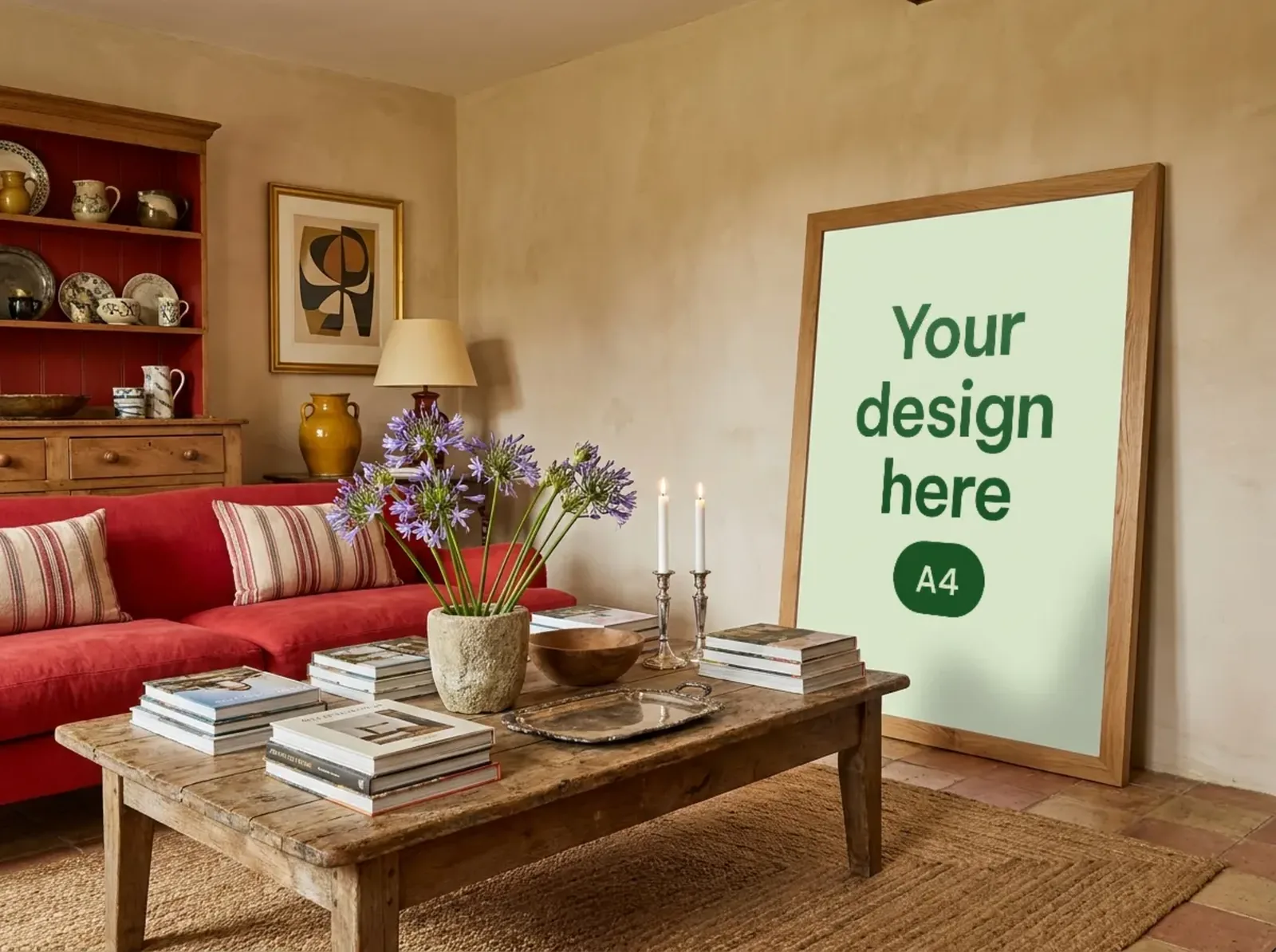
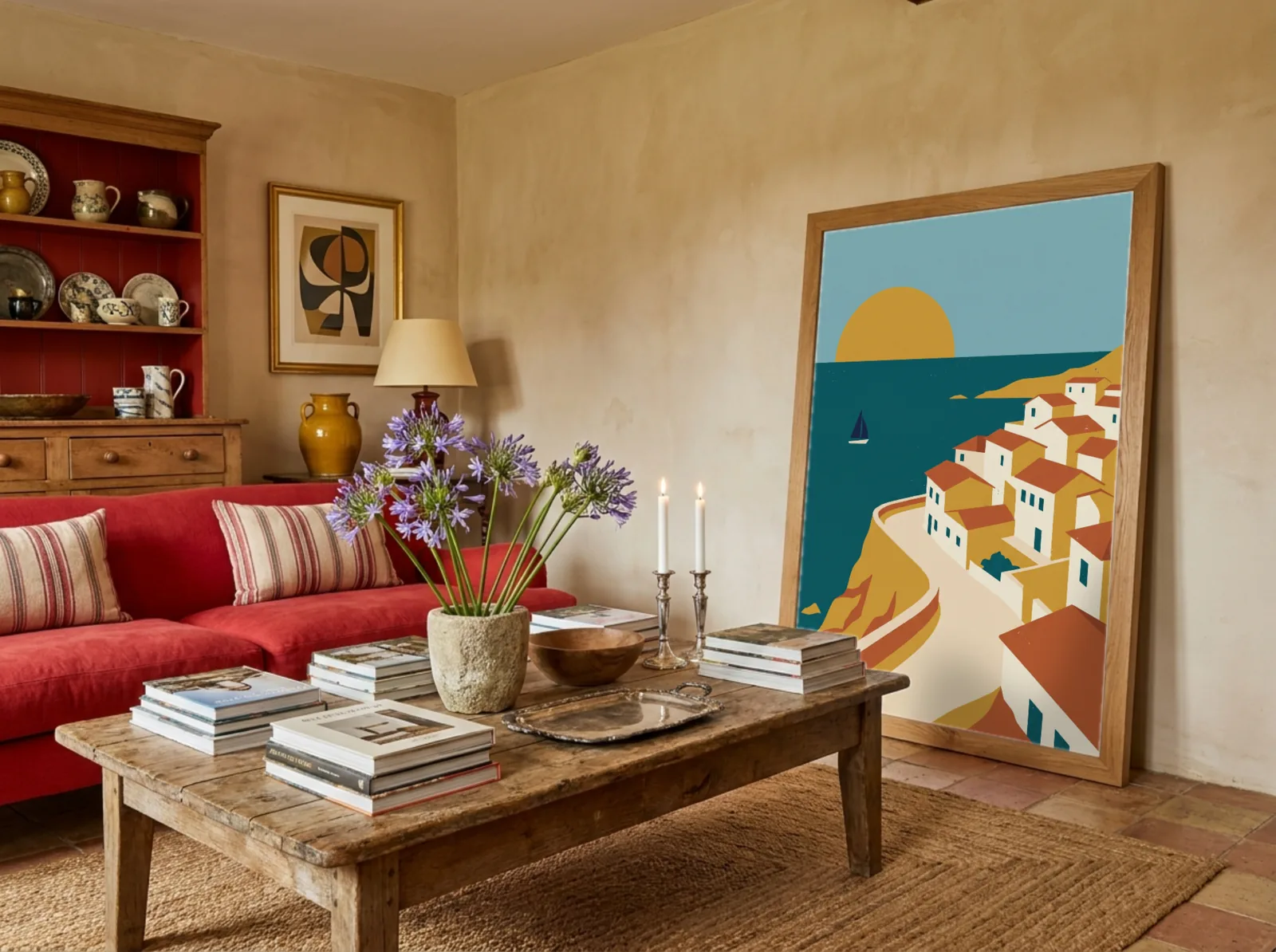
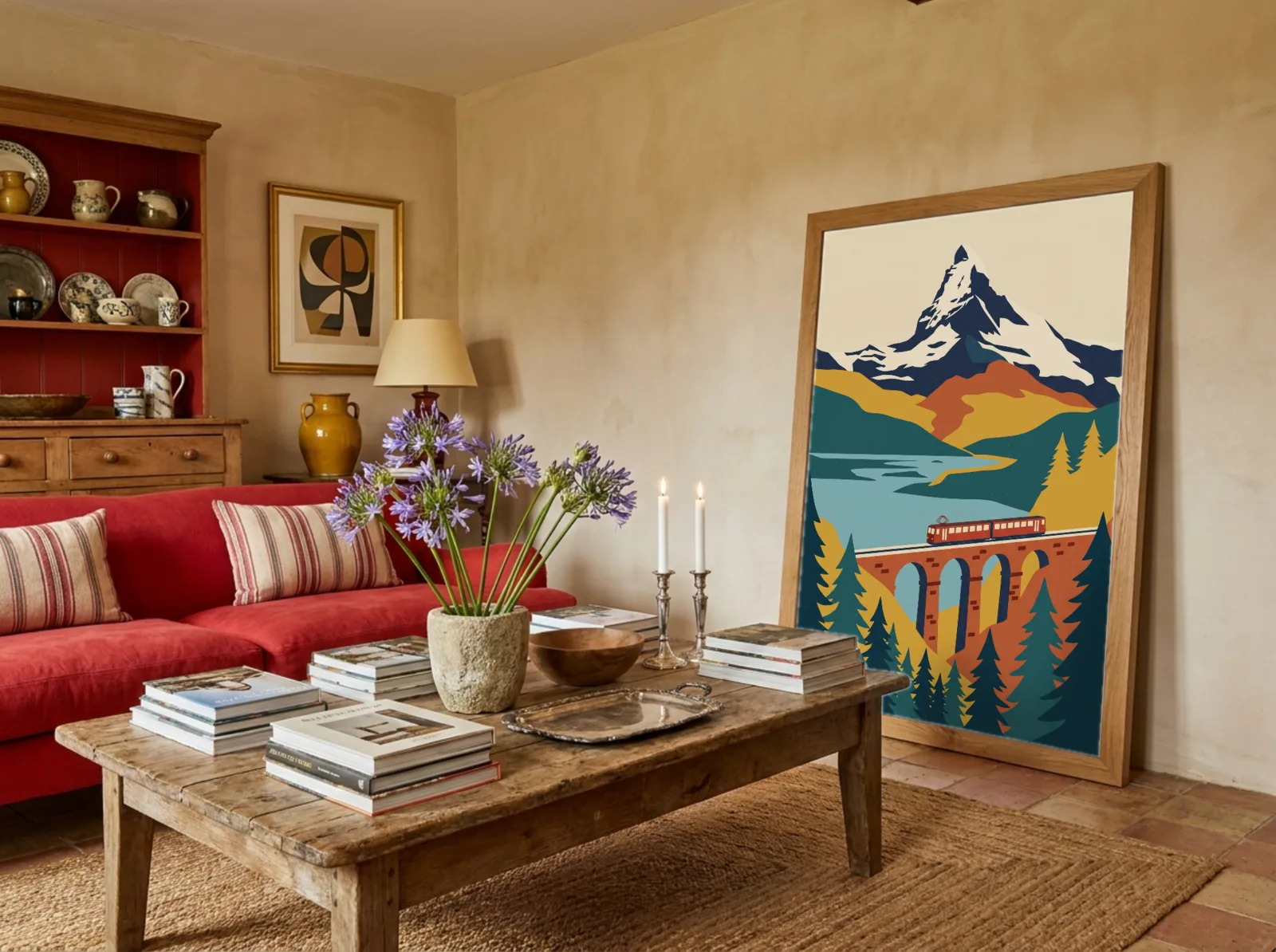
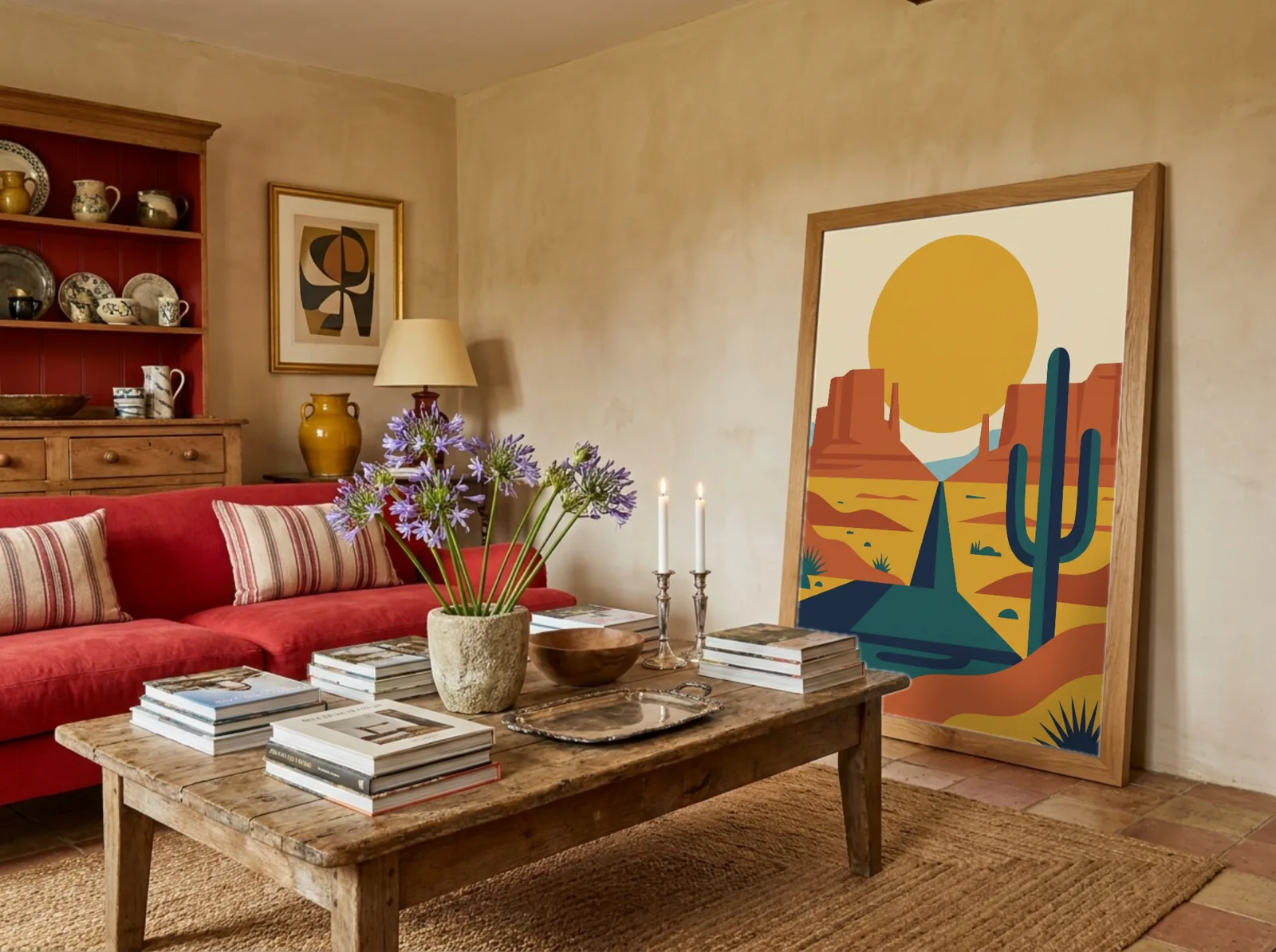
How it works
From one PSD to a mockup for every design
Import it once. After that it is a template like any other, ready for your next collection.
- 1
Drop in your PSD
Any PSD or PSB with a smart object, up to 300 MB. It opens in your browser, with nothing to install.
- 2
It becomes a template
The smart object's perspective and warp, its blend mode, and whatever stands in front of the design all come with it.
- 3
Run every design through it
It sits in My Templates next to the library. Upload a whole collection and download every mockup as a ZIP.
What carries over
Everything that makes your PSD look real
The import reads what the smart object does in the photo, so the design lands the way it would in Photoshop.
Perspective
The smart object's four corners, so your design sits at the angle the photo was taken from.
Warps
Custom warps, like a mug wrap or a curved shirt, and Photoshop's warp styles such as Arc and Flag keep their bend.
Whatever is in front
Hands, plants, clips, clipping masks, layer masks and opacity. Your design shows exactly where the sample did.
Blend mode
Multiply, linear burn and the rest, so paper grain and fabric folds show through your design.
The right layer, found for you
No renaming. A smart object named like Design wins, otherwise the largest visible one is used.
Big files
PSD and PSB files up to 300 MB, read in your browser. Nothing to install.
Compared
Bulk mockups without Photoshop
Bulk mockup plugins still need Photoshop open on your computer. Here your PSD becomes a template you can fill from any browser.
| Mockupanda | Photoshop plugin | Photoshop by hand | |
|---|---|---|---|
| Works without Photoshop | |||
| Runs in any browser | |||
| Many designs in one go | |||
| Ready made scenes as well | |||
| What you pay for | Free to start | Photoshop and the plugin | Photoshop |
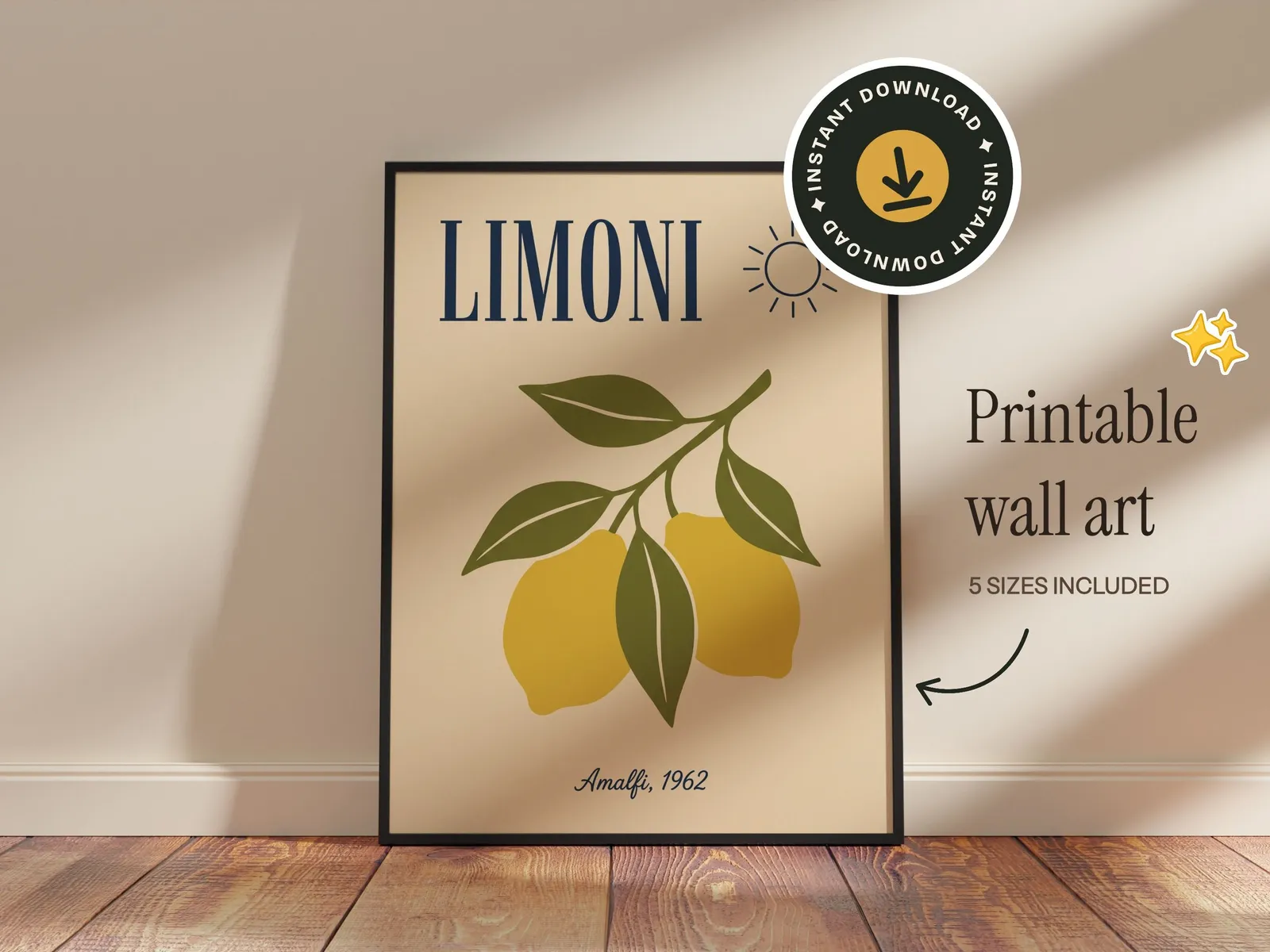
Text and graphics
Set it up once. Reuse it for every design.
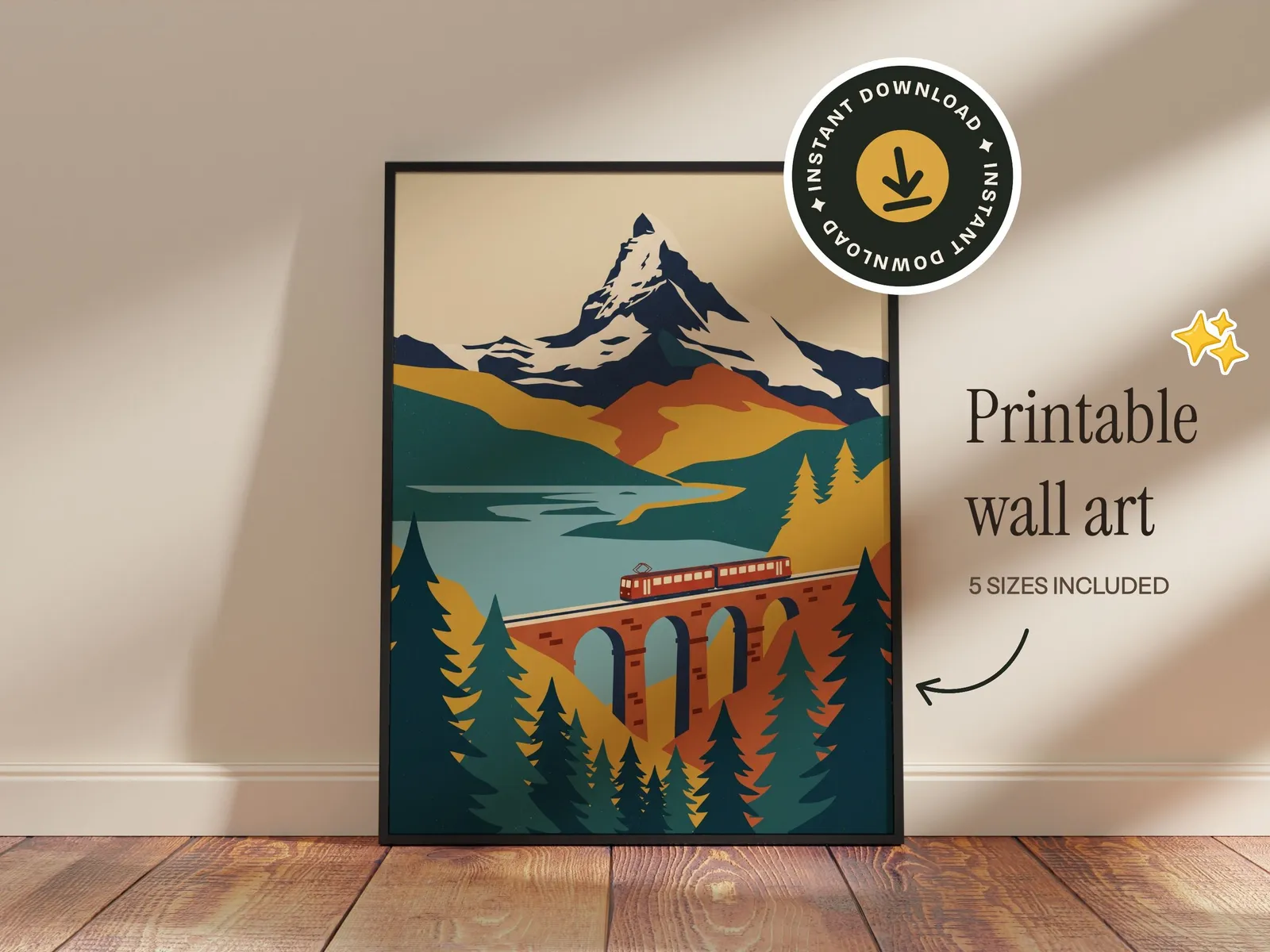
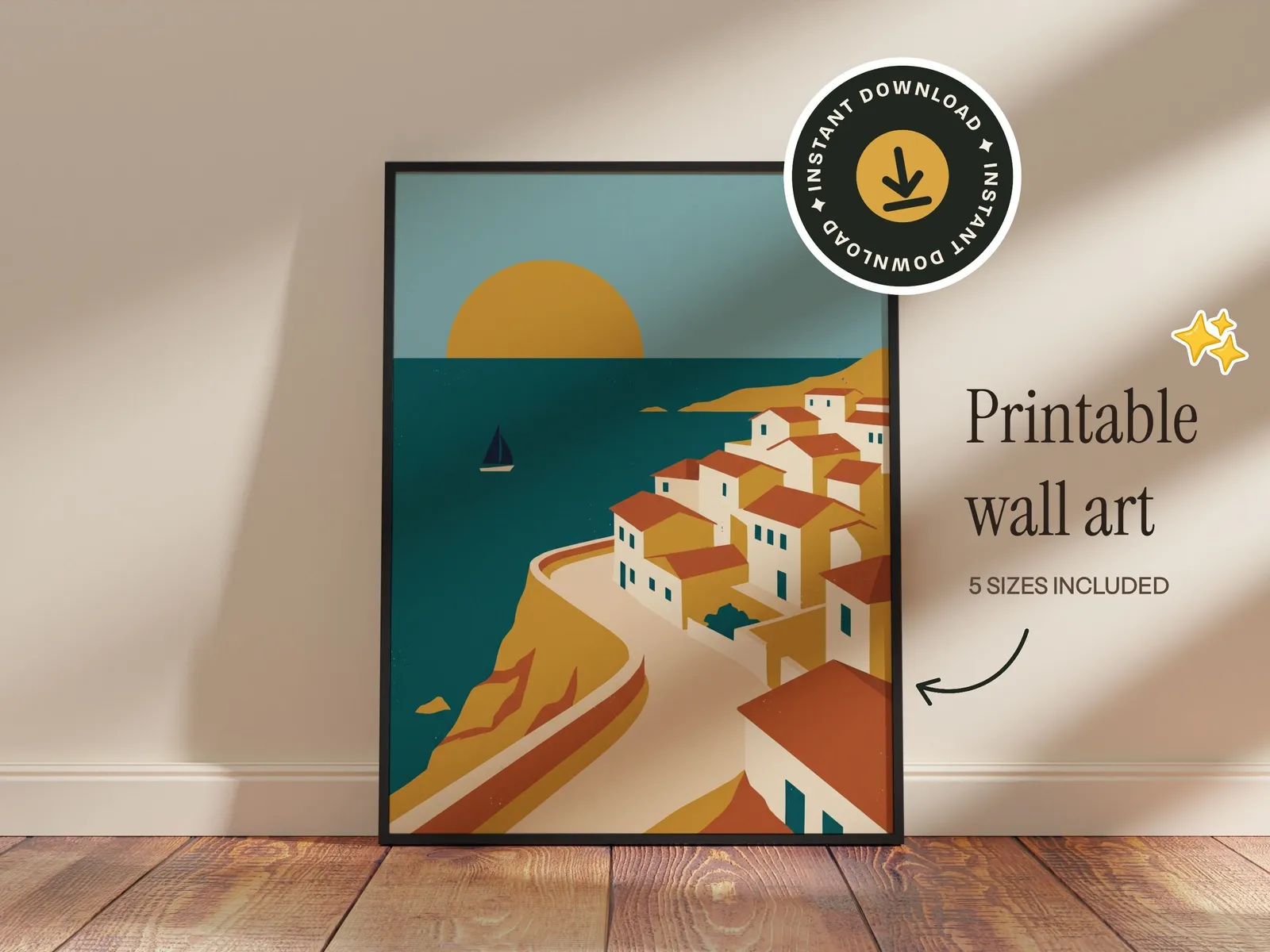
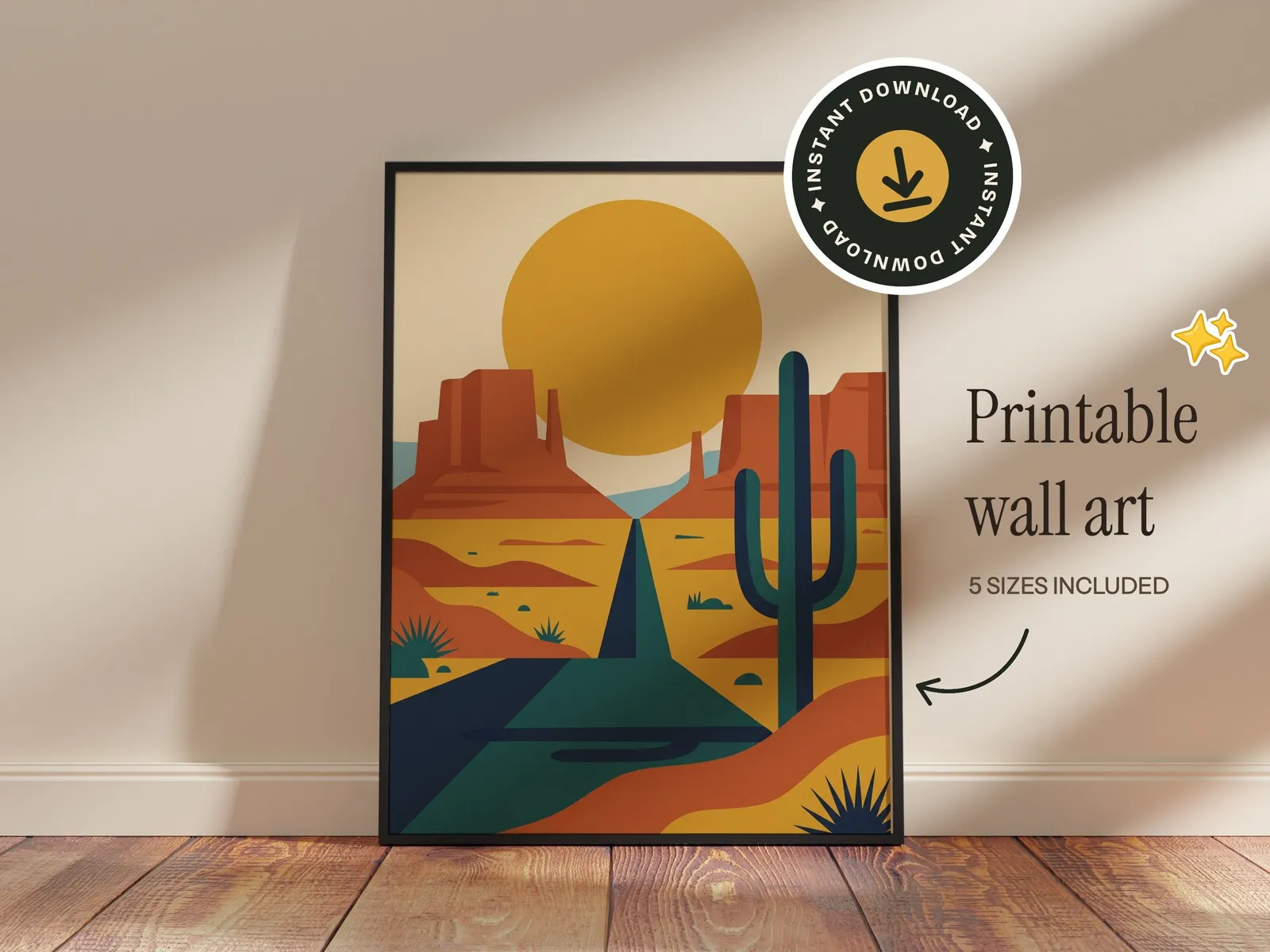
Brand a template the way your shop looks and keep it. New designs drop into the same setup, so every listing in your shop matches.
- 1
Add stickers and badges
Pick from the built-in stickers, badges and doodles, or upload your own logo.
- 2
Add your text
Shop name, sizes, “instant download”. Over 200 fonts, rendered into the file.
- 3
Save it, then reuse it
Save the setup as your own template. Every new design drops into it, and sets run a design through all your templates at once.
FAQ
PSD Mockup Generator FAQ
What the PSD import reads, and what it leaves out
Yes. Import your PSD mockup once and it becomes a template. Upload as many designs as you like and each one goes into the smart object, with the PSD's perspective, warp and blend. Download the whole set as one ZIP. No Photoshop, no plugin and no actions to record.
PSD and PSB files of up to 300 MB with at least one smart object. The layer doesn't need a special name: a smart object named like Design wins, otherwise the largest visible one is used.
Yes. A custom warp, including the split warps mug and cup mockups use, is read from the file's own control points. Photoshop's warp styles, such as Arc, Flag or Bulge, are measured and kept too. If a bend can't be measured, the design goes on flat and the editor tells you.
They stay in front. Layers above the design, clipping masks, layer masks and opacity all become the template's mask, so your design shows exactly where the PSD's sample design did.
Smart filters on the design layer, such as a displacement map, are left out. And one design slot is imported per PSD: if a mockup has two smart objects, the one named like Design, or else the largest, becomes the template.
Check the license that came with the PSD: most mockup licenses let you use the finished mockups in your own listings. Templates you import are private to your account.
The PSD is read in your browser. What your account keeps is what the template needs: the photo without the sample design, and where and how the design shows.
Importing PSDs is included on every plan, the free one too, with no limit on how many you import. See pricing for what each plan includes.
Yes. An imported PSD is a template like any other in the editor: add text, stickers or your logo, save it, and every design you put through it gets the same branding.
Your PSD mockups, ready for every design
Free to start, no credit card. Import a PSD, drop in your designs, download the set.