


Etsy Mockup Generator: Professional Listing Photos in Seconds
 Etsy Mockup Generator: Professional Listing Photos in Seconds
Create professional product photos for your Etsy listings in seconds. Upload your design, choose from realistic mockup templates, and download high-resolution images. Built to keep up when you post dozens of listings a week. No credit card to start.
No Credit Card
High-Res Output
Etsy Ad Ready
Live editor
Place it like the real print
Drag your design to where it will be printed and pull an edge to size it. The mockup updates as you move, so it matches the product your buyer gets.
The room's light stays on it
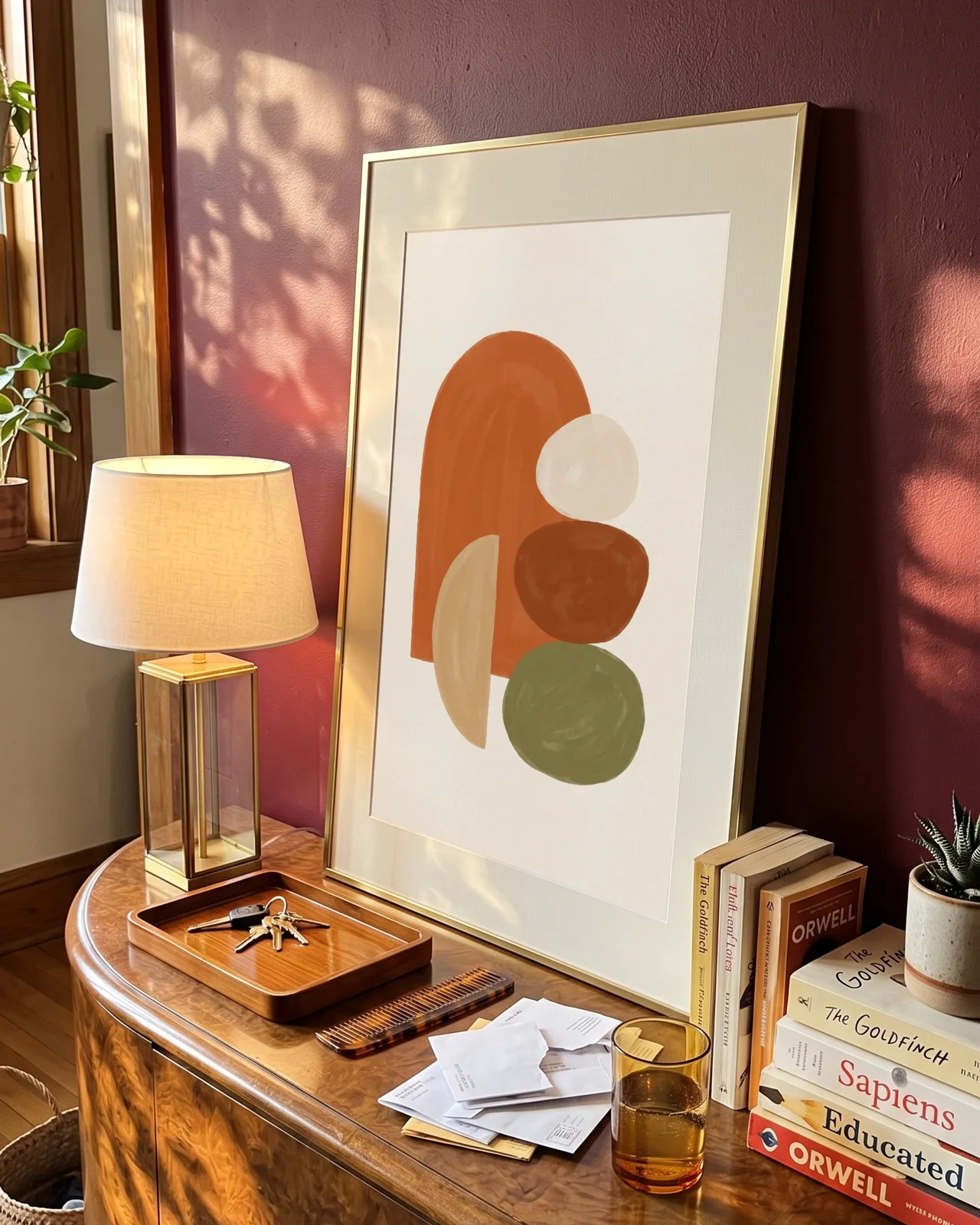
Your print is blended into the photo, so window light and shadows fall across it.
Matched to the frame
Perspective follows the frame as you move and resize, nothing to line up by hand.
What you see downloads
The file you get is this preview, at full resolution.
Print ratios
Every frame has a ratio. Match yours.
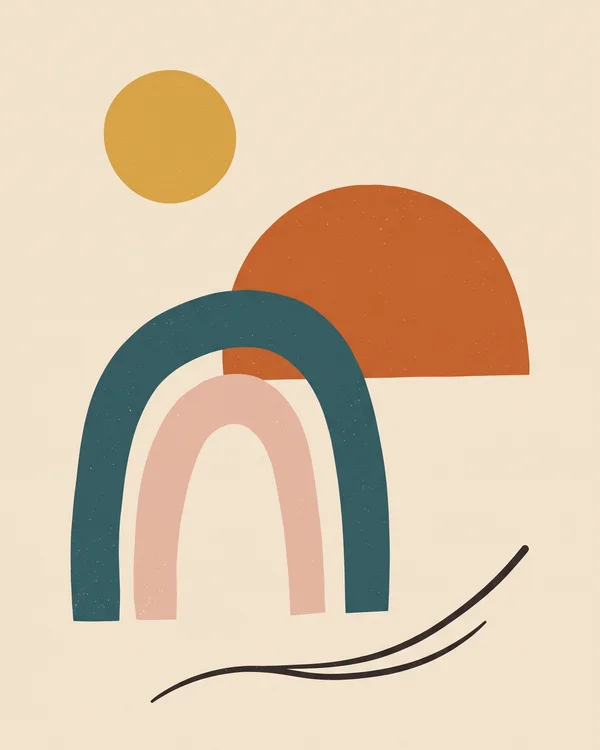
Each template in the library is set to one print ratio. Filter by your print's ratio and your design fills the frame edge to edge, nothing cropped or stretched. If a design doesn't match, the editor tells you.
Frame ratio
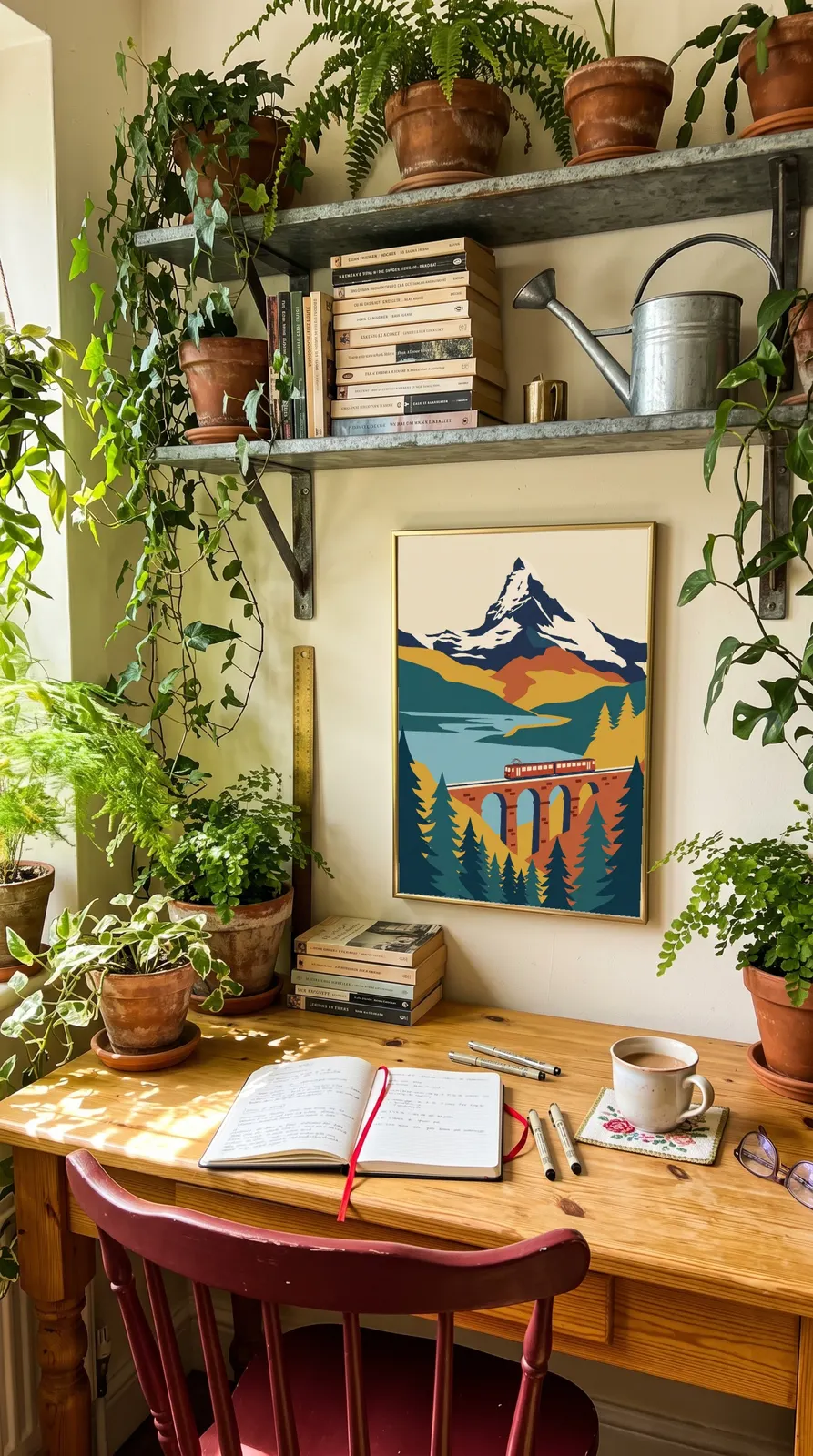
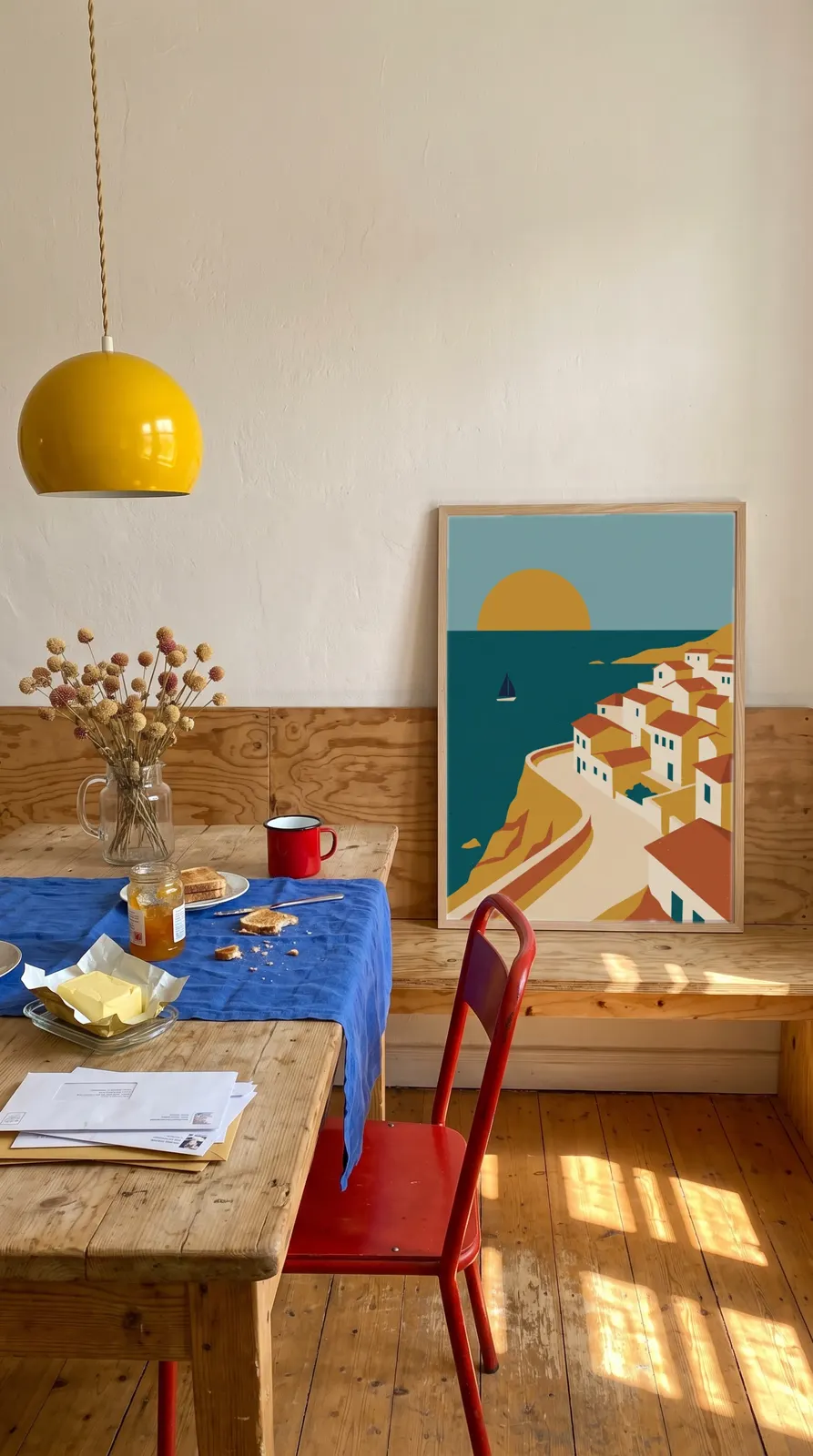
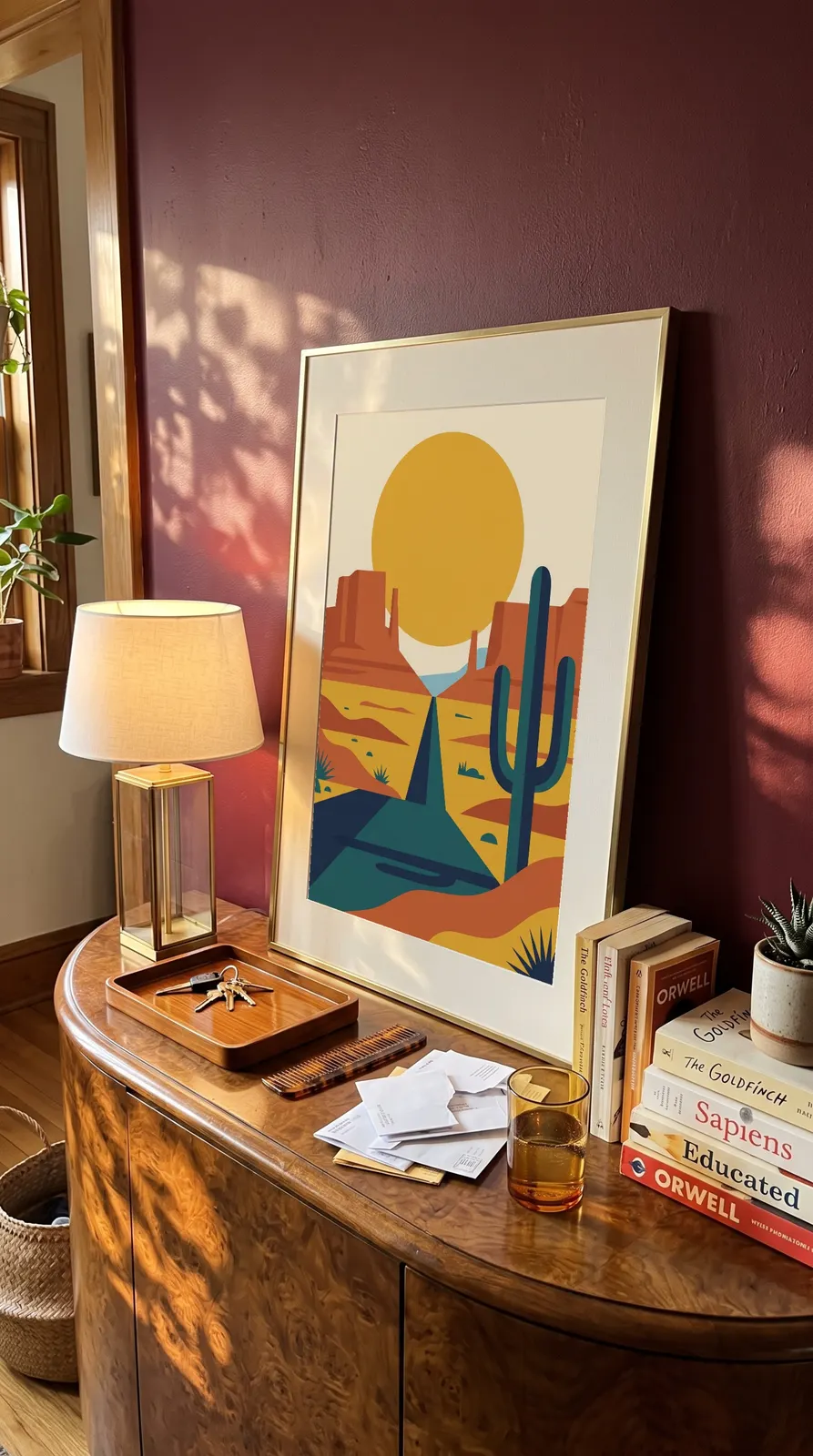
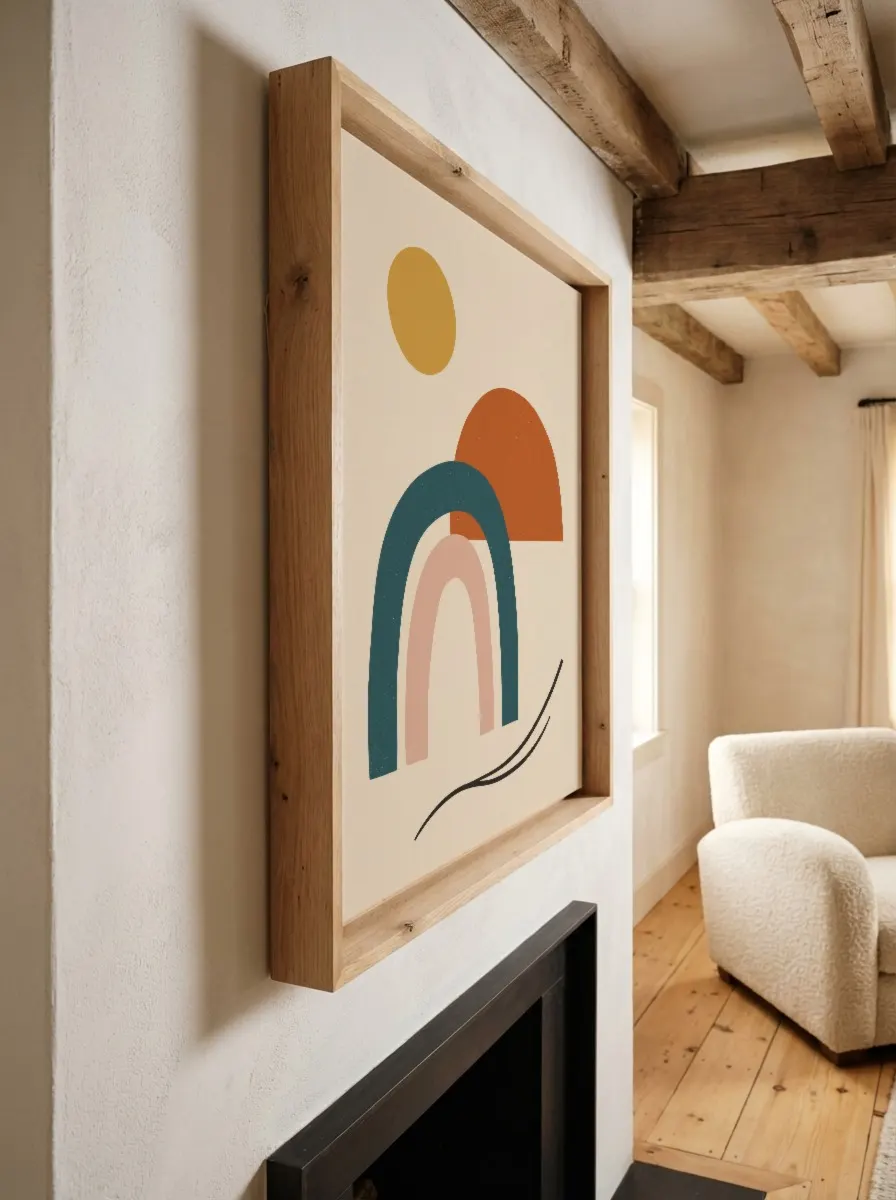
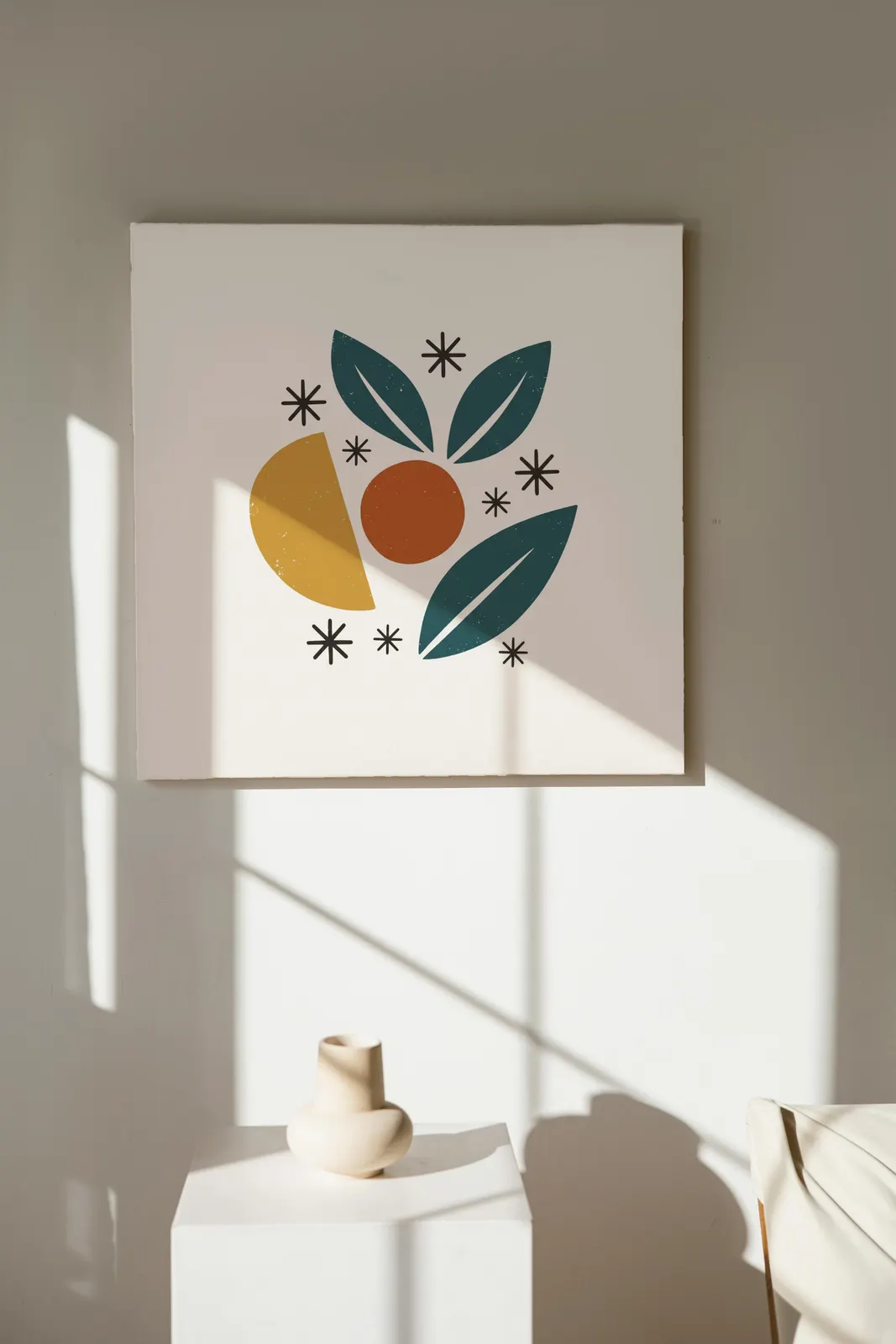
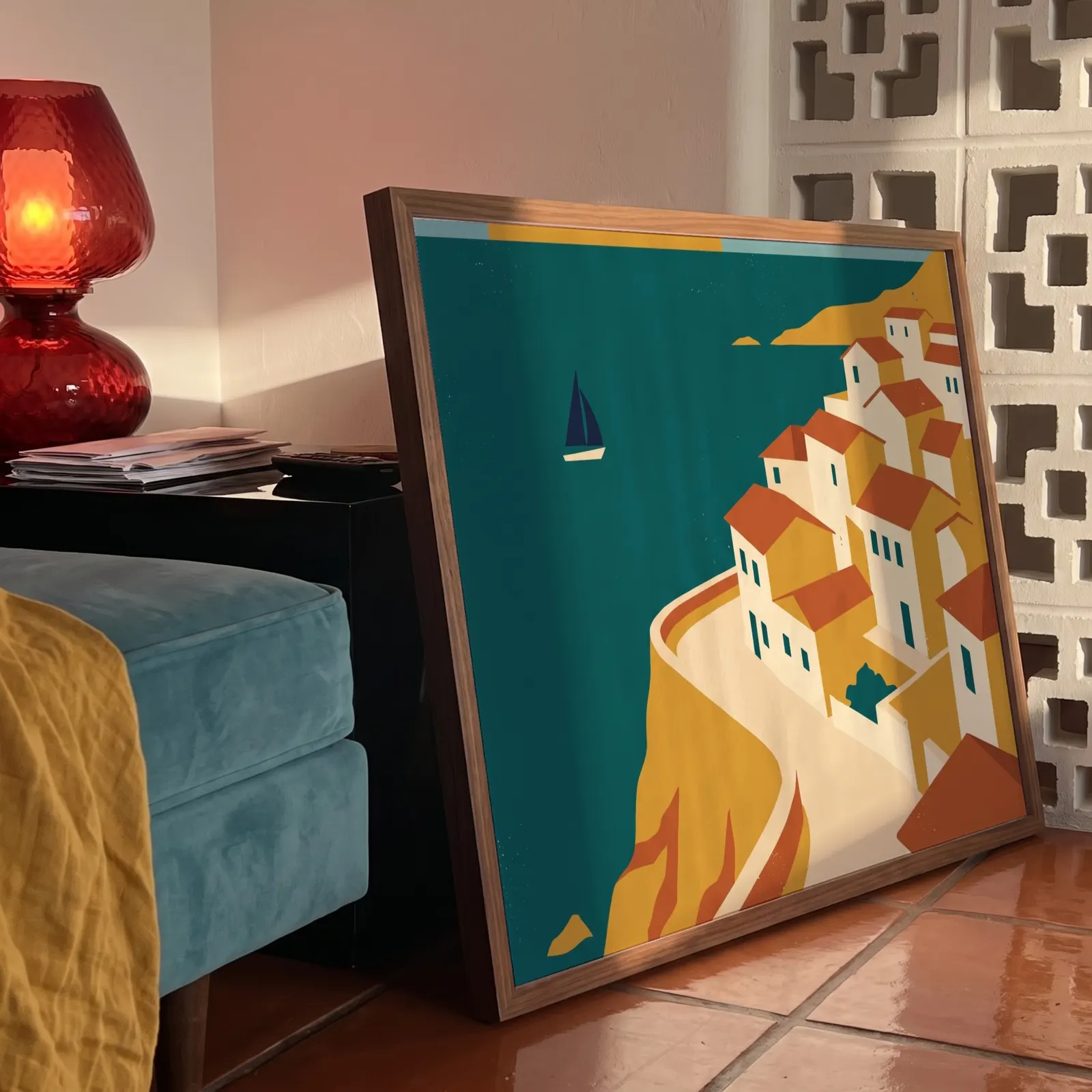
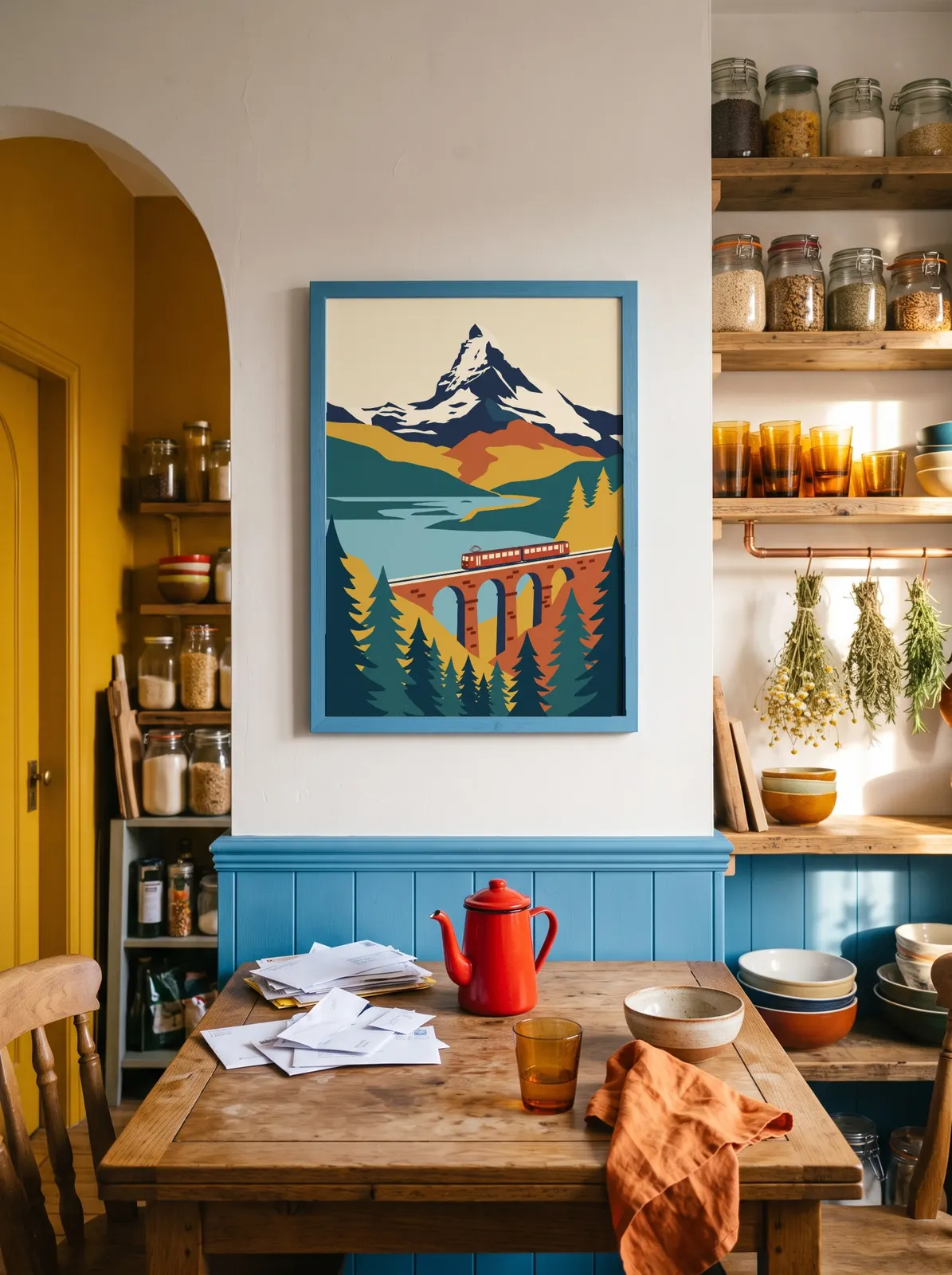
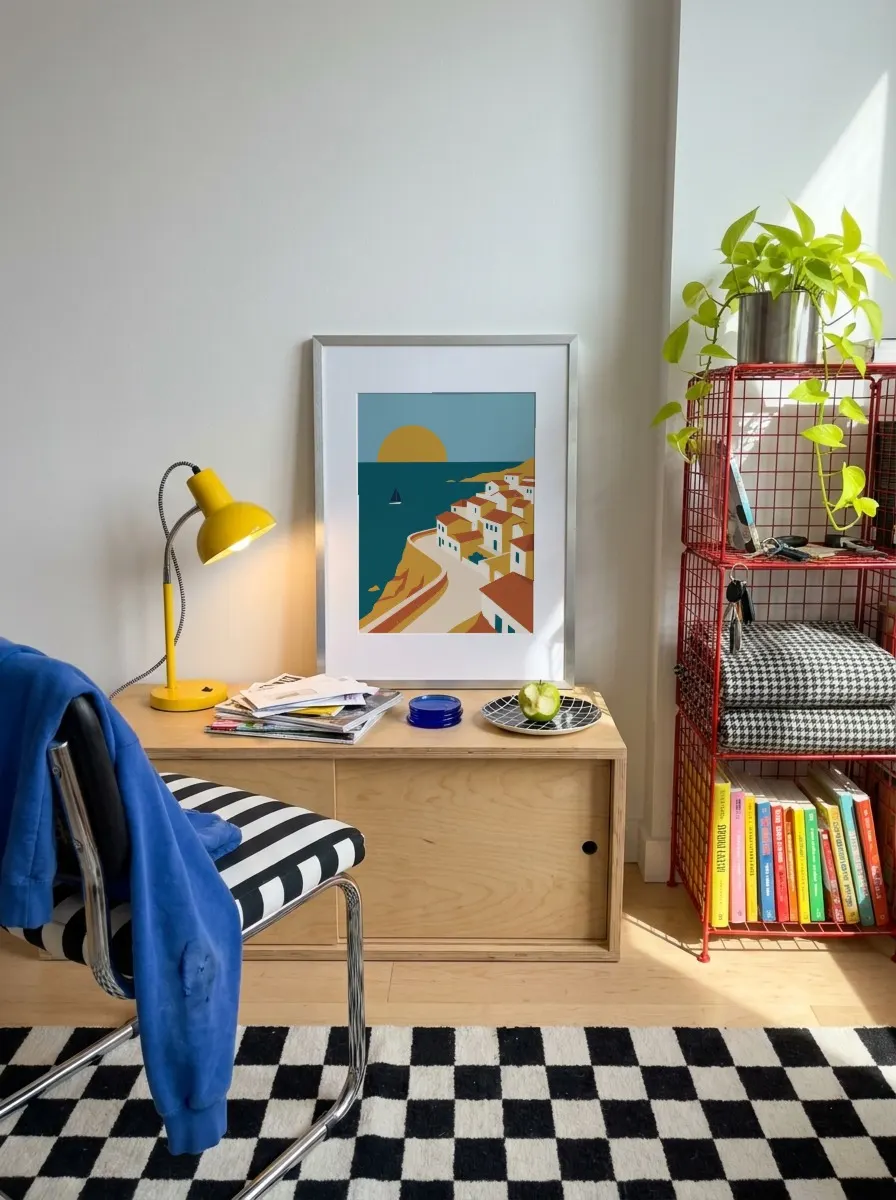
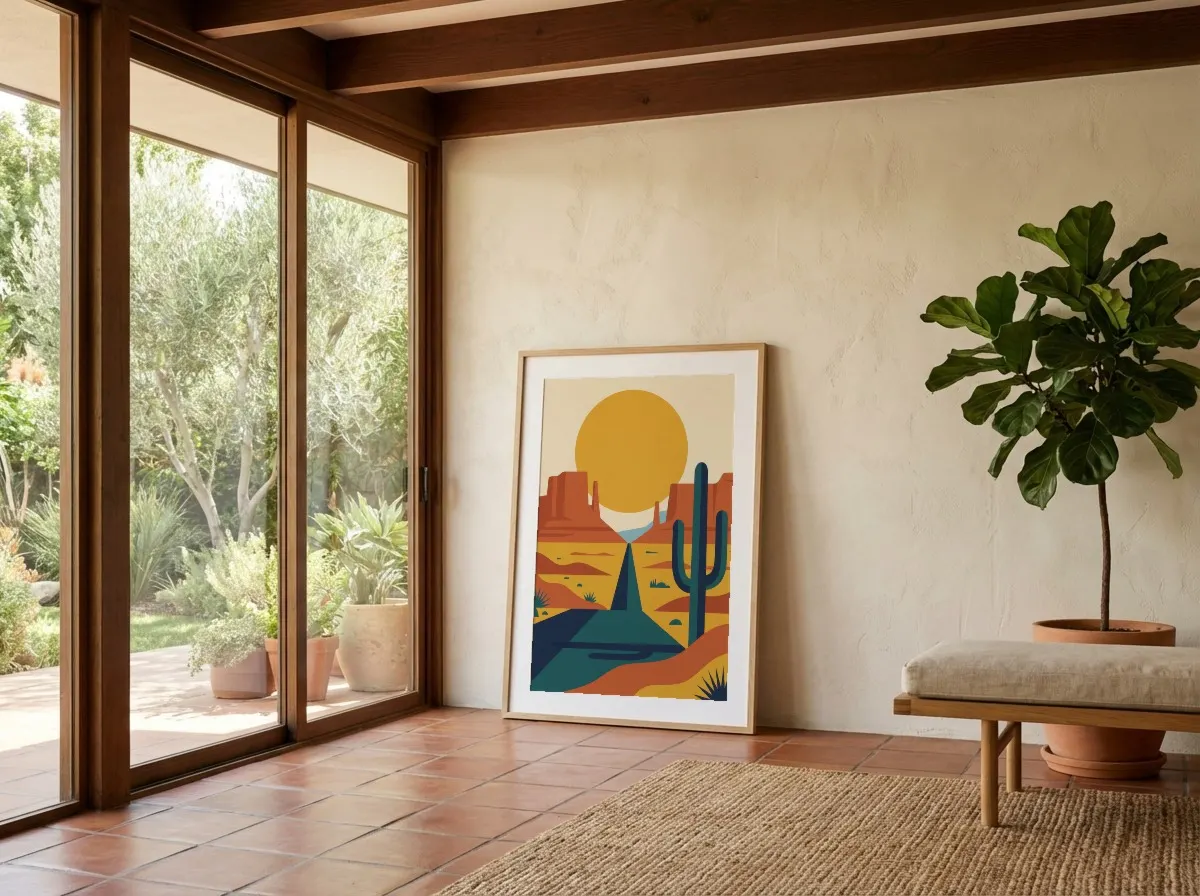
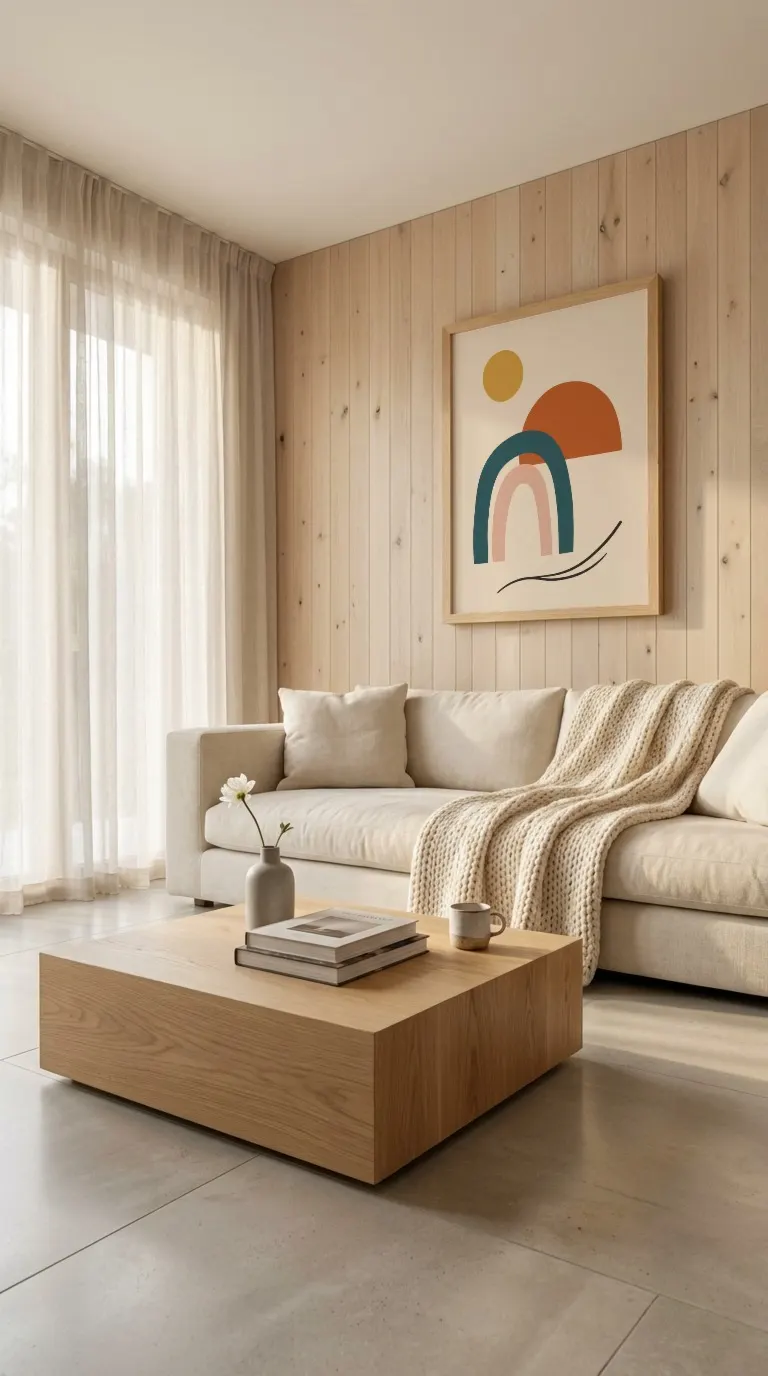
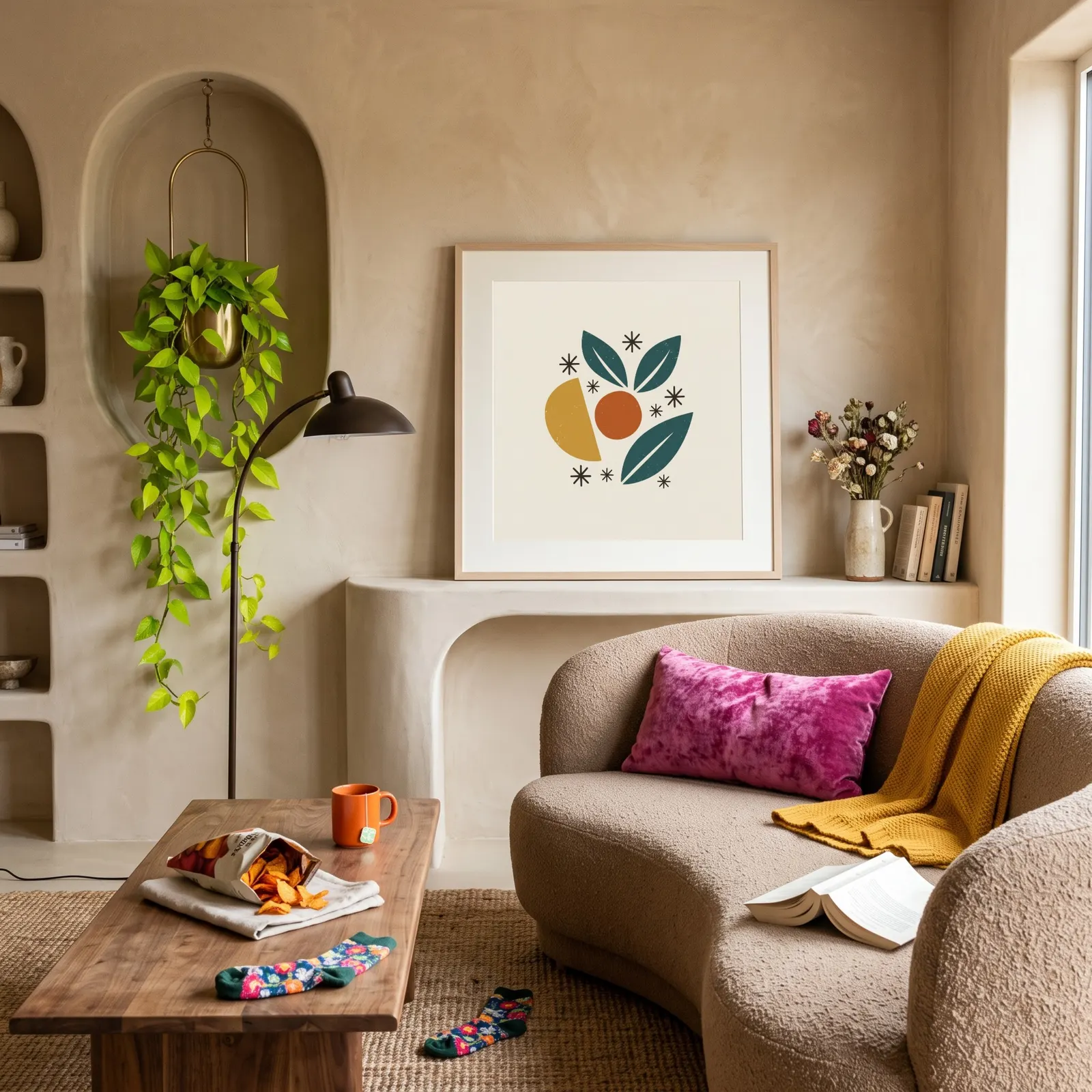
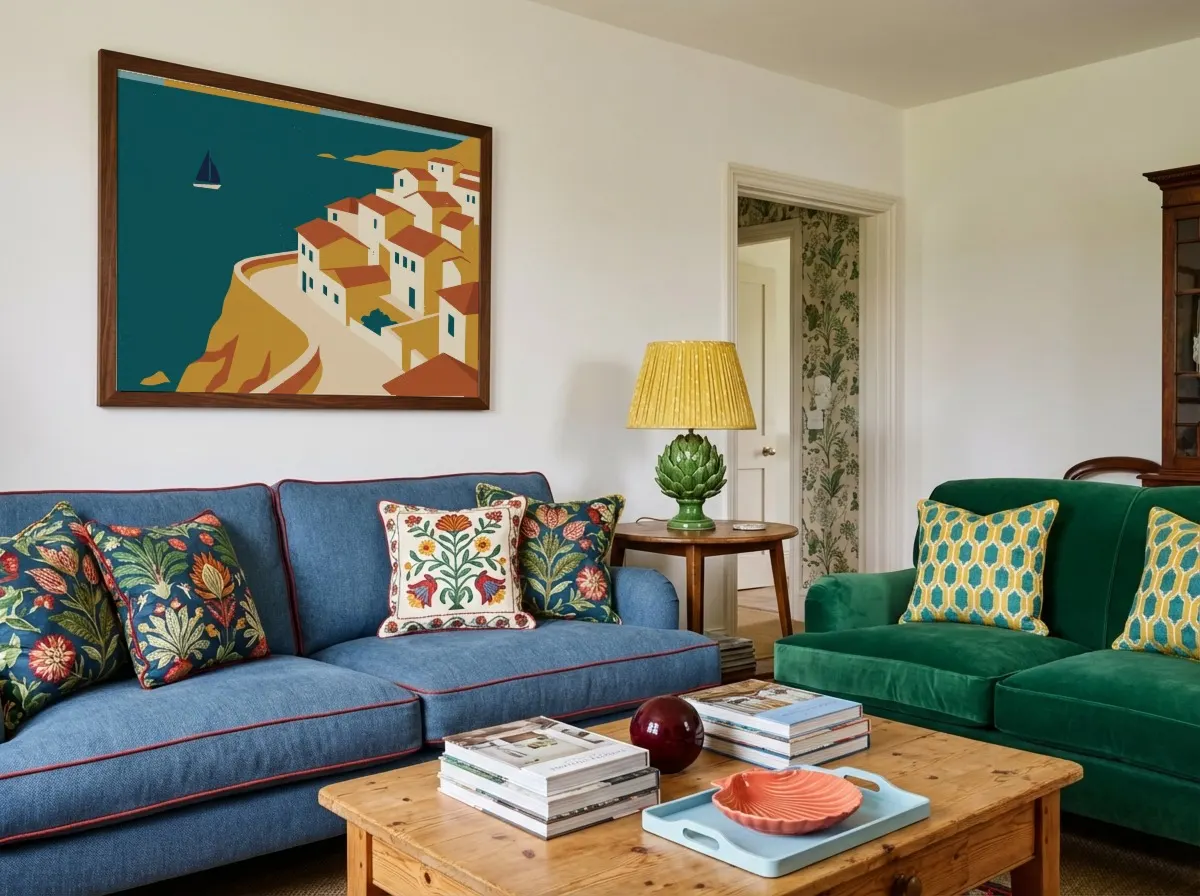





 Original
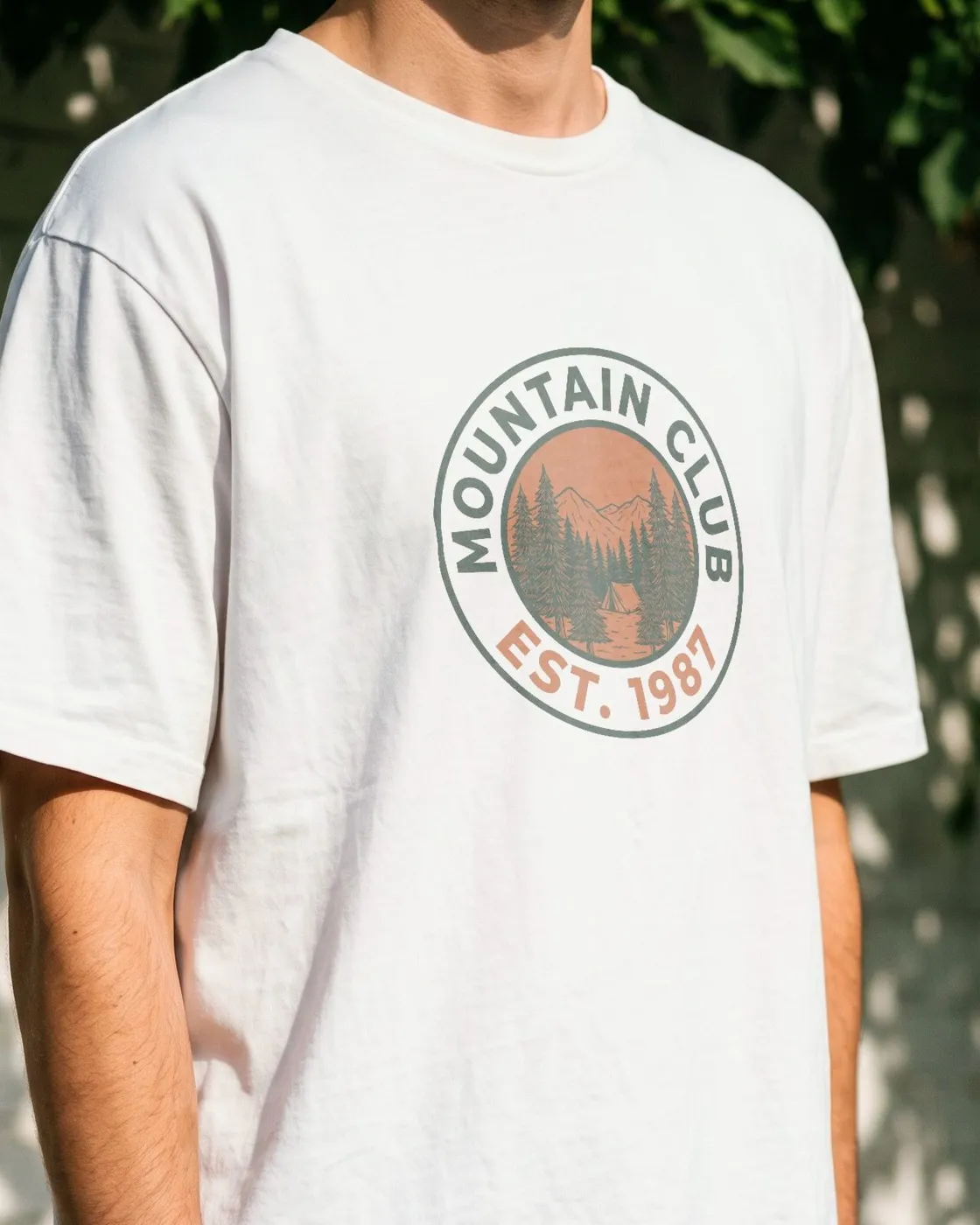
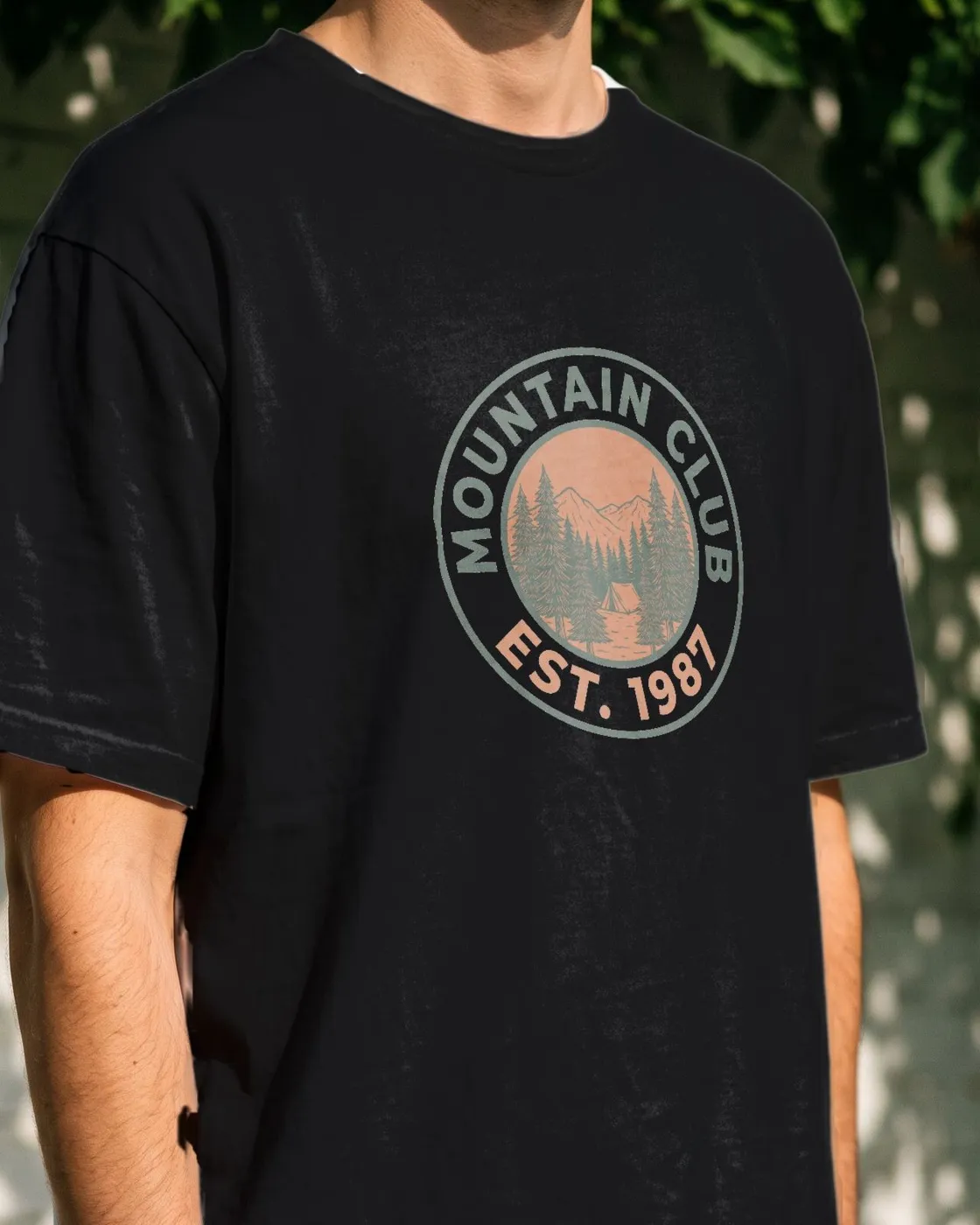
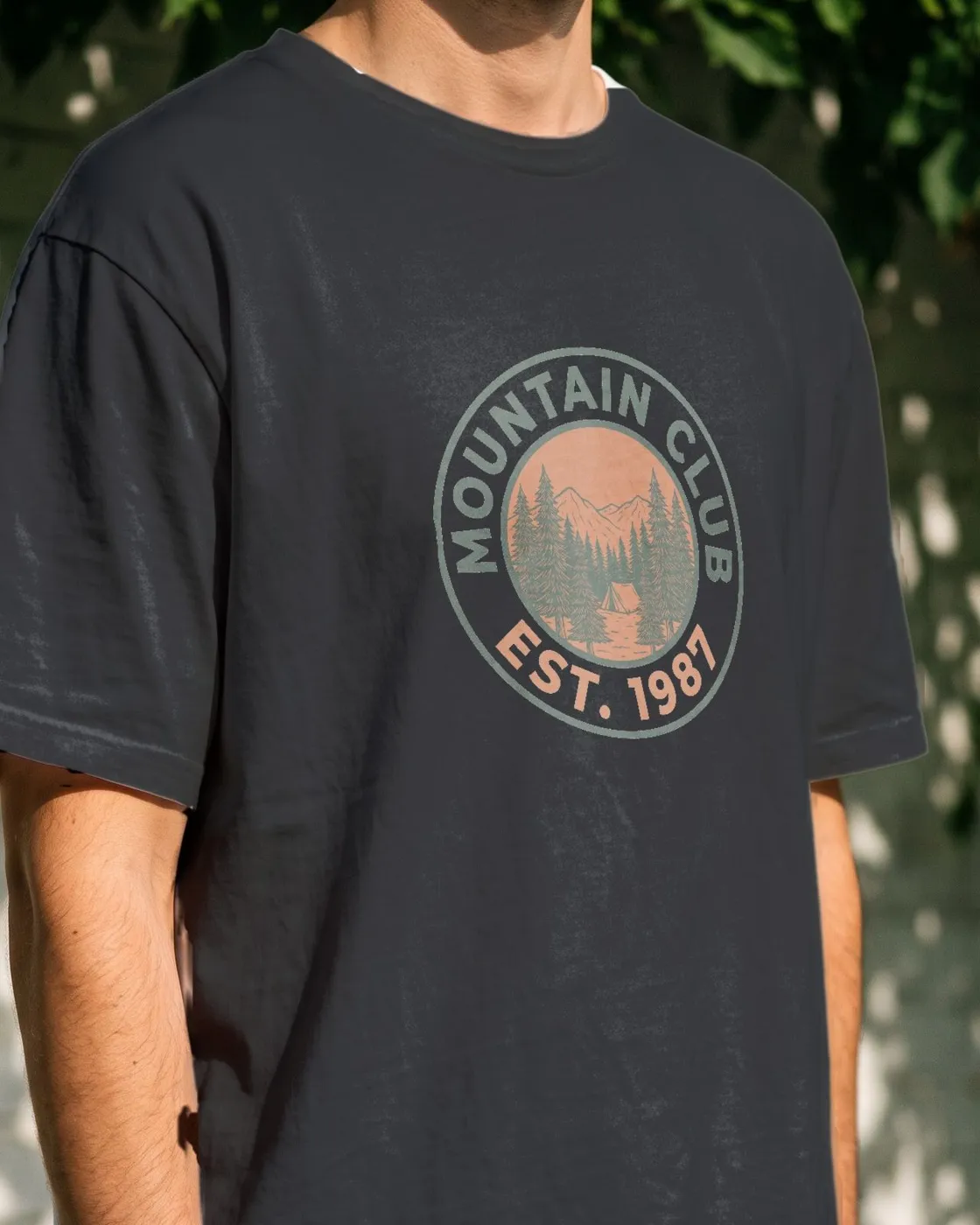
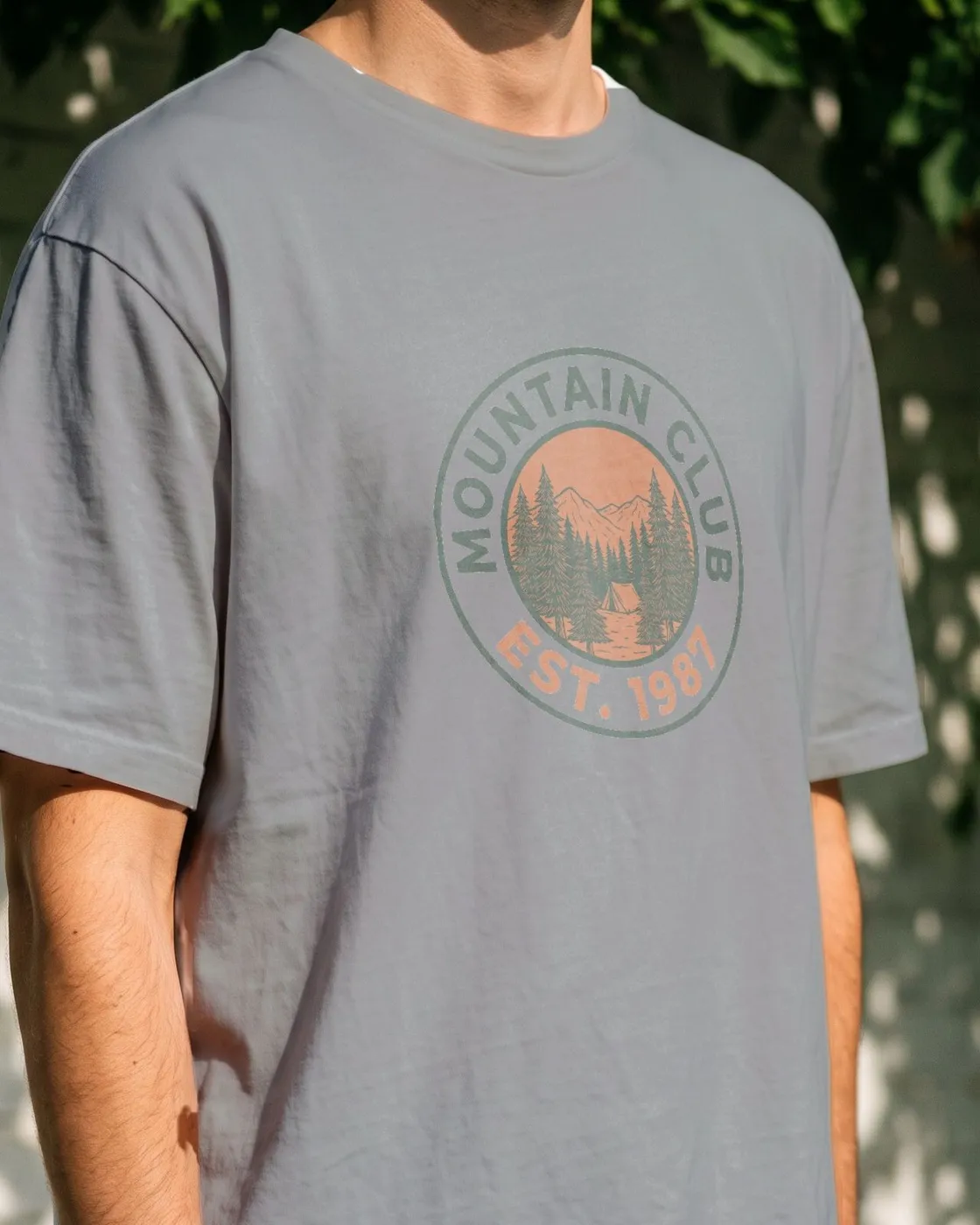
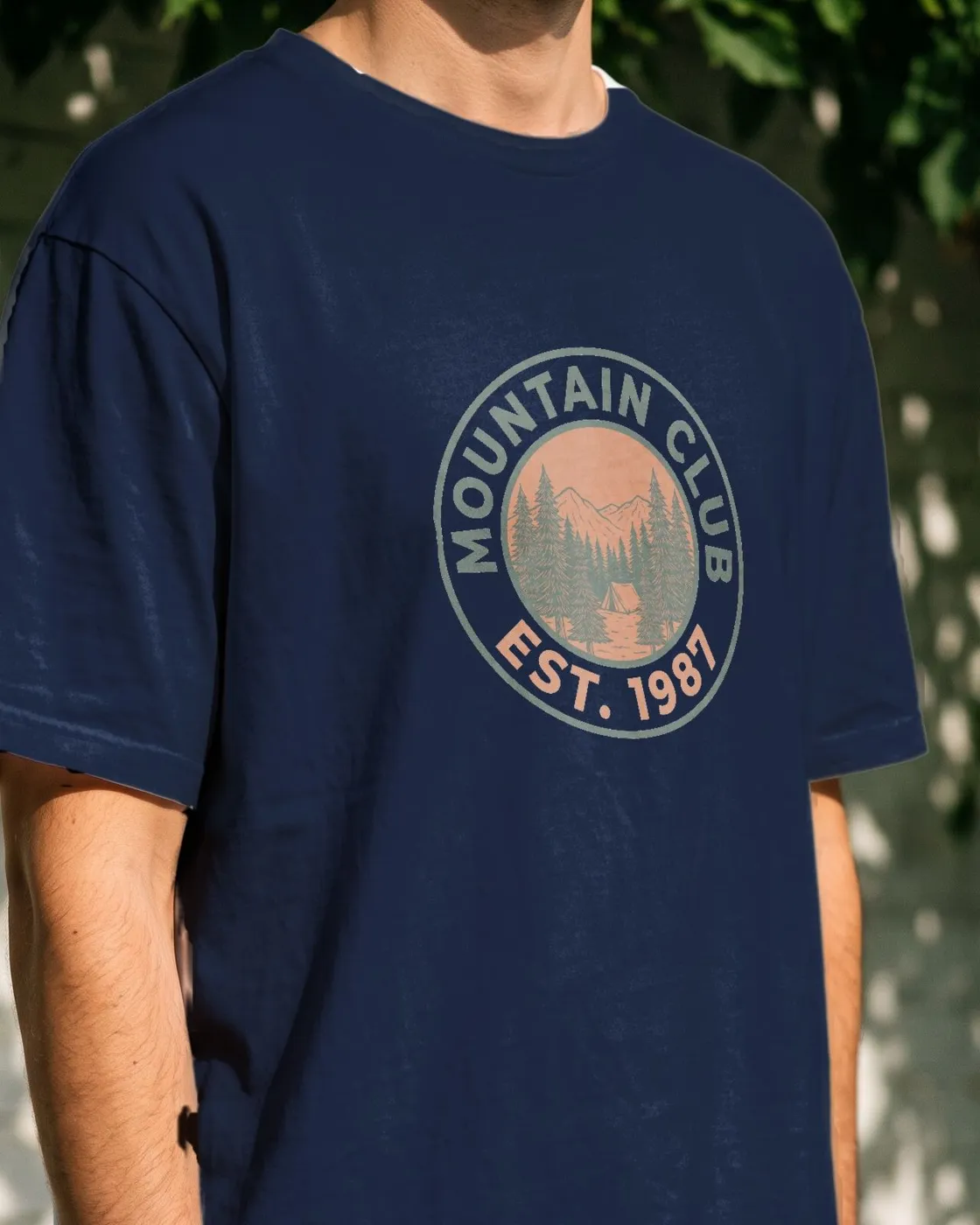
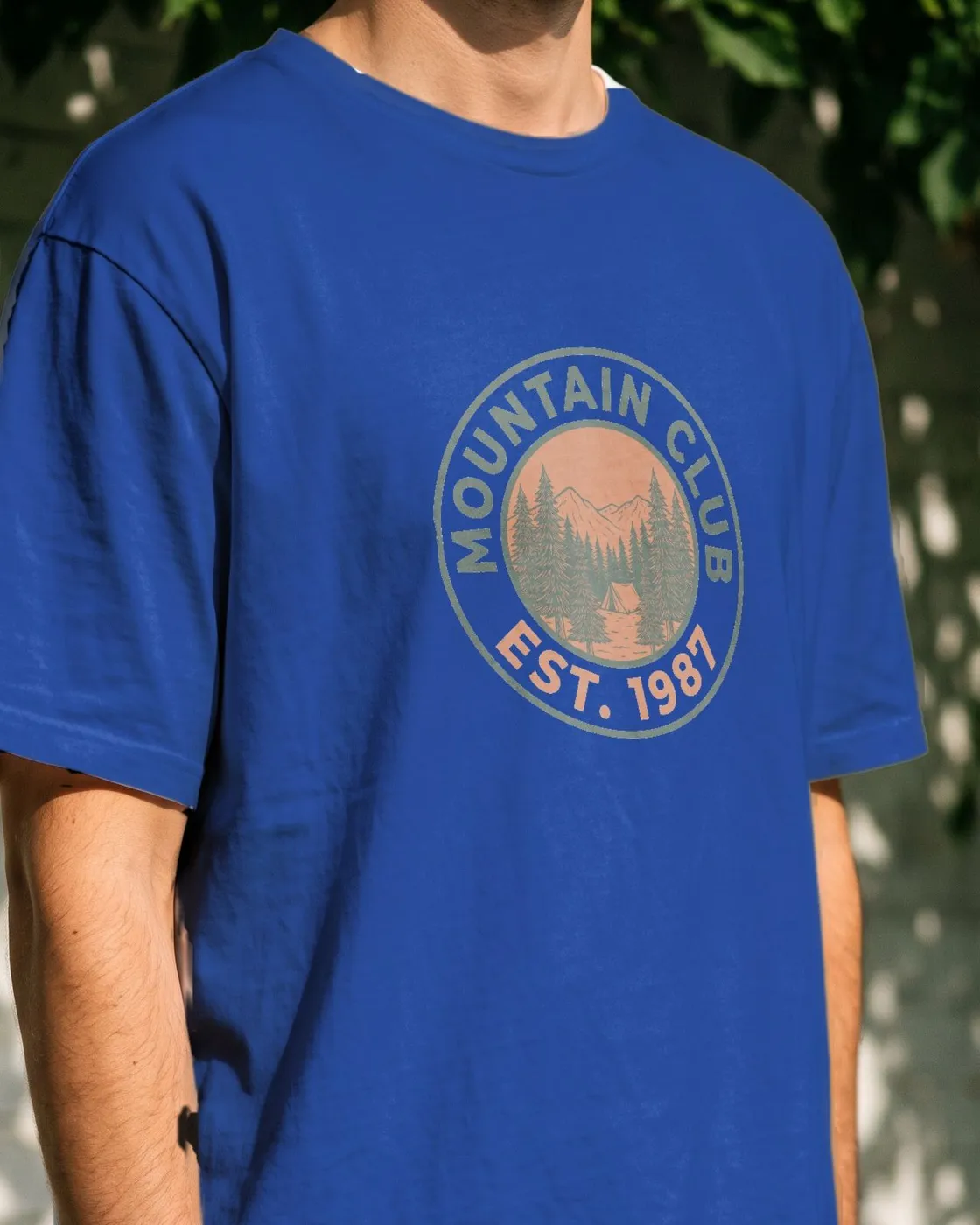
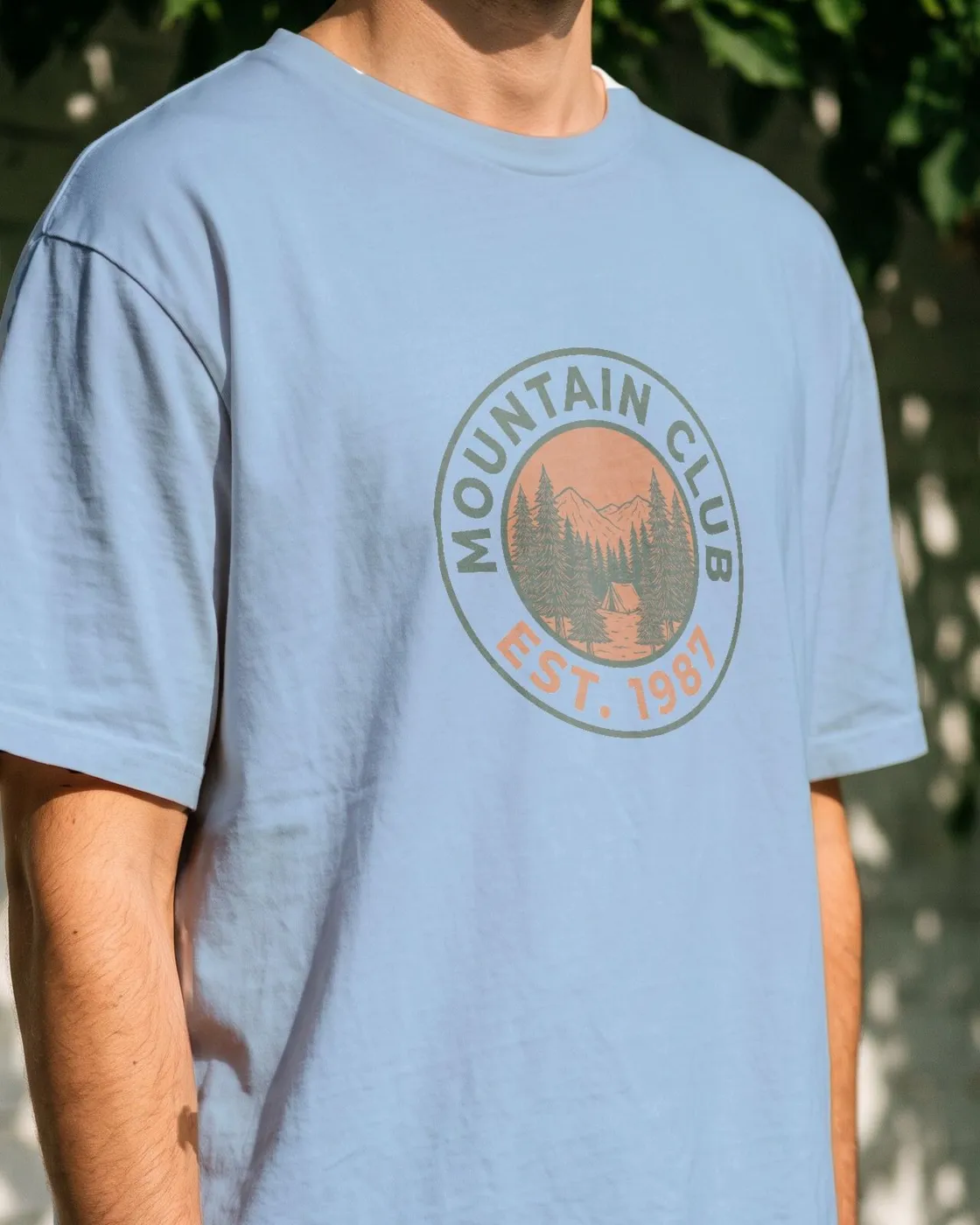
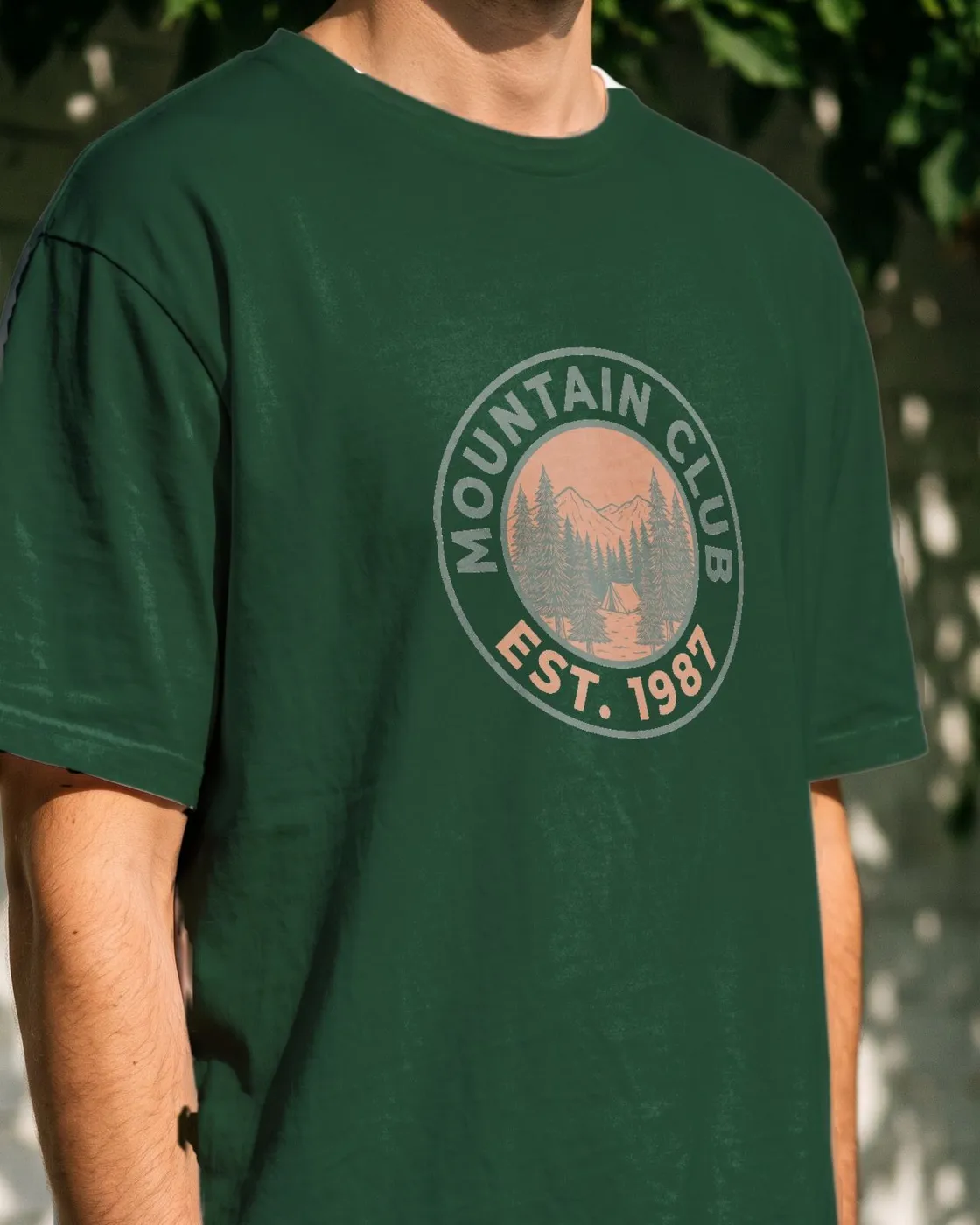
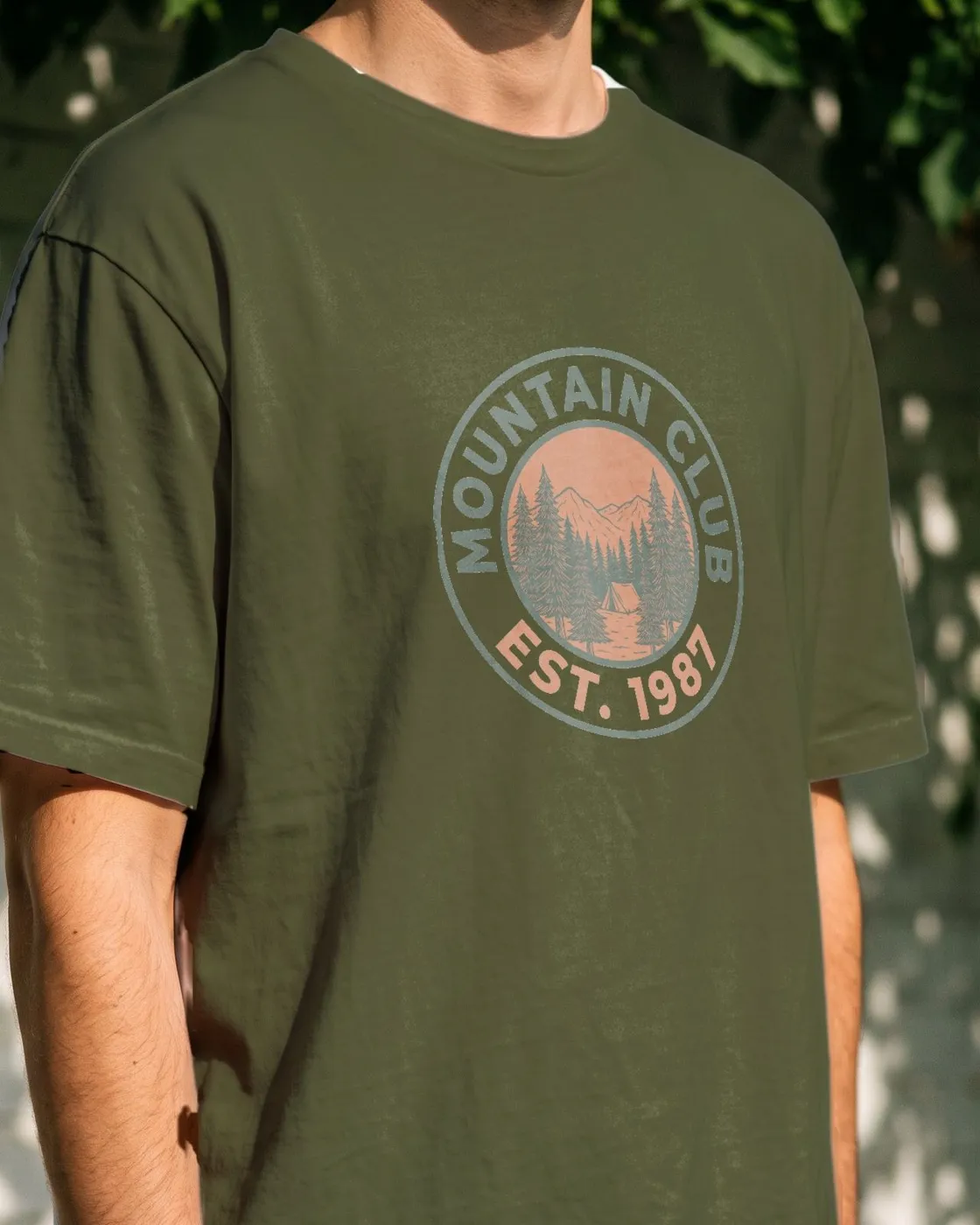
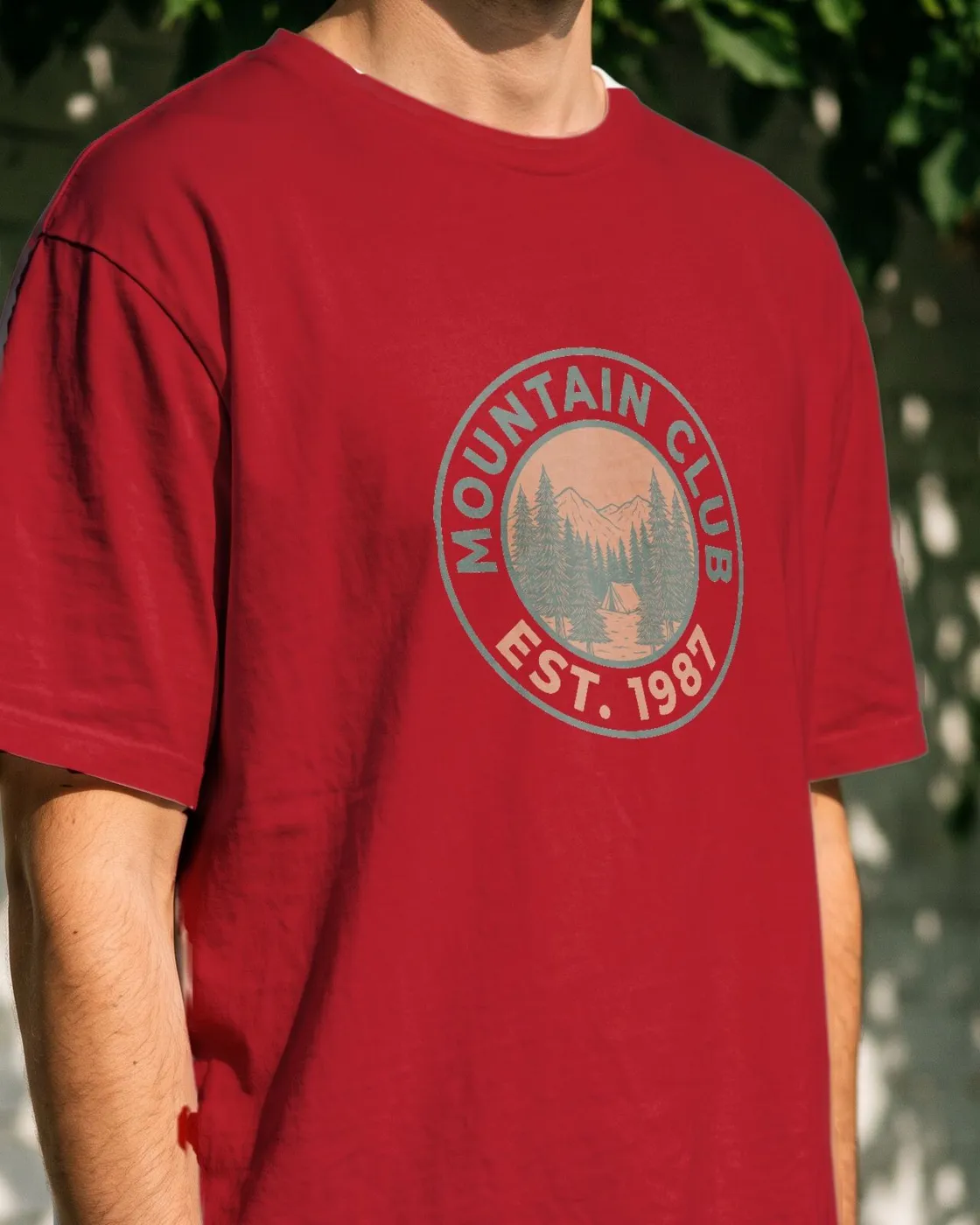
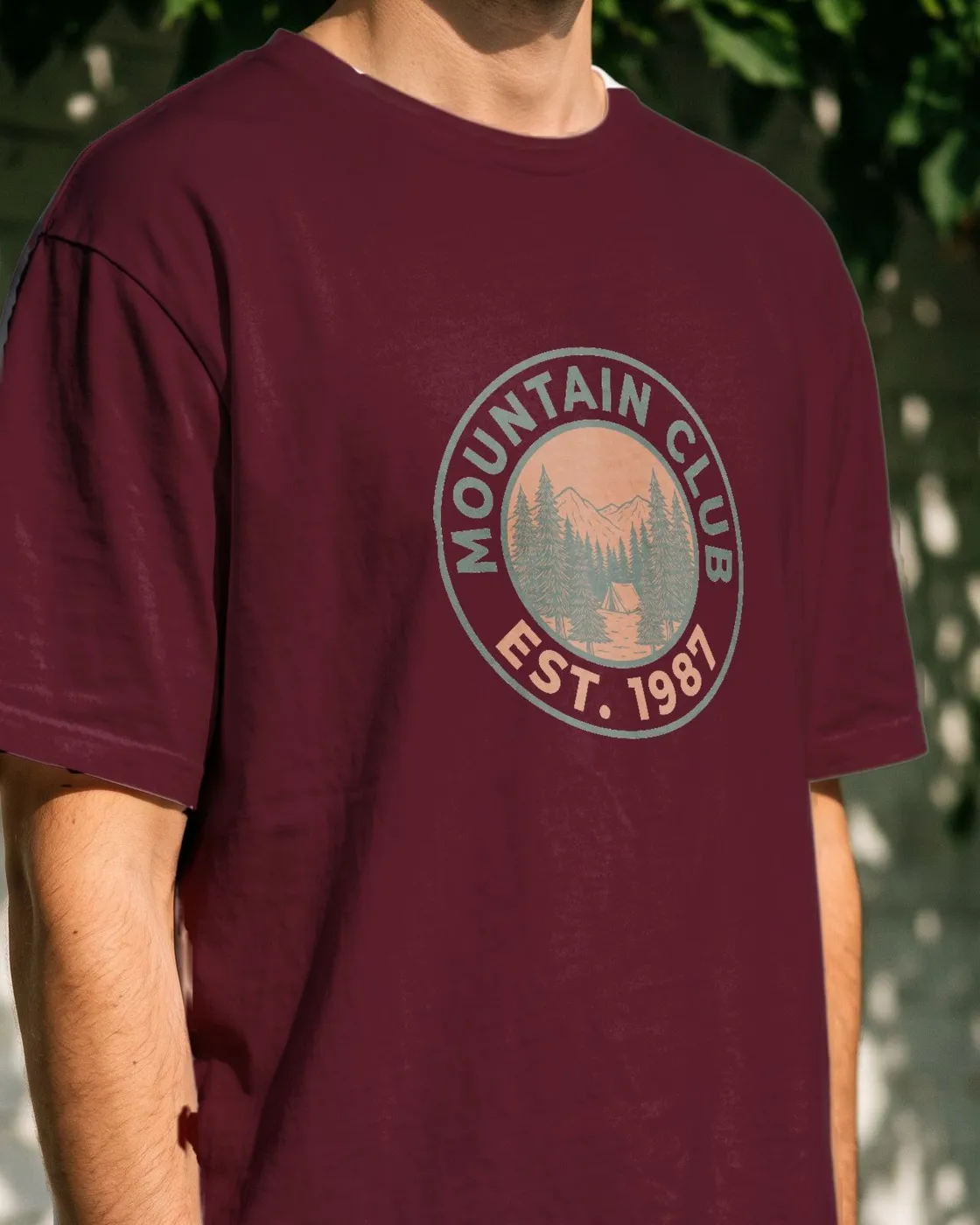
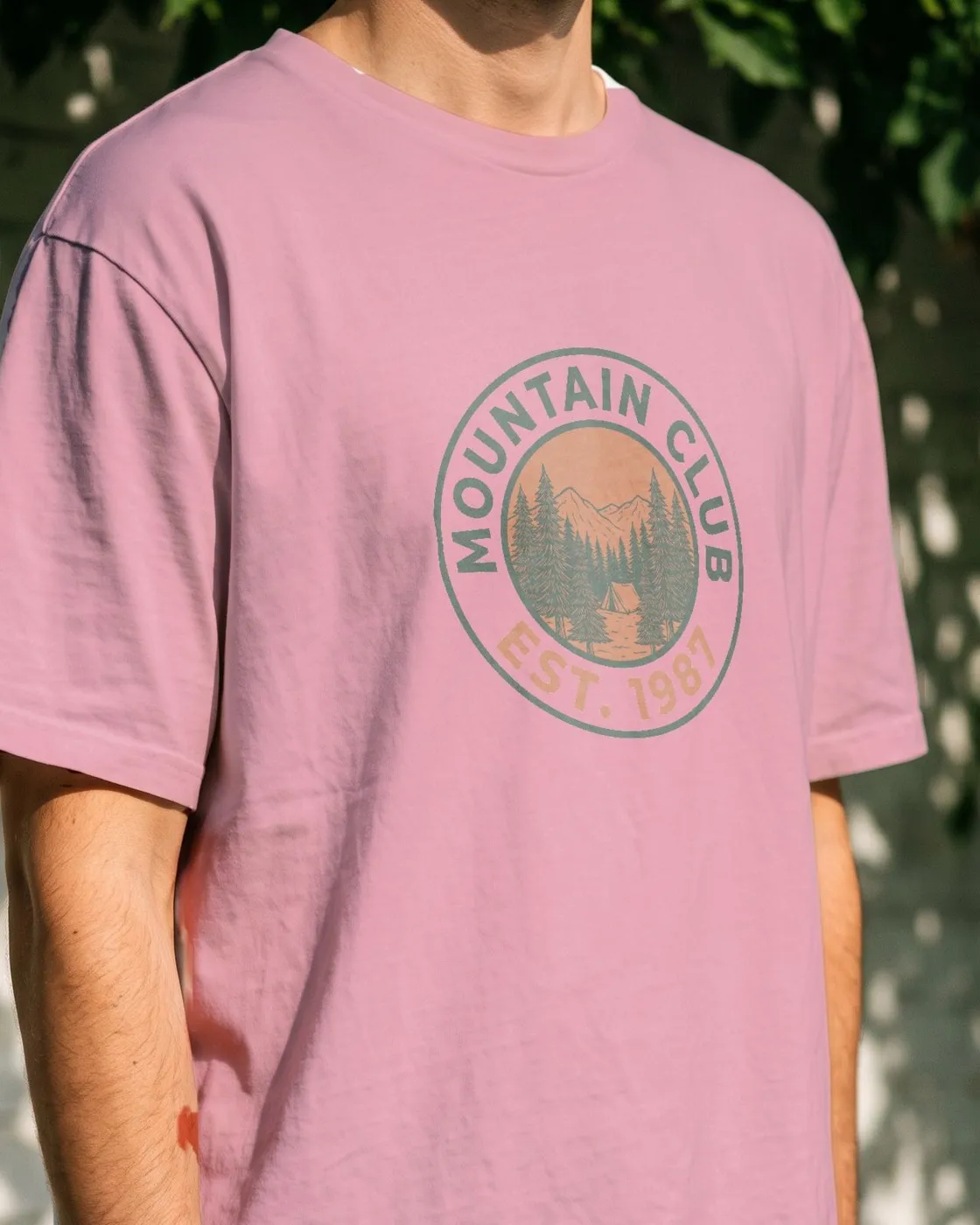
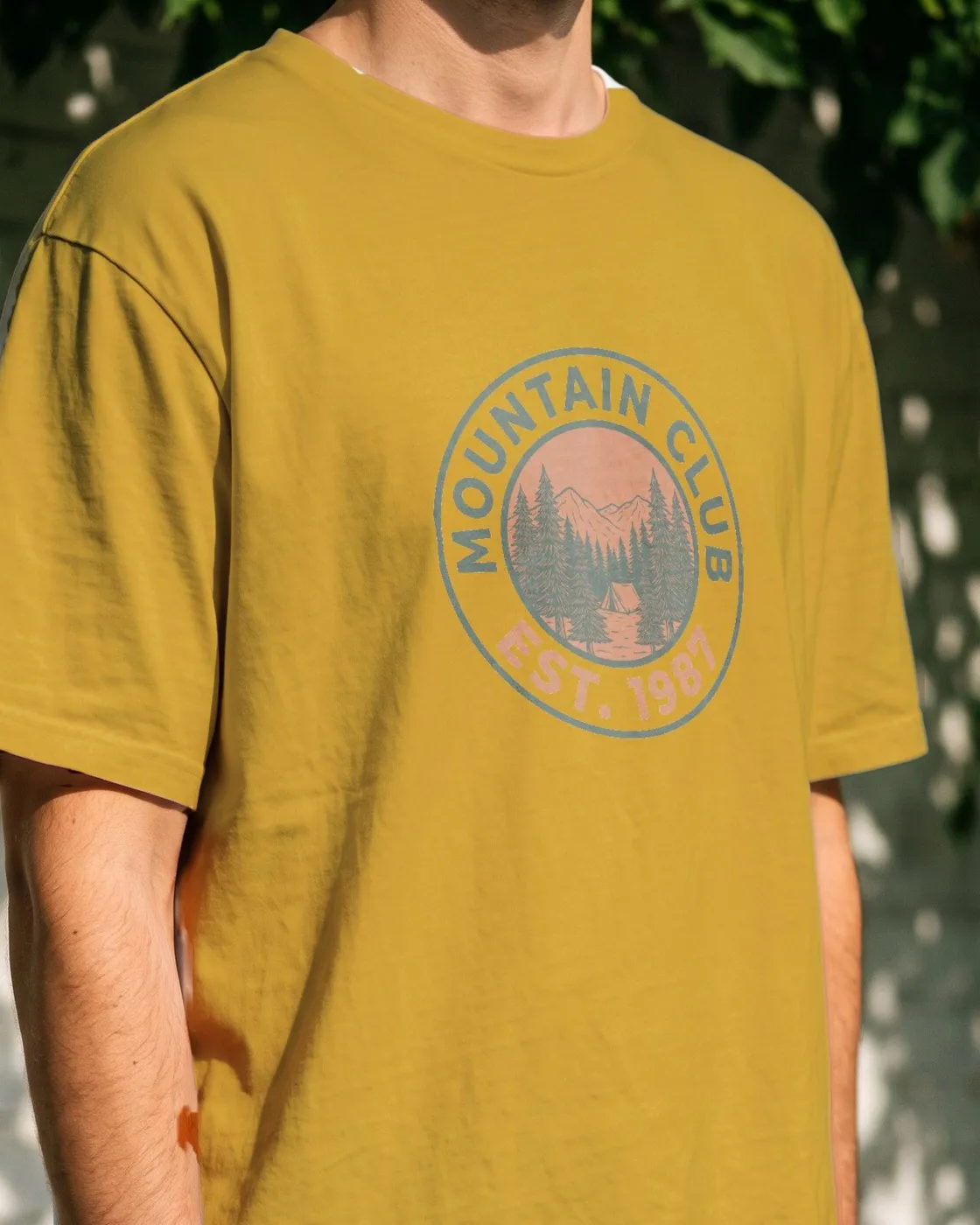
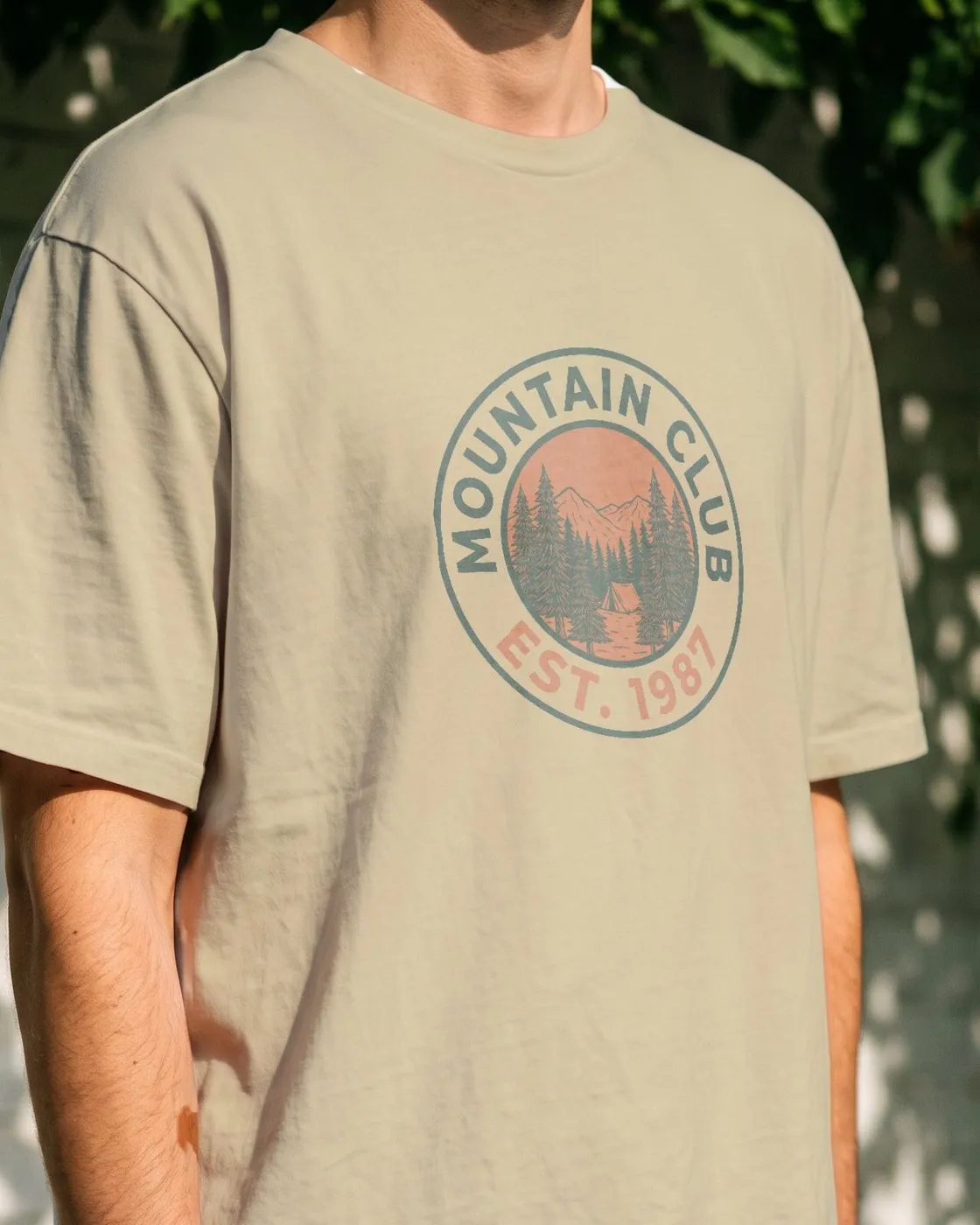
Garment color
Every color you sell, from one photo
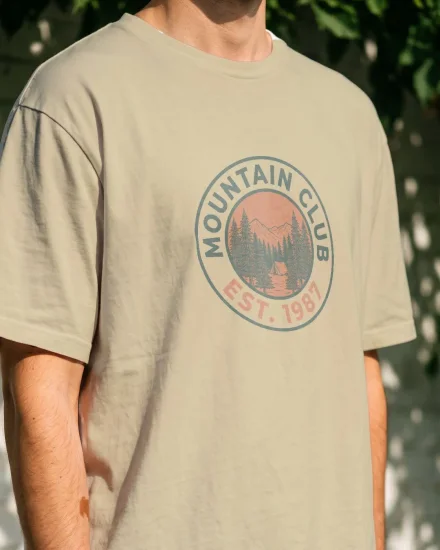
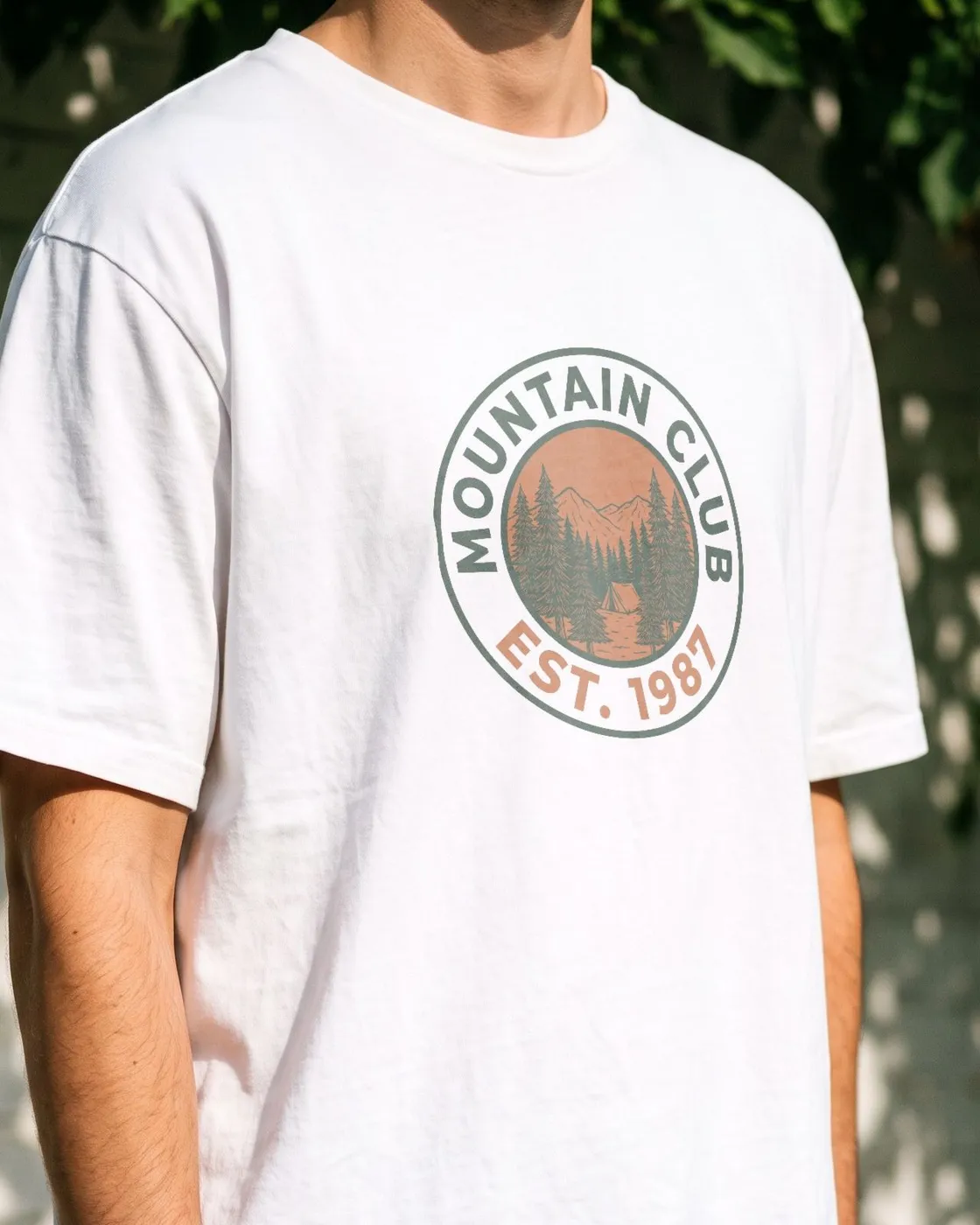
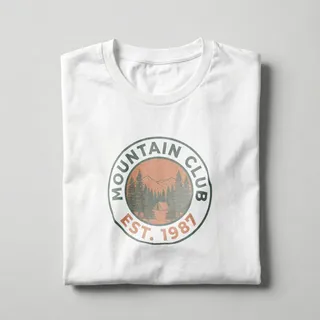
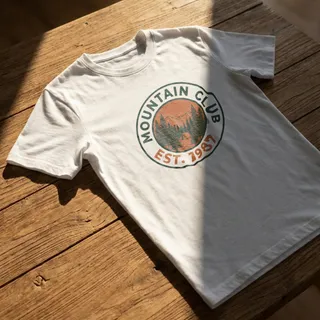
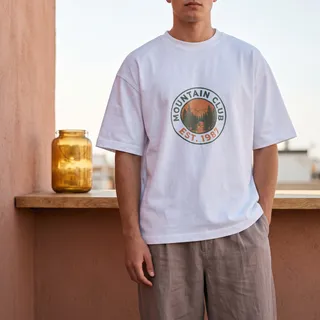
Pick a garment color and the shirt is redrawn in it. One tee photo covers your whole color range, ready to list.
- Folds, shadows and fabric texture stay in place
- Your print sits in the fabric like ink, on any color
- Drag and resize on the shirt, live, like on a frame
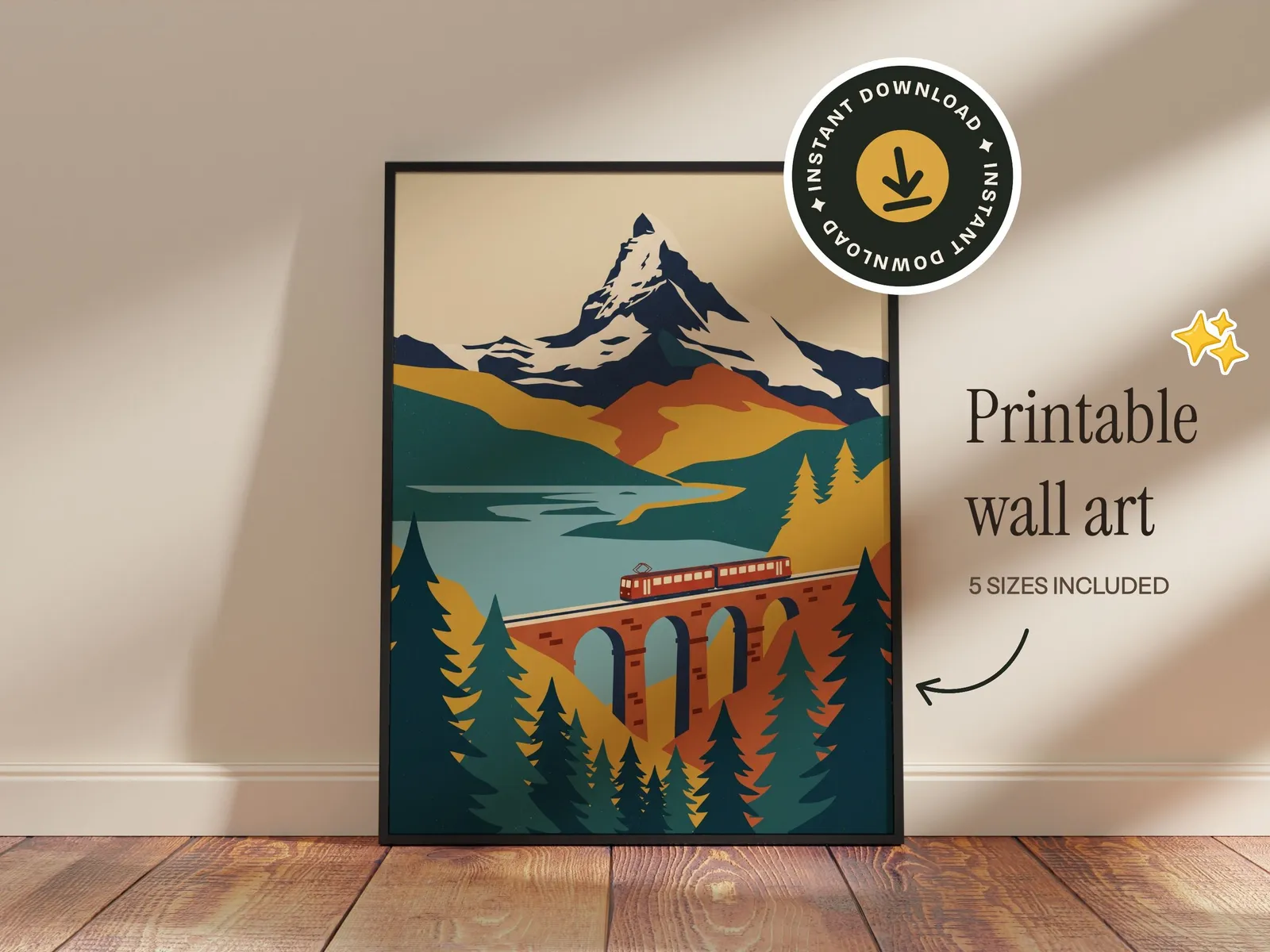
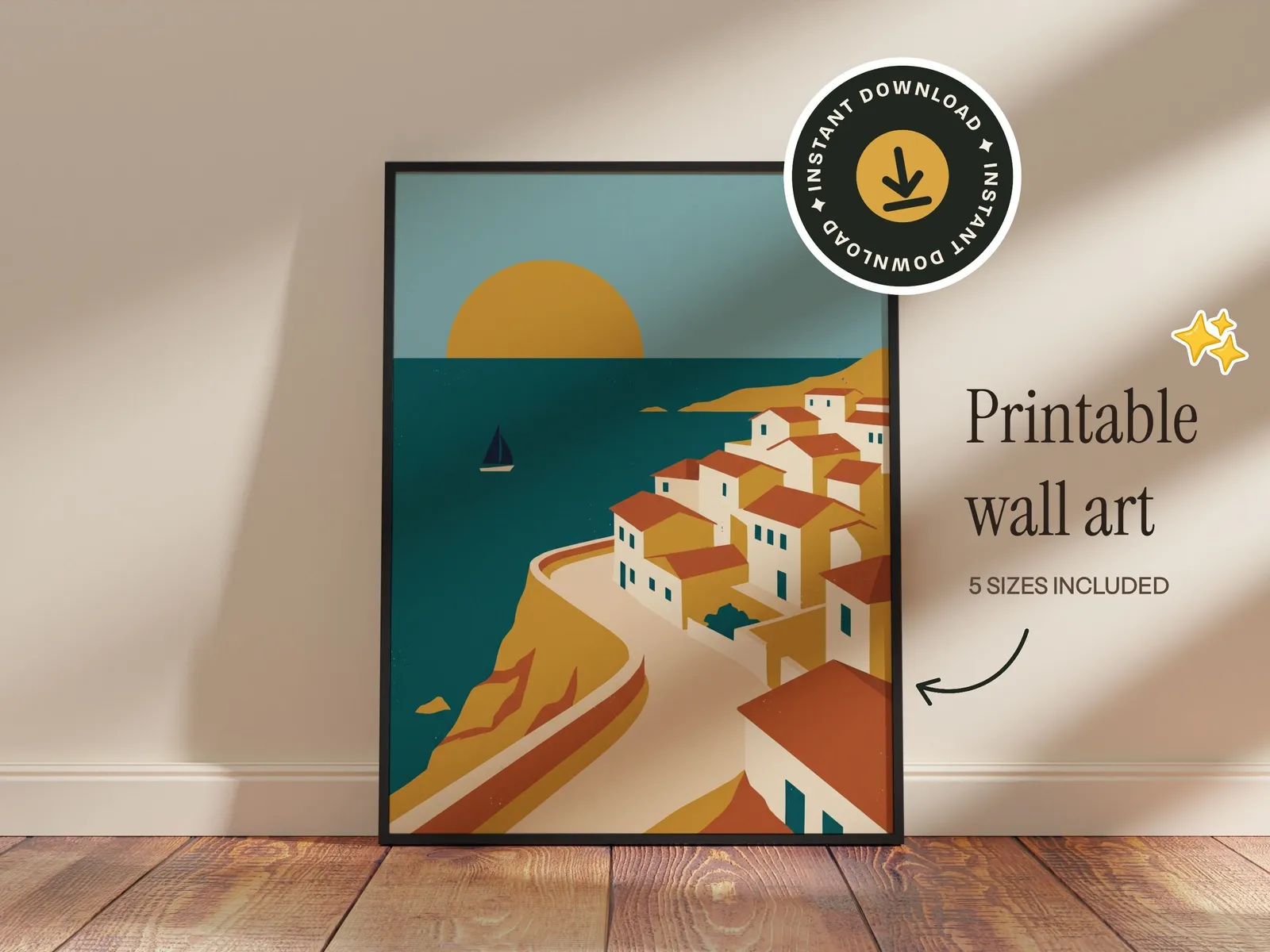
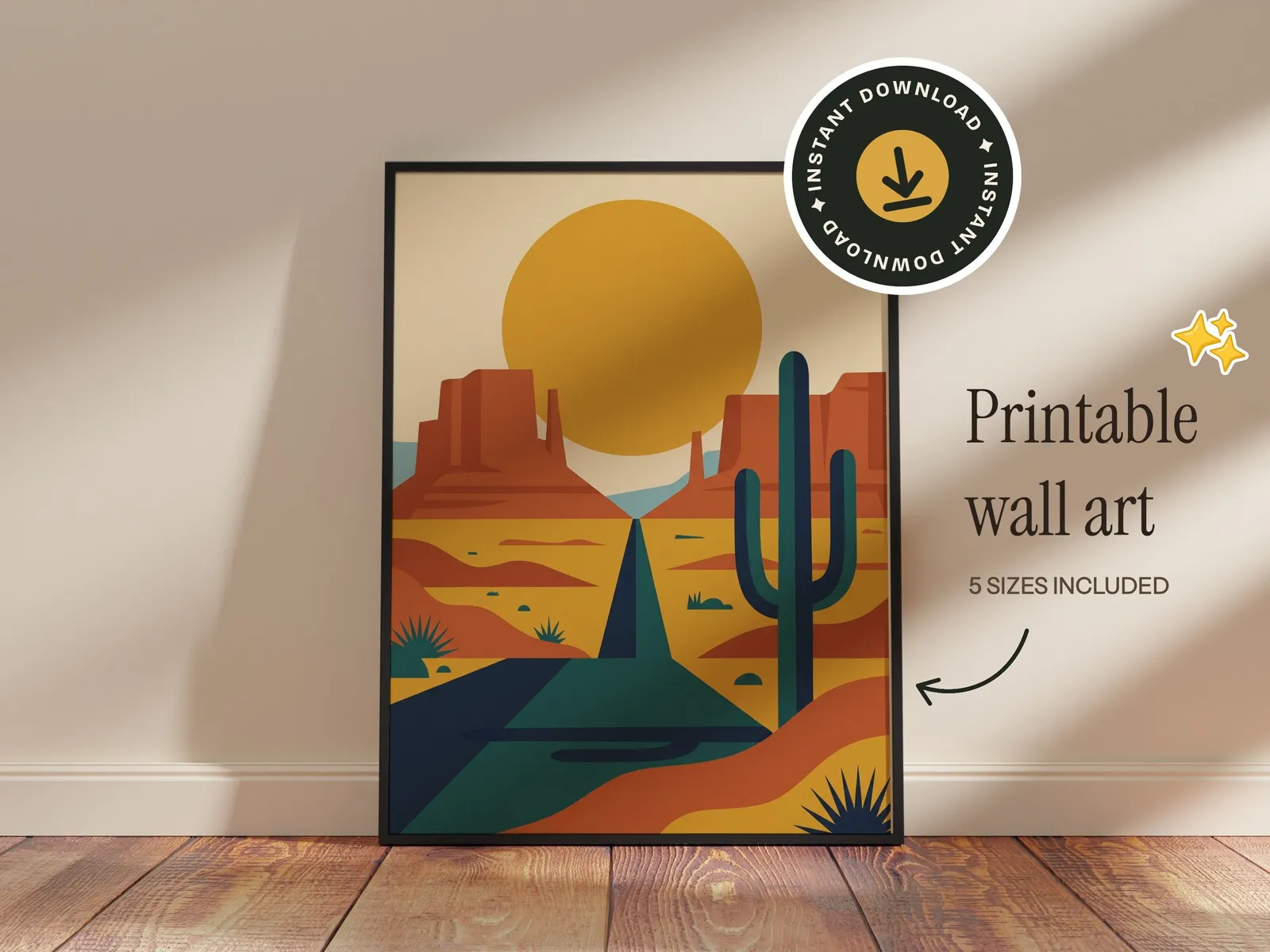
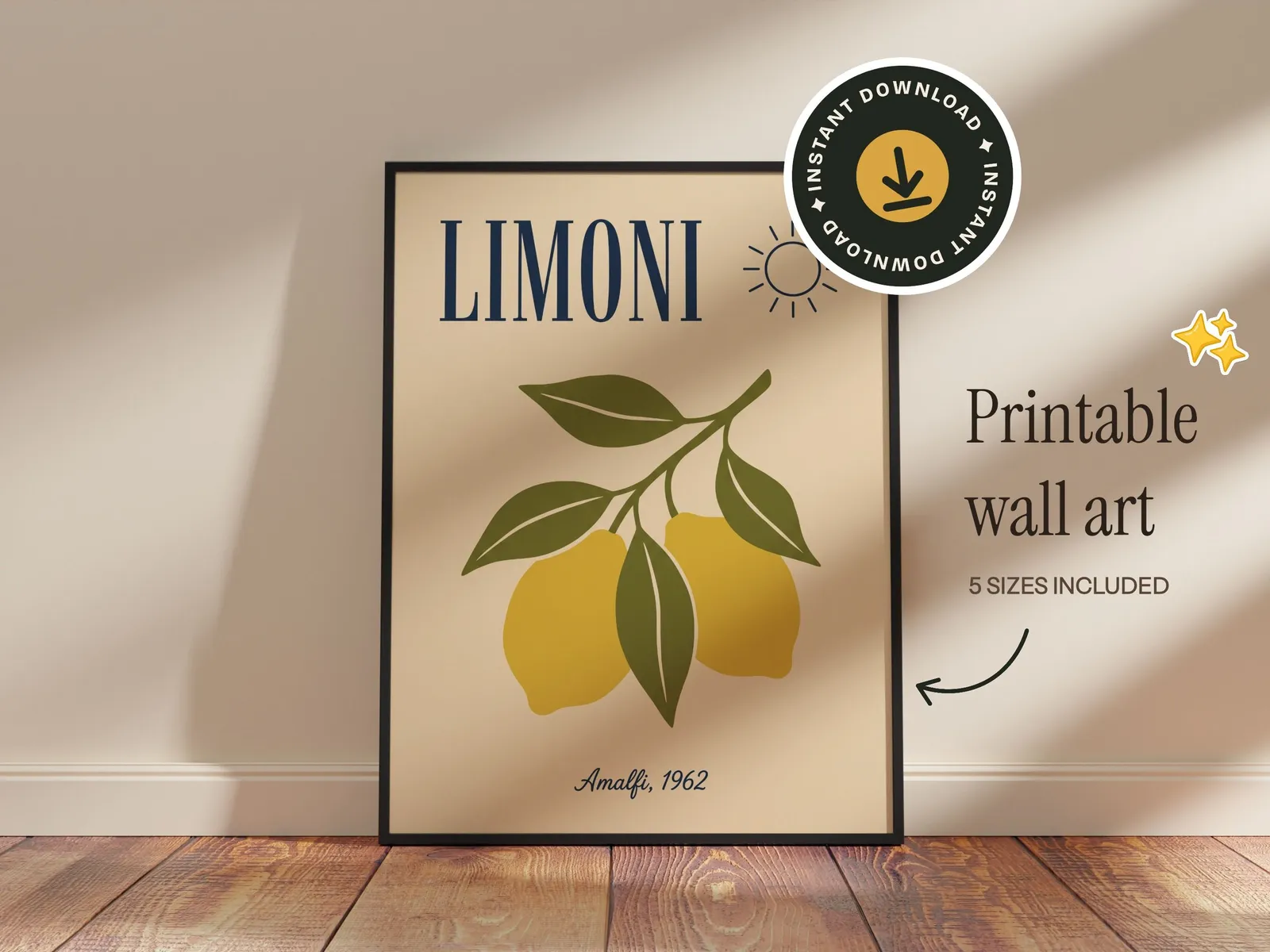
Text and graphics
Set it up once. Reuse it for every design.
Brand a template the way your shop looks and keep it. New designs drop into the same setup, so every listing in your shop matches.
- 1
Add stickers and badges
Pick from the built-in stickers, badges and doodles, or upload your own logo.
- 2
Add your text
Shop name, sizes, “instant download”. Over 200 fonts, rendered into the file.
- 3
Save it, then reuse it
Save the setup as your own template. Every new design drops into it, and sets run a design through all your templates at once.
Your own PSDs
The PSD mockups you own, in bulk
Import a PSD mockup you bought or made, and it becomes a template you reuse for every design. No Photoshop, no plugin, no placing the design by hand.
- 1
Drop in your PSD
Any PSD or PSB with a smart object, up to 300 MB. It opens in your browser, with nothing to install.
- 2
It becomes a template
The smart object's perspective and warp, its blend mode, and whatever stands in front of the design all come with it.
- 3
Run every design through it
It sits in My Templates next to the library. Upload a whole collection and download every mockup as a ZIP.
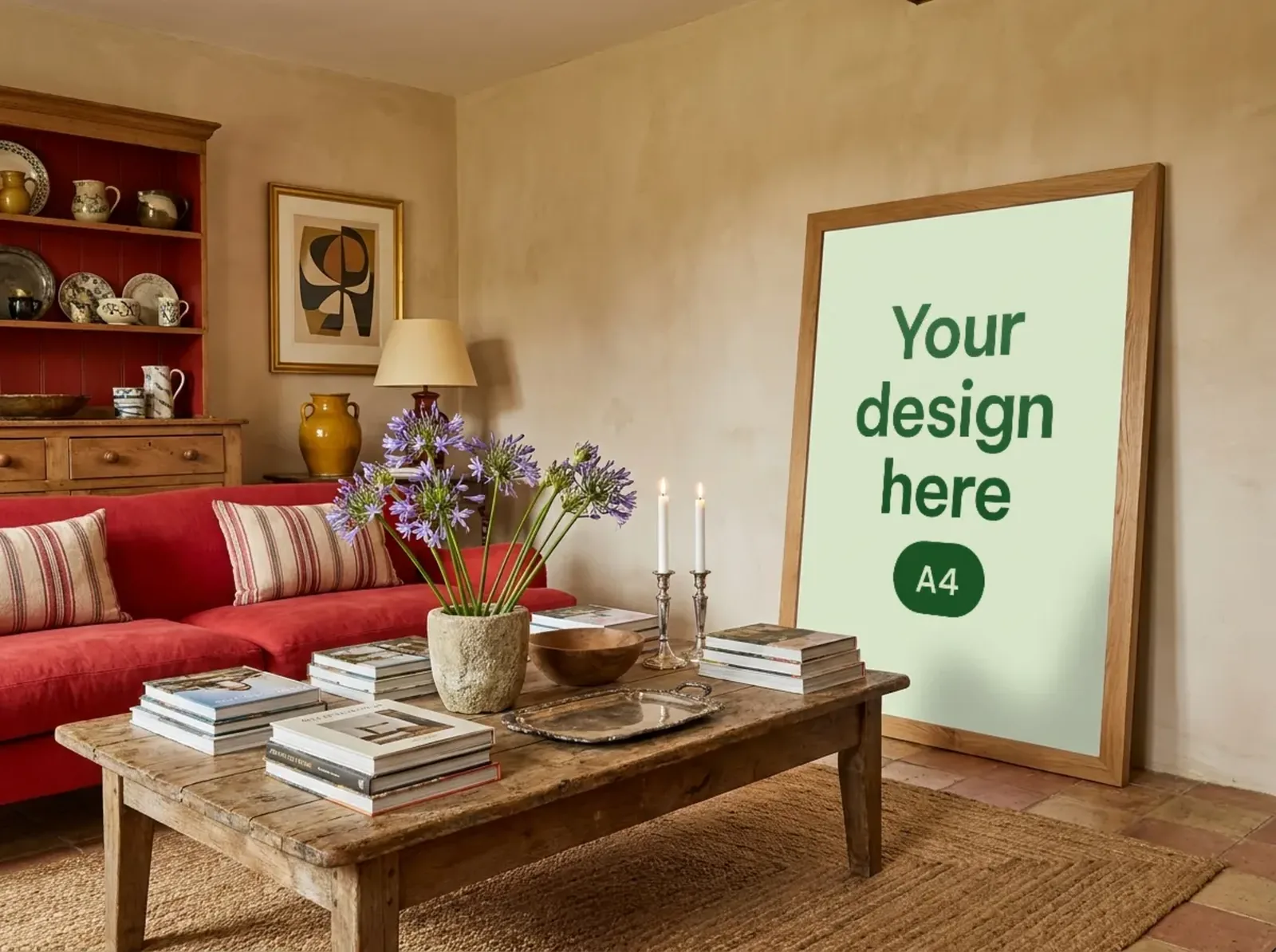
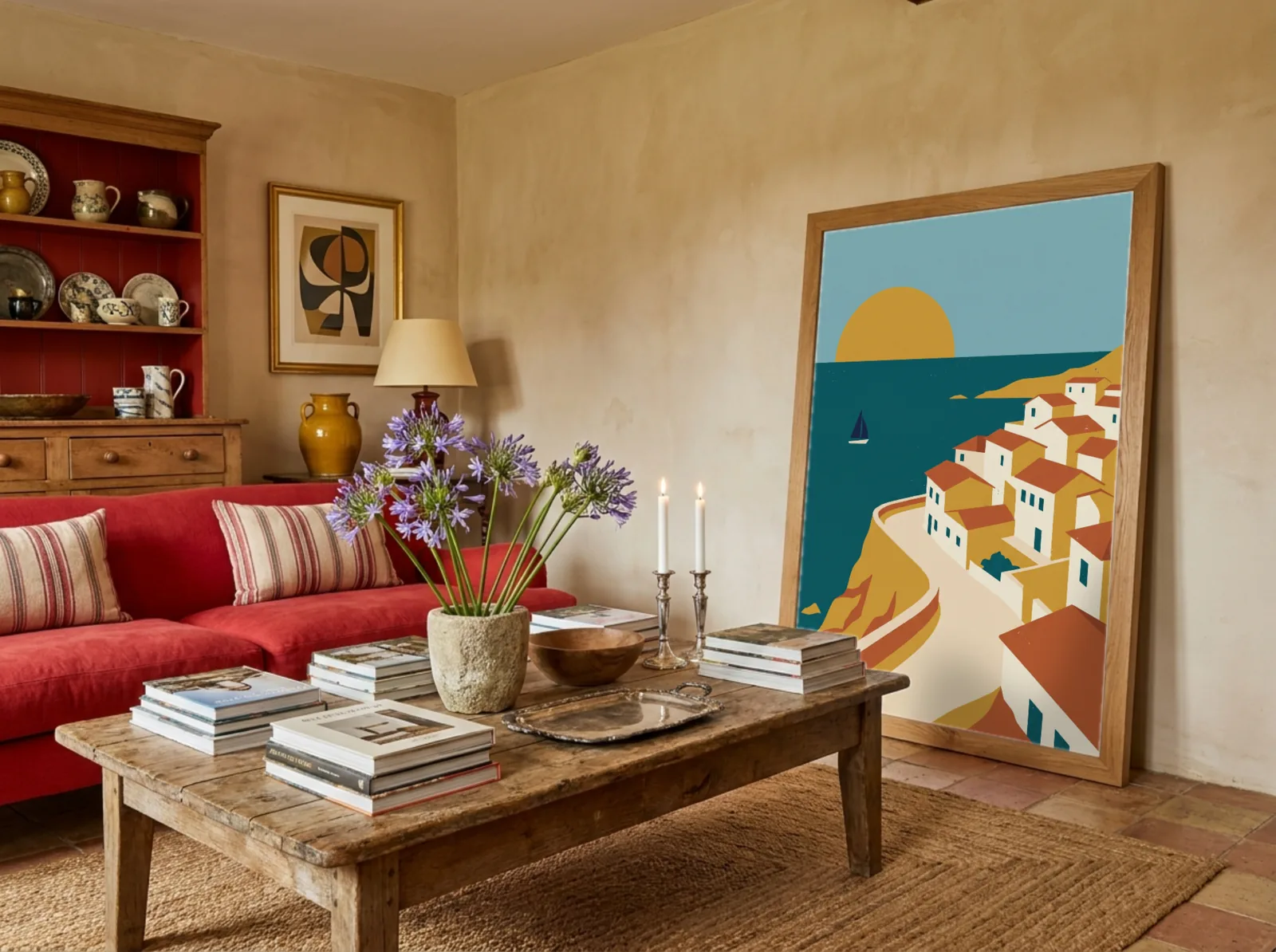
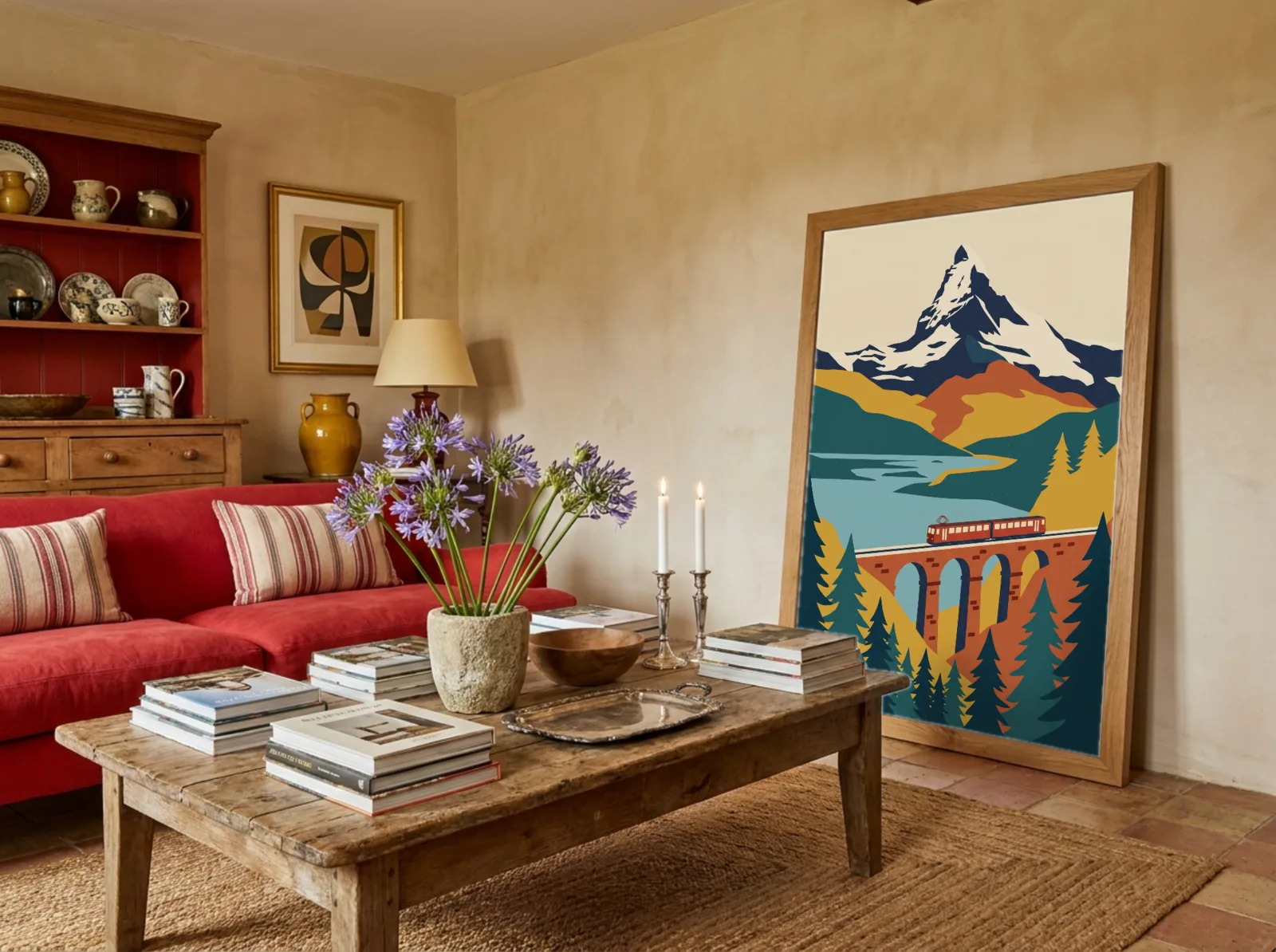
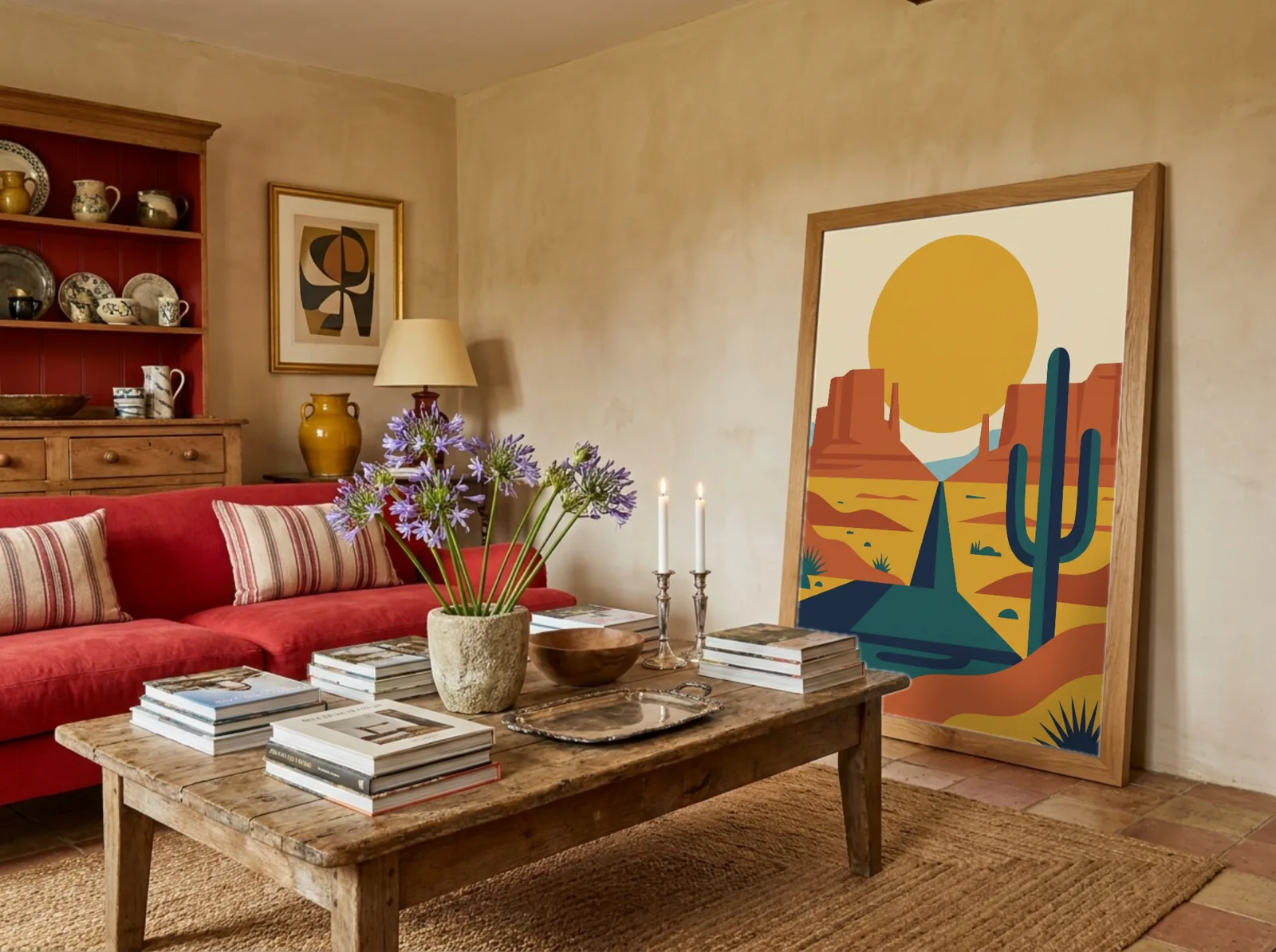
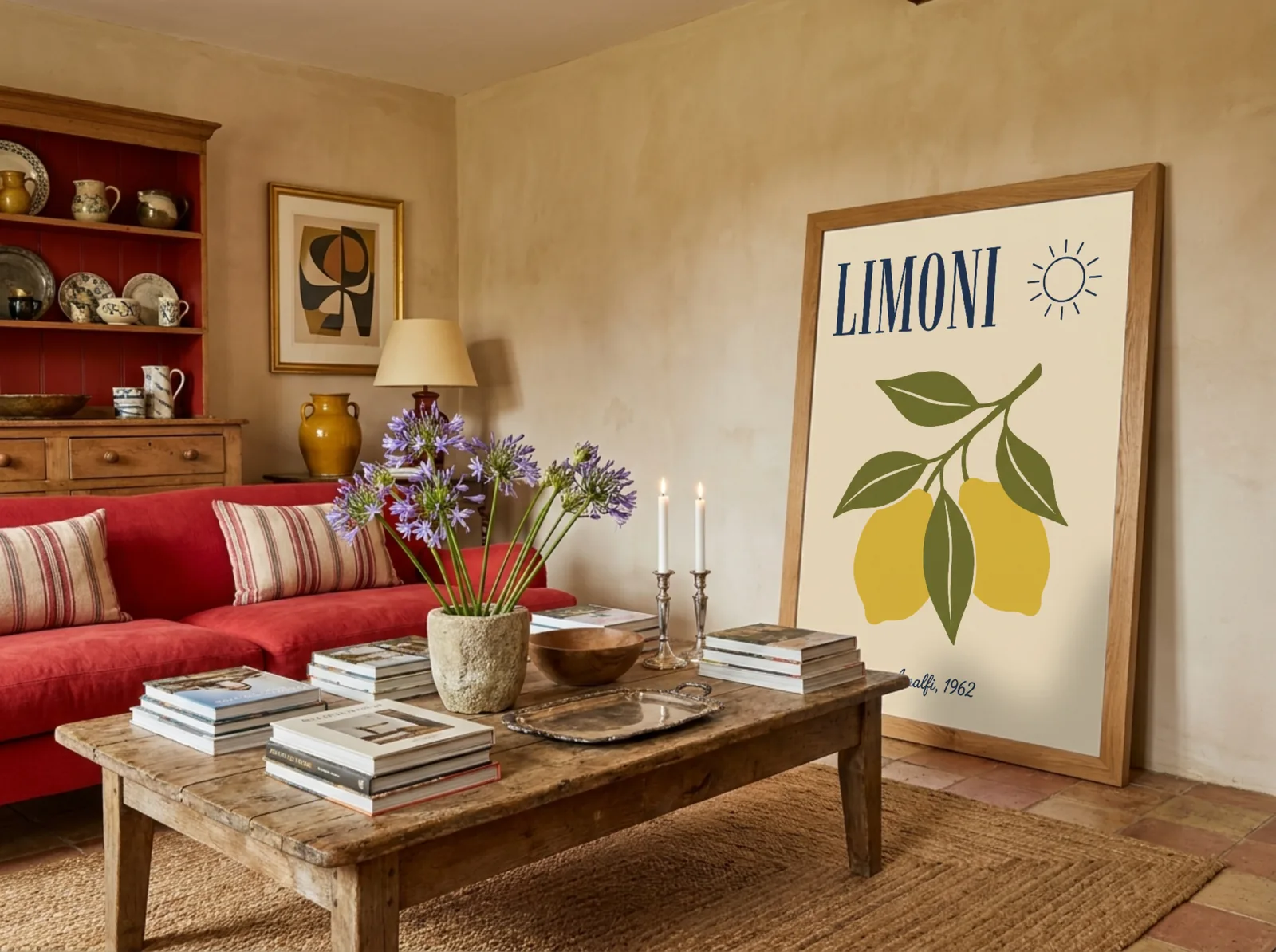
AI scenes
Need a new scene? Just ask.
Create rooms that don't exist yet, change the one you have, or start from a photo you took. Your design always goes in exactly as you made it.
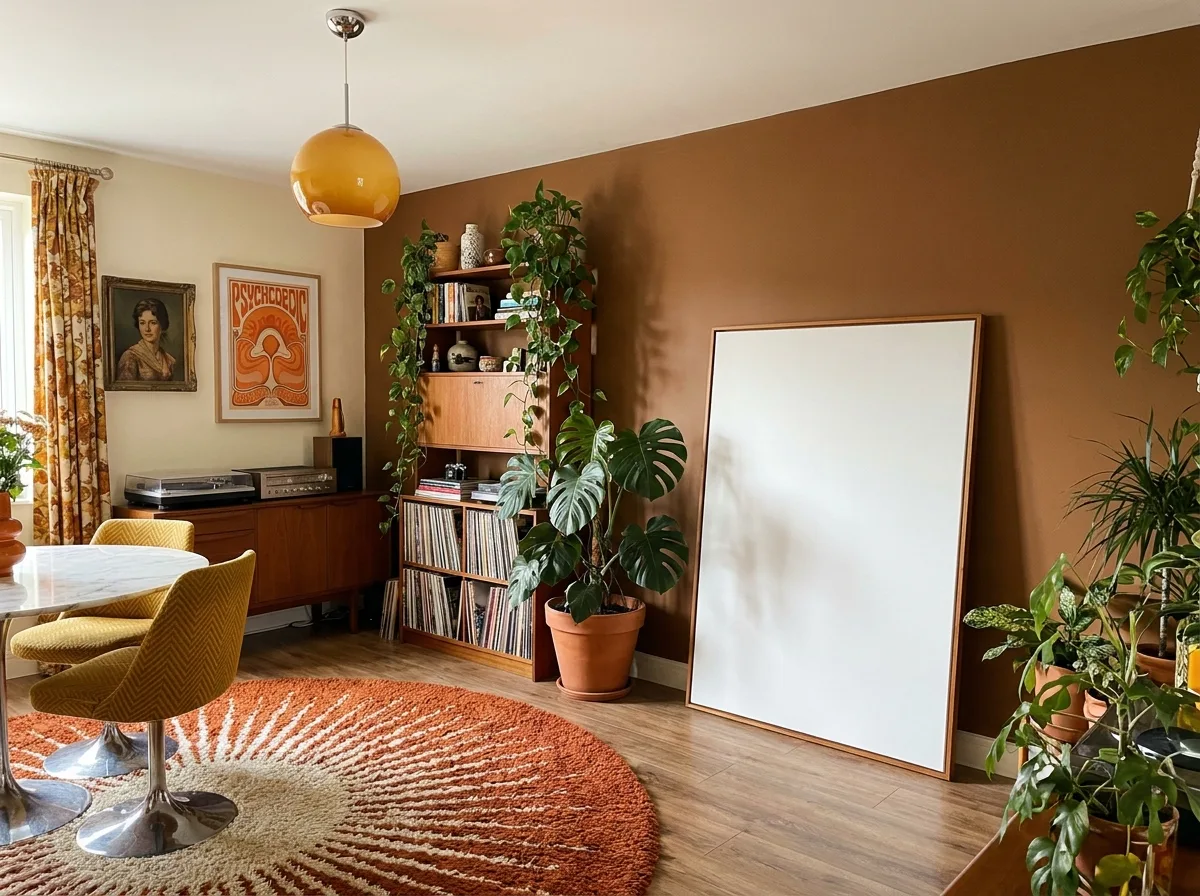
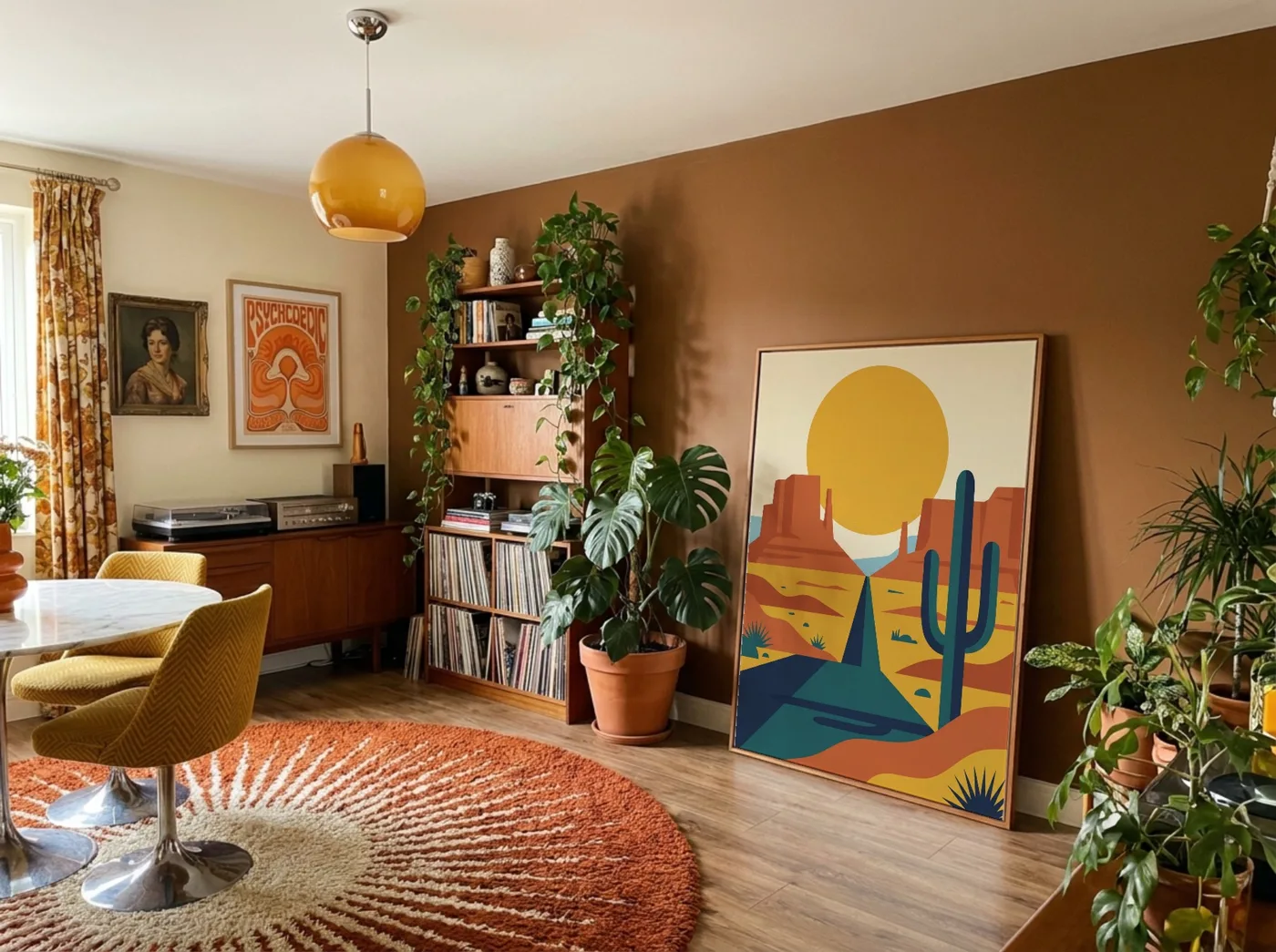
Bulk mockups
A whole collection, listed in one go
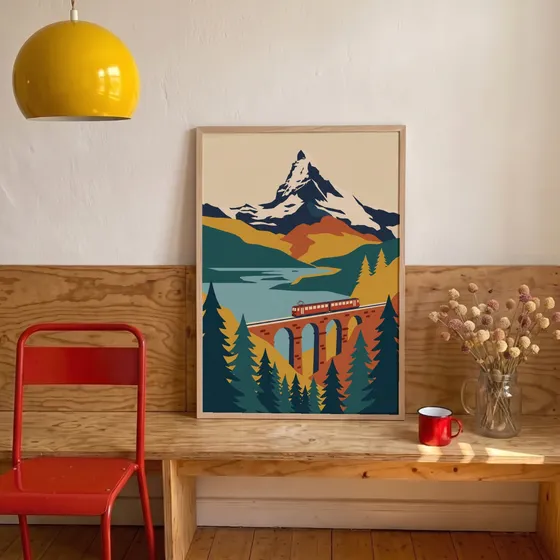
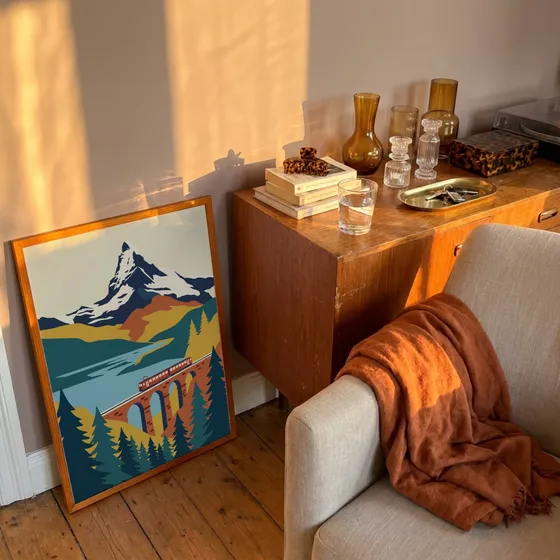
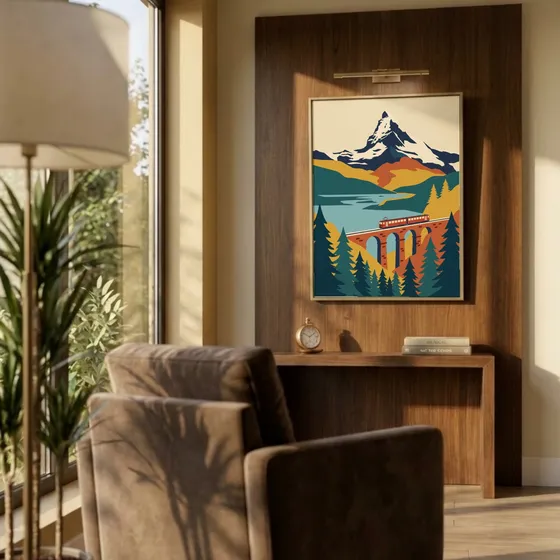
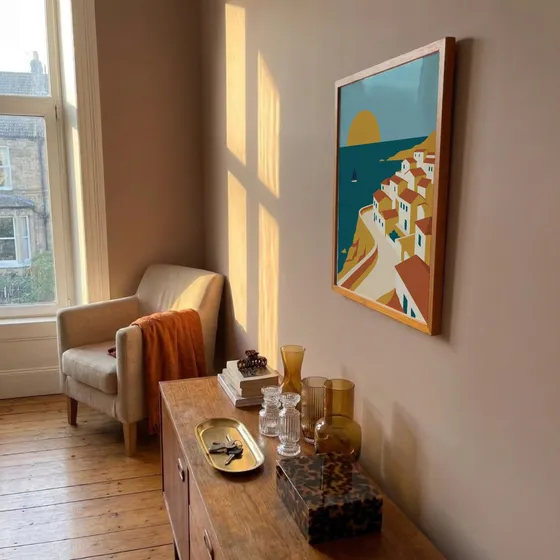
Upload your designs, pick your templates, and every combination renders at once from your exact files. Mockups stop being the thing that slows your shop down.
0
listing photos from 3 designs and 6 templates

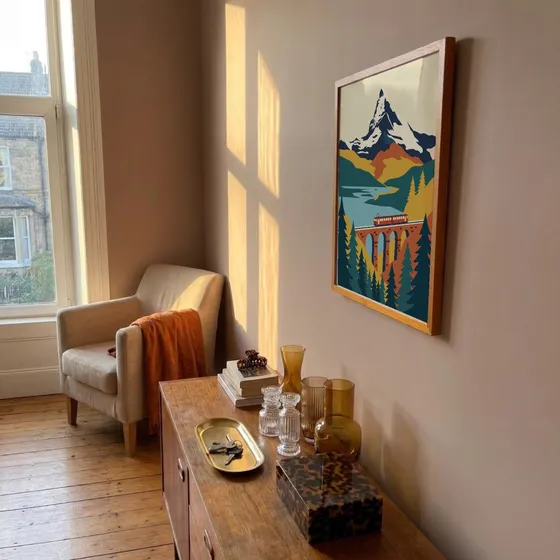
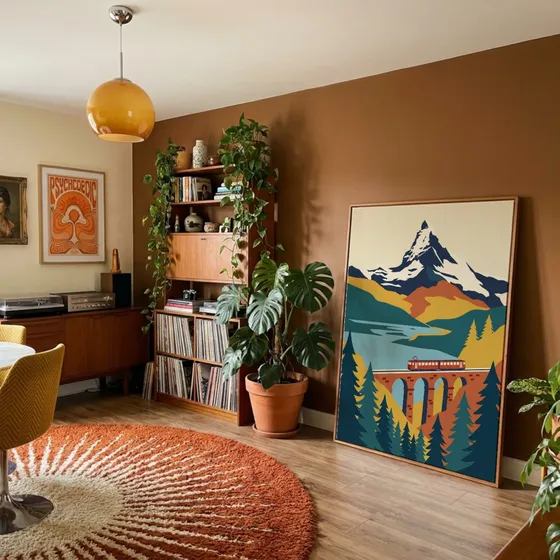
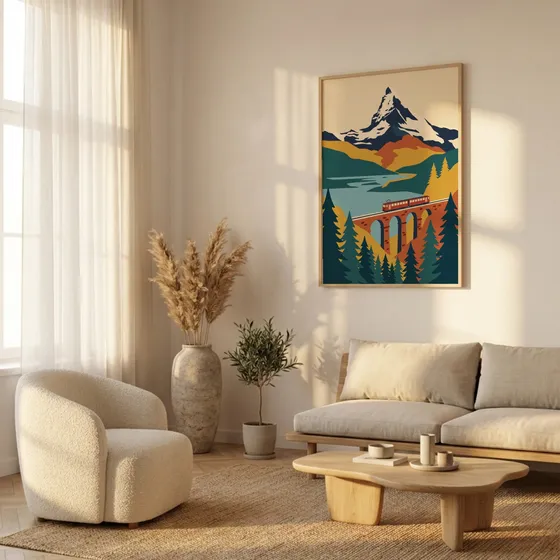

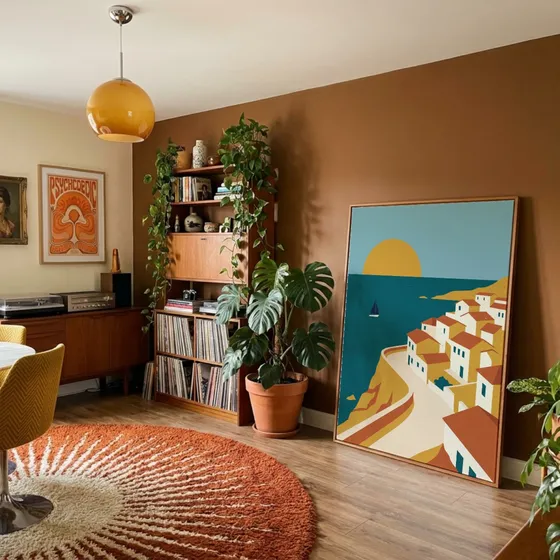
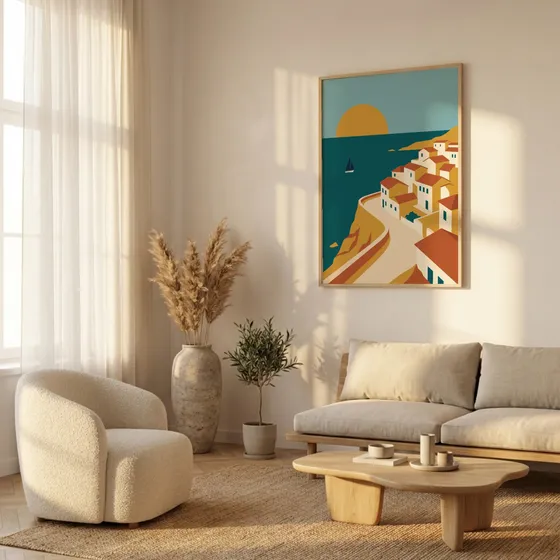
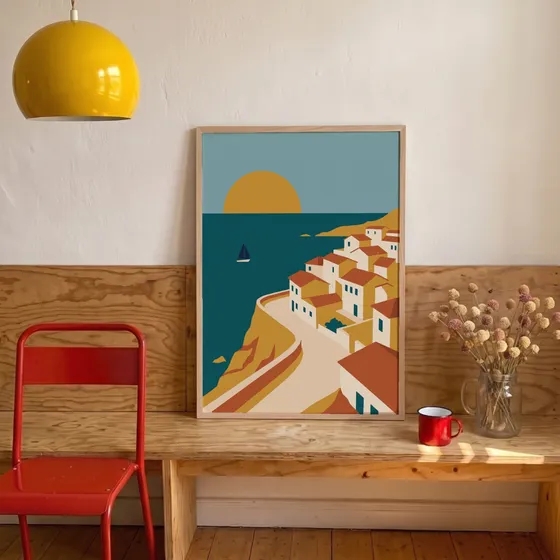
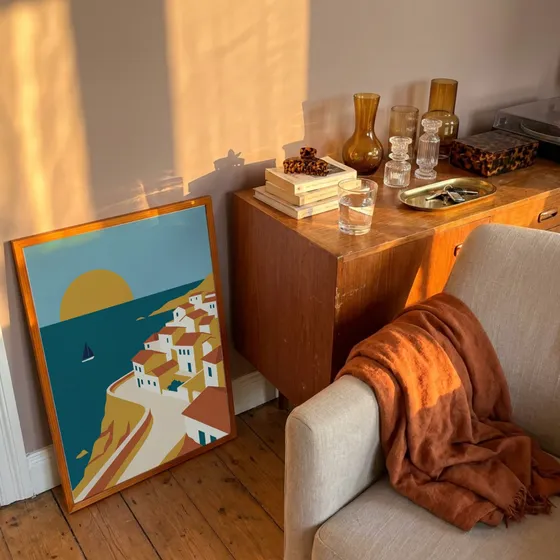
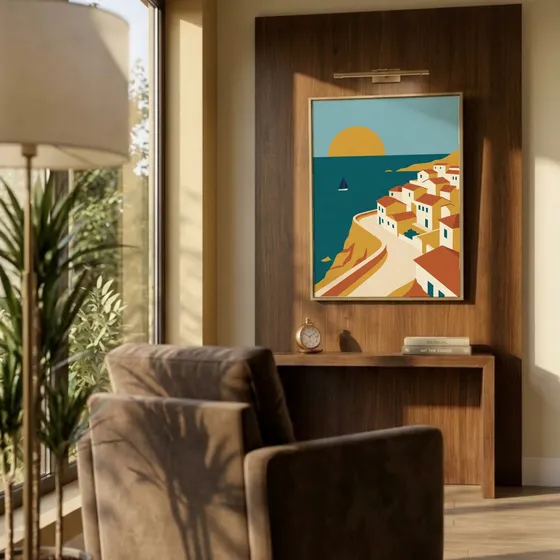

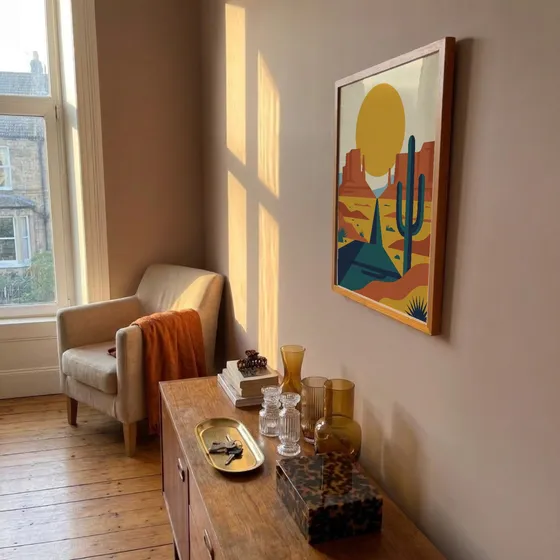
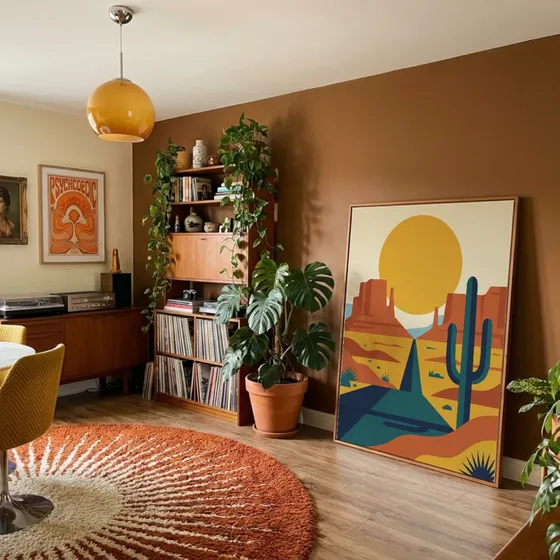
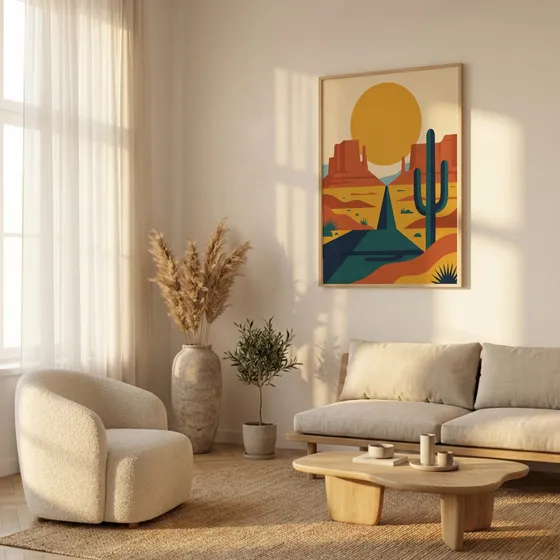
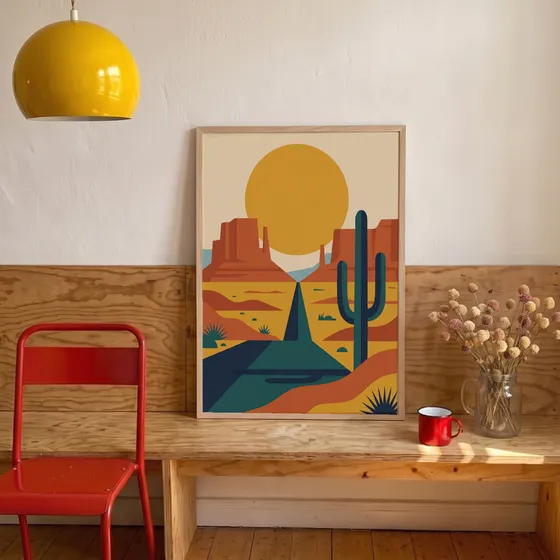
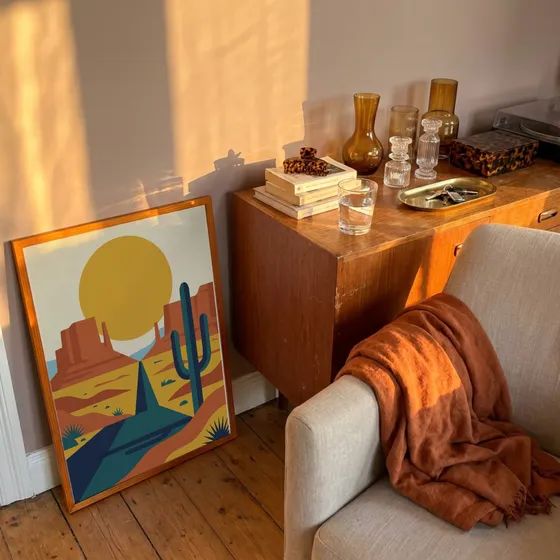
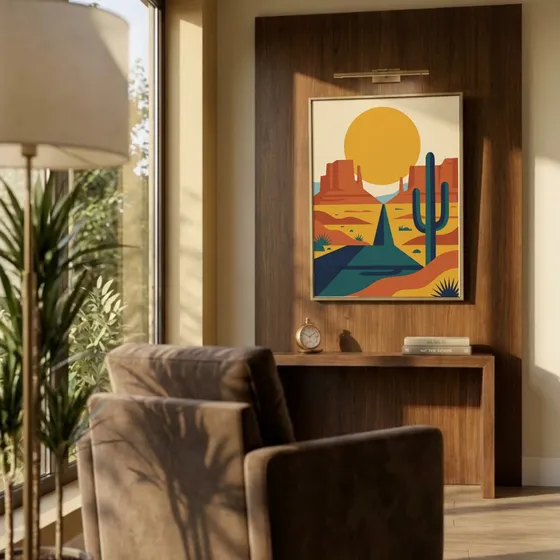
 Push straight to Shopify
Benefits
Why Etsy Sellers Choose Mockupanda
Professional listing photos are the #1 factor in Etsy clicks. Create yours in seconds
Etsy-Optimized Output
High-resolution JPEGs that meet Etsy's 2000px+ recommendation. Perfect for listing photos, Etsy Ads, and offsite ads.
Improve Your CTR
Listings with professional lifestyle mockups consistently outperform plain product images in Etsy search click-through rates.
Up to 10 Listing Photos
Generate all 10 Etsy listing photos at once. Different room settings, frame styles, and compositions, all from one upload.
No Photography Needed
Create studio-quality product photos without a camera, lighting equipment, or expensive photo sessions.
New Listing in Minutes
From design to live Etsy listing in under 5 minutes. Upload, generate, download, and list, faster than any other workflow.
Built for High-Volume Shops
Apply one design across templates and reuse your branded layouts, so you can post dozens of listings a week without redoing work. Far cheaper and more consistent than generating each photo with AI.
How it works
How to Create Etsy Listing Photos in 3 Steps
Professional product photos for your Etsy shop in under 5 minutes
- 1
Upload Your Design
Drag and drop your design file (PNG, JPG, or WebP). It's instantly applied to all available mockup templates.
- 2
Choose Your Templates
Browse room settings and styles. We recommend 3-5 different mockups per Etsy listing for maximum impact.
- 3
Download & List on Etsy
Download your high-resolution mockups and upload them directly to your Etsy listing. That's it, you're live.

Use cases
Perfect for Every Type of Etsy Shop
Wall Art Sellers
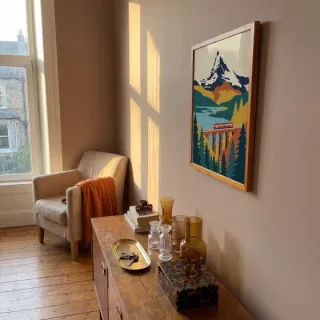
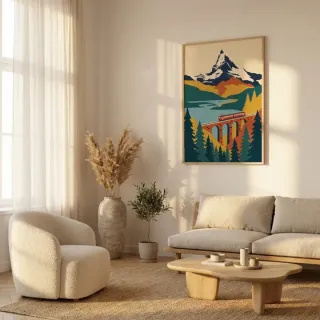
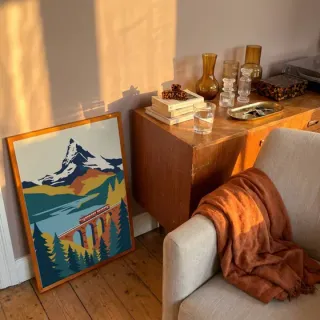
Create stunning room mockups that help buyers imagine your prints in their homes
Print-on-Demand
Generate professional listing photos for Printful and Printify products in seconds
Digital Downloads
Show digital prints in realistic frame mockups to boost perceived value
New Etsy Shops
Launch with professional-looking listings from day one, even before your first sale
Free for commercial use
No Etsy attribution required
Works with Etsy Ads
2000px+ resolution output
Compare
Mockupanda vs Placeit for Etsy Mockups
Placeit and Canva are the most common alternatives. Here's how Mockupanda compares for Etsy sellers.
| Feature | Mockupanda | Placeit | Canva |
|---|---|---|---|
| Mockups per month | Unlimited | 3 free/month | Limited |
| No Photoshop needed | |||
| Bulk ZIP download | |||
| Custom PSD templates | |||
| Perspective transforms | Partial | ||
| Commercial use | Free | Paid plan | Free |
| Resolution | Up to 4000px | Up to 2000px | Up to 2000px |
Rooms
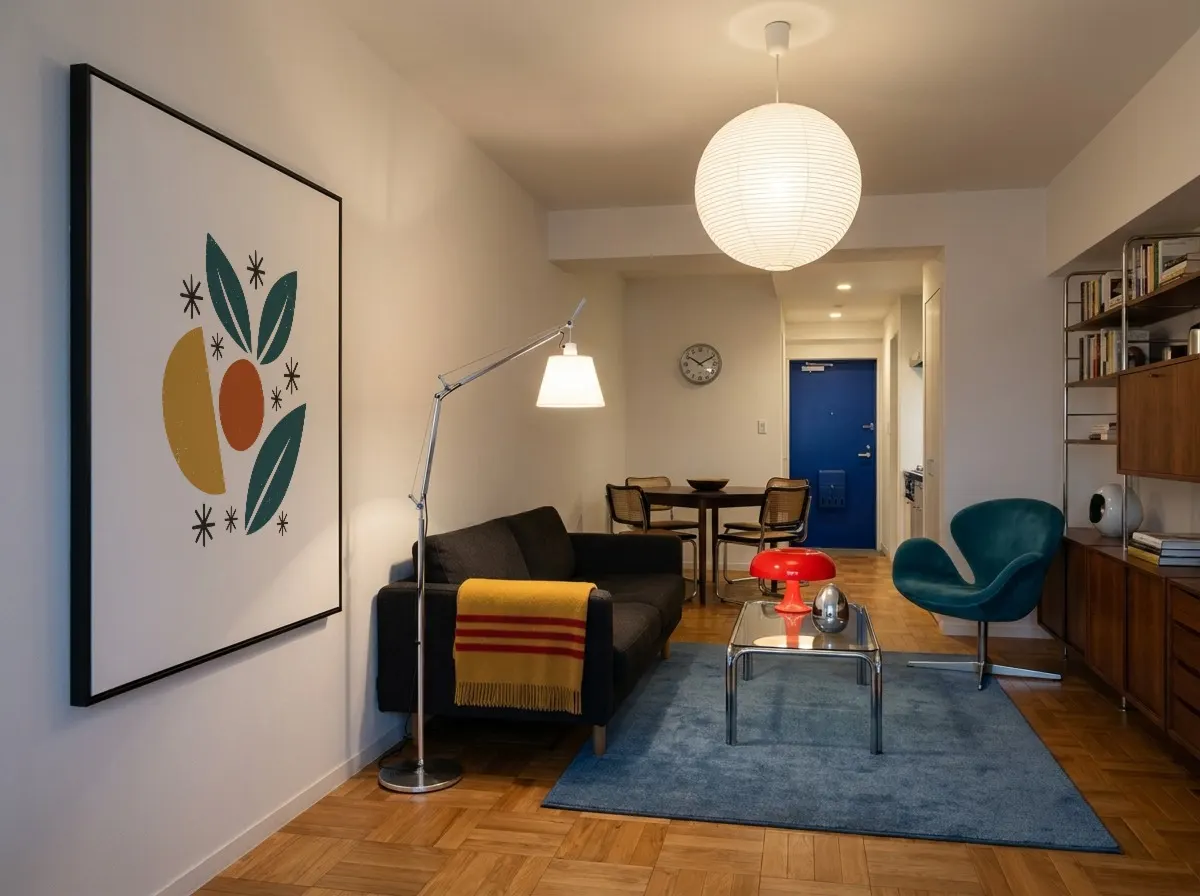
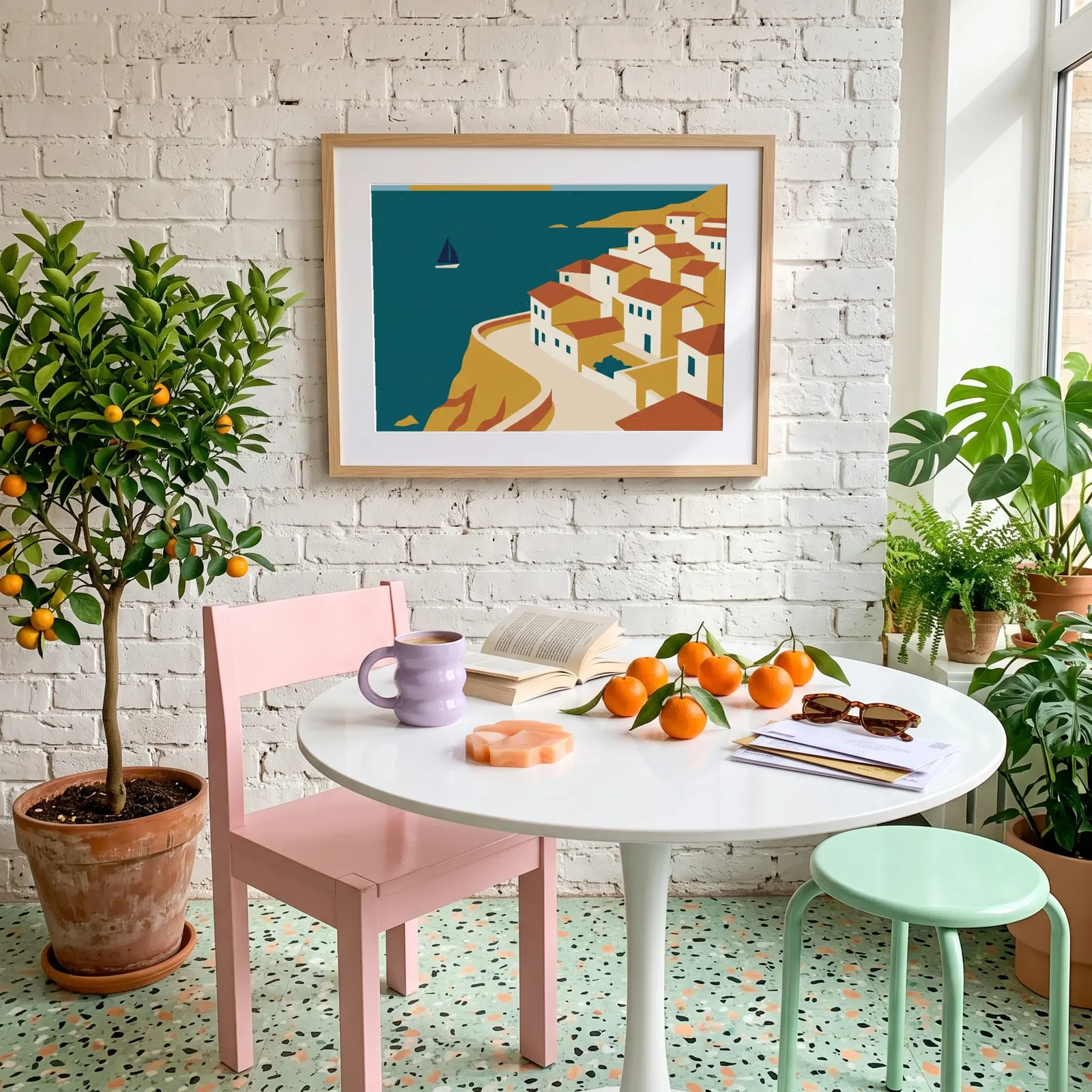
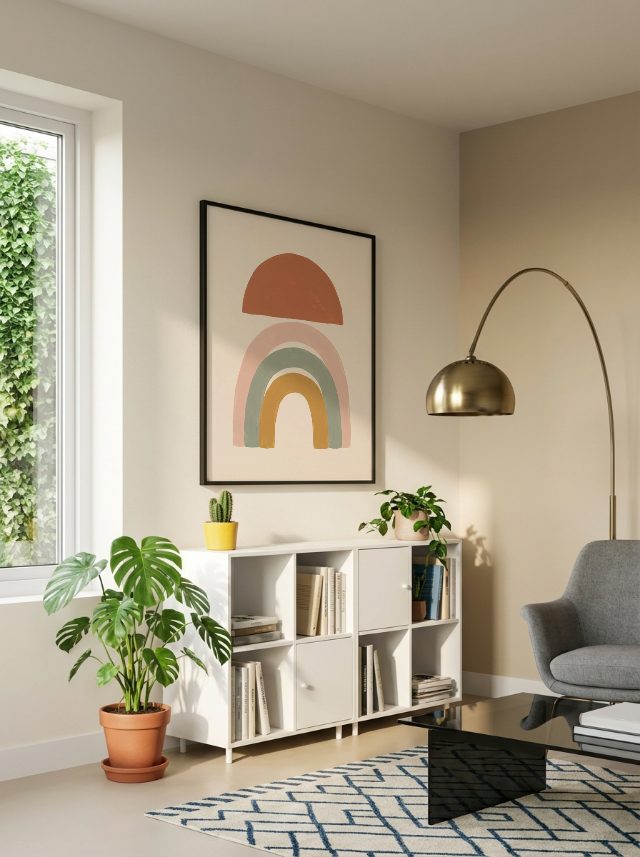
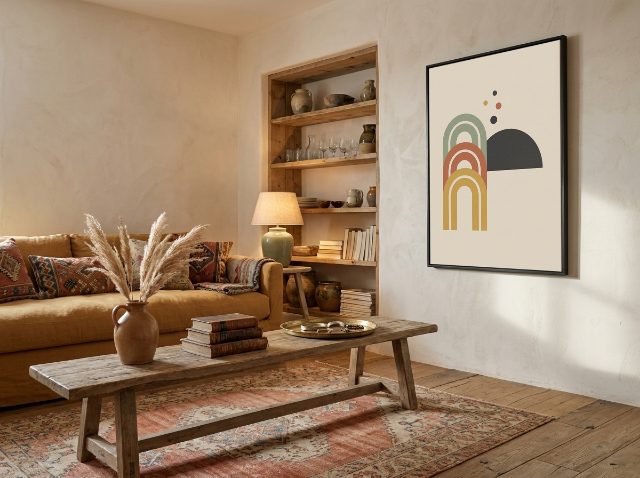
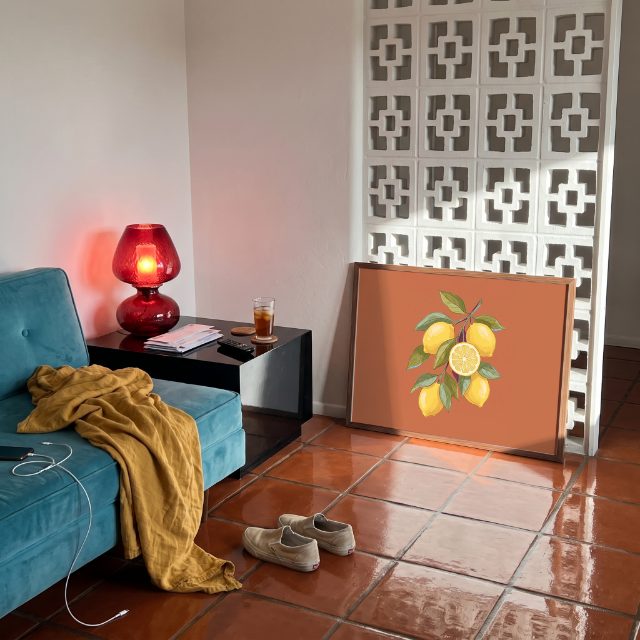
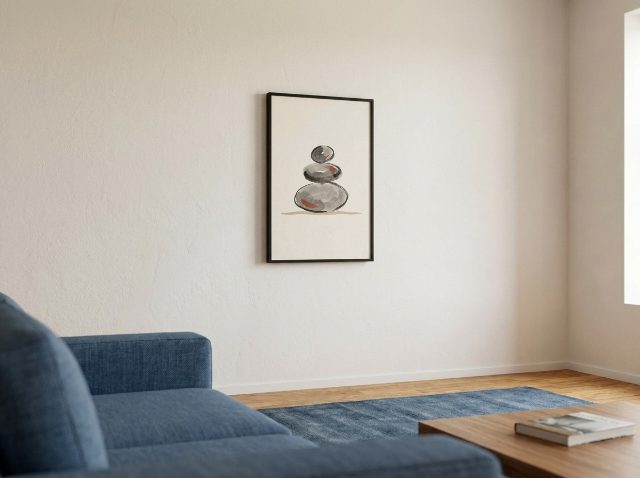
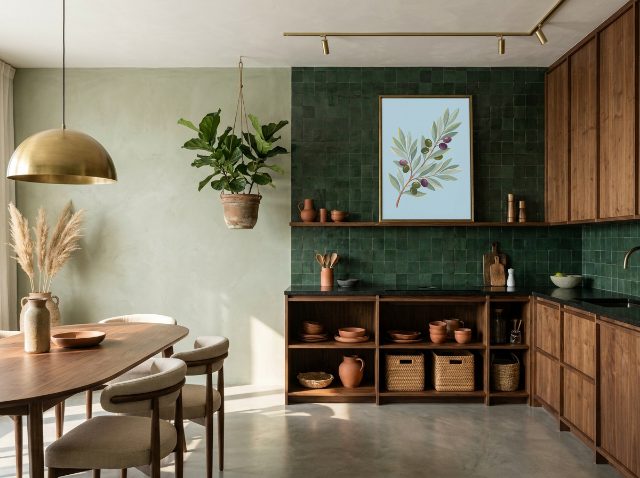
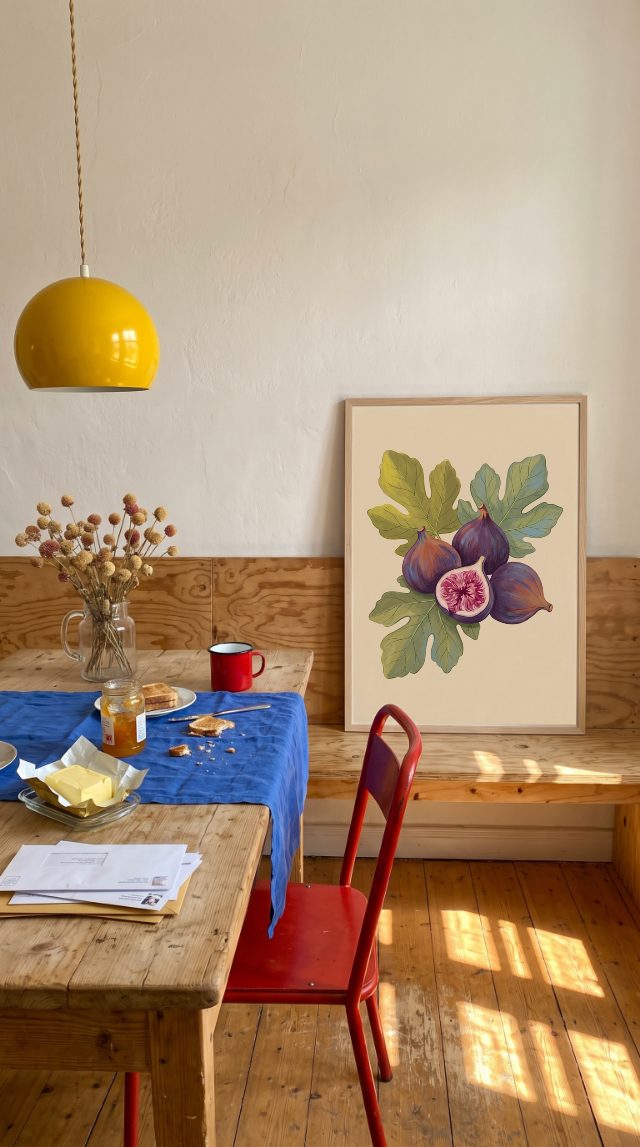
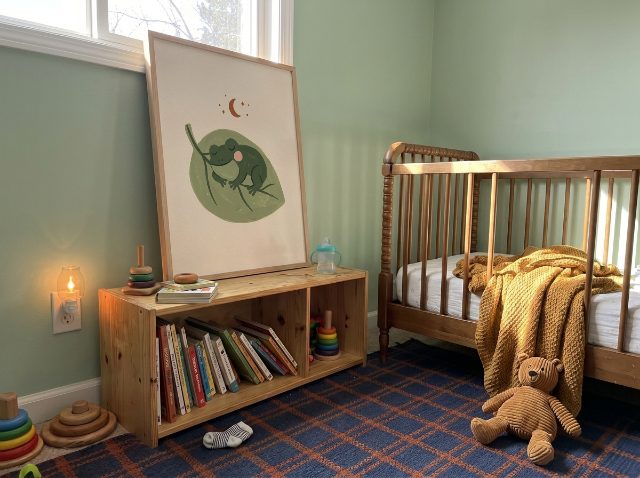
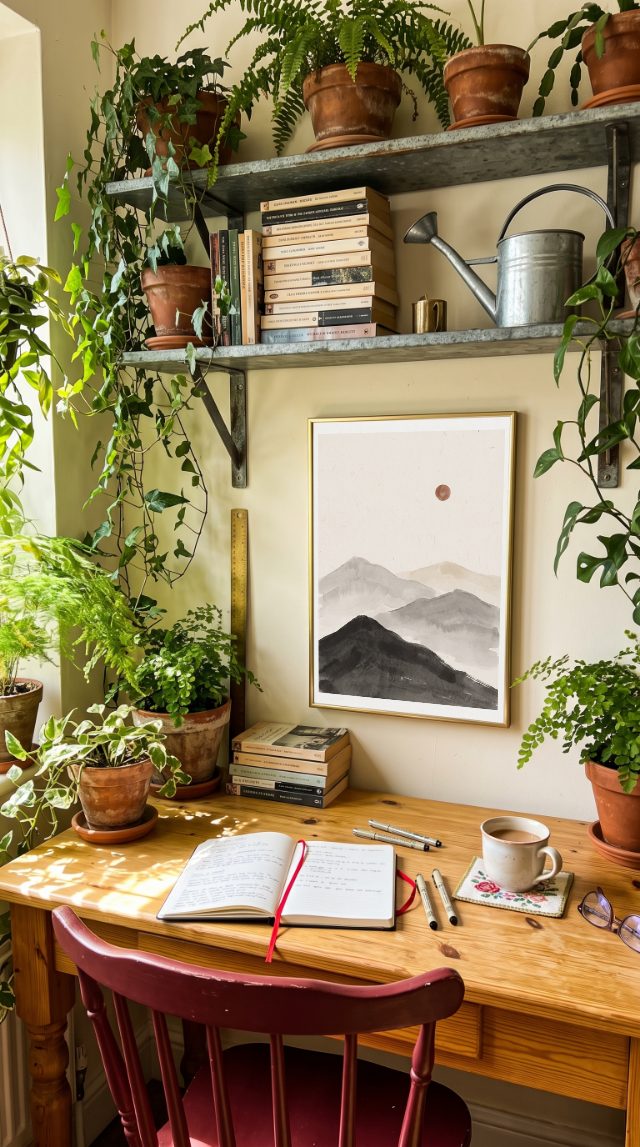
Wall art mockups by room
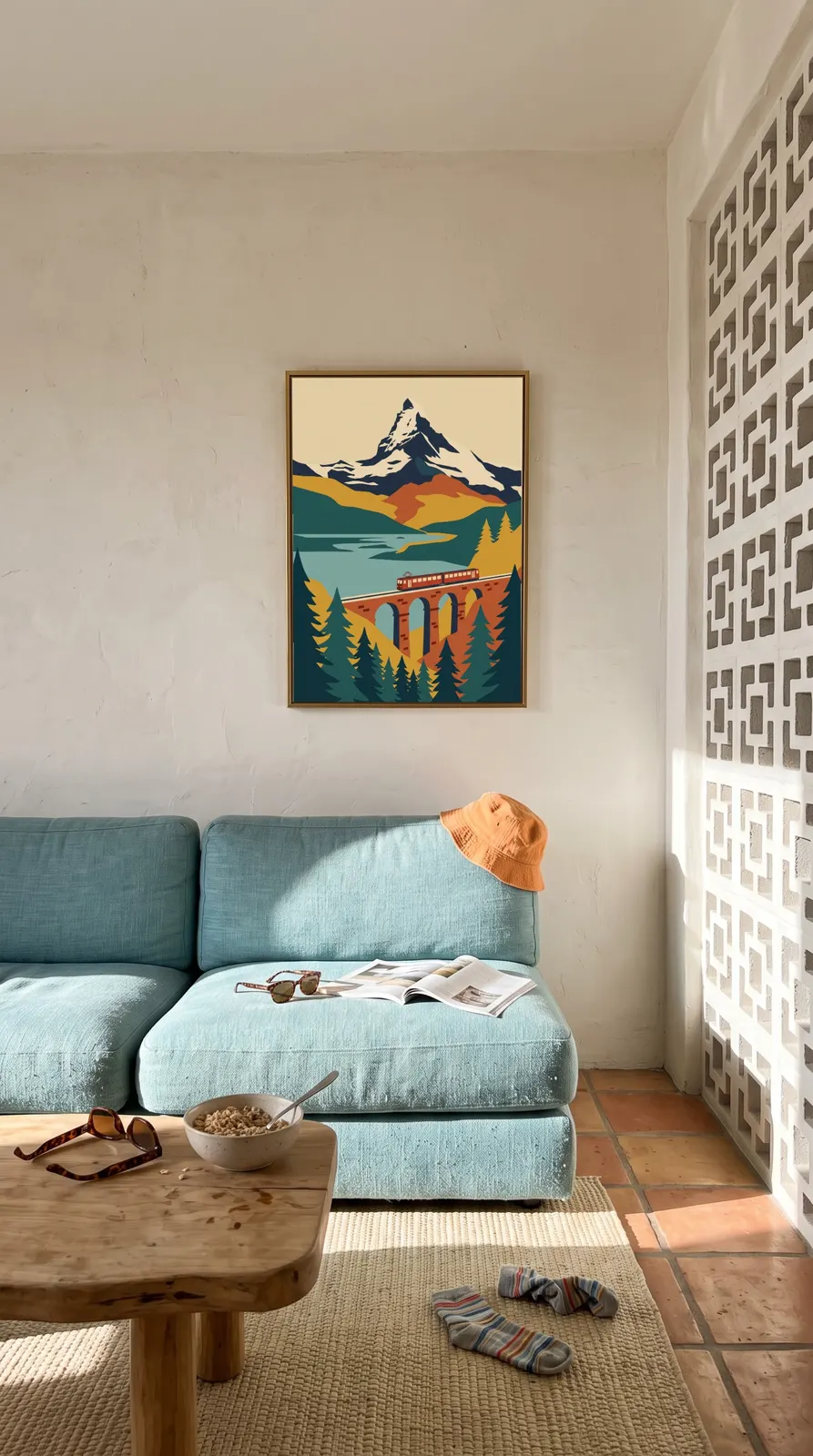
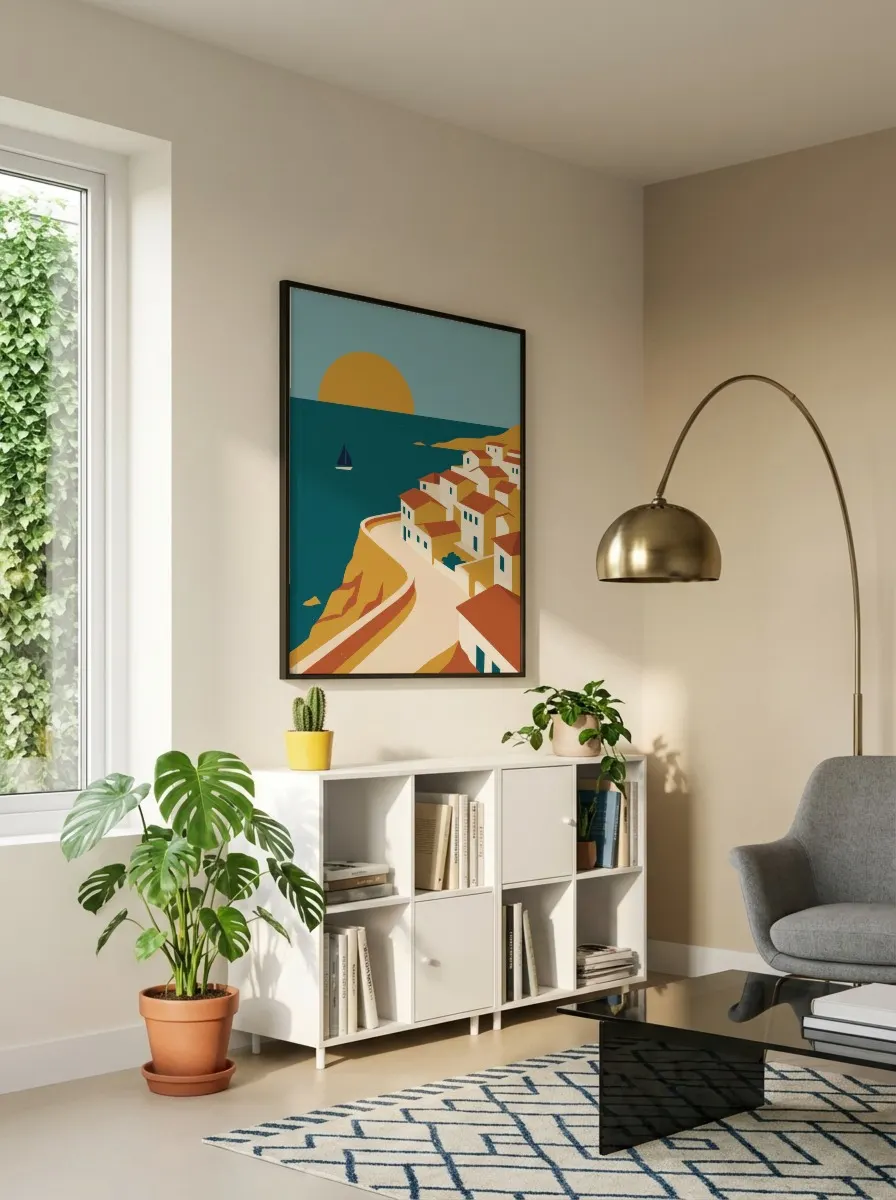
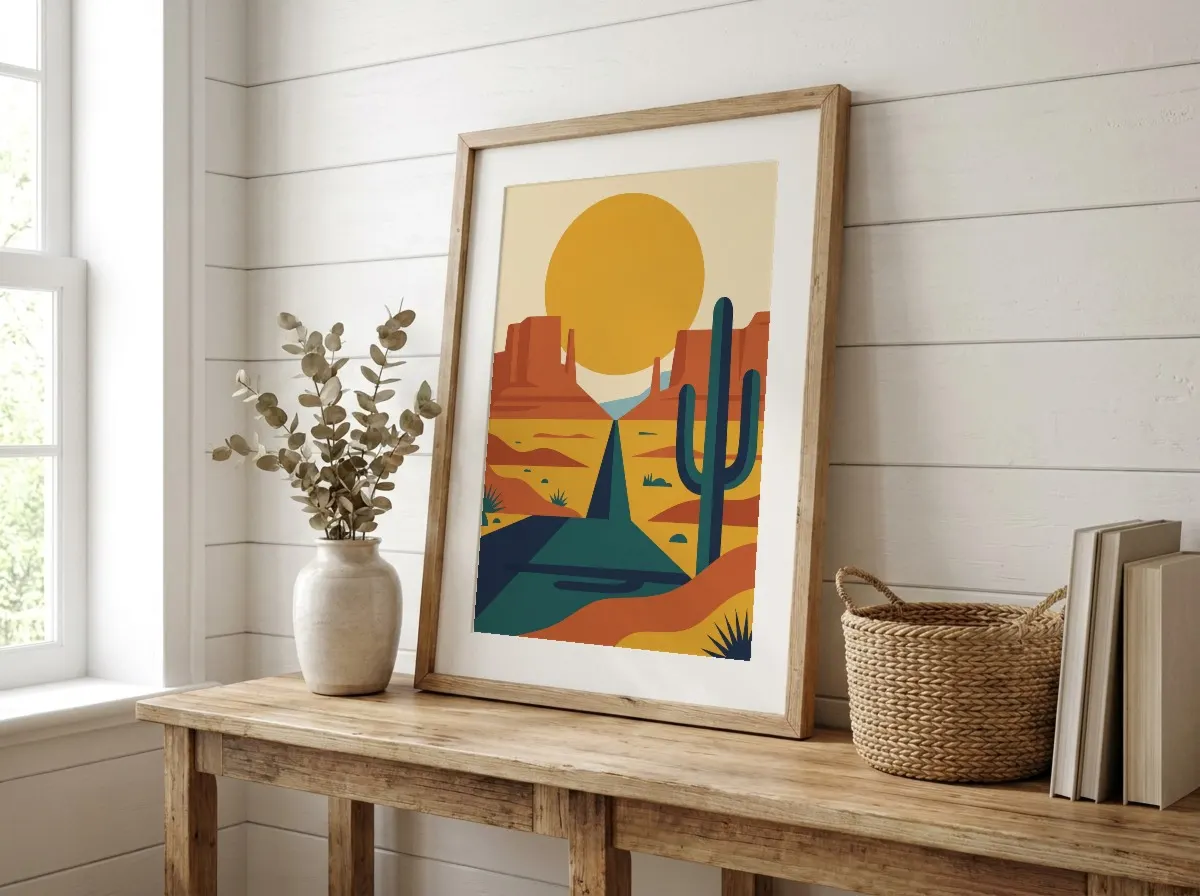
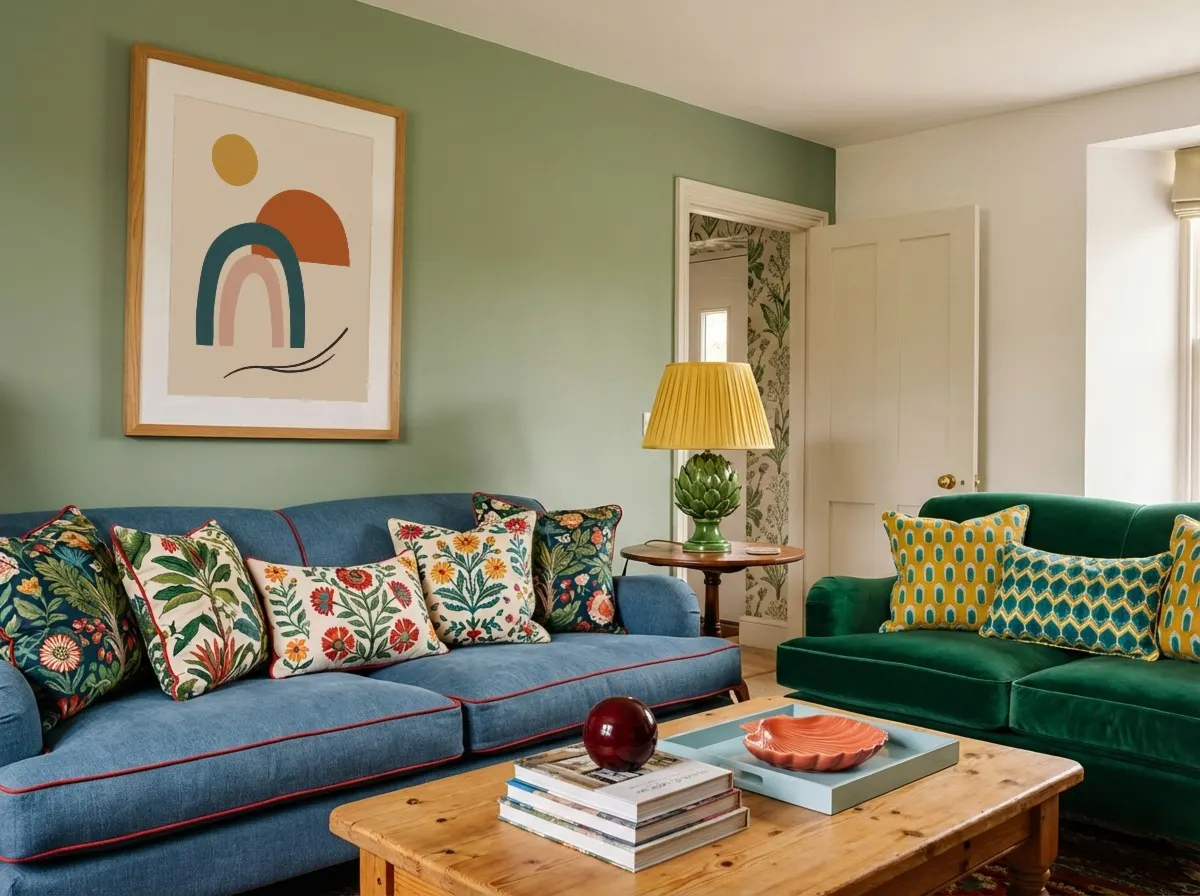
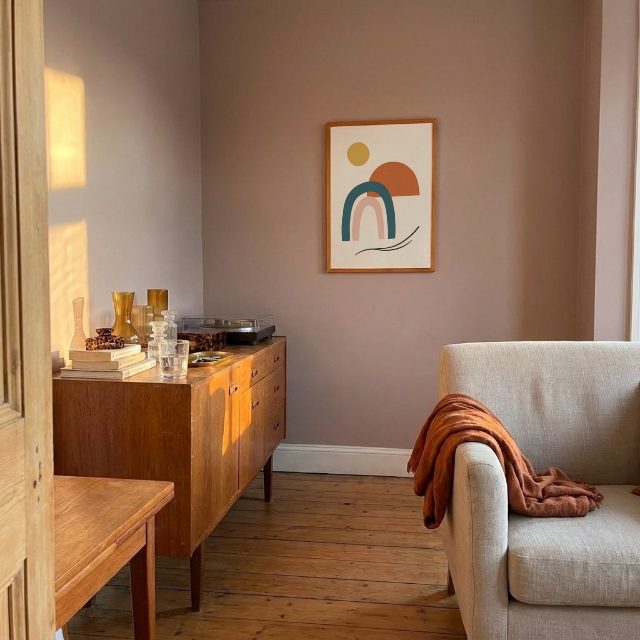
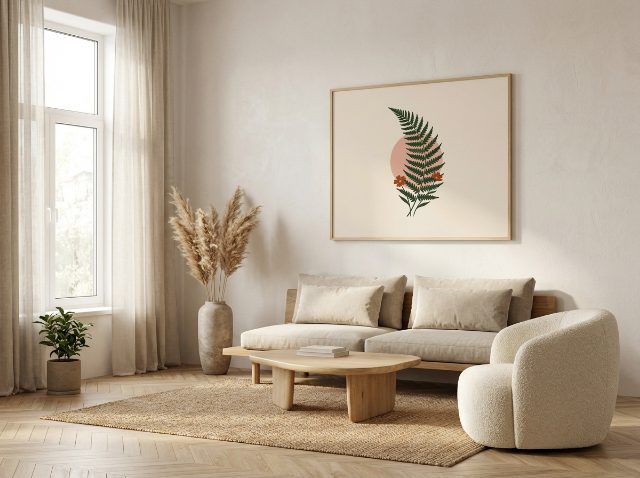
Pick a room that suits your shop. Every frame is already mapped, so your designs drop straight in and come out ready for your listings.
FAQ
Etsy Mockup Generator FAQ
Common questions from Etsy sellers about creating listing photos
Etsy allows up to 10 photos per listing. We recommend using 3-5 mockups showing your product in different settings (e.g., different room styles or frame colors), plus a plain product shot and a size-comparison image. Using a variety of lifestyle mockups is one of the best ways to increase clicks and sales.
Etsy recommends listing photos at 2000px × 2000px or larger, in a square (1:1) or landscape format. Mockupanda exports high-resolution JPEGs that meet or exceed Etsy's requirements. For wall art, portrait-format mockups also work well and give buyers a realistic sense of scale.
Yes! Every mockup you create with Mockupanda is 100% free for commercial use. No attribution required. Use them freely on your Etsy shop, Etsy ads, and social media. You get full access to every template with unlimited mockup generation, and your first 20 downloads come without a watermark.
Mockupanda specializes in wall art, art prints, framed prints, canvas prints, and poster mockups — the most popular product categories on Etsy. Our template library includes diverse room settings and frame styles that appeal to a wide range of buyers.
Upload your design to Mockupanda, choose from our realistic room-setting templates, and download high-resolution mockups in seconds. No photography equipment, no studio rental, no expensive software. This is how thousands of Etsy sellers create professional-looking product listings without leaving their desks.
Absolutely. Mockups created with Mockupanda can be used in Etsy Ads (promoted listings) as well as offsite ads. High-quality lifestyle mockups tend to perform significantly better in paid ads than plain product images, as they help buyers emotionally connect with the product.
No attribution is required. Once you download a mockup, it's yours to use commercially — in your Etsy listings, on social media, in ads, or anywhere else. We believe creators shouldn't have to watermark their product photos.
You can generate unlimited mockups with full access to all templates and no credit caps, so you can keep up no matter how many listings you publish. Your first 20 downloads come without a watermark; after that, a paid plan removes it.
Yes! Mockupanda works in any modern mobile browser. The interface is optimized for mobile use, showing a 2-column template grid. Note that desktop gives you more templates to choose from (up to 12 visible at once), so for large batch sessions we recommend using a desktop or laptop.
Yes. Digital download and printable art are among the most popular Etsy categories, and a good lifestyle mockup is essential because buyers are purchasing a file, not a physical item. Upload your printable art design, place it in a room-setting frame mockup, and the result helps buyers picture the finished print on their wall. All mockups are free for commercial use.
Ready to Level Up Your Etsy Listings?
Join thousands of Etsy sellers who use Mockupanda to create professional product photos at scale. No credit card to start.