

Wall art
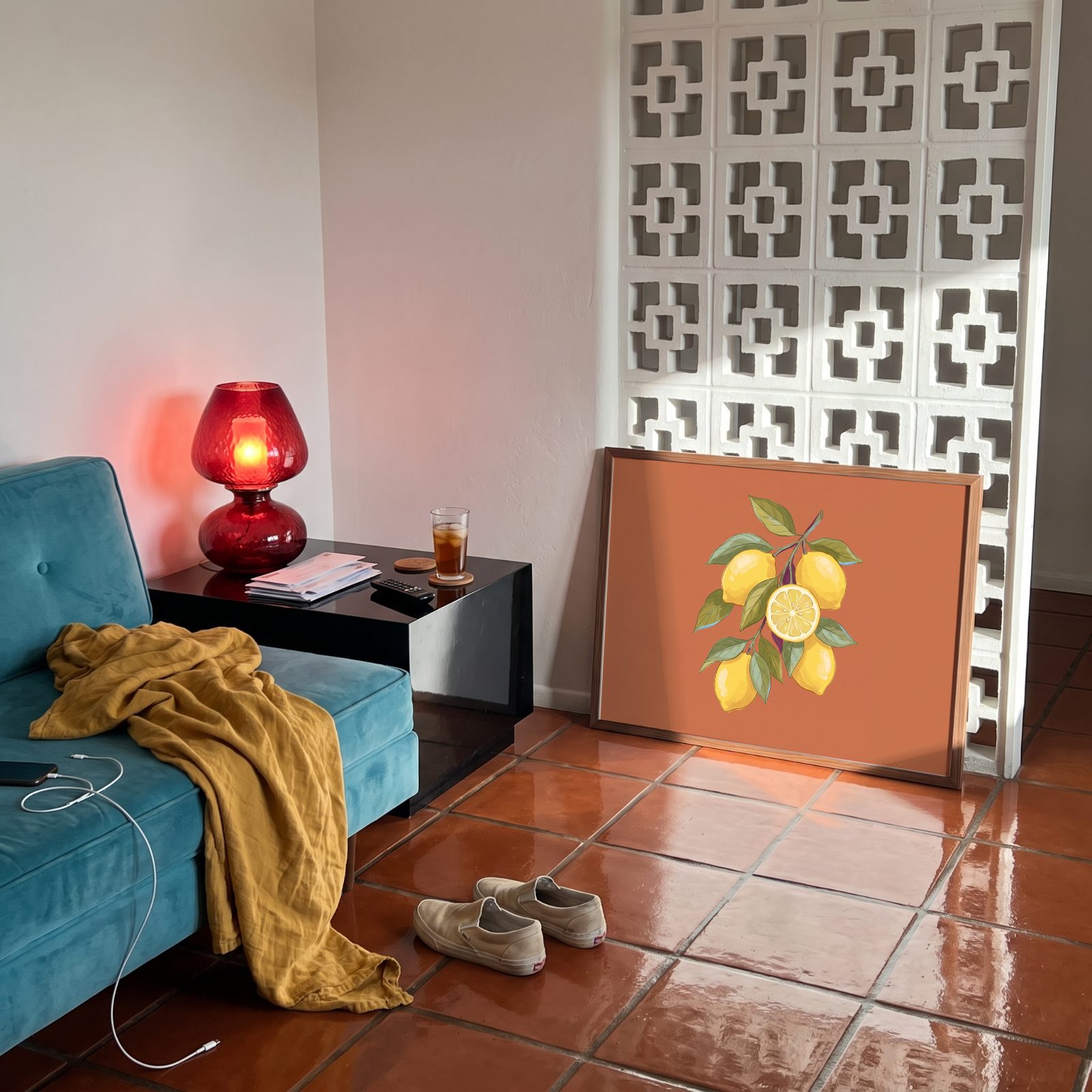
Terracotta Living Room Frame Mockup
Show your print in a terracotta living room. Upload your design and it lands in the frame with the room's perspective and shadows, ready for your shop listings in seconds.
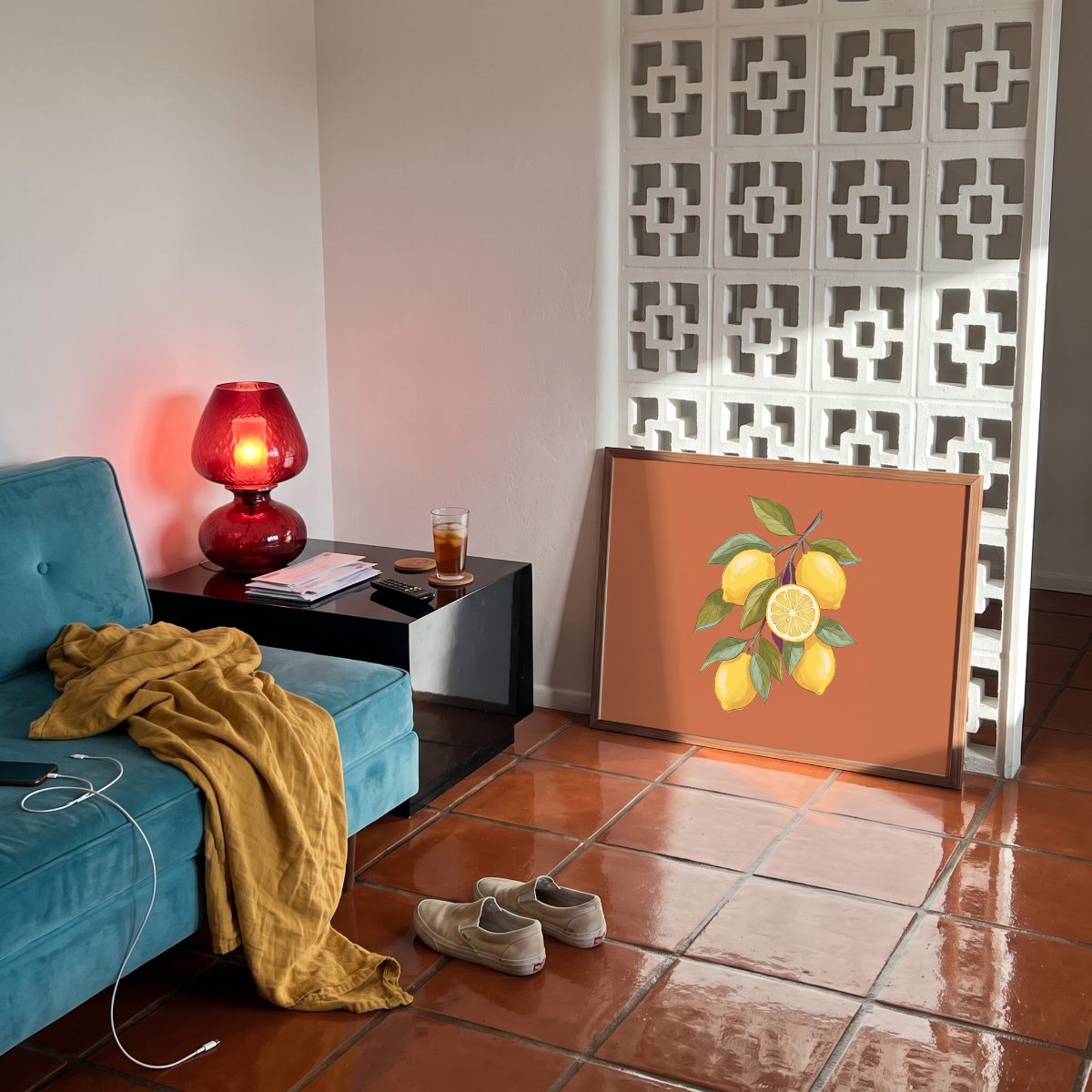
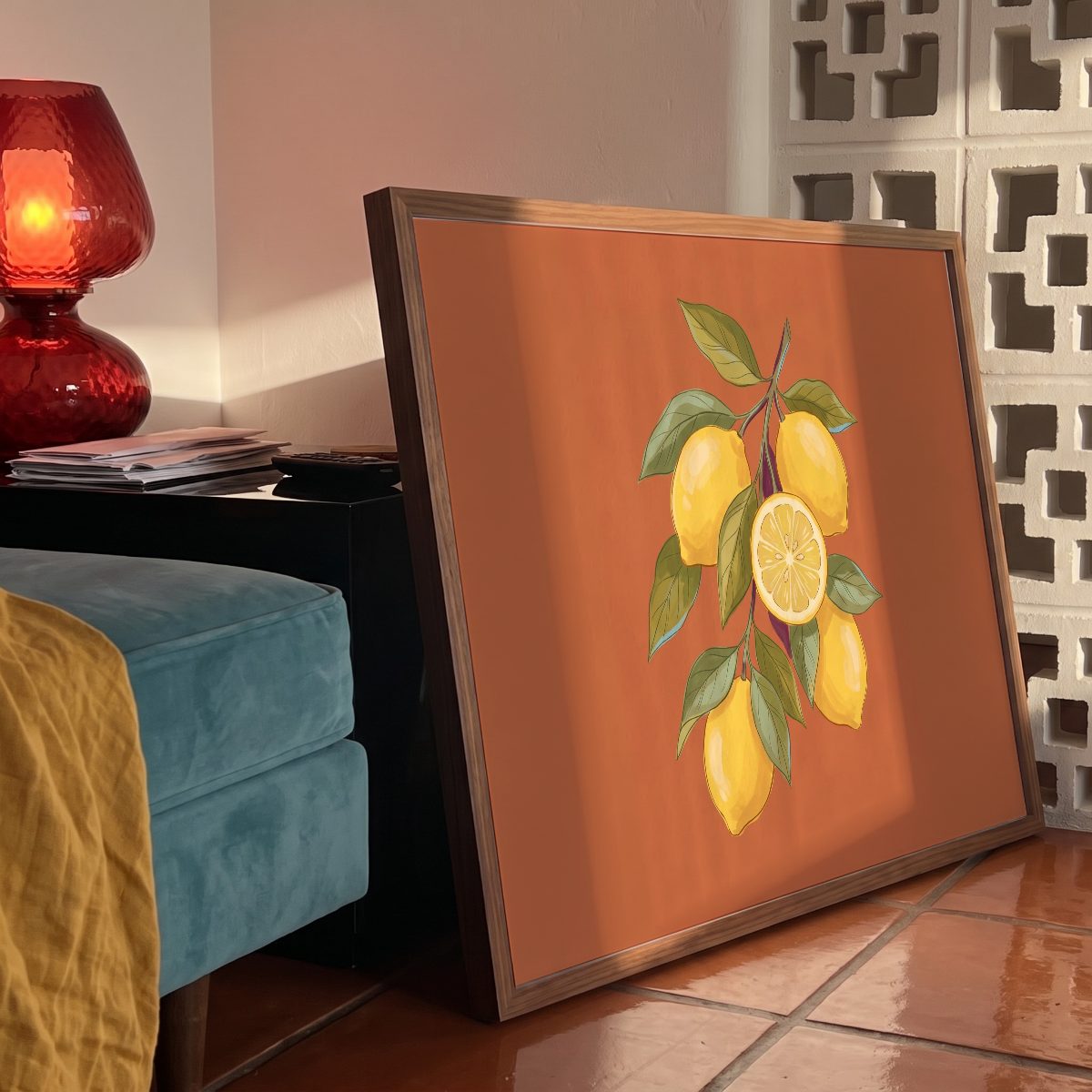
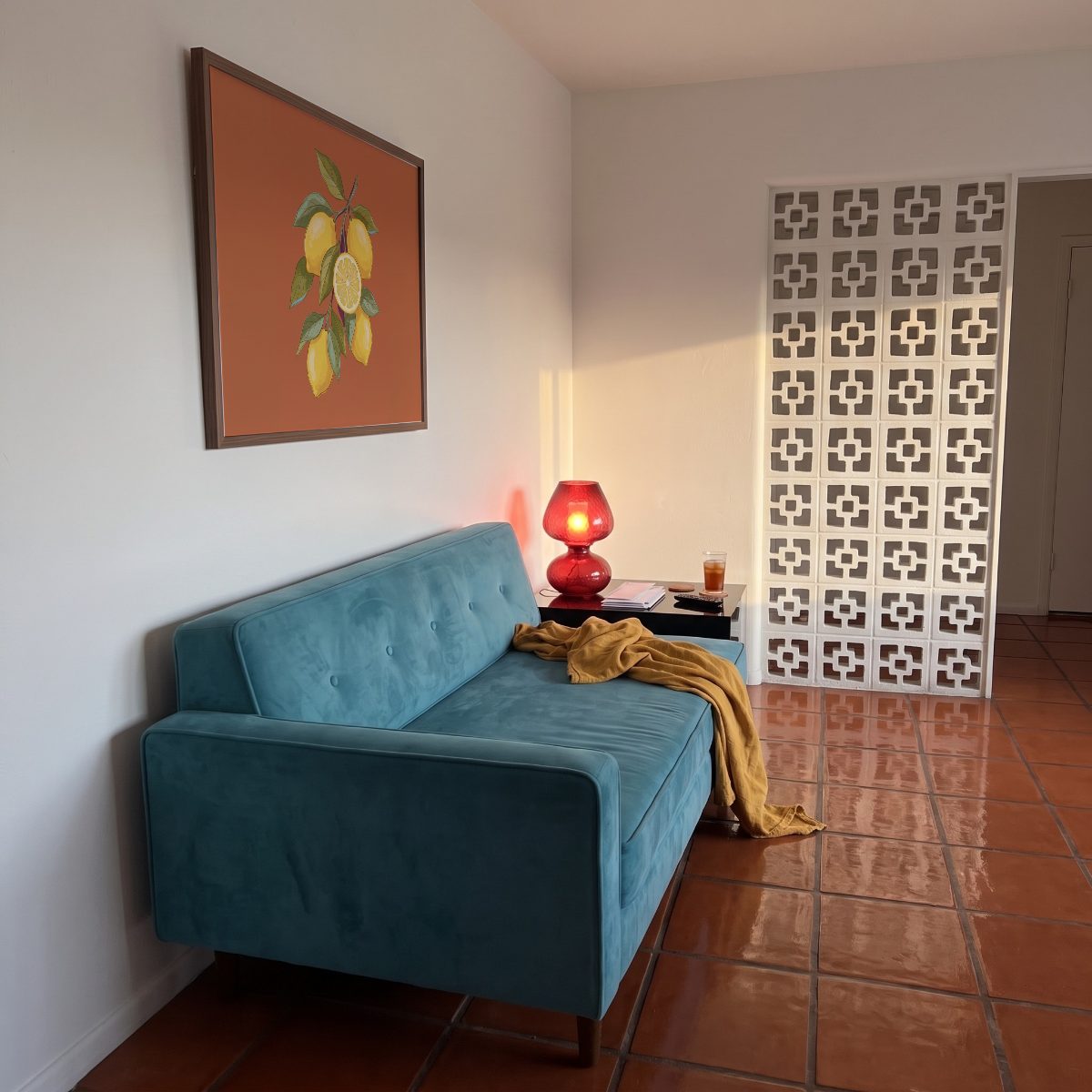
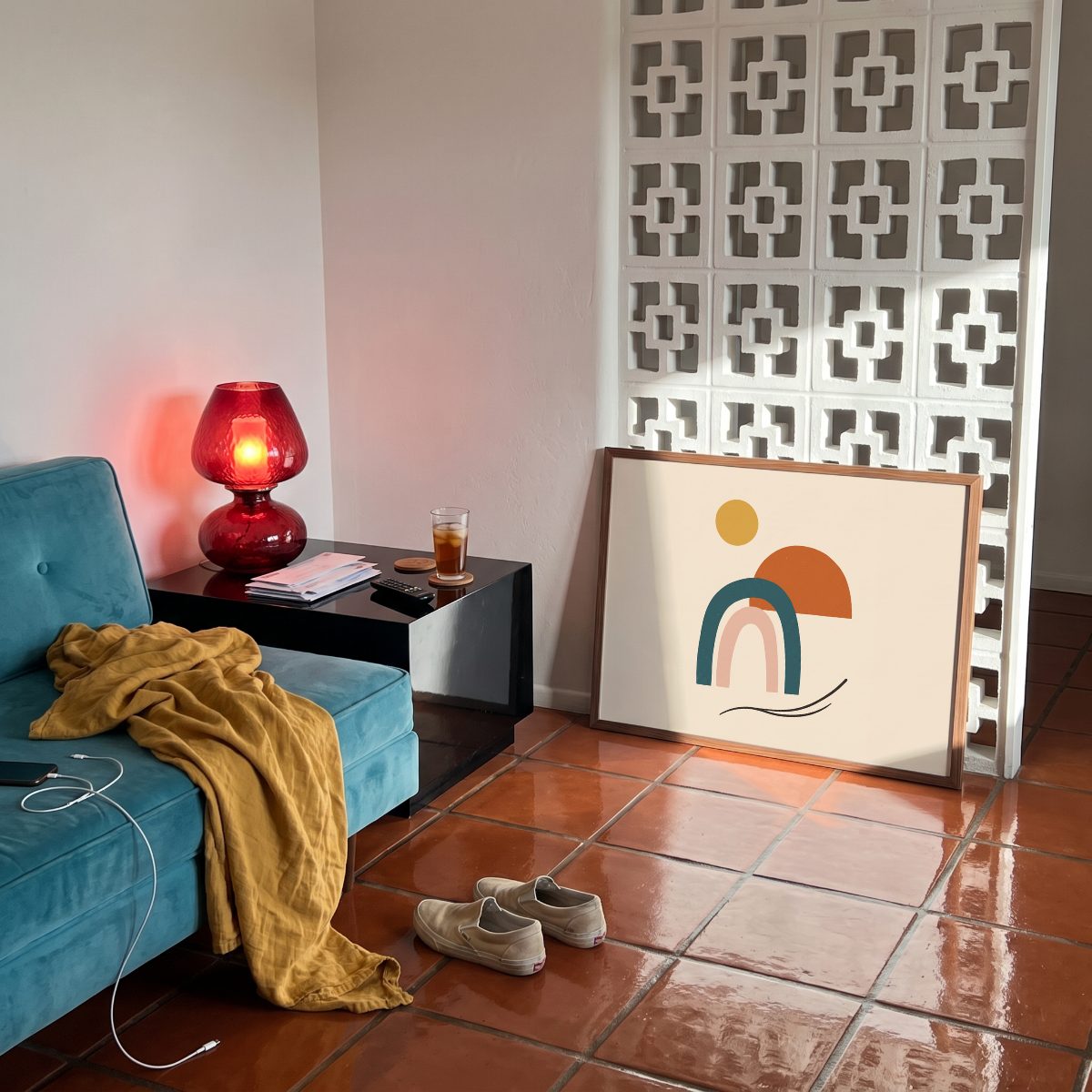
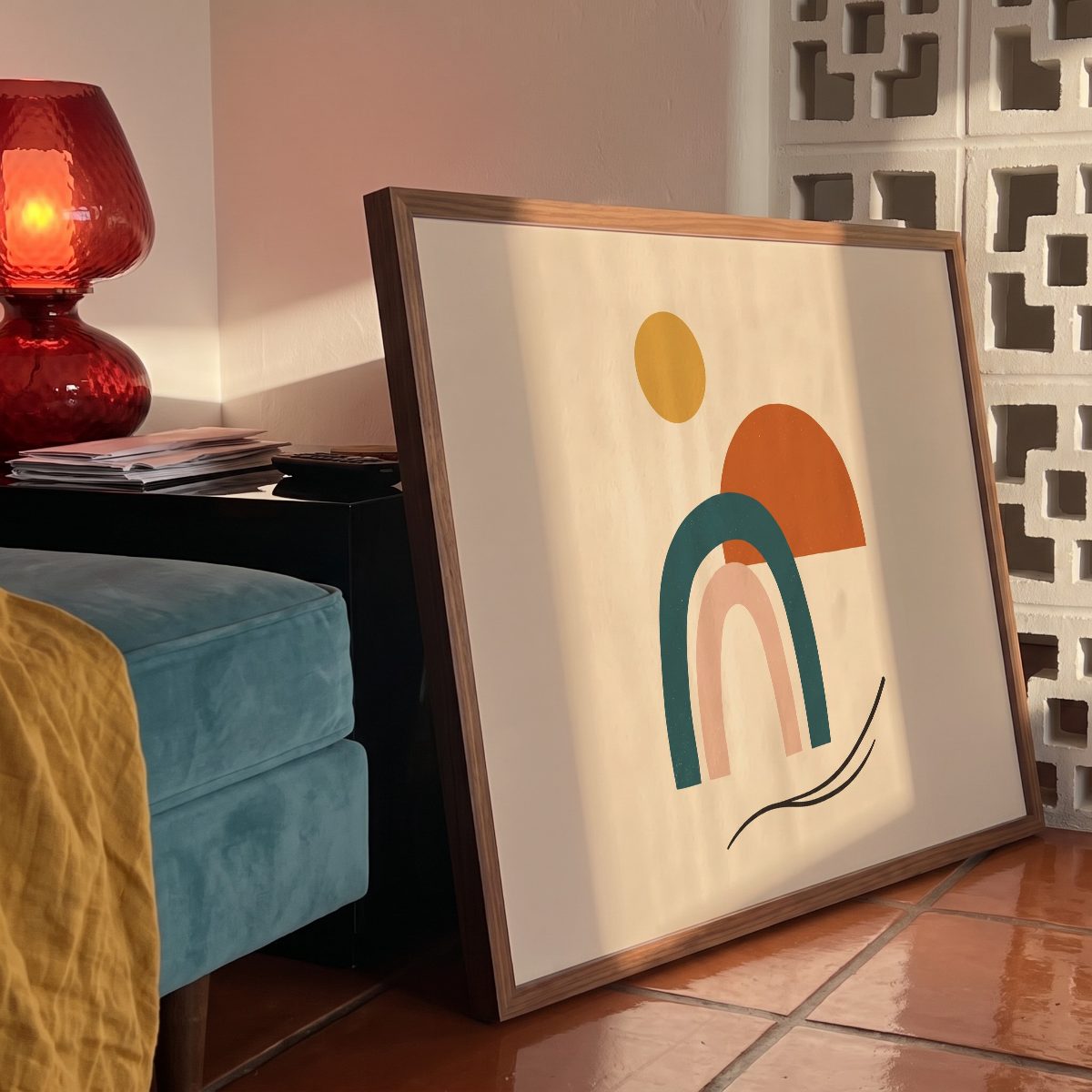
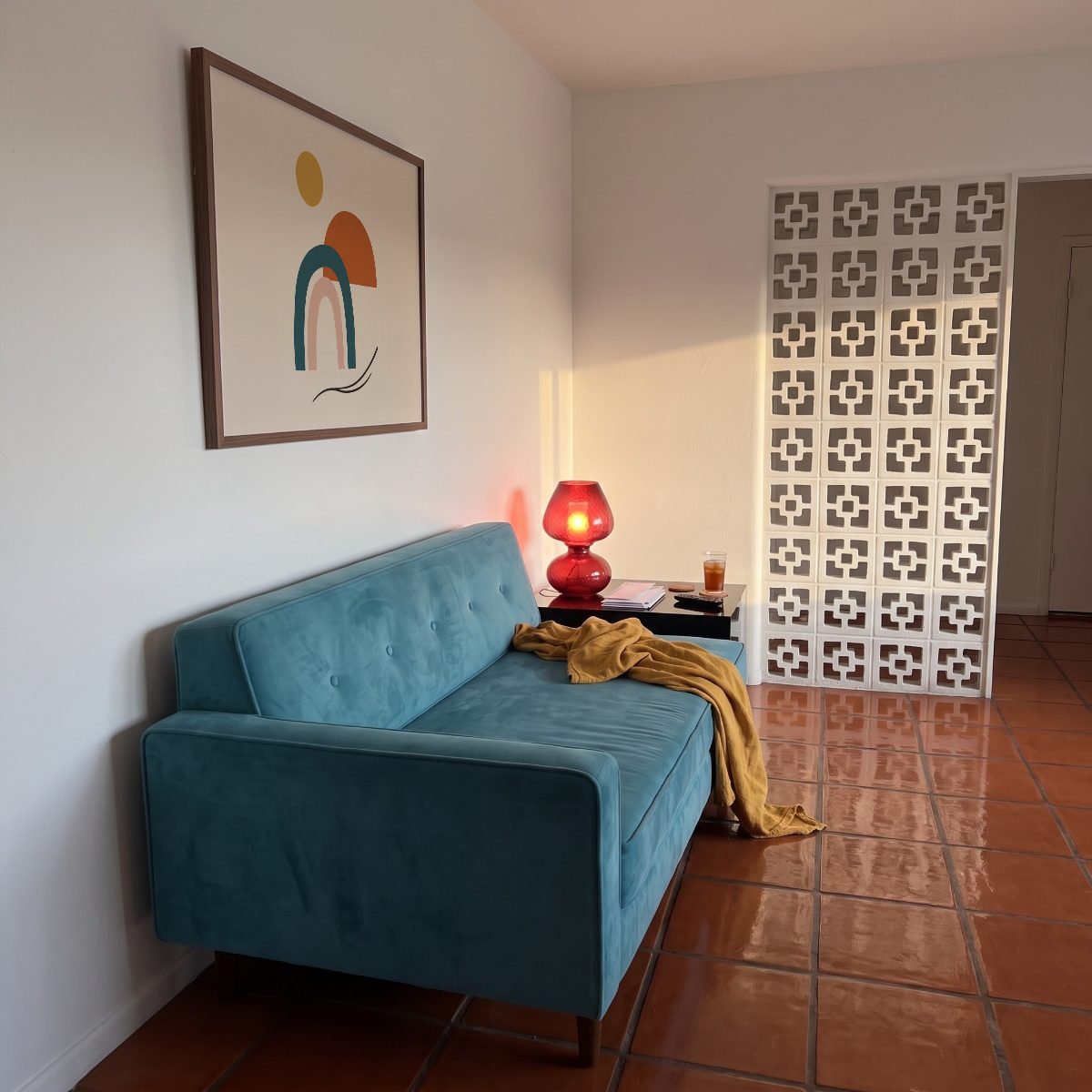
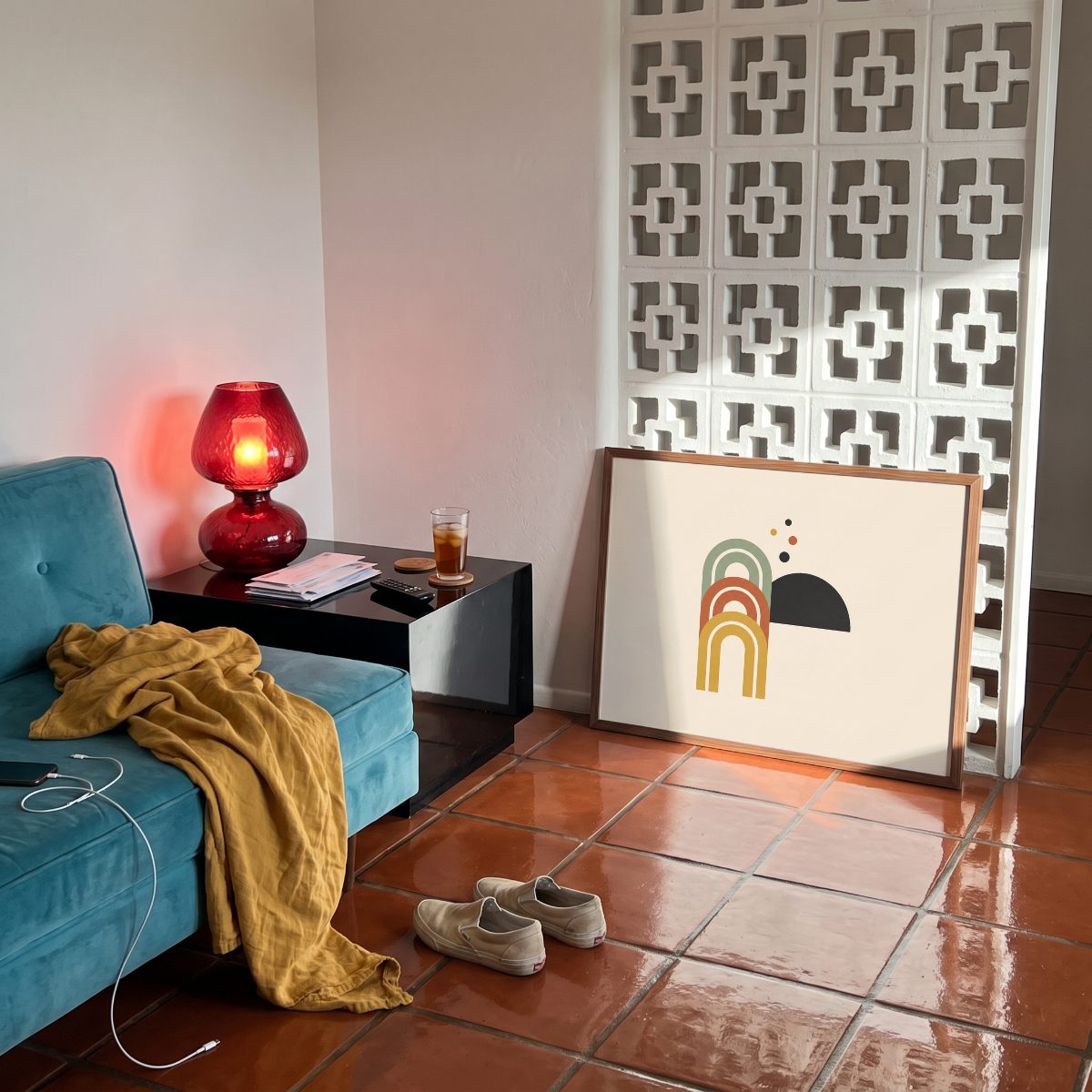
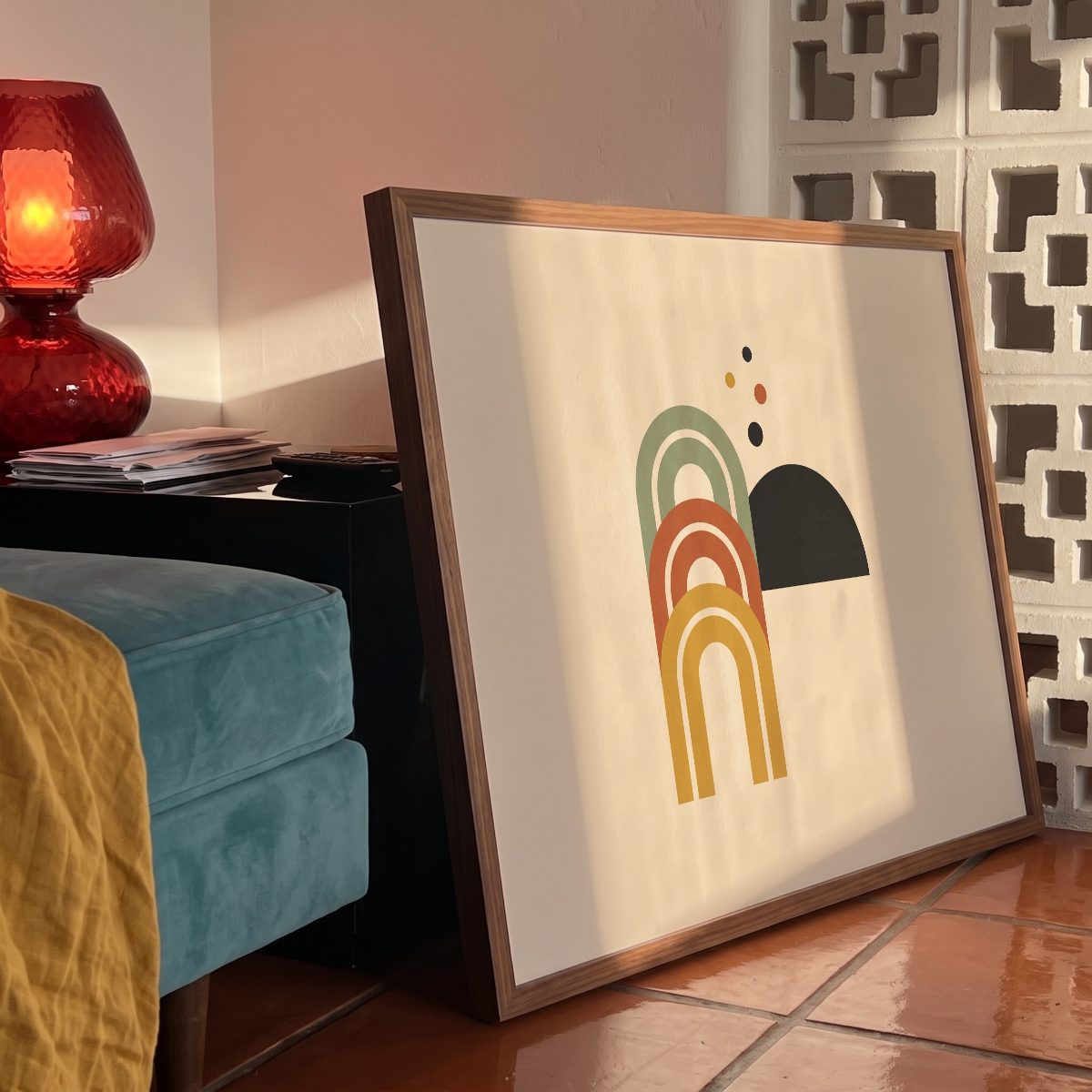
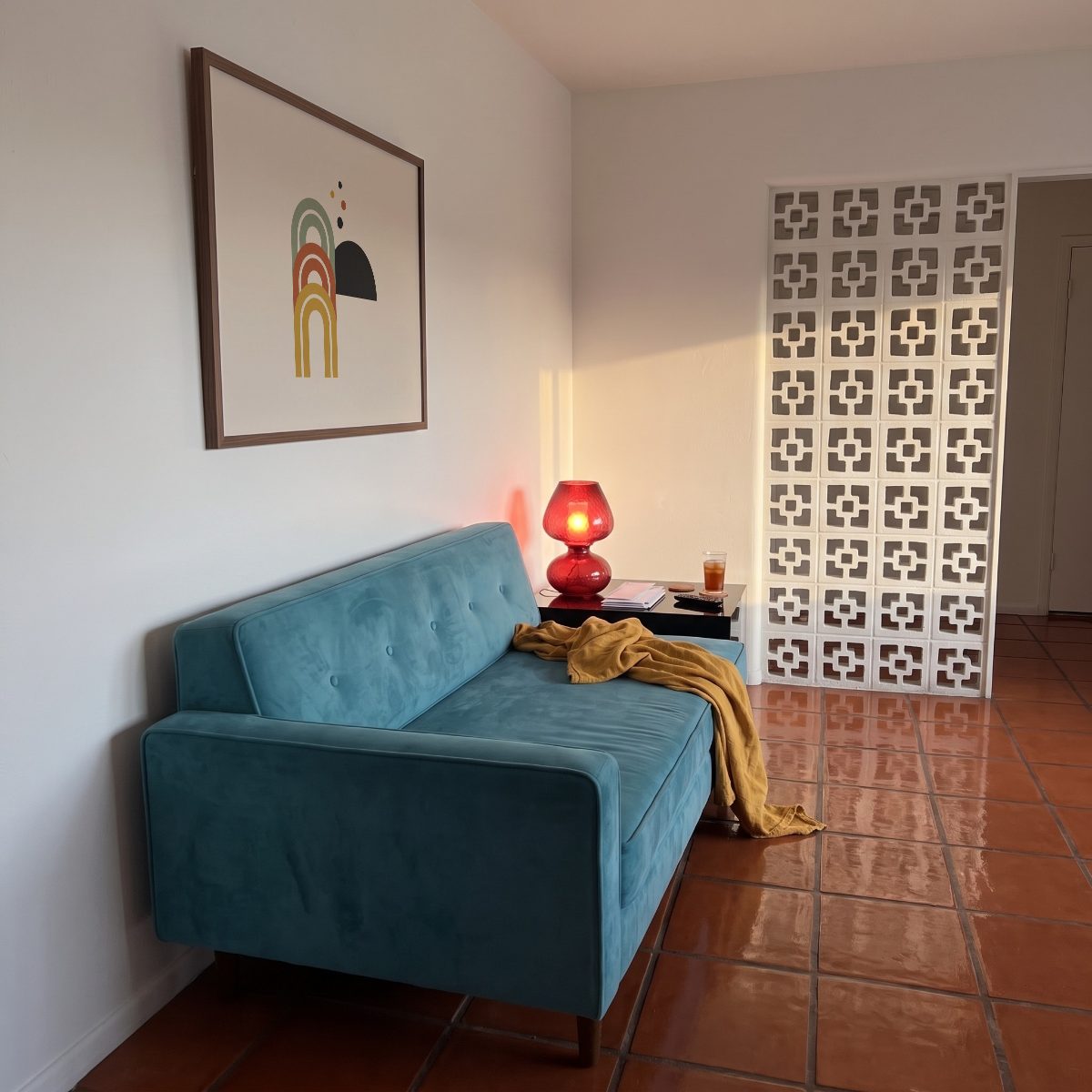
Glossy terracotta tiles, a teal velvet sofa, a breeze block screen and a red glass lamp. A landscape frame shot three ways: leaning by the sofa, close up, and on the wall.
- Frame
- 4:3 landscape
- Fits prints
- 24 x 18 in, 16 x 12 in, 40 x 30 cm
- Print looks
- About 80 x 60 cm
- Light
- Warm lamplight and soft daylight
- Good for
- Citrus and botanical prints, sunny abstracts, retro travel posters, 70s palettes.
Opens the editor with this room ready. No credit card, no Photoshop.
Batch
Your whole collection, every shot
Upload your designs and pick the shots. Every design lands in every shot, placed exactly as you made it, so a whole collection becomes listing photos in one go.
Leaning
Close-up
On the wall
FAQ
Questions about this mockup
The frame is 4:3 landscape, so it fits 24 x 18 in, 16 x 12 in and 40 x 30 cm prints. Next to the furniture the print looks about 80 x 60 cm or about 40 x 30 in, depending on the shot, so pick the shot that matches the size you sell. If your print is another shape, it fills the frame with its edges trimmed, and you can drag and resize it in the editor to choose what shows.
Citrus and botanical prints, sunny abstracts, retro travel posters, 70s palettes.
No. The frame is already mapped, so you upload your design in the browser and it is placed with the room's perspective and shadows. If you work in Photoshop anyway, every shot is also available as a layered PSD with a smart object for your design, included with Pro or $3 on its own.
Yes. Mockups you make with Mockupanda can be used commercially with no attribution: in Etsy and Shopify listings, on Amazon or your own site, and in ads.
Yes. Upload all your designs at once and each one is placed in every shot of this room, then download them all as one ZIP.
Wall art
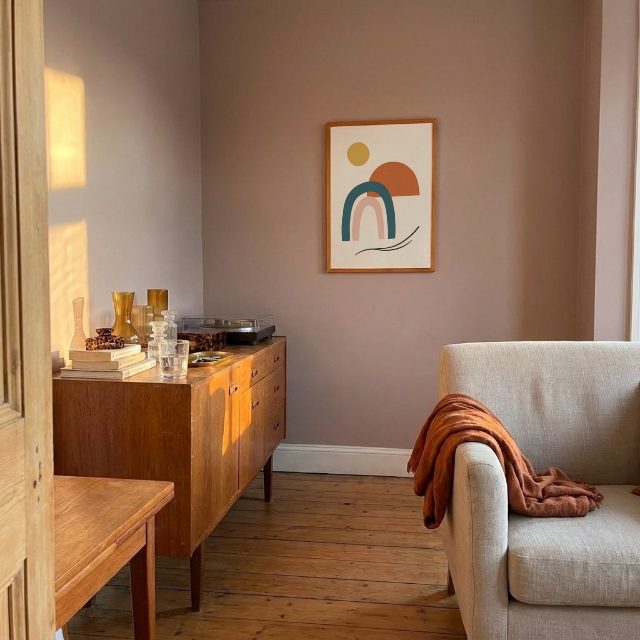
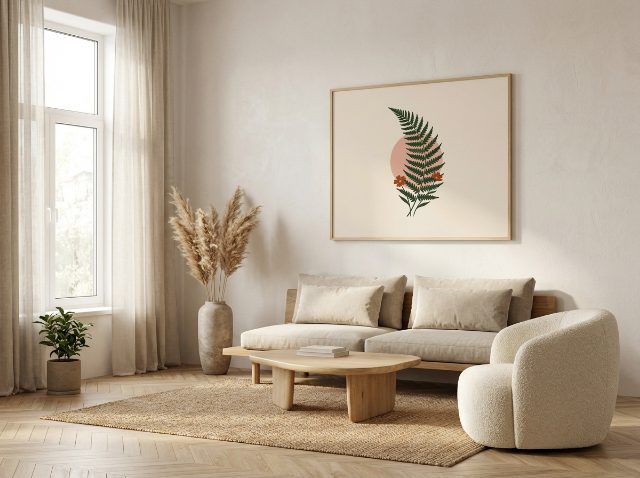
More rooms for your prints
Try this room with your own design
Drop in a design and see it on the wall in seconds.