How Print-on-Demand Sellers Are Running Seasonal Promotions Without Redesigning a Single Mockup From Scratch

Seasonal sales events are the single biggest revenue opportunity for print-on-demand sellers. Black Friday, Valentine's Day, the back-to-school rush, Christmas. These windows do not wait for you to finish tweaking your listing images.
Yet most Etsy and Shopify sellers treat every seasonal campaign like a complete rebrand. They open their design software, rebuild mockup scenes one at a time, export, rename files, re-upload, and lose an entire weekend doing it. By the time the shop looks festive, the peak buying window has already started shrinking.
There is a smarter approach, and a growing number of POD sellers are using it. Instead of rebuilding from scratch, they build once and regenerate on demand. This post breaks down exactly how that works in practice.
Why Seasonal Promotions Feel So Overwhelming for POD Sellers
The Hidden Cost of One-At-a-Time Mockup Creation
If you sell twenty different print designs and each one lives across five mockup scenes, you have one hundred individual images to update whenever you want to add a promotional banner, swap a background, or refresh the overall feel for a new season. At even five minutes per mockup, that is over eight hours of work before you write a single product description.
This is not a creativity problem. It is a workflow problem. The tools most sellers rely on were not built for repetitive, high-volume output. They were built for one-off design projects where every file is treated as a unique piece of work.
Print-on-demand selling is almost the opposite. Your designs are largely consistent. Your mockup templates are reusable. What changes between campaigns is surface-level: a piece of promotional text, a slight variation in scene, a new color mood that matches the season.
The Trap of Seasonal Redesigns
When sellers do not have a scalable system, they tend to handle seasonal campaigns in one of two ways. Either they skip the visual refresh entirely and wonder why their conversion rate dips compared to competitors who look timely and polished, or they throw hours at a manual update process that leaves them exhausted and still behind.
Both paths hurt the business. The first leaves money on the table. The second burns out the seller.
The actual solution is building a workflow that separates your core design assets from your presentation layer. Your artwork stays the same. Your mockup setup handles the seasonal presentation. The two are swapped independently.
Takeaway: Audit your current mockup process and count how many individual images you would need to update for your next seasonal campaign. That number is the size of the problem you need to solve.
How Saved Template Sets Change Everything
Building Your Template Library Once
The first shift in a scalable seasonal workflow is thinking in sets rather than individual mockups. A set is a named, saved group of templates that you can apply to any design in a single operation. Instead of picking templates one by one each time you launch a campaign, you build the set once and reuse it indefinitely.
For seasonal promotions, this means creating a set for each major campaign period. A Christmas set might include a warm-toned lifestyle scene with a fireplace, a flat lay with holiday props, and a simple white wall framing for a clean gift presentation. A summer set uses bright natural light scenes, outdoor wall art contexts, and airy minimalist frames.
Once you have built these sets inside Mockupanda, applying them to new or existing designs takes seconds. Upload the design, select the set, generate. Every template in the set renders with your artwork in one step.
Rotating Campaigns Without Touching Your Artwork
The real power here is that your artwork files never need to change. You designed a botanical print, a motivational quote, a map illustration. Those files sit in your library untouched. What rotates is the set you apply them to.
Want to make your entire catalog feel like it belongs in a cozy autumn collection? Apply your autumn set. Want to pivot to a minimalist gift-giving aesthetic for the holiday rush? Apply your gift set. The design is the constant. The presentation is the variable.
This also means that if a template in a set ever starts feeling dated, you update the set once and every future render reflects the change. You are not hunting down individual mockup files across dozens of listings.
Takeaway: Create at least three named template sets before your next busy season: one for your year-round evergreen style, one for your peak seasonal campaign, and one for a sale or promotional aesthetic. Build them now when there is no deadline pressure.
Using Text Overlays for Promotional Messaging
Adding Sale Banners and Seasonal Copy Directly to Mockups
One of the most underused features in a seller's toolkit is the ability to bake promotional text directly into the mockup image itself. Instead of running separate banner graphics through a third-party tool, or adding text in a presentation layer that disappears when you export, you can use Mockupanda's text overlay tool to embed fonts, sizing, color, alignment, and position right into the final downloaded image.
For a Valentine's Day campaign, this might mean adding a small, elegant line of copy beneath the mockup frame: "Perfect for gifting. Ships in 3 days." For Black Friday, you could overlay a subtle sale badge in the corner of every listing image with your discount percentage. For Christmas, a tasteful "Makes a wonderful gift" in a seasonal typeface can tip a browsing buyer toward a purchase.
The text is baked into the image at export, which means it looks consistent across every listing and does not require any additional editing on the buyer's end or your end after download.
Consistency Across a Collection
Seasonal promotions are most effective when they feel like a deliberate, cohesive campaign rather than a handful of individual listings that happen to have a similar theme. Text overlays help create that cohesion at scale.
When every image in your holiday collection carries the same promotional typography, the same font, the same position, the same color palette, your shop communicates professionalism. Buyers who browse multiple listings in a session start to recognize a visual language. That recognition builds trust, and trust improves conversion.
The bulk generation workflow means you are not applying that text manually to each mockup. You set it once per batch, generate, and every output carries the same treatment.
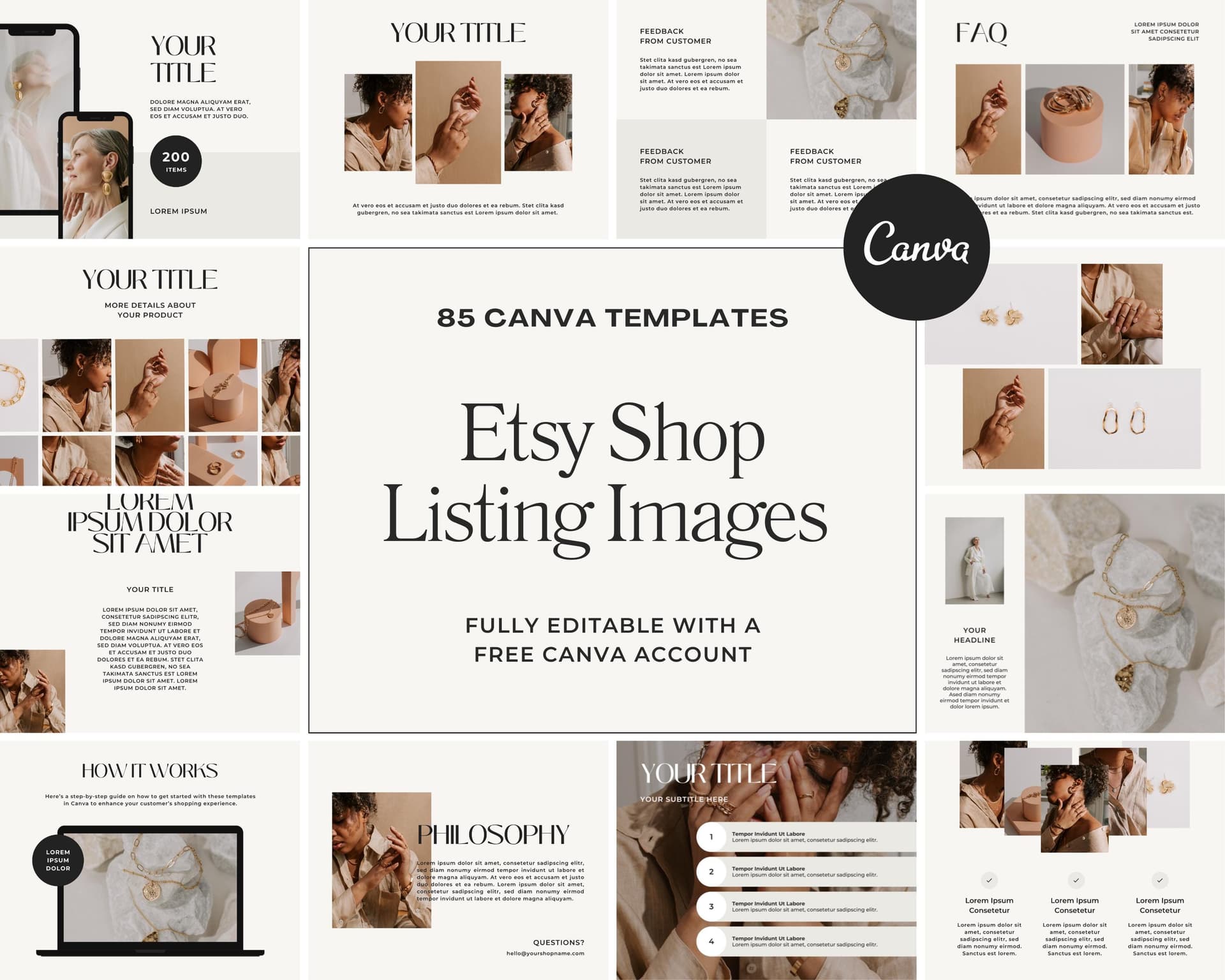
Takeaway: Pick one piece of promotional copy for your next campaign, keep it under six words, and use text overlays to embed it into every listing image in that collection. Consistency across the campaign will do more than any individual image tweak.
Running Bulk Campaigns With the API
When Manual Is No Longer Enough
For sellers with catalogs in the dozens of designs, the web app workflow is fast and manageable. But if you are running a shop with hundreds of SKUs, or if you have built out a small print-on-demand business with multiple niches, even a well-organized manual workflow has its ceiling.
This is where the Mockupanda API becomes a genuine operational advantage. The REST API lets you send a design file and a list of template IDs in a single request and receive rendered mockup images back without touching the browser interface. You can batch up to twelve templates per request, which means a campaign refresh across twelve mockup scenes for one design takes a single API call.
At $0.01 per mockup, rendering a full set of twelve scenes for a hundred designs costs $12.00. That is the budget for a seasonal campaign refresh across your entire catalog.
Automating Seasonal Refreshes Programmatically
The practical workflow for a developer-comfortable seller or a small team with any scripting knowledge looks like this. You maintain a list of your design files and their storage URLs. You maintain a set ID for each seasonal campaign. When a campaign launches, you run a script that iterates through your design list, calls POST /mockups/generate with the campaign set ID and each design URL, and saves the outputs to a folder organized by design name.
When Black Friday ends and you want to transition to Christmas imagery, you update the set ID in your script config and run the same process. The entire catalog regenerates with the new seasonal templates. No manual steps, no file juggling, no design software opened once.
For multi-frame templates, diptych and triptych formats that show two or three coordinating prints together, the API handles these through the artwork_urls parameter, letting you pass multiple design files for a single template render. This is particularly useful for collections where the seasonal promotion highlights a coordinating set of prints.

Takeaway: If you have more than fifty designs in your catalog, spend an afternoon setting up a basic API script for mockup generation. The upfront time investment pays back on every campaign you run afterward.
Uploading Custom PSD Templates for Brand-Specific Seasonal Scenes
Building Once, Reusing Every Season
For sellers who have a very specific brand aesthetic, the built-in template library may not fully capture the look they want for seasonal campaigns. Custom PSD template upload solves this. You design the mockup scene once in Photoshop, exactly how you want it, with the seasonal props, backgrounds, and framing that match your brand, and upload it as a custom template.
The only structural requirement is a Smart Object layer named Design as the active layer. Once that is in place, the file behaves exactly like any built-in template. You can apply any design to it, bulk generate across it, include it in sets, and call it via the API.
A seller who builds a branded Christmas flat lay scene, complete with their signature color palette and consistent prop styling, uploads it once and owns that scene permanently. Next Christmas, it is ready to go. The year after, same thing. The initial design time is a one-time cost.
Combining Custom and Built-In Templates in the Same Set
Custom templates and built-in templates are not separate categories in how you use them. You can combine both inside a single set. This means your seasonal campaign set might include two of your own brand-specific PSD scenes alongside six built-in templates from the library that complement the mood you are going for.
The blend gives you brand distinctiveness where it matters most and breadth from the existing library where variety is the goal. A buyer browsing your listings sees a consistent seasonal aesthetic that nevertheless shows your product in multiple contexts, increasing the chance that one of those contexts connects with how they imagine using or displaying the print.
Takeaway: Invest in designing one or two custom PSD templates per major seasonal campaign. Keep the design file, reuse it every year, and build it into your campaign set so it generates automatically alongside your standard templates.
Planning Your Seasonal Promotion Calendar Around Your Mockup Workflow
Working Backwards From the Campaign Date
The biggest mistake sellers make with seasonal promotions is starting the mockup refresh too late. By the time the campaign goes live, the best buying days are already underway. Buyers on Etsy and Shopify start shopping for seasonal gifts and decor earlier than most sellers expect.
Working backwards from your campaign launch date, your mockup assets should be ready at least a week before you plan to update your listings. That means your template sets need to be finalized two weeks out. Your promotional copy decisions need to be made three weeks out.
With a bulk workflow and pre-built sets, the actual generation step takes minutes. The lead time you need is for decision-making, not for production. That is a fundamentally better use of your pre-campaign energy.
Repurposing Seasonal Mockups Beyond Listings
The mockup images you generate for listing photos are also your campaign creative for every other channel. Social media posts, Pinterest boards, email newsletters, and ad creatives for a Shopify promotional campaign all benefit from the same high-quality mockup outputs you are already generating for your listings.
Because Mockupanda allows commercial use with no attribution required and downloads at high quality, every image you generate is immediately usable across your marketing stack. You are not regenerating separate assets for Instagram versus Etsy. The same file does both jobs.
For sellers running text overlay variants specifically for advertising, the ability to bake promotional copy directly into the mockup means your ad creative and your listing image can diverge intentionally. Your listing shows the clean product presentation. Your ad shows the promotional message. Two different outputs from essentially the same generation process.

Takeaway: Map your next three seasonal campaigns on a calendar right now and work backwards to set template-building deadlines at least two weeks before each launch. Pre-built sets and a clear schedule eliminate the last-minute crunch entirely.
Pulling It All Together
Seasonal promotions should be one of the most straightforward levers a print-on-demand seller pulls to grow revenue. They are time-limited, which creates urgency. They are thematically clear, which makes the buyer decision easier. And they are repeatable, which means every system you build for one campaign pays dividends on every campaign that follows.
The sellers who win during peak seasons are not the ones who work the hardest in the two weeks before Christmas. They are the ones who built a reusable workflow during the quiet months, when there was time to think clearly and no deadline breathing down their necks.
Saved template sets eliminate the template selection repetition. Text overlays eliminate the external banner creation step. Bulk generation eliminates the one-at-a-time bottleneck. Custom PSD templates eliminate the compromise between brand consistency and using what is available. The API eliminates the manual step entirely for larger catalogs.
Each of these pieces is a building block. You do not need all of them at once. Start with the one that solves your biggest current pain point, build that habit into your workflow, and layer the others in over time.
By the time your next big seasonal window arrives, you will not be spending your weekend rebuilding mockups. You will be running the campaign.
Keep reading

How to Manage Multiple Mockupanda API Keys Across Dev, Staging, and Production Environments Without Leaking Credentials

How to Use the Mockupanda API's Artwork-Matching Filter to Skip Templates That Don't Fit Your Design's Proportions