

Wall Art
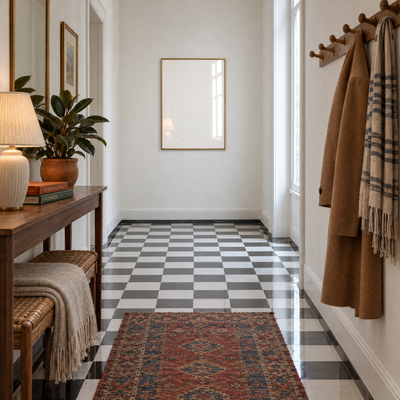
Checkerboard Hallway Brass Frame
An AI-generated wall art mockup style you can recreate with the prompt below, or open as a ready-made template and drop in your own artwork.
Generate mockups with this templateNo credit card. No design software required.
The AI prompt
Narrow, characterful entrance hallway where a glossy black-and-white checkerboard floor runs in sharp perspective toward a smooth white lime-plaster end wall. Along the left side, a slim walnut console table holds a neat stack of clothbound art books in rust and forest green, a ribbed ceramic table lamp with a pleated linen shade, and a squat terracotta pot of glossy rubber plant leaves; beneath it sits a woven rattan bench softened by a folded oatmeal wool blanket with a fringed edge. A row of turned oak peg hooks on the right wall carries a camel wool coat and a striped canvas scarf, and a narrow faded kilim runner in brick red and indigo covers only the nearest stretch of tiles so the checkerboard still gleams beyond it. On the far white wall, centred at eye height, hangs a single blank portrait print in true A3 proportions, its height roughly 1.41 times its width, held in a slim warm brushed-brass frame with a pure off-white paper surface, surrounded by generous clear plaster with no hooks, sconces, leaves or shadows touching it. Photographed standing at the hallway entrance at natural eye level with a 35mm-equivalent lens, the corridor lines converging gently toward the frame, everything from the near runner to the far wall rendered sharply. Soft, cool overcast daylight enters from a tall side window just out of frame on the right, laying even, shadowless brightness across the print and crisp elongated reflections of the window across the polished tiles, while the lamp's faint glow and the walnut, wool and terracotta tones keep the space warm. Honest, balanced colour with the graphic crispness of the floor offset by lived-in, cared-for comfort.
How to use this prompt
- Open this style as a template in the Mockupanda editor.
- Upload your own design or artwork file.
- Mockupanda places it into the scene automatically with realistic perspective and lighting.
- Download your print-ready mockup, or generate a whole batch at once for your listings.
More Wall Art prompts
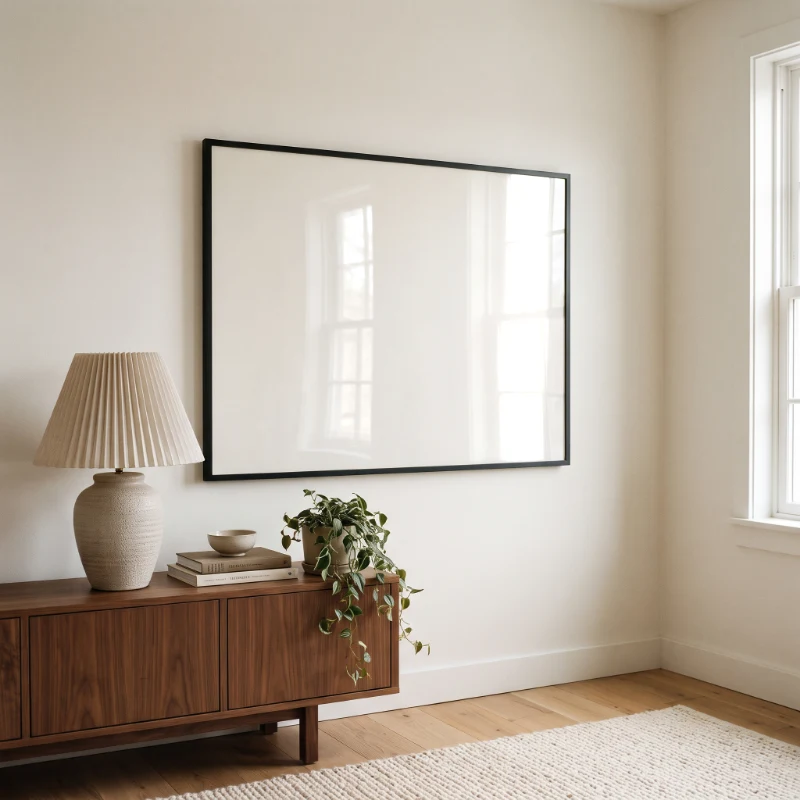
Angled Walnut Sideboard Living Room With Table Lamp
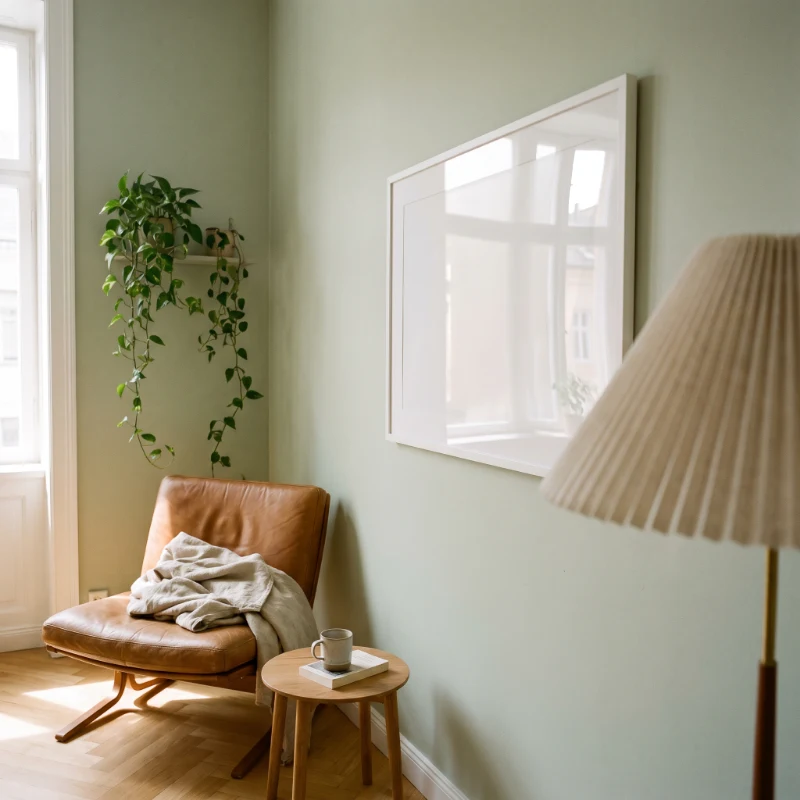
Angled White Frame Reading Corner With Floor Lamp
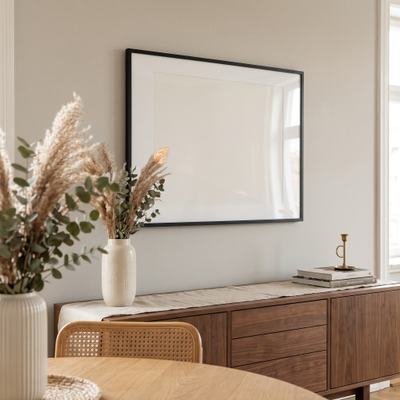
Angled Black Frame Dining Room With Pampas
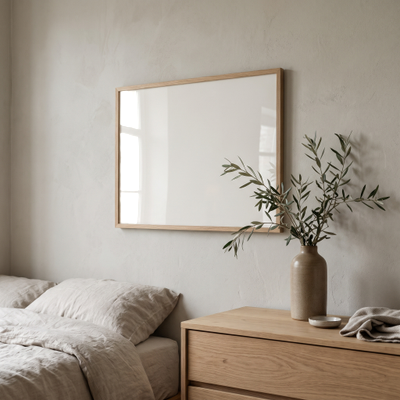
Angled Oak Frame Bedroom With Olive Branches
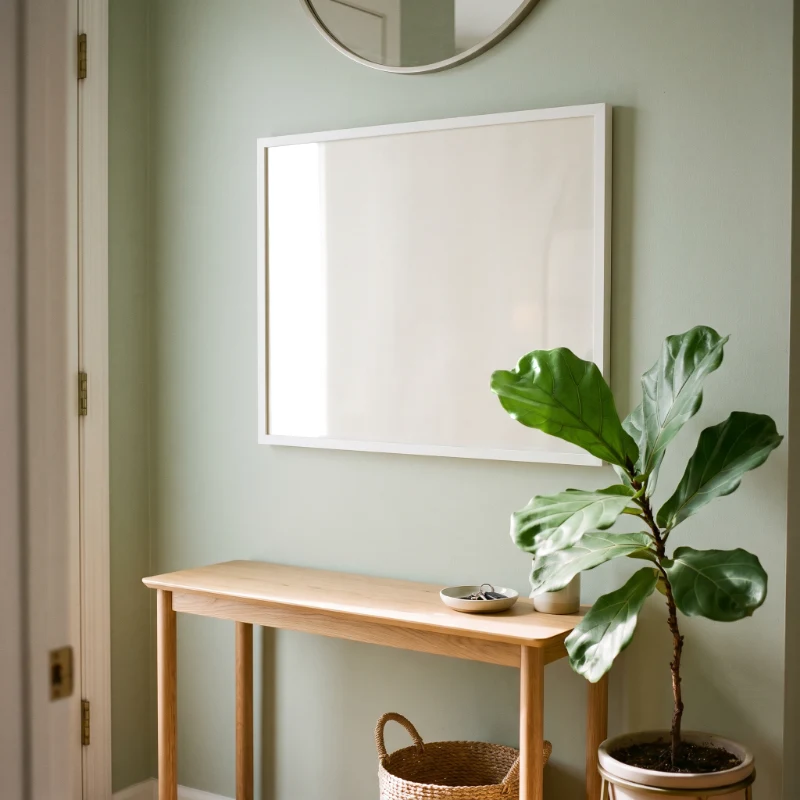
Angled White Frame Entryway With Fiddle Leaf Fig
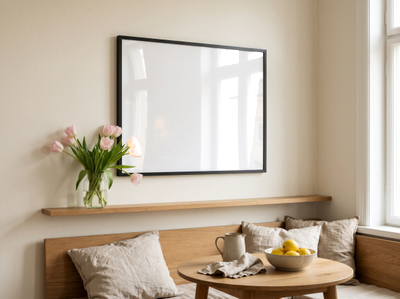
Angled Black Frame Dining Nook With Tulips
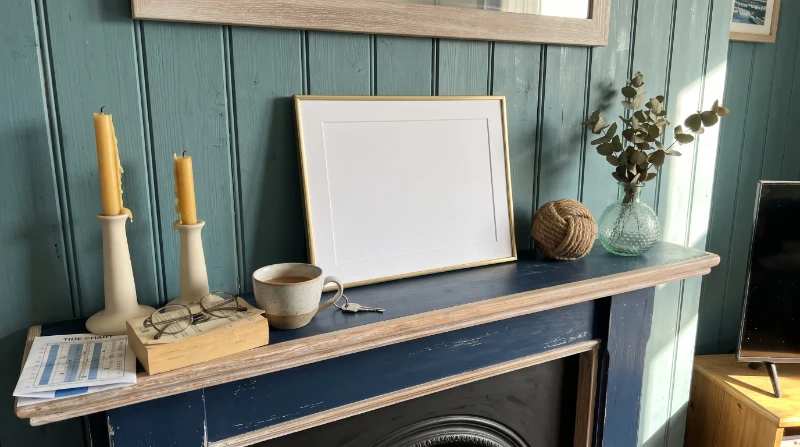
Coastal Navy Mantelpiece Frame
Cobalt Quilt Toddler Room