

Wall art
Japandi Shop Frame Mockup
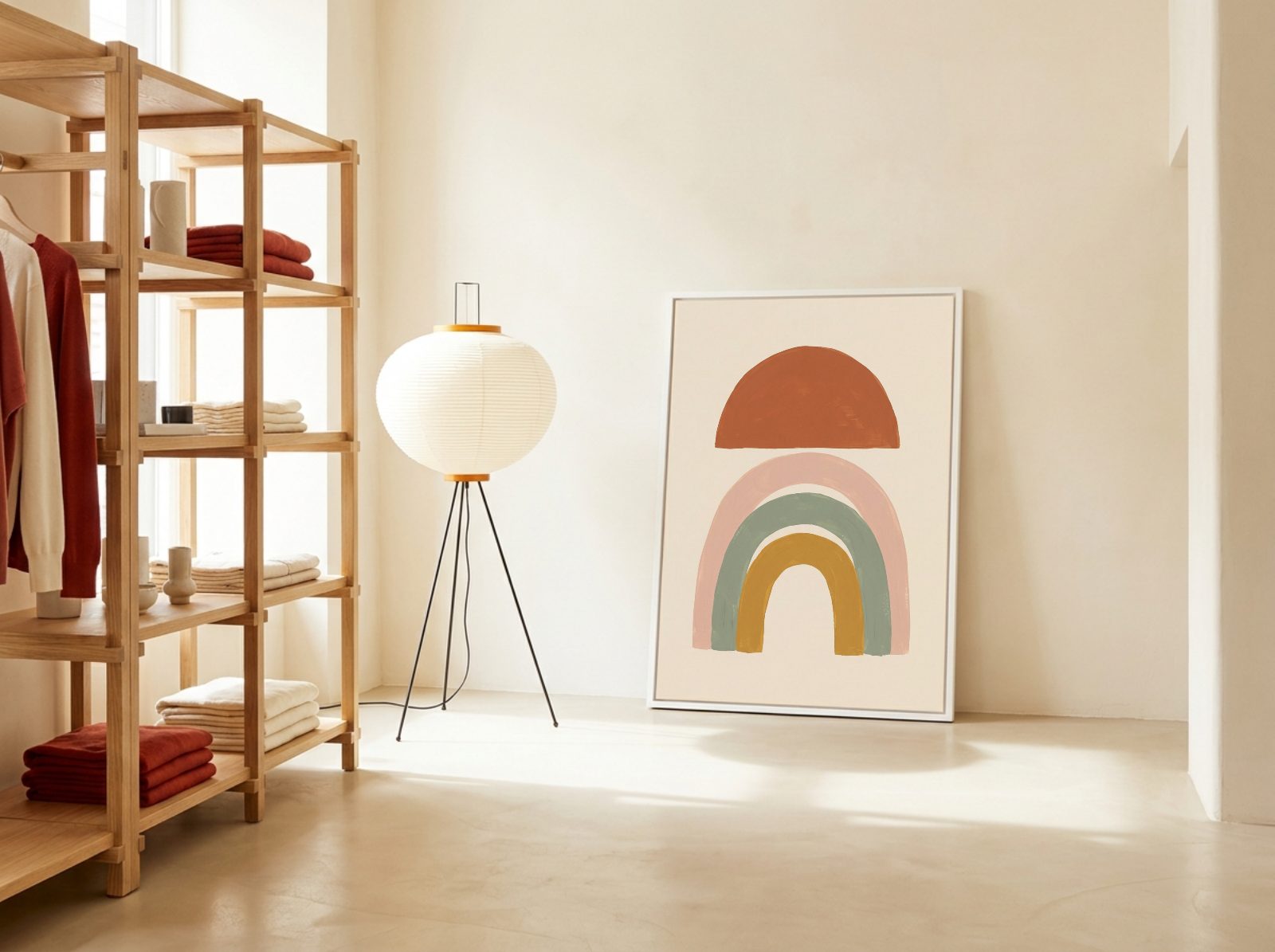
Show your print in a japandi clothing boutique. Upload your design and it lands in the frame with the room's perspective and shadows, ready for your shop listings in seconds.
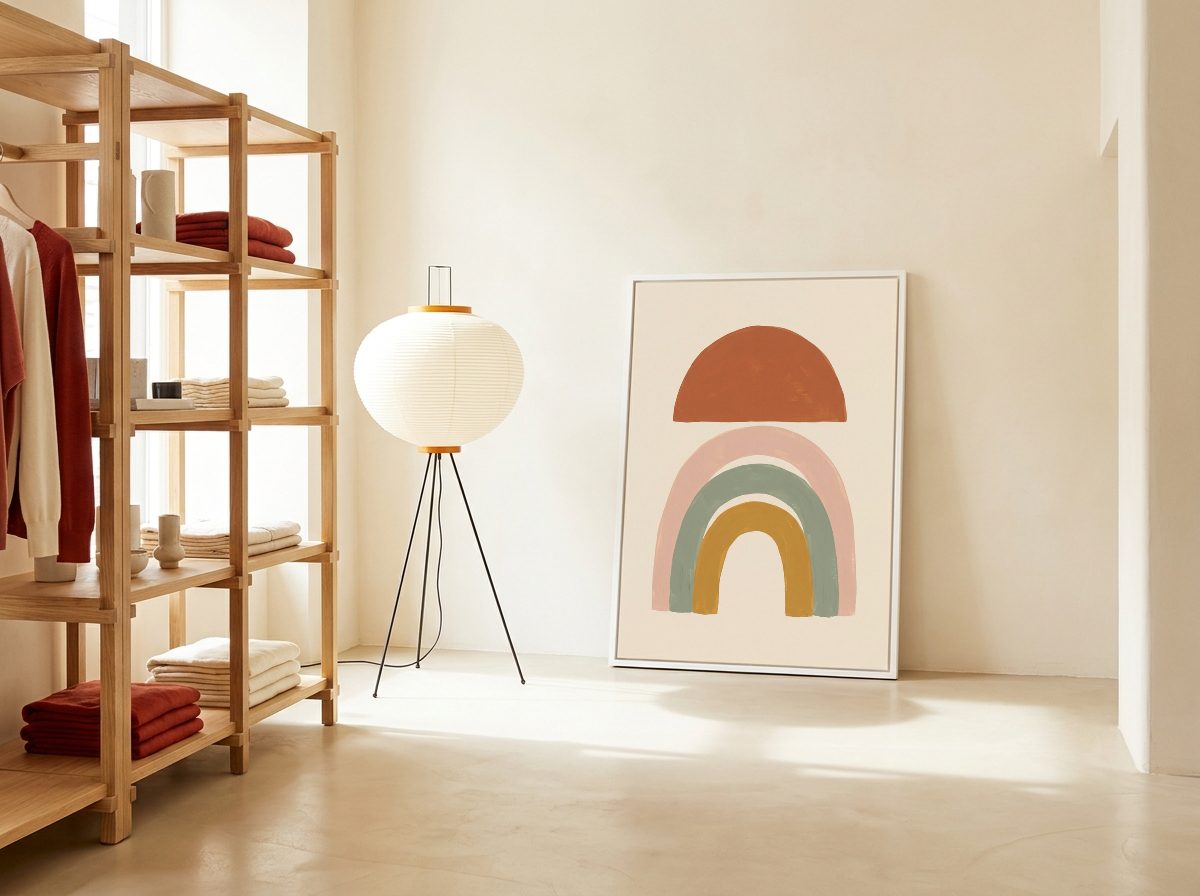
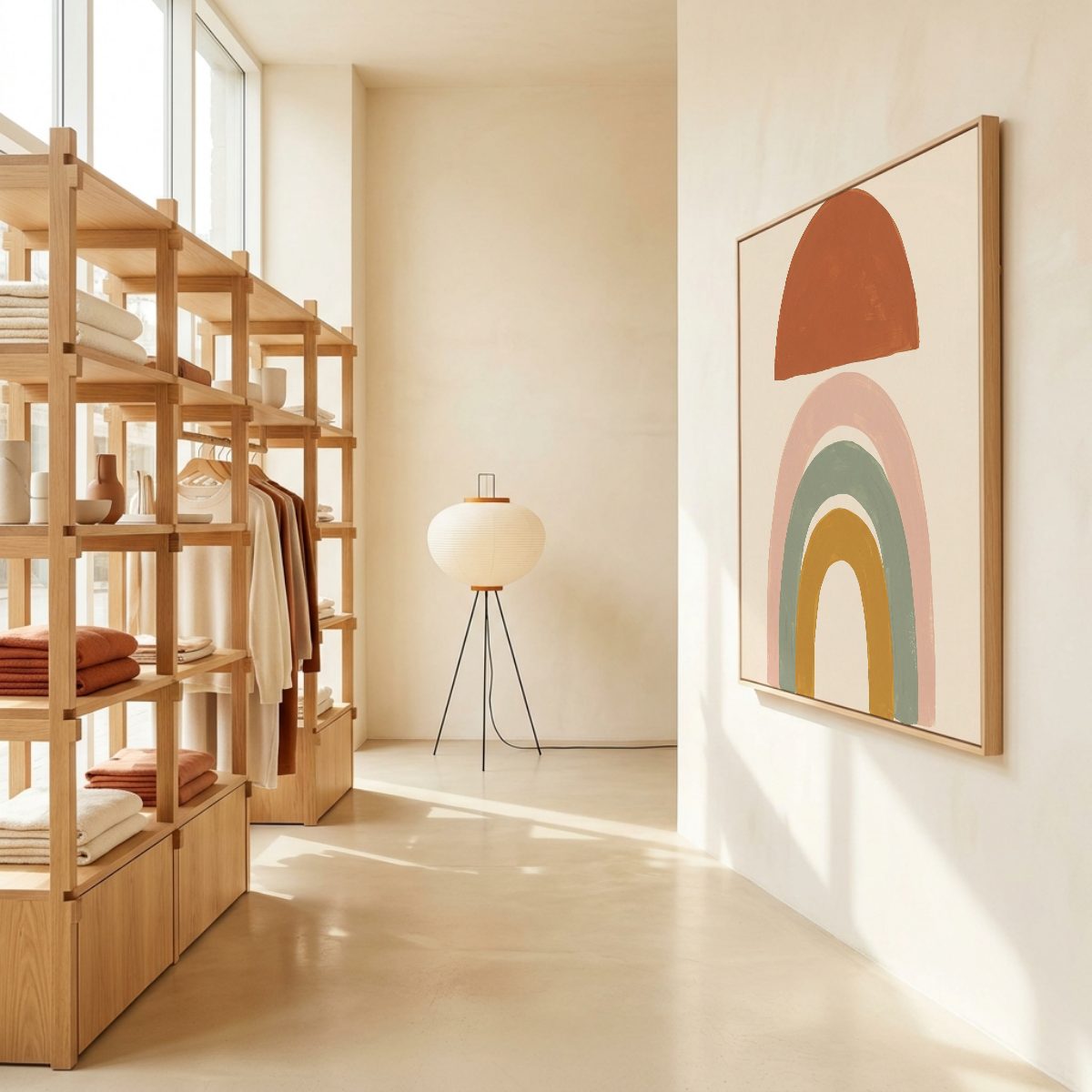
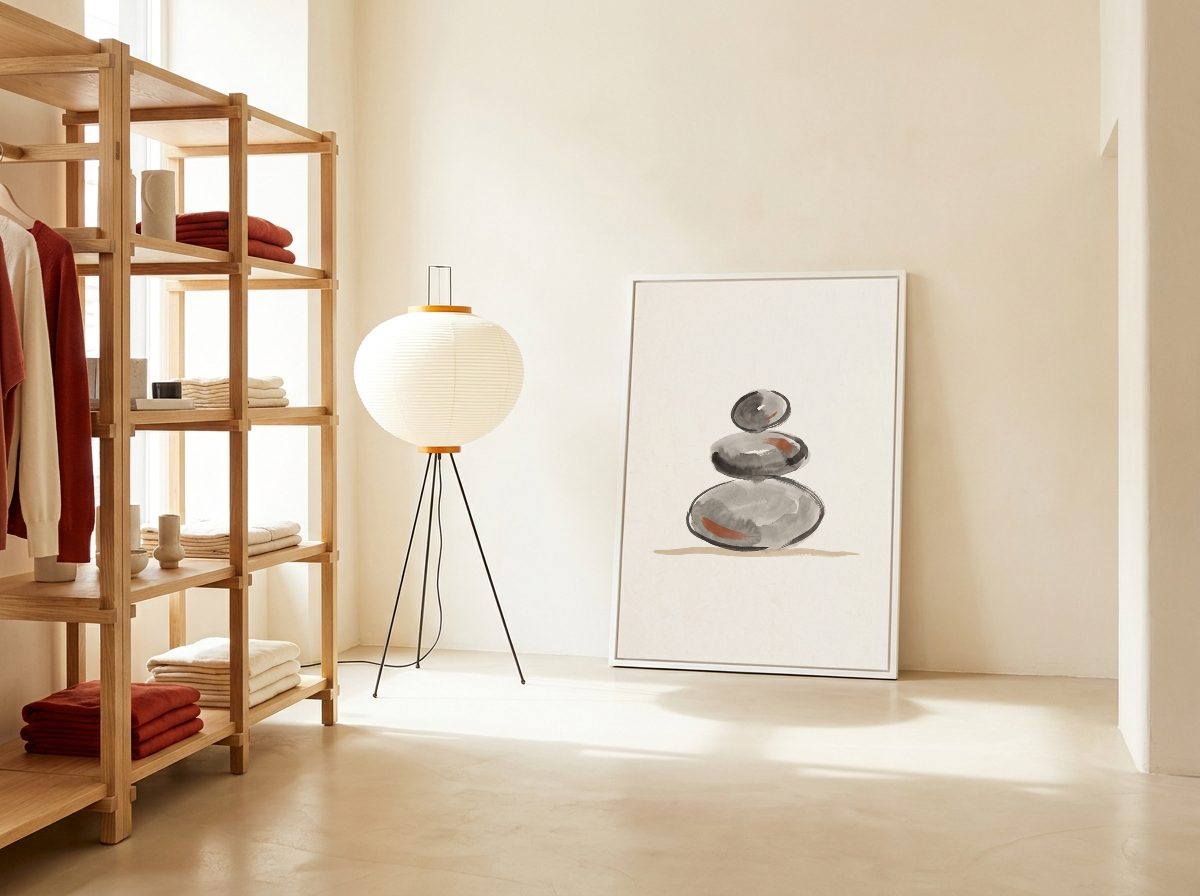
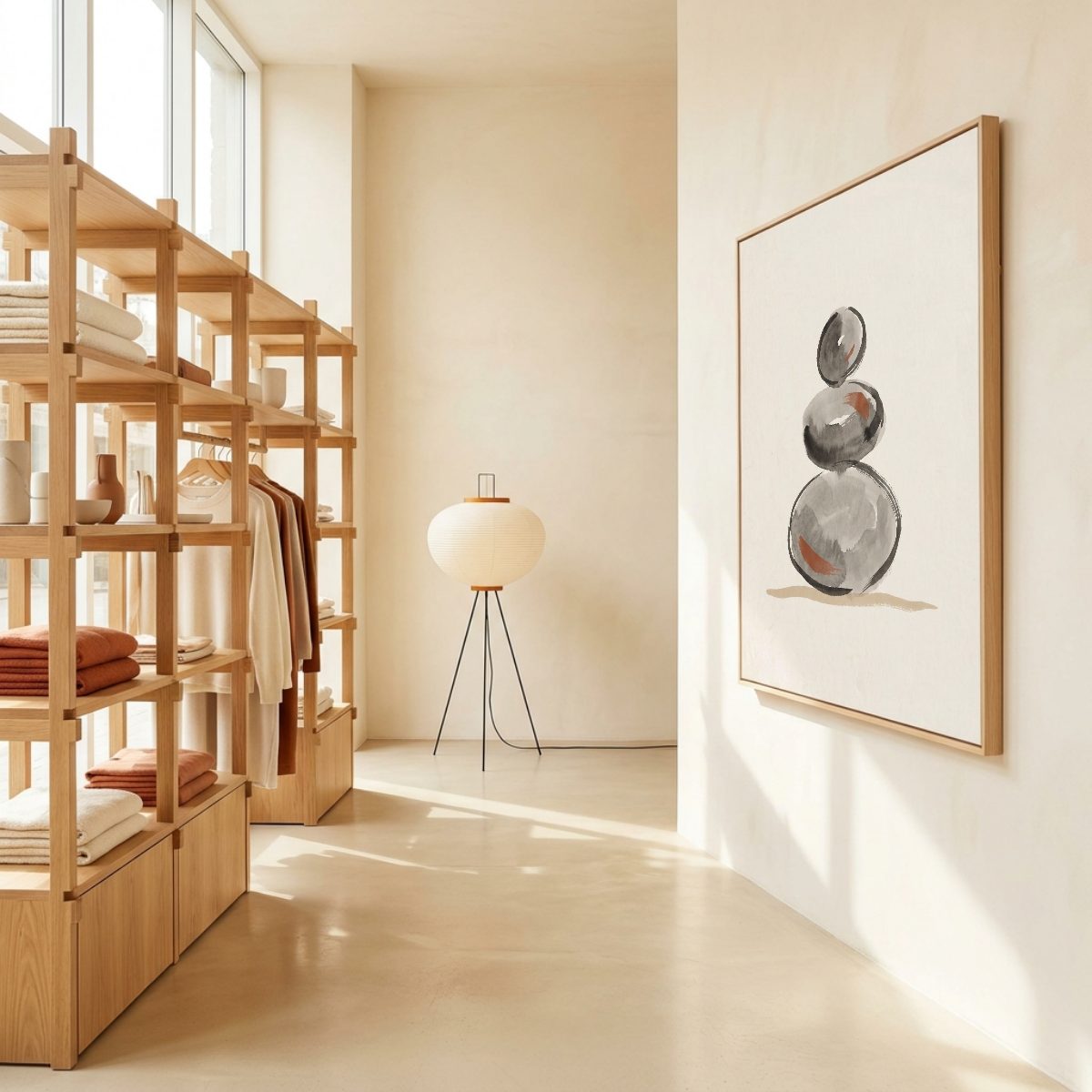
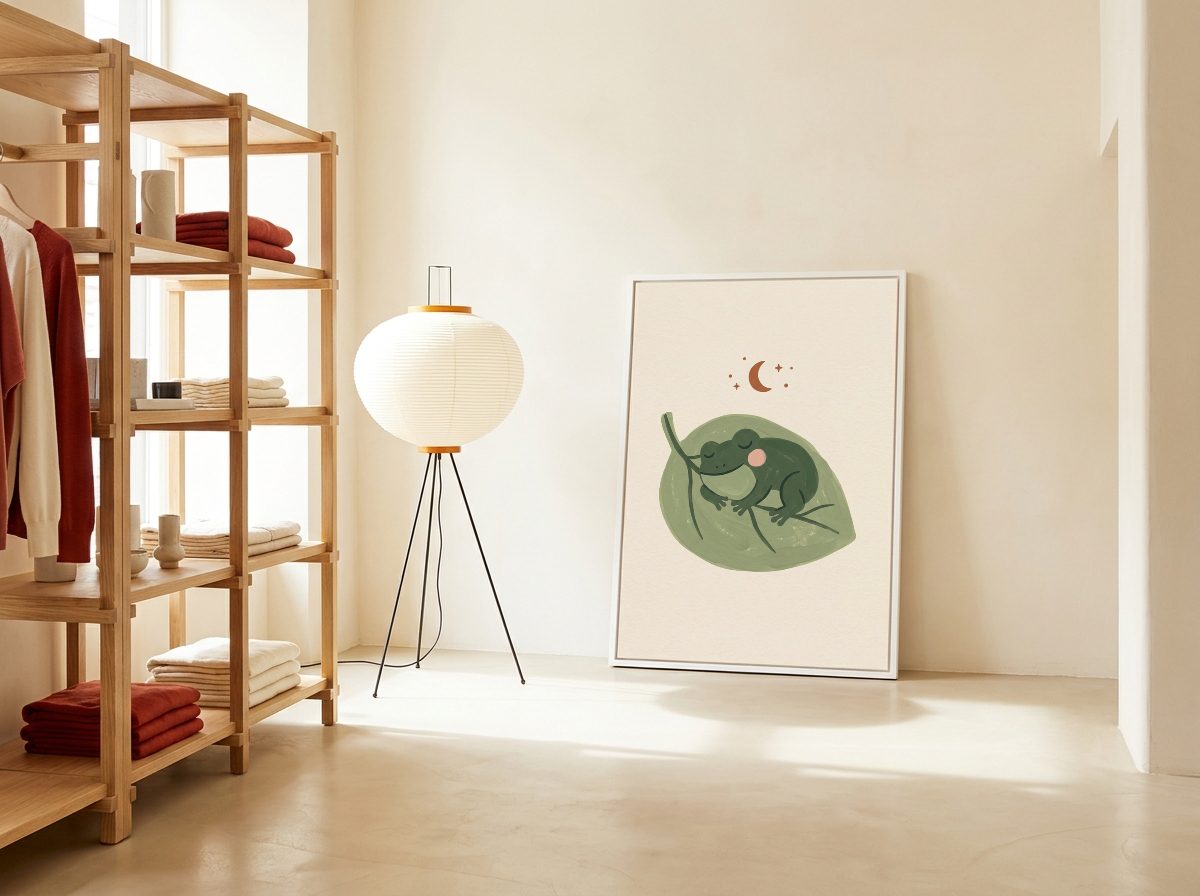
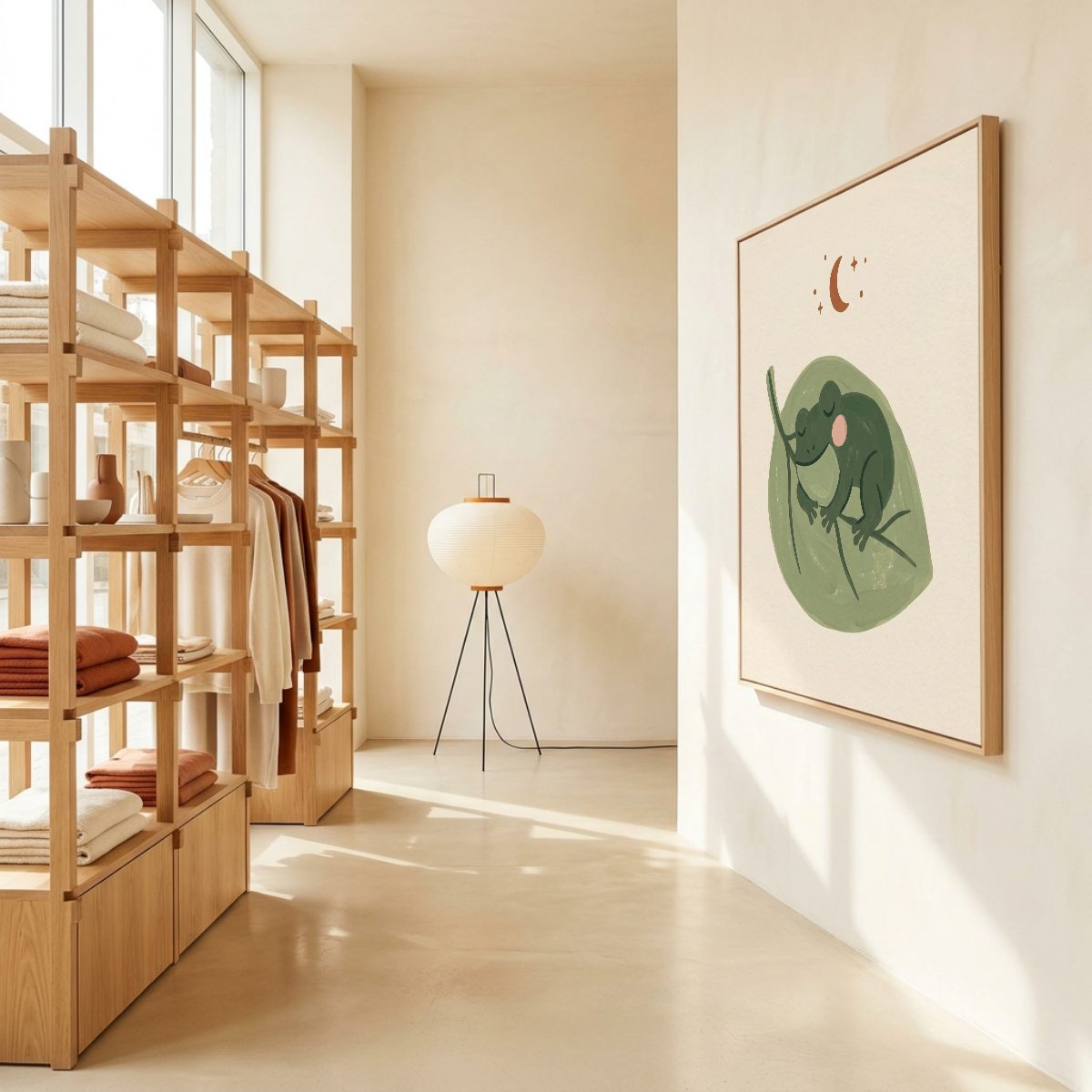
Oak shelving with folded rust and cream knits, a paper lantern floor lamp and warm sun on a cream plaster wall. A large white frame leans on the floor against the wall.
- Frame
- A4 portrait
- Print looks
- About 70 x 100 cm
- Light
- Soft daylight
- Good for
- Neutral abstracts, minimal line drawings, soft earth tone prints, Japanese inspired art.
Opens the editor with this room ready. No credit card, no Photoshop.
Batch
Your whole collection, every shot
Upload your designs and pick the shots. Every design lands in every shot, placed exactly as you made it, so a whole collection becomes listing photos in one go.
Portrait frame
Square frame
FAQ
Questions about this mockup
This room has the frame in two shapes: A4 portrait (A4, A3, A2, A1) and square (12 x 12 in, 20 x 20 in, 50 x 50 cm). 5 x 7 in, 50 x 70 cm and 70 x 100 cm are within 3% of A4 portrait and fit too. Next to the furniture the print looks about 70 x 100 cm or larger than 30 x 30 in, depending on the shot, so pick the shot that matches the size you sell. If your print is another shape, it fills the frame with its edges trimmed, and you can drag and resize it in the editor to choose what shows.
Neutral abstracts, minimal line drawings, soft earth tone prints, Japanese inspired art.
No. The frame is already mapped, so you upload your design in the browser and it is placed with the room's perspective and shadows. If you work in Photoshop anyway, every shot is also available as a layered PSD with a smart object for your design, included with Pro or $3 on its own.
Yes. Mockups you make with Mockupanda can be used commercially with no attribution: in Etsy and Shopify listings, on Amazon or your own site, and in ads.
Yes. Upload all your designs at once and each one is placed in every shot of this room, then download them all as one ZIP.
Wall art
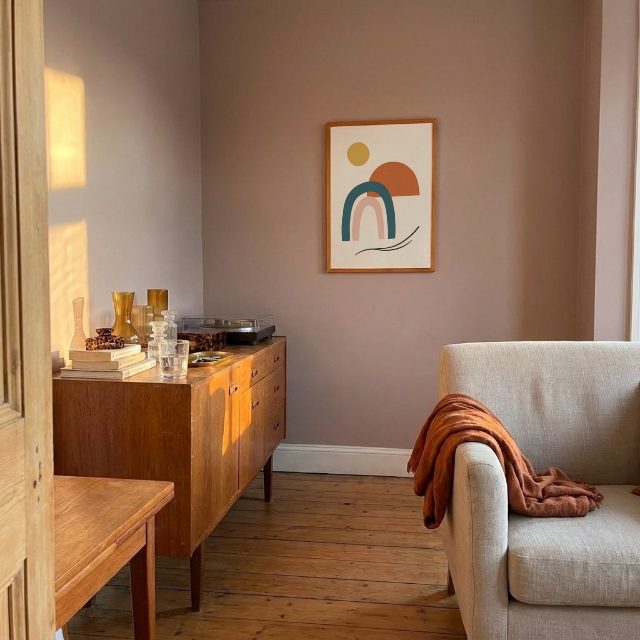
More rooms for your prints
Try this room with your own design
Drop in a design and see it on the wall in seconds.